If you’ve been searching for the perfect fame CS2 settings, you’re in the right place. Whether you’re grinding Premier or trying to climb FACEIT, copying a pro’s setup is one of the fastest ways to improve consistency.
In this guide, we’ll break down everything from sensitivity and crosshair to video settings and configs so you can replicate fame cs2 gameplay and understand why his settings work.
Who is fame?
Before jumping into settings, let’s quickly understand the player behind them.

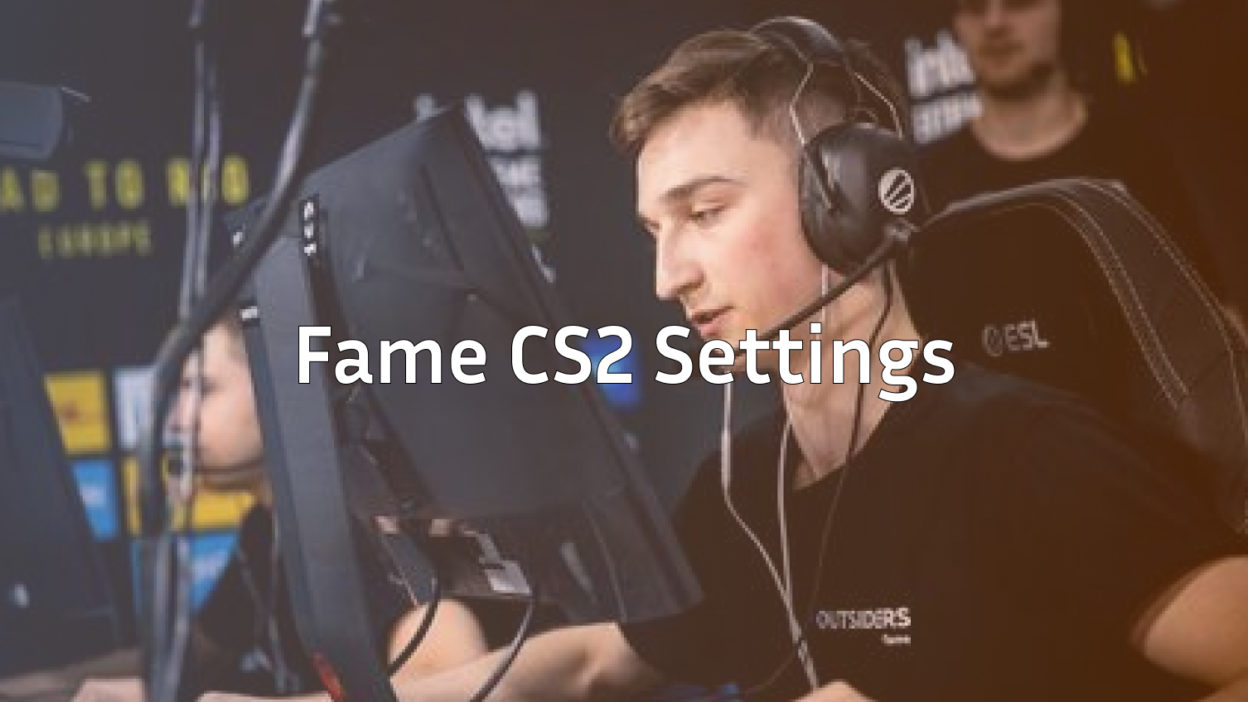
fame is a professional CS2 player known for his sharp aim, disciplined positioning, and clutch potential. His playstyle is clean and efficient no flashy nonsense, just solid mechanics.
If you’ve explored other pros like NiKo’s CS2 settings or ZywOo’s CS2 settings, you’ll notice a pattern: simplicity and consistency. fame follows the same philosophy.
fame CS2 Settings Overview
Here’s a quick snapshot of fame CS2 settings:
| Setting Type | Value |
| DPI | 400 |
| Sensitivity | 2.0 |
| eDPI | 800 |
| Zoom Sens | 1.0 |
| Resolution | 1280×960 (Stretched) |
| Refresh Rate | 240Hz |
His eDPI of 800 sits right in the sweet spot for precision and control, similar to players like ropz CS2 settings.
If you’re unsure what sensitivity works best, check this guide on best sensitivity for CS2.
Crosshair Settings
Crosshair is one of the most important aspects of your aim. fame uses a clean and minimal crosshair that helps with visibility and accuracy.
If you want to experiment or import it quickly, you can follow this CS2 crosshair guide or learn how to copy crosshair in CS2.
Why fame’s Crosshair Works
- Small size = better headshot precision
- No distractions = clearer vision during fights
- Static style = consistent spray control
If you prefer alternative styles, you can compare with device CS2 settings or b1t CS2 settings.
Mouse & Sensitivity Breakdown
fame’s sensitivity setup is designed for control rather than speed. This allows:
- Better spray transfers
- More consistent flicks
- Improved micro-adjustments
If you’re switching from another game, try converting using Valorant to CS2 sensitivity.
You can also explore how pros differ by checking XANTARES CS2 settings for a more aggressive style.
Video Settings
Like most pros, fame uses optimized video settings for performance over visuals.
Key Goals:
- Max FPS
- Low input lag
- Clear enemy visibility
If you’re struggling with performance, check:
For stretched resolution fans, here’s a guide on CS2 stretched resolution.
Viewmodel & HUD Settings
Your viewmodel affects how your weapon appears on screen. fame uses a clean setup to maximize visibility.
If you want to tweak yours:
- Learn how to change viewmodel in CS2
- Customize your interface with CS2 HUD settings
A clean HUD helps you focus on enemies instead of distractions.
Key Binds & Config
Pro players rely heavily on optimized binds. fame’s config likely includes essential binds for movement and utility.
Start with:
These small tweaks can massively improve your gameplay consistency.
Radar & Minimap Settings
Good radar awareness is underrated. fame uses optimized radar settings to track teammates and enemies effectively.
To improve your awareness:
- Use CS2 radar settings
- Learn map layouts with CS2 maps guide
Better map awareness = better decisions.
Practice Like fame
Settings alone won’t make you a pro you need proper practice.
Here’s how to train like fame:
1. Aim Training
Use workshop maps and routines from:
2. Learn Spray Patterns
Master recoil with:
3. Play Smart
Understand roles using:
Compare fame With Other Pros
Every pro has a unique style. Comparing helps you find what suits you best.
- Aggressive rifler? Try YEKINDAR CS2 settings
- Tactical leader? Check Aleksib CS2 settings
- Mechanical aim god? See donk CS2 settings
Mix and match until you find your perfect setup.

Common Mistakes to Avoid
Even with the best fame CS2 settings, players often struggle because of these mistakes:
1. Changing Settings Too Often
Stick to one setup and build muscle memory.
2. Copying Without Understanding
Always adjust settings to your comfort.
3. Ignoring Performance Issues
Fix lag and stutter using:
Pro Tips to Play Like fame
Here are some actionable tips inspired by fame’s gameplay:
- Keep your crosshair at head level
- Play disciplined angles
- Focus on positioning over flashy plays
- Communicate effectively
If you’re serious about improving, check this full guide on how to get better at CS2.
Final Thoughts
Copying fame cs2 settings is a great starting point but remember, settings are only part of the equation.
The real improvement comes from:
- Consistent practice
- Smart decision-making
- Understanding game mechanics
Use this guide as your foundation, experiment with what works, and build your own playstyle over time.
If you want to explore more pro setups, check out this complete list of CS2 pro settings and keep leveling up your game.