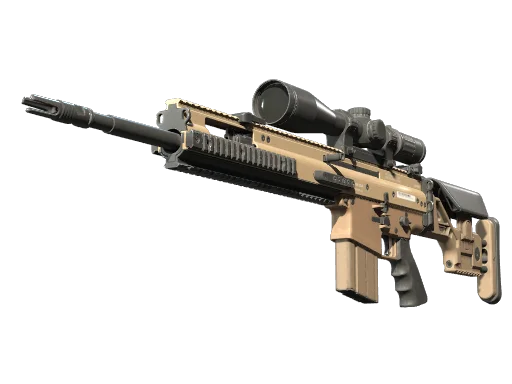
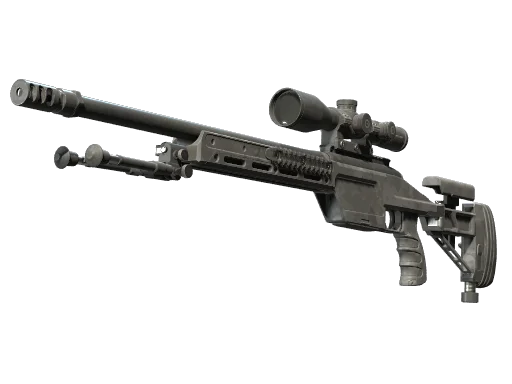








































Mathieu “ZywOo” Herbaut is widely considered one of the best AWPers of all time, and copying his config is one of the fastest ways to sharpen your own aim. In this guide, we break down the full ZywOo CS2 settings — from mouse sensitivity and crosshair to viewmodel, video, and gear — so you can load them in and start clicking heads.
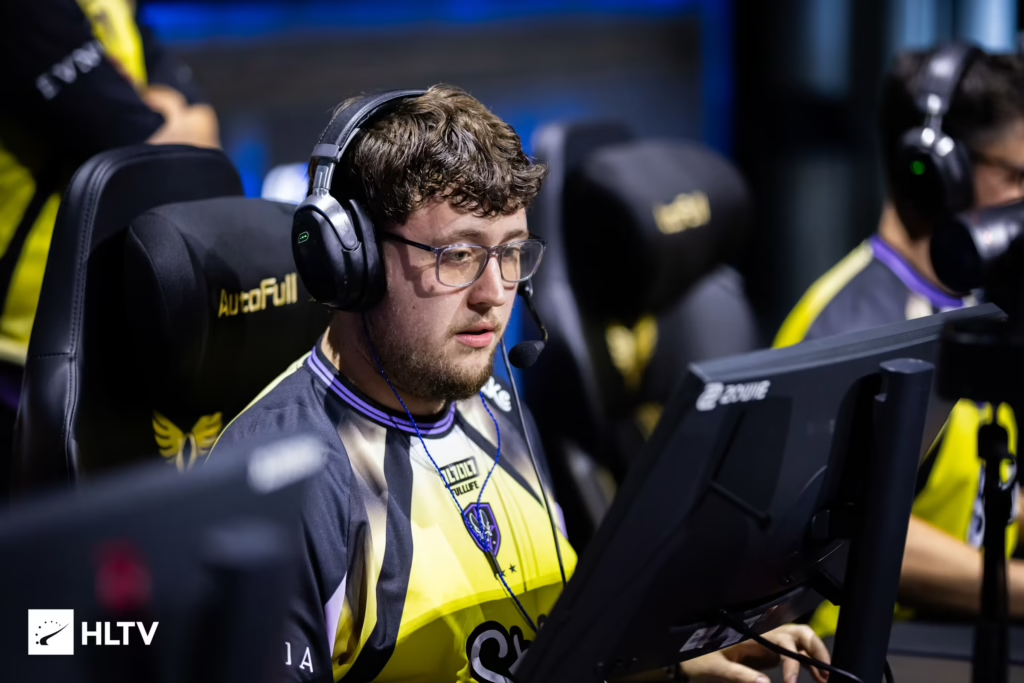
Who Is ZywOo?
ZywOo is the French star AWPer for Team Vitality, born on November 9, 2000. He rose through the French scene with aAa before joining Vitality in 2018, and he has since dominated with multiple HLTV Player of the Year awards and Major titles.
His playstyle blends aggressive AWP peeks with clutch rifling, which is why his settings are studied by so many aspiring awp mains.
ZywOo Mouse Settings
Sensitivity is where every aim journey starts. ZywOo plays on a very common pro-level sens that rewards clean flicks and controlled micro-adjustments.
| Setting | Value |
|---|---|
| DPI | 400 |
| In-game Sensitivity | 2.00 |
| eDPI | 800 |
| Zoom Sensitivity | 1.00 |
| Windows Sensitivity | 6 |
| Polling Rate | 1000 Hz |
| Raw Input | 1 |
| Mouse Acceleration | 0 |
Key takeaway: An eDPI of 800 is on the higher end for AWPers but gives ZywOo the whip-speed needed for reactive flicks around common angles.
ZywOo Crosshair Settings
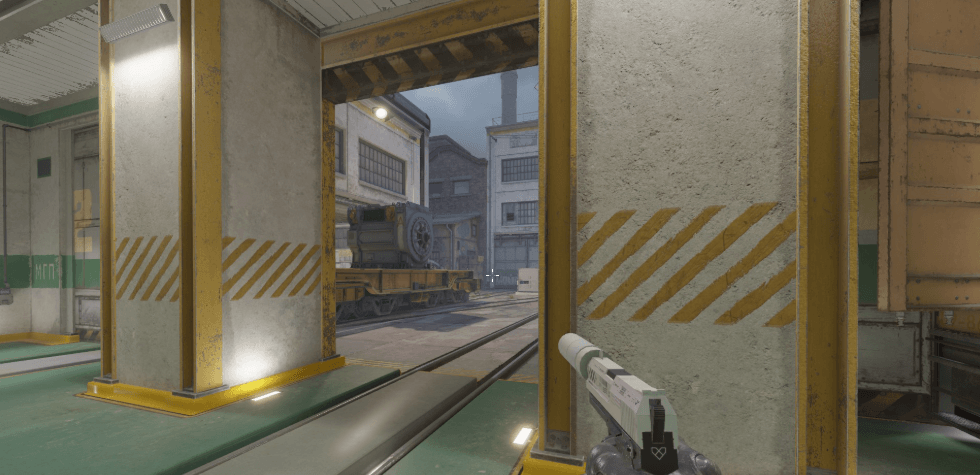
His crosshair is a small, clean classic static style — tight enough for one-taps but visible against busy textures.
| Setting | Value |
|---|---|
| Style | 4 (Classic Static) |
| Size | 1.5 |
| Thickness | 0 |
| Gap | -3 |
| Outline | 0 |
| Color | 1 (Green) |
| Red / Green / Blue | 255 / 255 / 255 |
| Alpha | 255 |
| Dot | 0 |
| T-Style | 0 |
Crosshair Console Command
Paste this into your console to copy it instantly:
cl_crosshairstyle 4; cl_crosshairsize 1.5; cl_crosshairthickness 0; cl_crosshairgap -3; cl_crosshair_drawoutline 0; cl_crosshaircolor 5; cl_crosshaircolor_r 255; cl_crosshaircolor_g 255; cl_crosshaircolor_b 255; cl_crosshairalpha 255; cl_crosshairdot 0Want to tweak yours further? Check our full best CS2 crosshair settings breakdown for pro-level customization tips.
ZywOo Viewmodel Settings
ZywOo runs a fairly standard right-handed viewmodel that keeps the gun out of the way without distorting angles.
| Setting | Value |
|---|---|
| viewmodel_offset_x | 2.5 |
| viewmodel_offset_y | 0 |
| viewmodel_offset_z | 1.5 |
| viewmodel_fov | 68 |
| viewmodel_presetpos | 3 |
| cl_righthand | 1 |
ZywOo Video Settings
Like most pros, ZywOo prioritizes visibility and frame rate over eye candy. Low settings help enemy models pop against the environment.
Resolution & Display
| Setting | Value |
|---|---|
| Resolution | 1280 x 960 |
| Aspect Ratio | 4:3 |
| Scaling Mode | Stretched |
| Display Mode | Fullscreen |
| Refresh Rate | 360+ Hz |
Advanced Video
| Setting | Value |
| Boost Player Contrast | Enabled |
| Wait for Vertical Sync | Disabled |
| Multisampling Anti-Aliasing Mode | 4x MSAA |
| Global Shadow Quality | High |
| Model / Texture Detail | High |
| Texture Filtering Mode | Anisotropic 4x |
| Shader Detail | High |
| Particle Detail | Low |
| Ambient Occlusion | Medium |
| High Dynamic Range | Quality |
| FidelityFX Super Resolution | Disabled (Highest Quality) |
| NVIDIA Reflex Low Latency | Enabled |
Pro tip: The stretched 4:3 setup makes enemy models slightly wider, which many pros find easier to hit — a habit carried over from CS:GO.
ZywOo Gear & Peripherals
Great settings only go so far without the hardware to match. Here’s the kit ZywOo currently uses:
| Gear | Model |
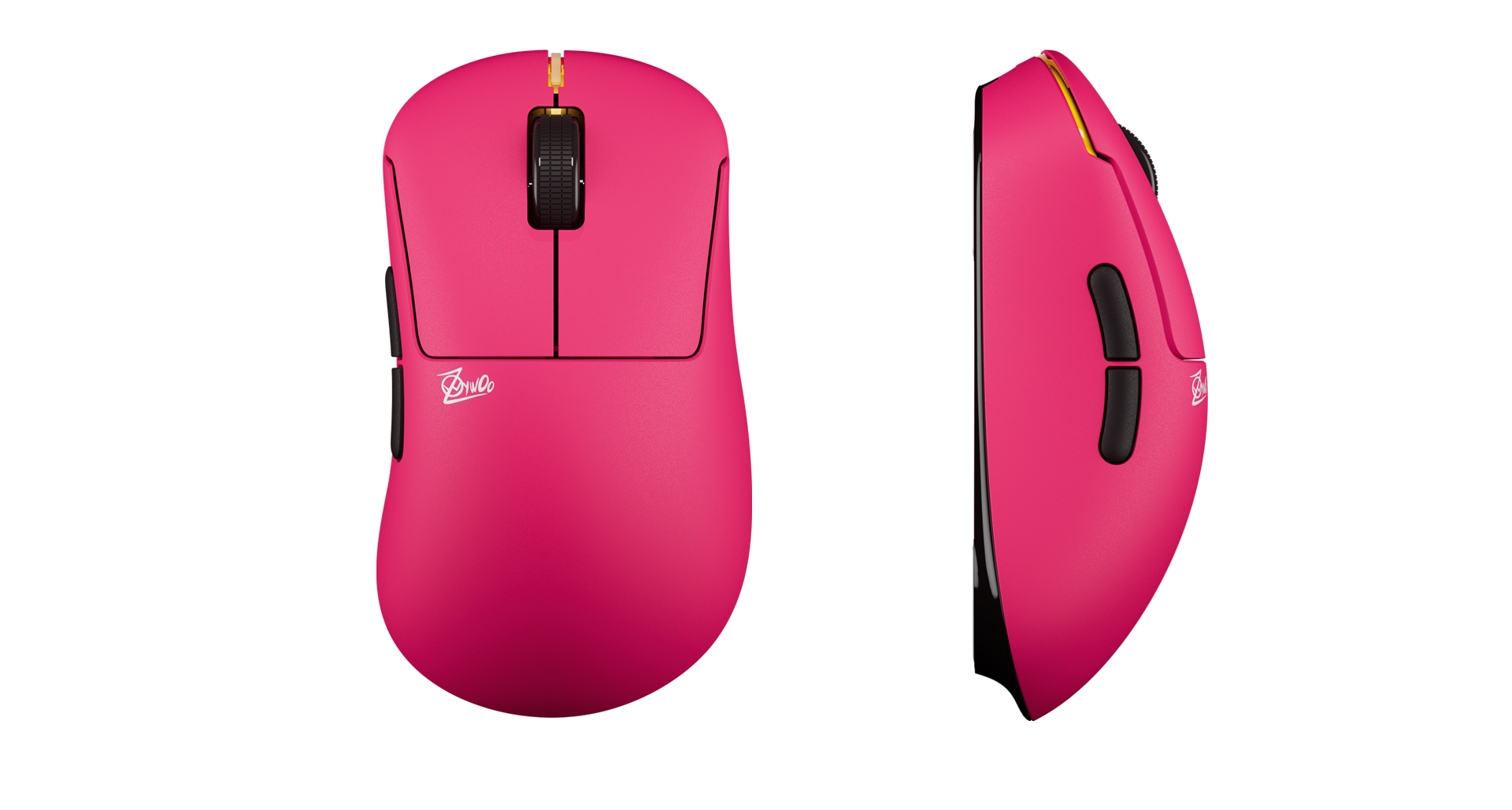
| Mouse | Pulsar ZywOo The Chosen Mouse Gen.2 |
| Keyboard | ASUS ROG Falchion Ace HFX ZywOo Edition |
| Headset | SteelSeries Arctis Nova Pro |
| Monitor | BenQ ZOWIE XL2586X+ (360 Hz) |
| Mousepad | Pulsar ZywOo The Chosen Mousepad |
| Chair | Secretlab TITAN Evo (Vitality Edition) |
ZywOo Launch Options
His launch options are minimal but useful:
-novid -allow_third_party_software- -novid skips the intro video
- -freq 240 locks your refresh rate
- -allow_third_party_software enables recording/streaming tools
Should You Copy ZywOo’s Settings?
Yes — with a caveat. Copying the exact config gives you a proven baseline, but sensitivity is deeply personal. Start with his 400 DPI / 1.95 to 2.00 sens combo for a week, then adjust in 0.05 increments until aim feels natural.
If you’re comparing configs across the roster, our karrigan CS2 settings and broky CS2 config guides break down how IGLs and other AWPers set up their game differently.
For AWPers specifically, also compare against w0nderful’s AWP setup and torzsi’s config — three top-tier snipers, three subtly different approaches.
Final Thoughts
The ZywOo CS2 settings are a masterclass in minimalism: 400 DPI, a tight static crosshair, stretched 4:3, and low graphics for maximum clarity. Load them in, give yourself a week of deathmatch and aim maps, then fine-tune to your hand.
Ready to complete the look? Browse cs2 skins on cs2.ad to grng a pro’s setup is helpful, always tailor the settings to what feels best for you as you grow.