



































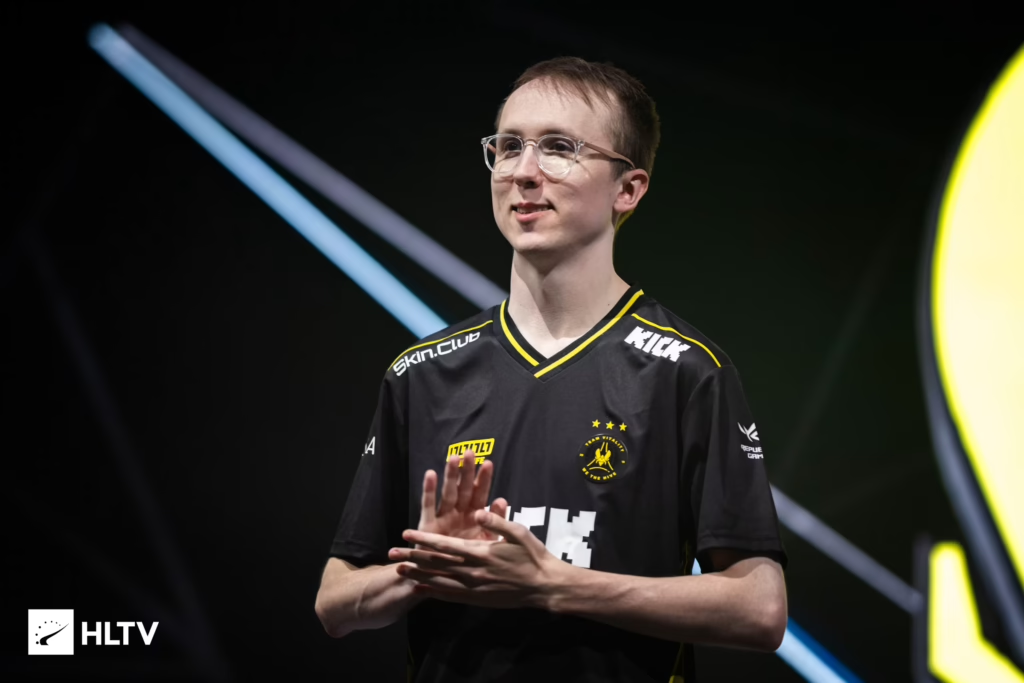
Robin “ropz” Kool is one of the cleanest riflers in Counter-Strike history, and copying his config is one of the fastest ways to sharpen your own aim. Below we break down the full ropz CS2 settings — mouse, crosshair, viewmodel, video, and launch options — so you can lock in his exact setup and start clicking heads.
ropz Mouse Settings & Sensitivity
ropz plays on a low-to-mid sensitivity that rewards precise micro-adjustments.
| Setting | Value |
| DPI | 400 |
| Sensitivity | 1.77 |
| eDPI | 708 |
| Zoom Sensitivity | 1.00 |
| Hz (Polling Rate) | 2000 |
| Windows Sensitivity | 6 |
| Raw Input | 1 |
| Mouse Acceleration | 0 |
Key takeaway: An eDPI of 708 gives ropz the surgical, highly consistent control that defines his tight angle holds and passive-lurker playstyle.
ropz Crosshair Settings
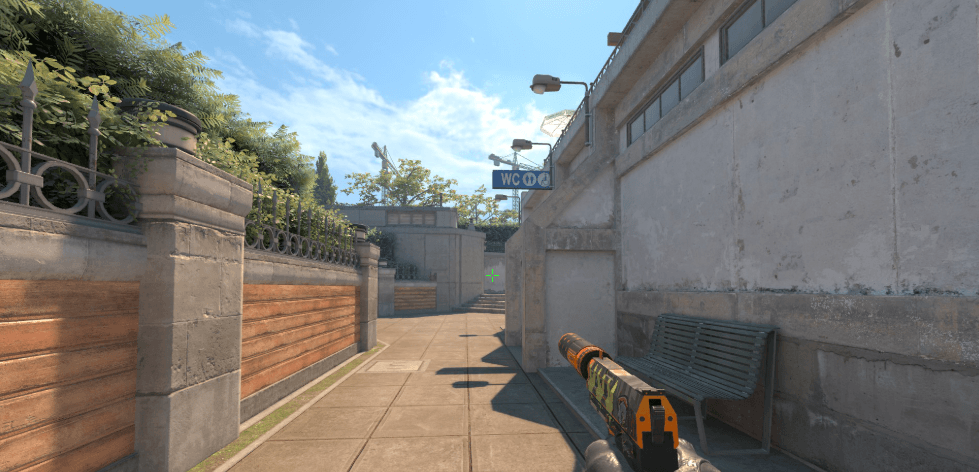
His crosshair is small, static, and clean — perfect for spotting exact pixel movements. Paste this into your console:
cl_crosshairstyle 4
cl_crosshairsize 2

cl_crosshairthickness 0.5

cl_crosshairgap -3

cl_crosshair_drawoutline 0

cl_crosshaircolor 1

cl_crosshaircolor_r 50

cl_crosshaircolor_g 250

cl_crosshaircolor_b 154

cl_crosshairdot 0

cl_crosshairalpha 255
If you want to see how his crosshair compares to other stars, check our karrigan cs2 settings breakdown for a different in-game feel.
ropz Viewmodel Settings
The viewmodel keeps his weapon low and out of the way, maximizing visibility on tight angles like Mirage Connector or Inferno Banana.
viewmodel_offset_x 2.5

viewmodel_offset_y 0

viewmodel_offset_z -1.5

viewmodel_fov 68

viewmodel_presetpos 2
ropz Video Settings
ropz runs a competitive-focused config that priorities frame rate and clarity over eye candy.. If you’re chasing FPS, our cs2 graphic settings guide covers every tweak in depth.
| Setting | Value |
| Resolution | 1920×1080 |
| Aspect Ratio | 16:9 |
| Scaling Mode | Native |
| Refresh Rate | 360Hz |
| Boost Player Contrast | Disabled |
| Wait for Vertical Sync | Disabled |
| Multisampling Anti-Aliasing | 2x MSAA |
| Global Shadow Quality | High |
| Model / Texture Detail | Medium |
| Texture Filtering | Anisotropic 16x |
| Shader Detail | Low |
| Particle Detail | Low |
| Ambient Occlusion | Medium |
| High Dynamic Range | Quality |
| FidelityFX Super Resolution | Disabled |
| NVIDIA Reflex Low Latency | Enabled |
Why 16:9 native? While most pros stick to stretched resolutions for wider player models, ropz prefers the crisp visual clarity, wider field of view, and native feel of 1080p.
ropz Launch Options
Add these to CS2 via Steam → Right-click CS2 → Properties → Launch Options:
Key takeaway: ropz differs from the majority of professional players by running absolutely zero launch options for Counter-Strike 2 to keep his game running on a clean, default state.
ropz Gear
| Gear Type | Equipment |
| Monitor | ZOWIE XL2586X+ |
| Mouse | Razer DeathAdder V3 HyperSpeed |
| Keyboard | ASUS ROG Falchion Ace HFX |
| Mousepad | VAXEE PA Black |
| Headset | SteelSeries Arctis Nova Pro Wireless |
How to Practice With ropz’s Config
Copying settings is step one. Getting used to them is step two.
- Deathmatch daily — 30 minutes on FFA HS-only servers to lock in the new sensitivity
- Aim maps — Aim Botz for 500 kills as warm-up
- Prefire practice — Learn common angles on Mirage and Inferno
- Recoil training — Master the ak-47 and m4a1-s spray patterns
Want to see how other top-tier players compare? Our broky cs2 settings and flamez cs2 settings guides are great next stops.
Final Thoughts
The ropz CS2 settings aren’t magic — they’re a foundation.If you’re climbing the ranks in CS2 and want to model your gameplay after one of the best, using ropz’s settings is a smart move.