









































Want to play like NAVI’s young sniper-turned-rifler? The b1t CS2 settings below are the exact setup Valeriy “b1t” Vakhovskyi uses to dominate Tier 1 CS2 — from his low-sensitivity mouse config to his precise crosshair and stripped-down viewmodel. We’ve compiled every value you need to copy his setup in minutes.
Whether you’re chasing better spray control or just want to test what works for pro-level Ukrainian talent, this guide has you covered.
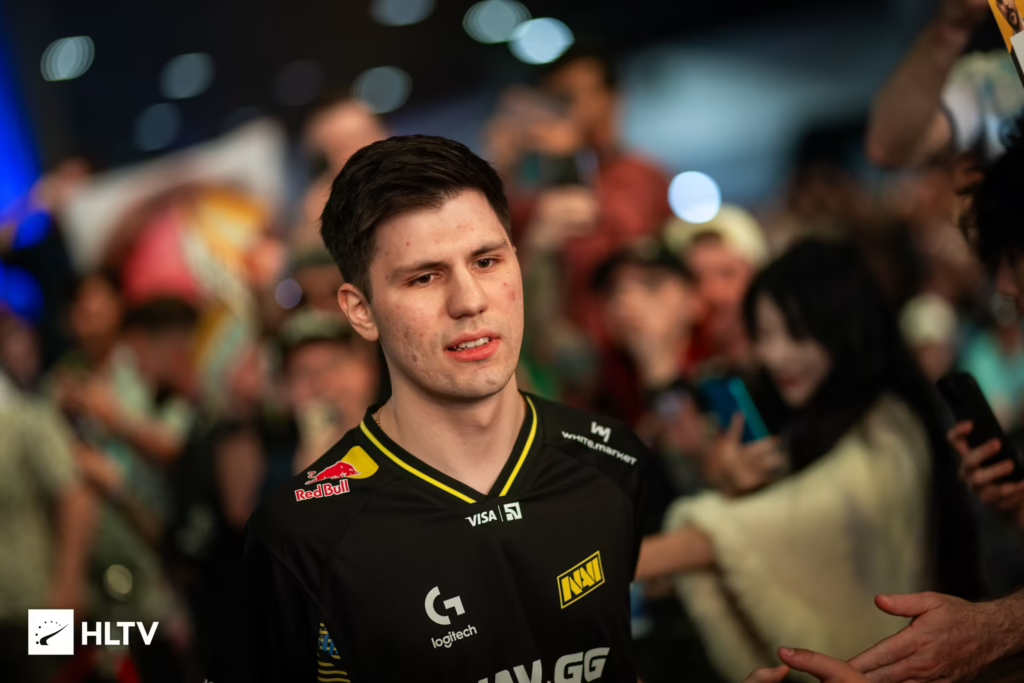
Who Is b1t?
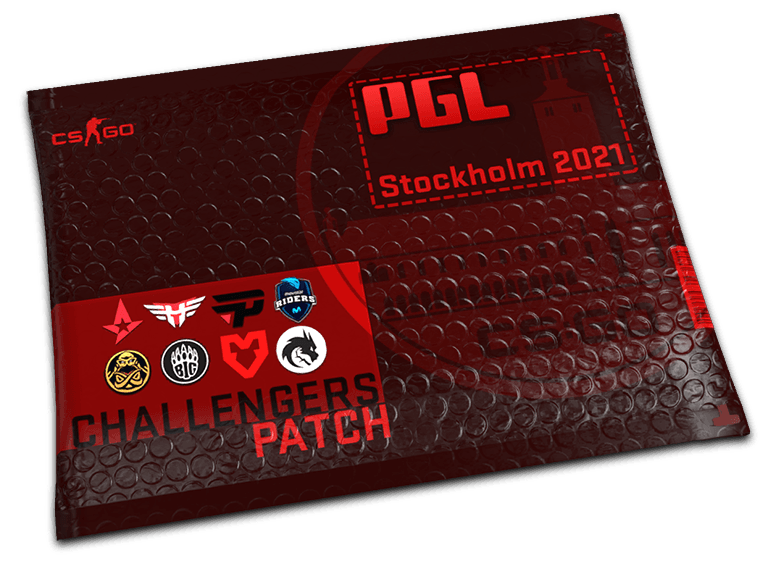
Valeriy “b1t” Vakhovskyi is a Ukrainian professional CS2 player for Natus Vincere (NAVI). He rose to fame as one of the youngest Major champions in Counter-Strike history when NAVI won PGL Stockholm 2021. Since then, he’s cemented himself as one of the most consistent riflers in the game.
His playstyle blends aggressive entry duels with clutch composure — and his settings reflect a preference for fine aim control over flashy flicks.
b1t Mouse Settings
b1t plays on a very low sensitivity, which is common among elite riflers who prioritize spray precision.
| Setting | Value |
| DPI | 800 |
| Sensitivity | 0.825 |
| eDPI | 660 |
| Zoom Sensitivity | 1.00 |
| Hz (Polling Rate) | 2000 |
| Windows Sensitivity | 6 |
| Raw Input | 1 |
| Mouse Acceleration | 0 |
Key takeaway: An eDPI of 660 is on the lower end even by pro standards, though it is slightly faster than his previous 540-eDPI configuration. If you’re coming from a higher sens, expect a learning curve — but your one-taps will thank you.pect a learning curve — but your one-taps will thank you.
b1t Crosshair Settings
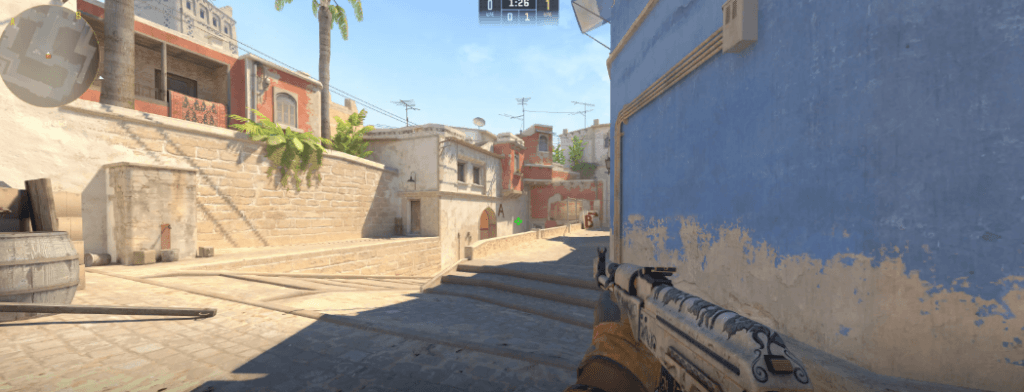
b1t runs a small, static cyan crosshair — clean, minimal, and perfect for headshot placement on maps like Mirage and Inferno.
cl_crosshairstyle 4
cl_crosshaircolor 5

cl_crosshaircolor_r 0
cl_crosshaircolor_g 255
cl_crosshaircolor_b 255

cl_crosshairsize 2

cl_crosshairthickness 0

cl_crosshairgap -3

cl_crosshair_drawoutline 0

cl_crosshair_outlinethickness 0

cl_crosshairdot 0

cl_crosshairalpha 255
Copy-Paste Crosshair Code
CSGO-9o64g-Uor9G-8O6S3-867pP-76TvDPaste that into the in-game crosshair share menu to instantly apply his exact setup.
b1t Viewmodel Settings
b1t uses a fairly standard viewmodel, positioned to keep his gun model out of key sightlines.
viewmodel_offset_x 2.5
viewmodel_offset_y 0

viewmodel_offset_z -1.5

viewmodel_fov 68

viewmodel_presetpos 2
He runs preset position 2 (Couch) — though many pros use Classic, this specific configuration helps keep the weapon model slightly more out of the way to maximize screen real estate.
b1t Video Settings
Like most pros, b1t prioritizes frame rate over eye candy. Here’s his display config:
| Setting | Value |
| Resolution | 1280×960 |
| Aspect Ratio | 4:3 |
| Scaling Mode | Stretched |
| Display Mode | Fullscreen |
| Refresh Rate | 360Hz |
| Brightness | 93% |
In-Game Graphics
| Option | Value |
| Boost Player Contrast | Enabled |
| Wait for Vertical Sync | Disabled |
| Multisampling Anti-Aliasing | 8x MSAA |
| Global Shadow Quality | High |
| Model / Texture Detail | Low |
| Texture Filtering | Anisotropic 16x |
| Shader Detail | Low |
| Particle Detail | Low |
| Ambient Occlusion | Disabled |
| High Dynamic Range | Quality |
| FidelityFX Super Resolution | Disabled (Highest Quality) |
Pro tip: The 1280×960 stretched setup makes enemy models appear slightly wider, which many pros feel improves target acquisition. Pair it with our full cs2 graphic settings guide to fine-tune your own display.
b1t Launch Options
Launch options tell CS2 how to run when it boots. b1t keeps his simple:
+fps_max 500 -freq 360 -console -tickrate 128 -novid -rate 786432To add these: right-click Counter-Strike 2 in Steam → Properties → Launch Options.
b1t Gear & Peripherals
Settings only get you so far — the hardware matters too. Here’s the equipment b1t uses:
| Gear | Model |
| Mouse | Logitech G Pro X Superlight 2 |
| Keyboard | Wooting 80HE |
| Headset | Logitech G PRO X 2 |
| Monitor | BenQ ZOWIE XL2566K (360Hz) |
| Mousepad | ZOWIE G-TR |
The BenQ ZOWIE XL2566K is the current gold standard among pros thanks to its 360Hz refresh rate and DyAc+ motion clarity.
How to Apply b1t’s Full Config
- Open Steam → Counter-Strike 2 → Properties → Launch Options
- Add the launch options listed above
- Launch CS2, open the console (
~key) - Paste each crosshair/viewmodel command one line at a time
- Adjust your Windows DPI to 400 and in-game sens to 1.35
- Save your config with
host_writeconfig
Should You Copy b1t’s Settings?
Honestly? Pro settings are a starting point, not a magic bullet. b1t’s 660 eDPI works for him because he’s spent thousands of hours building muscle memory around it.
If you’re a beginner, try his crosshair and video settings first — those translate universally. Adjust sensitivity based on your own arm-vs-wrist aim style.
Want to compare with other NAVI stars? Check out our w0nderful cs2 settings breakdown for the team’s AWPer setup, or see how jimpphat cs2 settings differ for a fellow young rifler.
Skins b1t Is Known For
b1t is often spotted using clean, high-tier weapon finishes on stream. If you want to match his in-game look, popular picks among pros include:
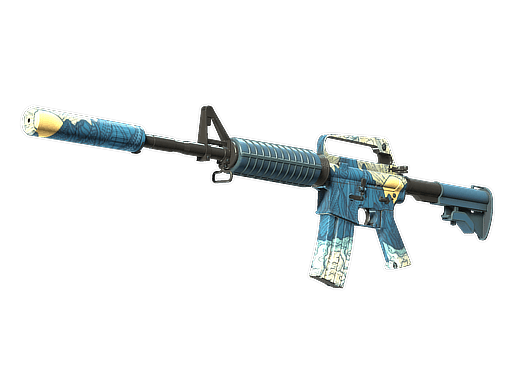
- A Wildfire M4A4 for CT-side rounds
- The classic Fire Serpent AK-47 — a NAVI legacy skin
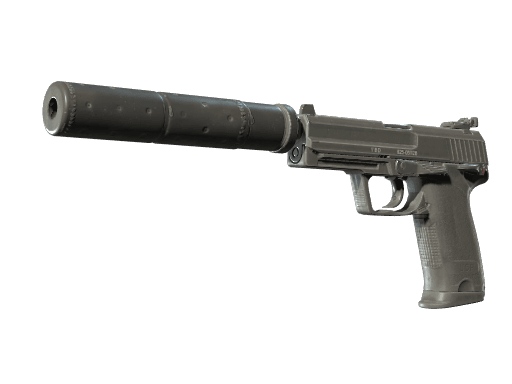
- A minimalist Printstream USP-S
You can browse full loadouts and current prices for the ak-47 and m4a4 on cs2.ad.
Final Thoughts
The b1t CS2 settings above give you a direct blueprint of what a Major-winning rifler runs day-to-day. Copy the crosshair and viewmodel exactly, but treat sensitivity and video settings as a launchpad — not a rulebook. Small tweaks make a big difference.
Ready to level up your loadout too? Explore our full library of cs2 skins and build a setup that looks as sharp as it plays.