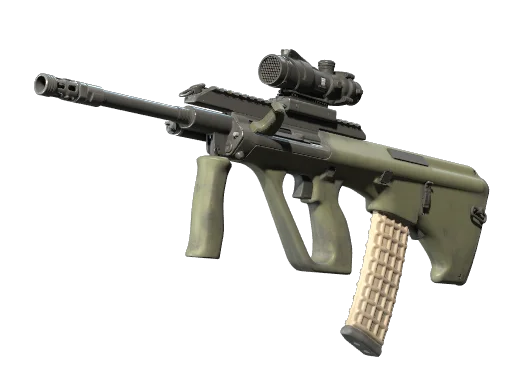
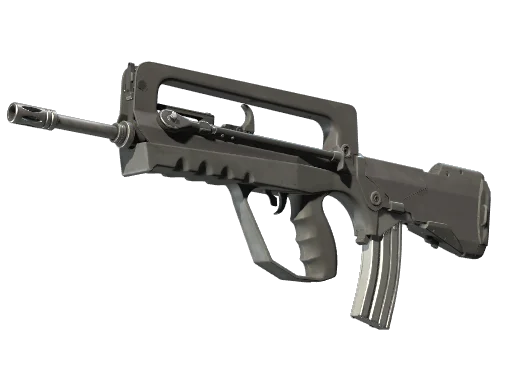
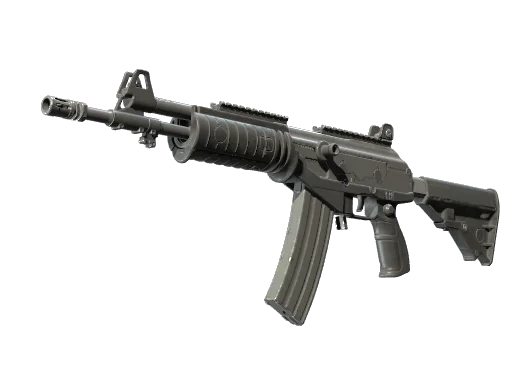
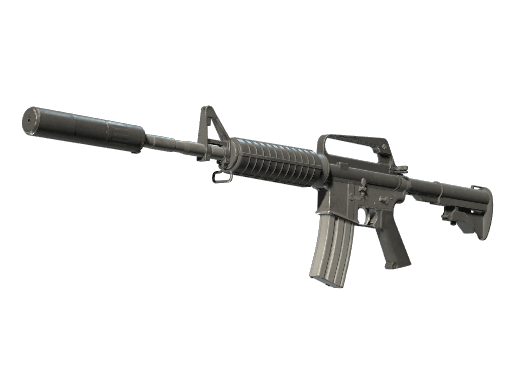
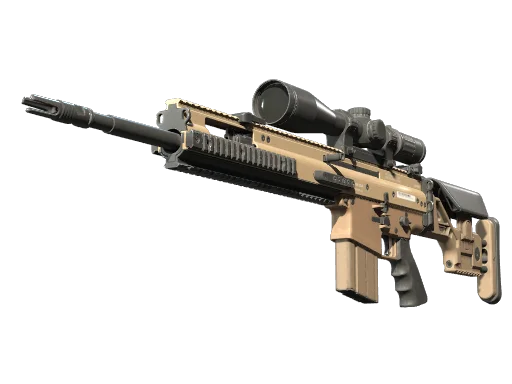
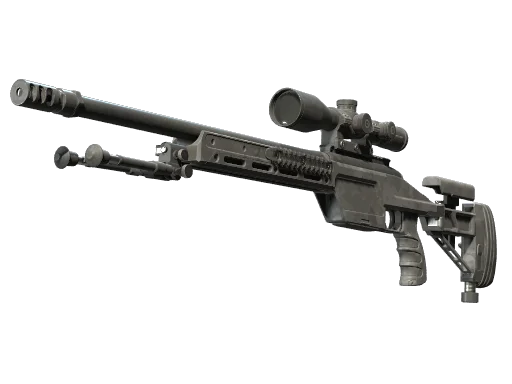
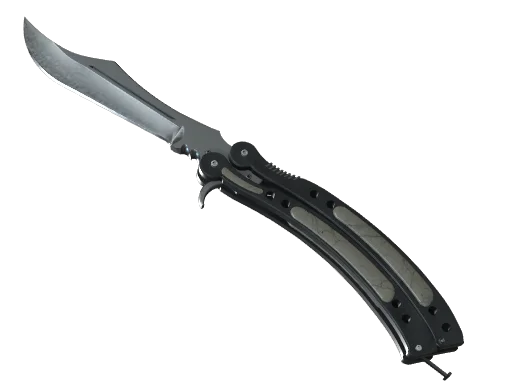
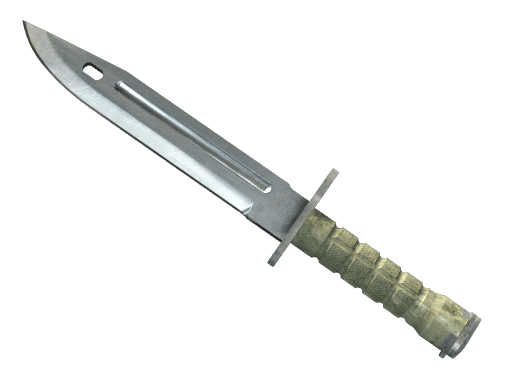


























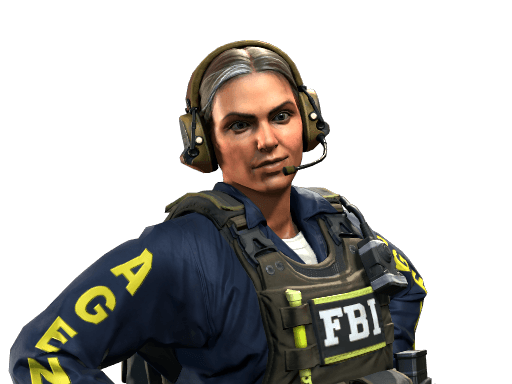



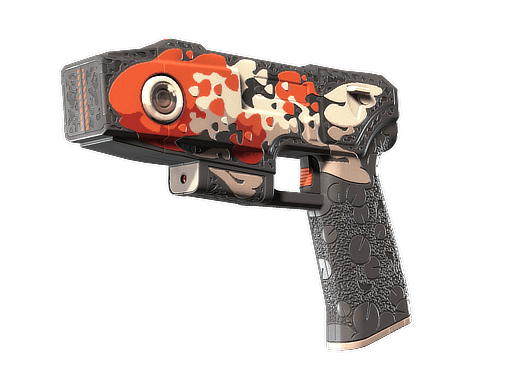
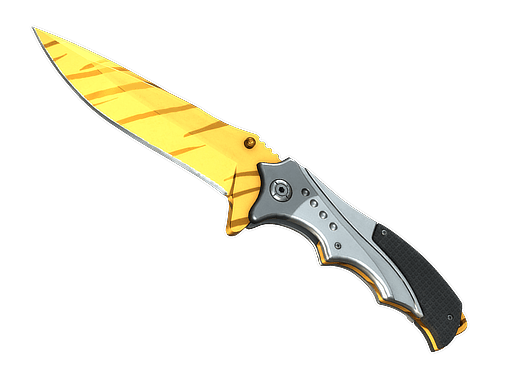
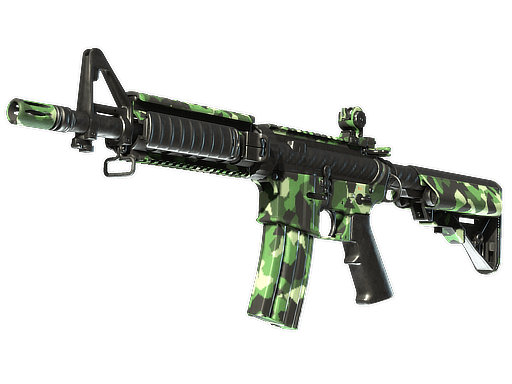
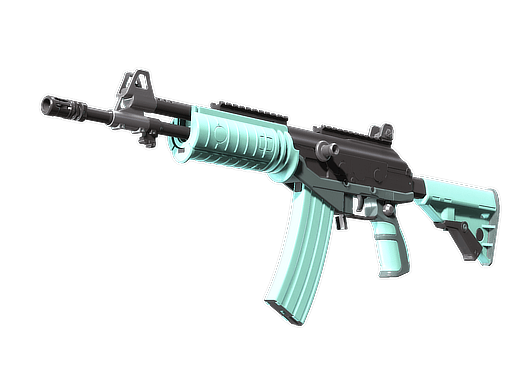

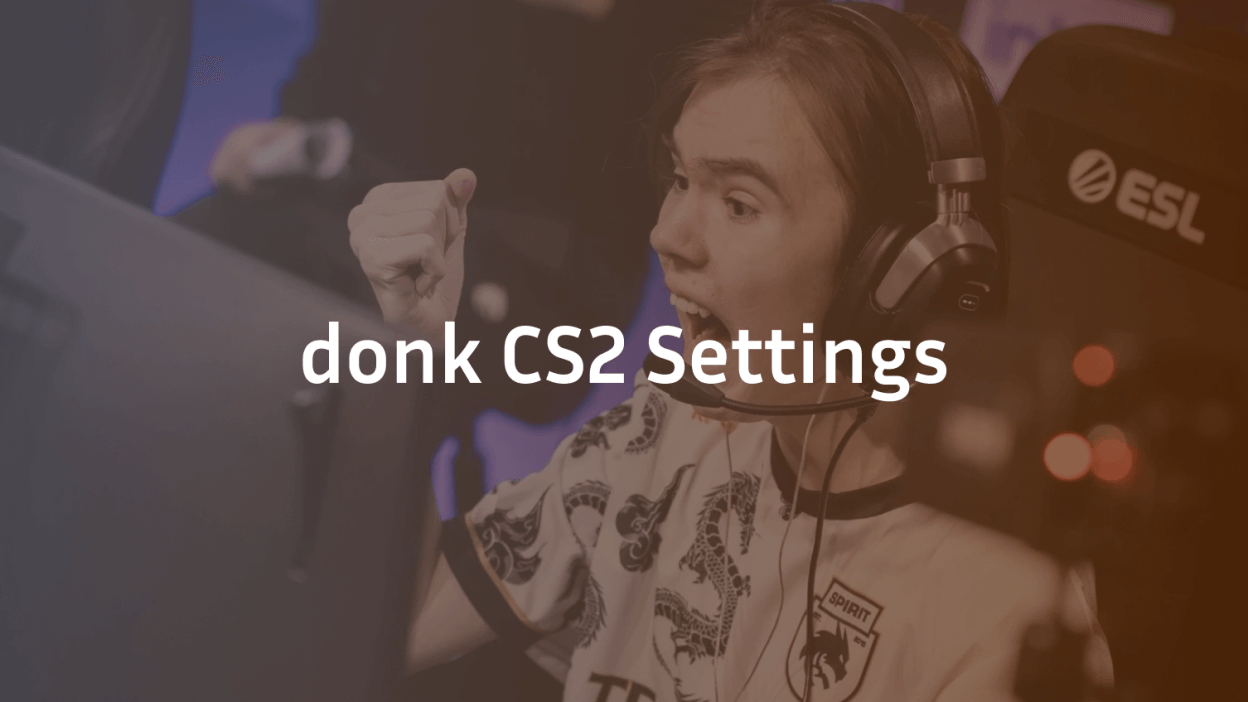
Danil “donk” Kryshkovets is one of the most explosive riflers in Counter-Strike right now, and his aim looks almost inhuman. If you want to copy his setup, this guide breaks down every donk CS2 settings detail — from crosshair to sensitivity to launch options — so you can load his config and hit the server today.
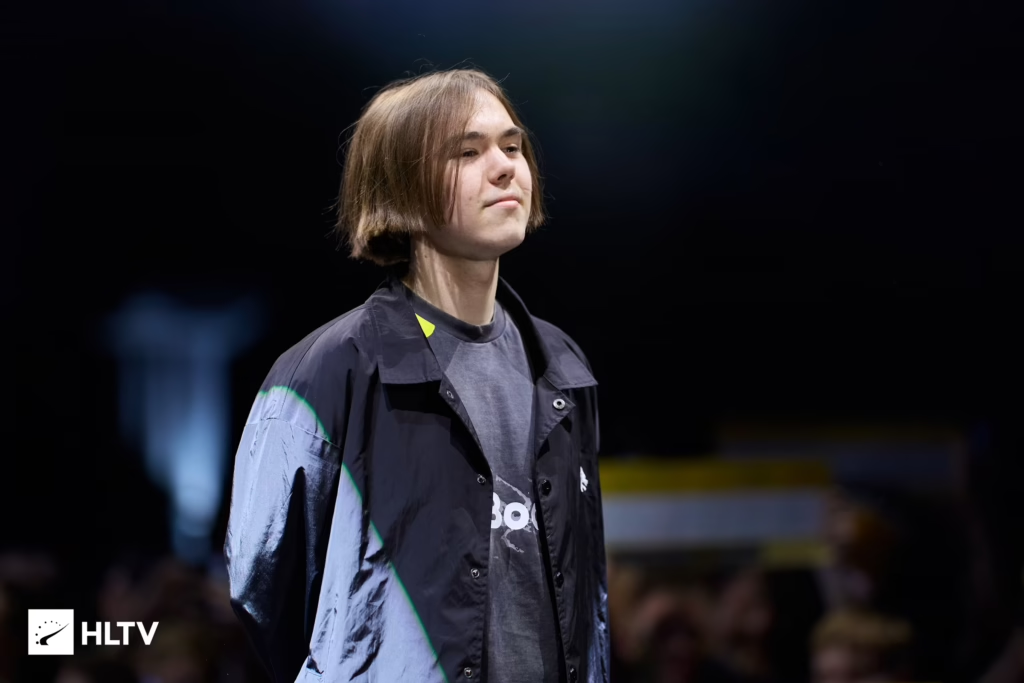
Donk’s Mouse Sensitivity & DPI
Donk plays on a low-to-medium sensitivity that gives him precise micro-adjustments while still allowing quick flicks on off-angles. His mouse settings are dialed in for spraying with the AK-47 skin prices and hitting one-taps at long range.
| Setting | Value |
|---|---|
| DPI | 800 |
| In-game Sensitivity | 1.25 |
| eDPI | 1000 |
| Zoom Sensitivity | 1.0 |
| Windows Sensitivity | 4/11 |
| Mouse Acceleration | Off |
| Polling Rate | 1000 Hz |
Key takeaway: 1000 eDPI is on the lower side of pro standard, which suits donk’s aggressive playstyle where precise counter-strafing matters more than fast 180s.
Donk’s Crosshair Settings
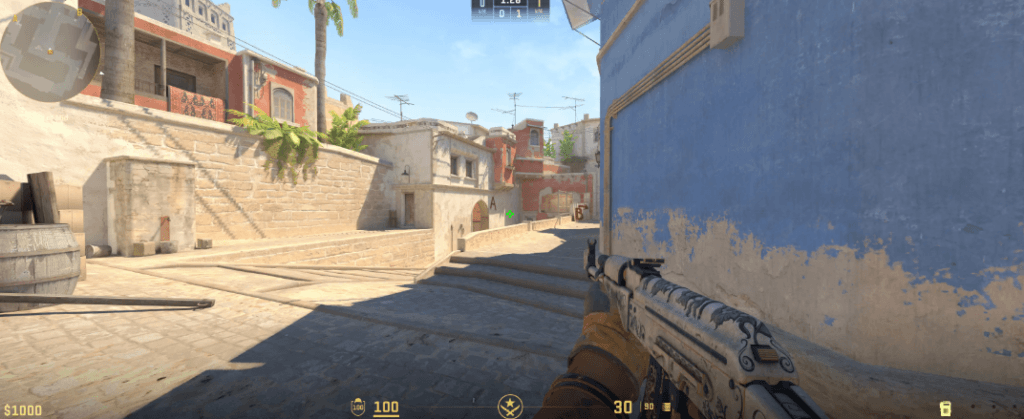
Donk’s crosshair is a classic small static cyan cross — clean, minimal, and easy to place on head-level angles. You can paste this straight into your console:
cl_crosshairstyle 4
cl_crosshaircolor 4
cl_crosshairsize 1.5
cl_crosshairthickness 0
cl_crosshairgap -3
cl_crosshair_drawoutline 0
cl_crosshairdot 0
cl_crosshairalpha 255
Copy-Paste Crosshair Code
Or import it with the crosshair share code:
CSGO-86u6c-pZpOn-v3aY5-b6YOf-L78vAIf you’re new to tuning your reticle, check our best CS2 crosshair settings breakdown for a full explanation of each command.
Donk’s Viewmodel Settings
Donk uses the standard competitive viewmodel settings, pushing the weapon model as far to the right and bottom of the screen as possible to maximize his field of view. You can paste this straight into your console:
viewmodel_offset_x 2.5
viewmodel_offset_y 0
viewmodel_offset_z -1.5
viewmodel_fov 68
This keeps his expensive AWP skins and rifles visible without blocking crosshair placement on tight angles like Mirage’s Firebox.
Donk’s Video & Graphics Settings
Donk runs a stretched 4:3 resolution — a common pro choice that makes enemy models slightly wider and easier to hit. His graphics are pushed low for maximum frames, though he heavily cranks up his anti-aliasing to smooth out jagged edges.
| Setting | Value |
| Resolution | 1280×960 |
| Aspect Ratio | 4:3 (Stretched) |
| Display Mode | Fullscreen |
| Refresh Rate | 600 Hz |
| Global Shadow Quality | High |
| Model/Texture Detail | Low |
| Shader Detail | Low |
| Particle Detail | Low |
| Ambient Occlusion | Disabled |
| MSAA | 8x MSAA |
| Boost Player Contrast | Enabled |
Bold takeaway: Global Shadow Quality is set to High — pros keep this up because it helps spot enemy shadows around corners on maps. Donk also uses 8x MSAA, which keeps the game looking sharp even at a lower stretched resolution.
donk CS2 Audio & Radar Settings
Unlike casual players who play with standard game sound, donk optimizes his audio configuration to isolate clear directional cues and footsteps, heavily turning down distracting background music.
Audio Configuration
- VOIP Volume: 80% (Clear teammate comms without overpowering gameplay)
- Bomb/Hostage Volume: 20%
- Ten Second Warning Volume: 15% (Enough to know if he has time to defuse)
- Round Start / Action Volume: 0%
- Death Camera / MVP Volume: 0%
Radar Configuration
His radar setup is structured so he never loses track of the bomb position or distant enemy dots during fast-paced entry pushes:
- Radar Centers The Player: Yes
- Radar Is Rotating: Yes
- Radar HUD Size: 1.00
- Map Zoom: 0.70
Donk’s Launch Options
Donk actually does not use any launch options for Counter-Strike 2. He runs a completely clean setup directly through the game’s default configurations, bypassing old CS:GO options like -tickrate 128 (which no longer works in CS2’s sub-tick system) and -high to ensure the most stable performance.
Donk’s Gear Setup
While gear won’t magically give you donk’s aim, using pro-grade peripherals removes hardware bottlenecks:
- Mouse: Logitech G PRO X Superlight Magenta
- Keyboard: Wooting 60HE
- Monitor: ZOWIE XL2586X+ (600Hz)
- Headset: HyperX Cloud II
- Mousepad: SteelSeries QcK+ or ZOWIE G-SR-SE
How Donk’s Settings Fit His Playstyle
Donk is known for hyper-aggressive entry fragging and insane rifle spray control. His config reflects that:
- High eDPI (1000) gives him the explosive, lightning-fast target switching needed to clear tight corners and transfer sprays instantly.
- 4:3 stretched widens enemy hitboxes, maximizing target size and making horizontal tracking much easier during fast-paced pushes.
- Small cyan crosshair provides high visual contrast that stays completely sharp against any dark or colorful map texture.
- Low graphics and 600Hz refresh rate guarantee maximum frame rates and non-existent input lag, keeping his game perfectly smooth during chaotic, utility-heavy entries.
If you want to compare his config with other elite riflers, our w0nderful CS2 settings and broky CS2 settings breakdowns show how top AWPers and riflers differ. For IGL-style setups, karrigan’s CS2 config is a great contrast.
donk‘s Skins & Collectibles
Butterfly Knife | Gamma Doppler Emerald
AWP | Dragon Lore
Glock-18 | Gamma Doppler Emerald
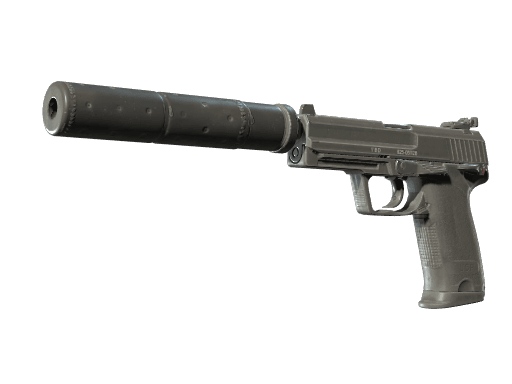
USP-S | Printstream
AK-47 | Wild Lotus
M4A1-S | Printstream
Desert Eagle | Emerald Jörmungandr
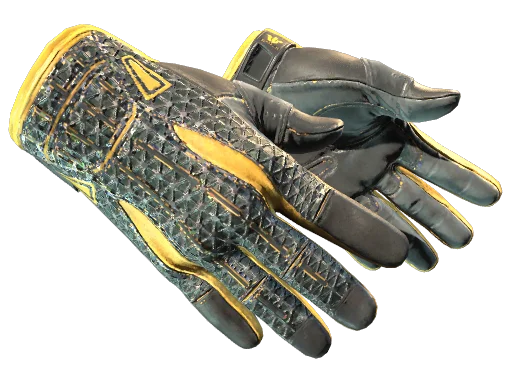
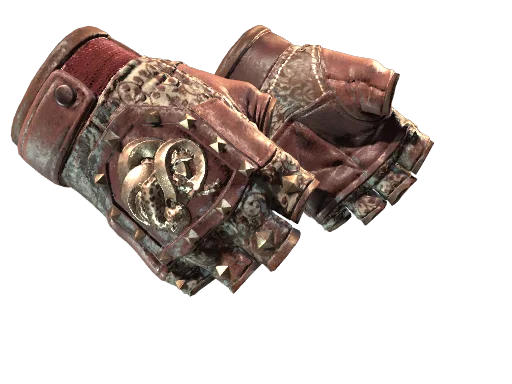
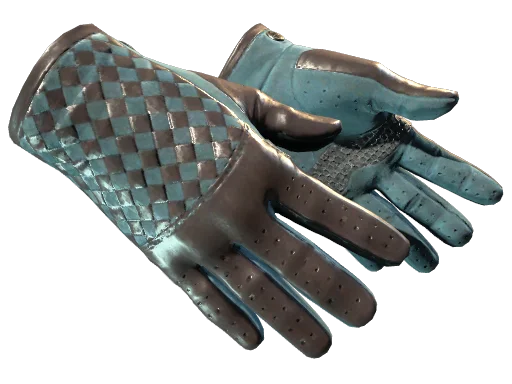
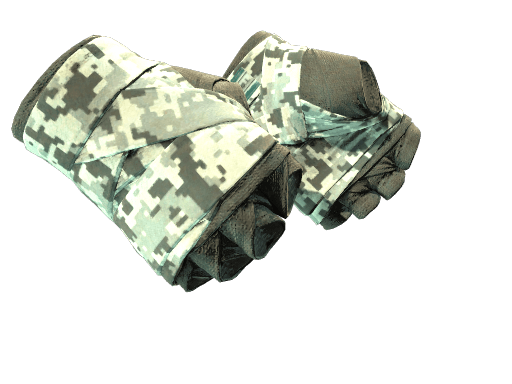
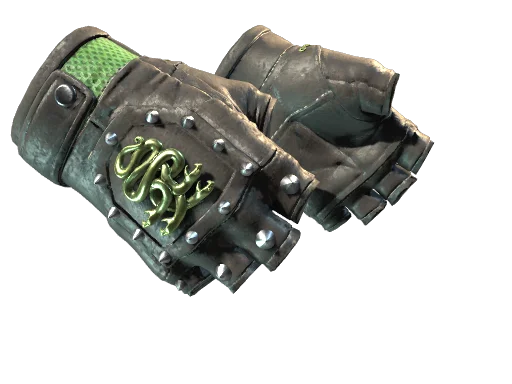
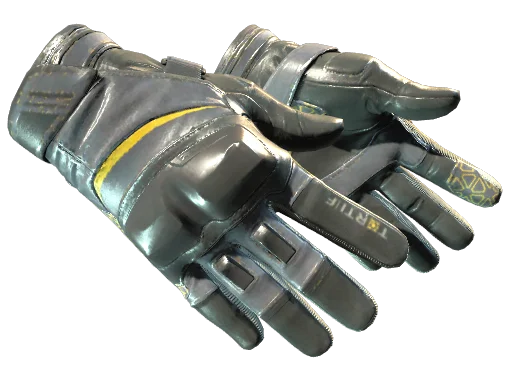
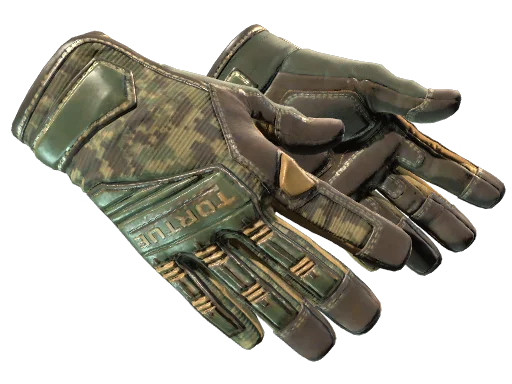
Sport Gloves | Hedge Maze
donk’s inventory reflects his refined taste, combining aesthetics with in-game performance.
Should You Copy Donk’s Settings?
Copying a pro’s config won’t turn you into a pro overnight — but it gives you a proven baseline. Start with his sensitivity and crosshair, then tweak based on your monitor size, arm space, and personal comfort.
Pro tip: Give any new sensitivity at least a week of aim training before deciding it doesn’t work. Muscle memory needs time.
Final Thoughts
Donk’s settings show that simple, minimal configs win at the highest level — low sens, clean crosshair, low graphics, high FPS. Copy his setup, practice your spray patterns, and you’ll have the same technical foundation as one of CS2’s brightest stars.
Ready to look the part too? Browse all CS2 skins on cs2.ad to match donk’s loadout with clean AK and AWP finishes.