






































Want to entry frag like one of the most aggressive riflers in Counter-Strike? The YEKINDAR CS2 settings breakdown below covers every sensitivity value, crosshair code, viewmodel tweak, and video option Mareks “YEKINDAR” Gaļinskis uses to open sites at the top level. Copy his config, dial in your setup, and start swinging with purpose.
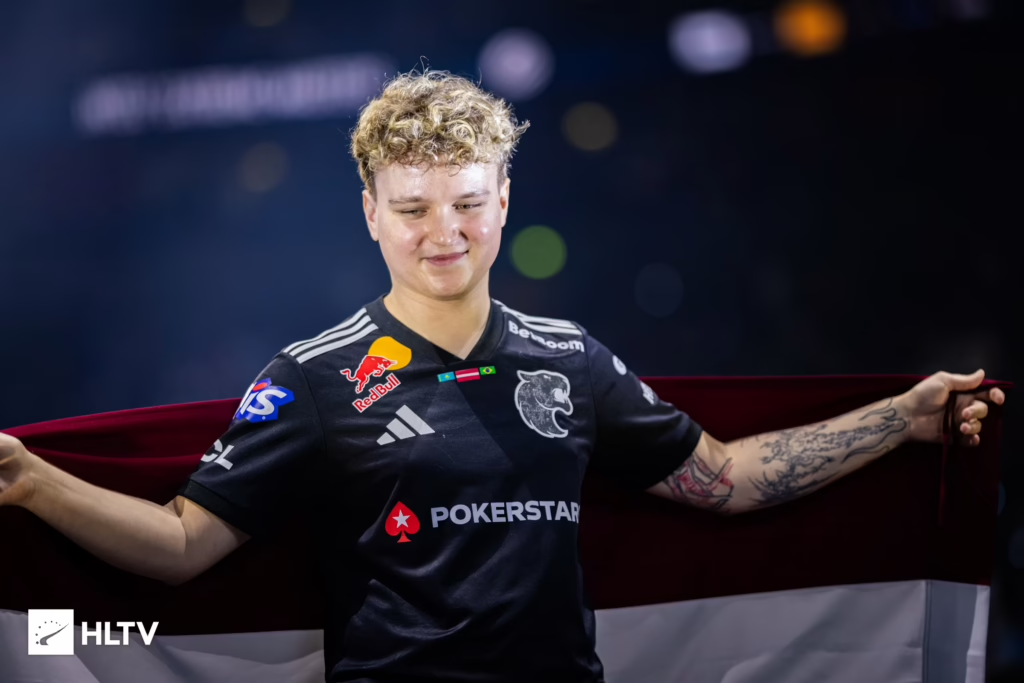
Who Is YEKINDAR?
Mareks “YEKINDAR” Gaļinskis is a Latvian pro known for his fearless entry style and creative T-side aggression. He built his reputation with Virtus.pro, later stood in for Team Liquid, and continues to be one of the most impactful entry fraggers in the world.
His playstyle demands tight aim, quick flicks, and confident peeks — and his settings reflect that. Everything is tuned for raw speed and clean tracking.
YEKINDAR CS2 Mouse Settings
YEKINDAR uses a low-to-mid sensitivity with a tight eDPI, favoring precision over speed.
| Setting | Value |
| DPI | 800 |
| Sensitivity | 1.2 |
| eDPI | 960.00 |
| Zoom Sensitivity | 1.00 |
| Hz (Polling Rate) | 1000 |
| Windows Sensitivity | 6 |
| Raw Input | 1 |
| Mouse Acceleration | 0 |
Key takeaway: A 960 eDPI moves YEKINDAR into a much more balanced, slightly speedier baseline for an aggressive entry rifler. This updated 2026 config ensures he can clear complex close-range site geometries and transfer sprays rapidly without running out of mousepad real estate.
For more sensitivity theory and comparisons, check our best cs2 graphic settings breakdown.
YEKINDAR Crosshair Settings
His crosshair is a classic small, static cyan dot-style cross — easy to place on head level without clutter.
cl_crosshairstyle 4
cl_crosshaircolor 4

cl_crosshair_drawoutline 0

cl_crosshairthickness 1

cl_crosshairsize 2

cl_crosshairgap -3

cl_crosshair_dynamic_splitdist 3

cl_crosshair_dynamic_maxdist_splitratio 1

cl_crosshair_t 0

cl_crosshairdot 0

cl_crosshairalpha 255
Crosshair share code:
CSGO-ySLmr-MRRob-xAdOd-Ekkkf-JkA6QPaste this straight into the in-game crosshair menu to instantly use his exact setup.
YEKINDAR Viewmodel Settings
He runs a standard-right viewmodel that keeps the gun out of the way while still feeling classic.
viewmodel_offset_x -0.5
viewmodel_offset_y 1

viewmodel_offset_z -2

viewmodel_fov 65

viewmodel_presetpos 0
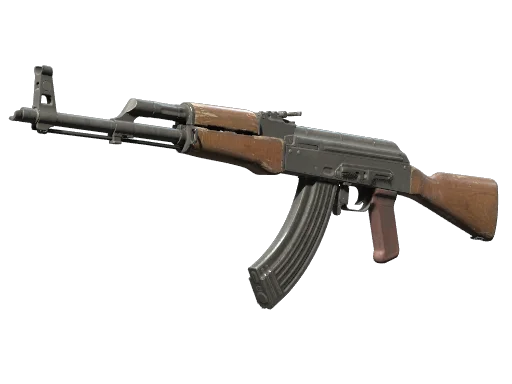
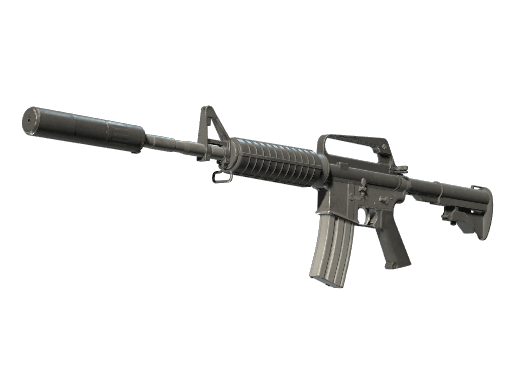
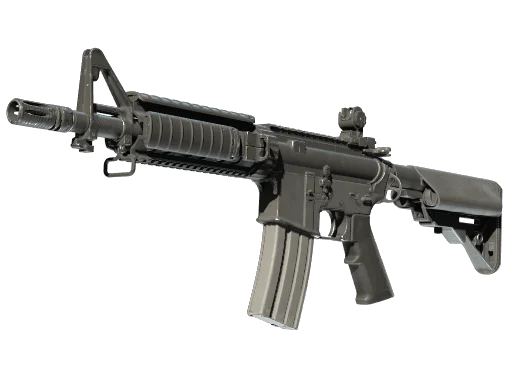
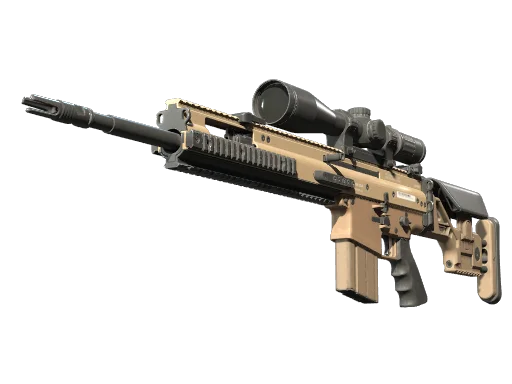
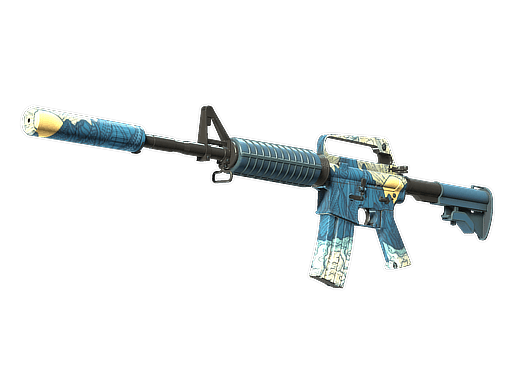
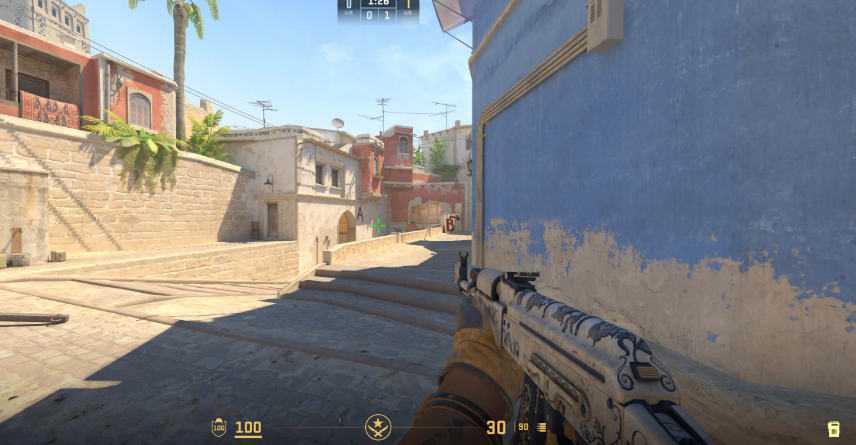
This keeps his ak-47 and m4a4 skins fully visible during pushes without blocking sightlines.
YEKINDAR Video Settings
Mareks “YEKINDAR” Gaļinskis has made a major change to his baseline display profile for 2026. He has moved away from the old standard 1280×960 stretched 4:3 format, transitioning instead to a crisper 16:10 format running 1680×1050 (Native/Stretched) or full widescreen native to improve mid-to-long range target tracking.
| Setting | Value |
| Resolution | 1680×1050 |
| Aspect Ratio | 16:10 |
| Scaling Mode | Native (or Stretched) |
| Refresh Rate | 360 Hz |
| Display Mode | Fullscreen |
Advanced Video Settings
- Boost Player Contrast: Enabled
- Multisampling Anti-Aliasing: 8x MSAA (or None depending on optimization preference)
- Global Shadow Quality: Low
- Model / Texture Detail: Low
- Texture Filtering Mode: Bilinear
- Shader Detail: Low
- Particle Detail: Low
- Ambient Occlusion: Medium
- High Dynamic Range: Quality
- FidelityFX Super Resolution: Disabled (Highest Quality)
- NVIDIA Reflex Low Latency: Disabled
Why 16:10 1680×1050? Shifting from 4:3 up to 16:10 gives YEKINDAR a wider native field of view without completely sacrificing the chunkier, easily viewable player models of stretched resolutions. Dropping Global Shadow Quality to Low while keeping Ambient Occlusion on Medium ensures maximum performance and clear visibility when clearing dynamic map geometry.olution. Pros like YEKINDAR grew up on this format, and the muscle memory sticks.
YEKINDAR Gear (Peripherals)
- Mouse: ZOWIE EC2-DW Black
- Mousepad: ZOWIE G-SR III
- Keyboard: Logitech G Pro X TKL RAPID (or Wooting 60HE)
- Headset: HyperX Cloud II
- Monitor: BenQ ZOWIE XL2566K (360Hz)
The ZOWIE EC2-DW + G-SR III combination marks a major shift into maximum physical control. The ergonomic, lightweight wireless mouse coupled with the high static friction of the G-SR III surface provides massive stopping power, giving him perfect mechanical stability when stopping a dead sprint to lock onto heads.
YEKINDAR Launch Options
Add these in Steam → Right-click CS2 → Properties → Launch Options:
-noreflexConfig Highlights: Binds & Utility
A few binds YEKINDAR uses that are worth stealing:
bind "mouse4" "+voicerecord"bind "f" "+lookatweapon"
bind "shift" "+speed"
bind "mwheelup" "+jump"
bind "mwheeldown" "+jump"
Scroll-wheel jump makes bhopping and jump-throws far more consistent — a must for aggressive T-side pushes.
How to Play Like YEKINDAR
Copying his config is only half the battle. His playstyle is built on:
- First contact confidence — He commits to peeks and doesn’t second-guess.
- Utility usage — Molotovs and flashes clear angles before he swings.
- Map control — He constantly pressures mid and off-angles to gather info.
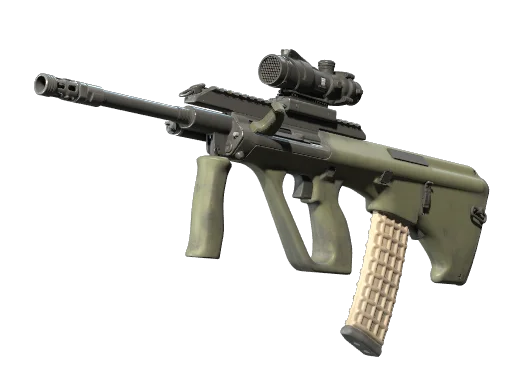
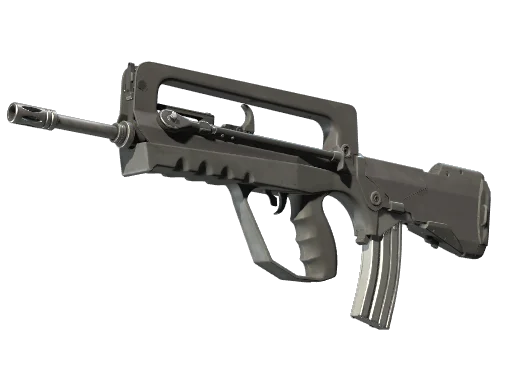
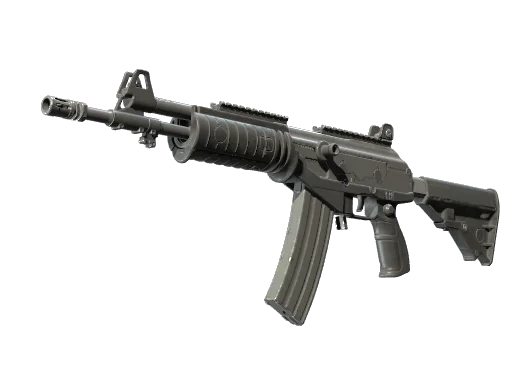
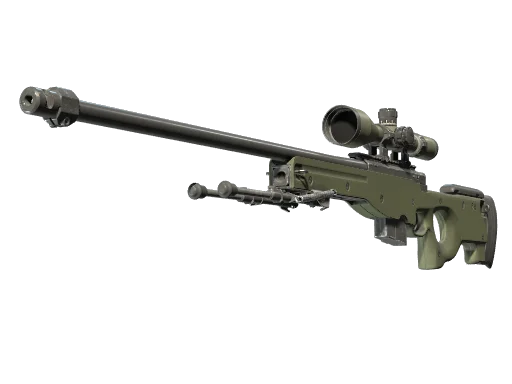
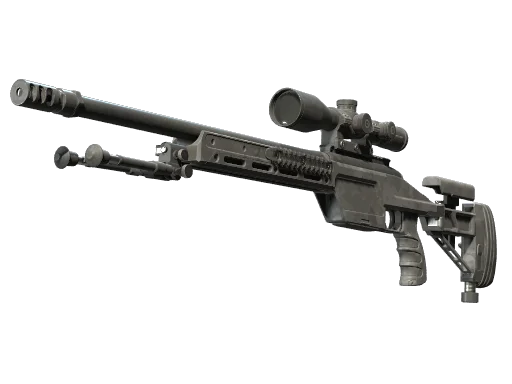
If you want to study his weapon usage further, browse all rifles or check out popular pro-favorite awp skins — even though YEKINDAR is a rifler, he can lurk AWP when the round demands it.
Compare With Other Pros
Curious how his setup stacks up? Check other top pro breakdowns:
- karrigan cs2 settings — FaZe’s veteran IGL
- broky cs2 settings — precision AWPer config
- tarik cs2 settings — NA rifler favorite
Final Thoughts
YEKINDAR’s config proves that raw mechanics beat fancy tweaks — a balanced eDPI, minimalist crosshair, stretched 16:10 aspect ratio, and ZOWIE gear. Copy his settings, put in the deathmatch hours, and you’ll feel your peeks tighten up fast.
Want to make your CS2 setup look as clean as it plays? Browse the full catalog of cs2 skins and gear up your loadout on cs2.ad.