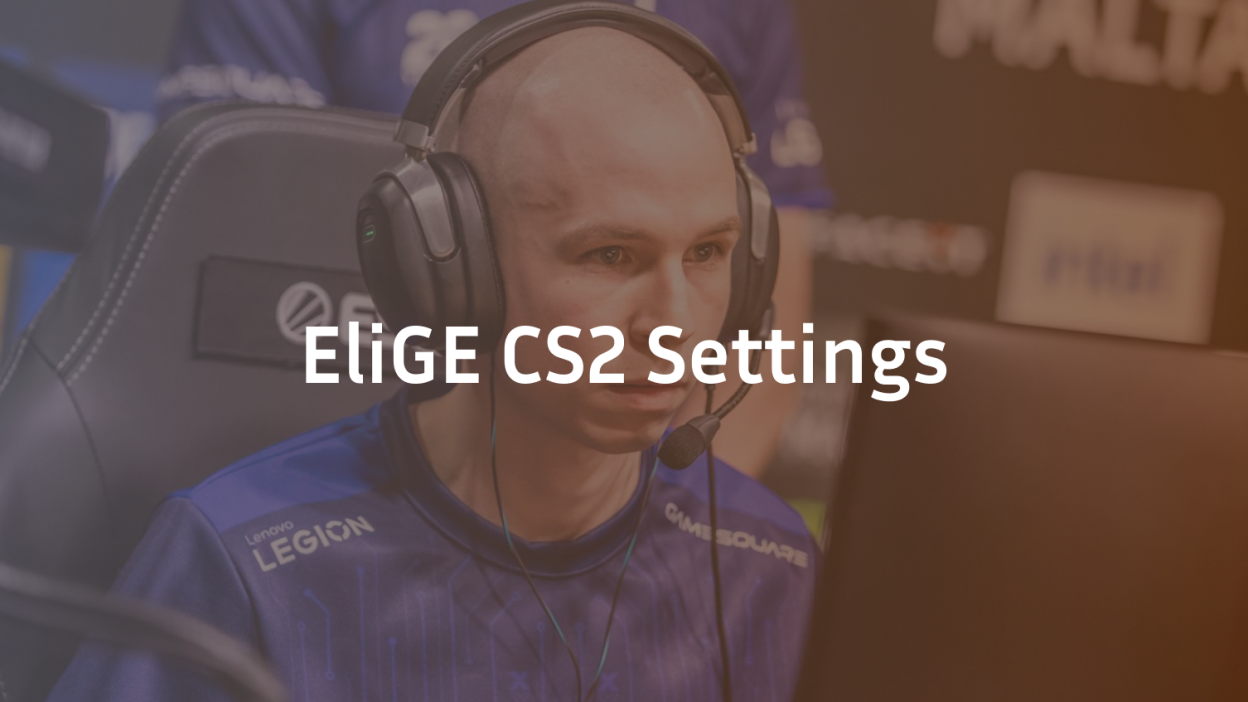
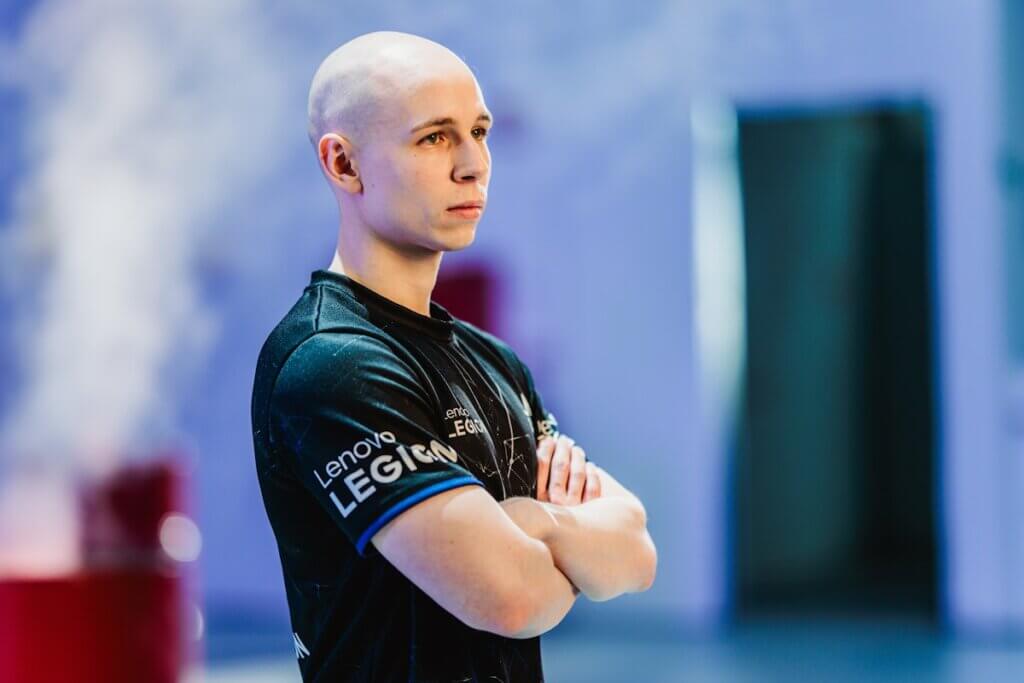
Jonathan “EliGE” Jablonowski is a FaZe Clan rifler known for his pinpoint aim and consistency. Below you’ll find his exact Counter-Strike 2 settings—from mouse and crosshair to video options and launch parameters—so you can play like one of North America’s top performers.
Mouse Settings
- Mouse Model: Logitech G Pro X Superlight 2
- DPI: 1600
- In-Game Sensitivity: 0.74
- eDPI: 1184
- Zoom Sensitivity: 0.8
- Poll Rate (Hz): 2000
- Windows Sensitivity: 6
Why it matters: A mid-high DPI paired with sub-1.0 sensitivity strikes a balance between precision and flick speed—ideal for a rifler’s quick target acquisition.
Crosshair Configuration
- Style: Classic Static
- Follow Recoil: Off
- Center Dot: On
- Length: 2 | Thickness: 1
- Gap: -5 | Fixed Gap: 3
- Outline: Off
- Color (RGB): 0 / 255 / 145
- Alpha: 255
- Split Distance: 3 | Split Size Ratio: 1
- Inner Split Alpha: 0 | Outer Split Alpha: 1
- Sniper Width: 2
Pro tip: A small static crosshair with a high-contrast color helps you track recoil patterns and maintain consistent headshot placement.
Viewmodel & Bob
Viewmodel
- FOV: 68
- Offset X: 1 | Y: 2 | Z: -1
- Preset Position: 0
- Bob: Off
Bob Settings
- Lower Amount: 5
- Amount Lateral: 0.33
- Amount Vertical: 0.14
- Cycle: 0.98
Why adjust these: Minimizing weapon sway (bob) and tweaking your viewmodel position gives a clearer sightline, especially in tight angles.
Launch Options
-novid -tickrate 128 +fps_max 999 +rate 786432 -allow_third_party_software -nojoy
These commands remove intro videos, cap tickrate, maximize FPS, optimize network rate, and disable unnecessary joystick code.
Video & Graphics Settings
Basic Video
- Resolution: 1680 × 1050
- Aspect Ratio: 16:10
- Scaling Mode: Stretched
- Brightness: 92%
- Display Mode: Fullscreen
Advanced Video
- Boost Player Contrast: On
- V-Sync: Off
- NVIDIA Reflex: Low Latency On
- G-Sync: Off
- Max FPS In Game: 999
- Anti-Aliasing: 4× MSAA
- Shadow Quality: High | Dynamic Shadows: All
- Model/Texture: Medium
- Texture Filtering: Bilinear
- Shader Detail: Low | Particle Detail: Low
- Ambient Occlusion: Medium
- HDR Quality: On
- FSR: Off (Highest Quality)
Effect: A stretched 16:10 view makes player models wider, while high contrast and medium details keep visibility crisp without sacrificing performance.
HUD & Radar
- HUD Scale: 1 | Color: Light Blue
- Radar Centers Player: Yes | Rotating: Yes
- Radar HUD Size: 1.15 | Map Zoom: 0.7
Configuration Files
Drop EliGE’s config into your autoexec.cfg or execute in console to import all bind tweaks, voice settings, and miscellaneous commands he uses.