











































Want to aim like the greatest AWPer of all time? The s1mple CS2 settings are some of the most searched configs in Counter-Strike, and for good reason — Oleksandr “s1mple” Kostyliev has dominated servers for over a decade. Below, we break down his mouse, crosshair, video, and launch options so you can copy them into your own game.
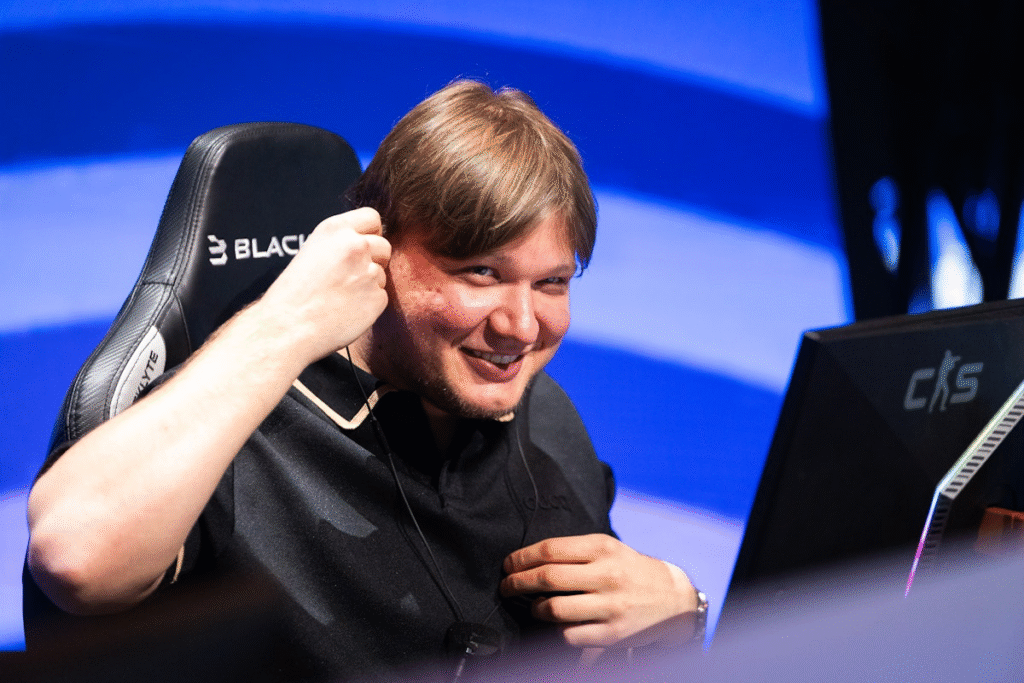
s1mple’s Mouse Settings
s1mple plays on a low-to-mid sensitivity that gives him surgical precision on the awp skin market while still allowing quick flicks with rifles.
| Setting | Value |
|---|---|
| DPI | 400 |
| Sensitivity | 3.09 |
| eDPI | 1236 |
| Zoom Sensitivity | 1.00 |
| Windows Sens | 6/11 |
| Raw Input | On |
| Mouse Acceleration | Off |
| Polling Rate | 1000 Hz |
Key takeaway: His eDPI of 1236 sits in the sweet spot most pros use — low enough for micro-adjustments, high enough for 180° turns without lifting the mouse twice.
s1mple’s Crosshair Settings

His crosshair is small, static, and cyan — perfect for spotting enemies against dark textures on maps like Inferno or Train.
cl_crosshairstyle 4cl_crosshairsize 1.5
cl_crosshairthickness 0.5
cl_crosshairgap -3
cl_crosshair_drawoutline 0
cl_crosshaircolor 4
cl_crosshaircolor_r 0
cl_crosshaircolor_g 255
cl_crosshaircolor_b 255
cl_crosshairdot 0
Copy-Paste Crosshair Code
You can import his crosshair directly into CS2 using this share code:
CSGO-Ldd8h-KLLoo-vAxTS-Ki3Ct-4nkVEJust open the game, go to Settings → Game → Crosshair → Share/Import, and paste it in.
s1mple’s Video Settings
s1mple runs on a 4:3 stretched resolution — a classic pro choice that makes enemy models appear wider. If you want to tune your own display, check our cs2 graphic settings breakdown.
| Setting | Value |
|---|---|
| Resolution | 1280 × 960 |
| Aspect Ratio | 4:3 Stretched |
| Refresh Rate | 240 Hz |
| Boost Player Contrast | Enabled |
| Wait for Vertical Sync | Disabled |
| Multisampling AA Mode | CMAA2 |
| Global Shadow Quality | High |
| Model / Texture Detail | Low |
| Texture Filtering Mode | Bilinear |
| Shader Detail | Low |
| Particle Detail | Low |
| Ambient Occlusion | Disabled |
| High Dynamic Range | Performance |
Bold takeaway: Low settings for models and textures = higher FPS and cleaner enemy visibility.
s1mple CS2 Audio & Radar Settings
Unlike casual players who play with standard game sound, s1mple optimizes his audio configuration to isolate clear directional cues and footsteps, heavily turning down distracting background music.
Audio Configuration
- VOIP Volume: 77% (Clear teammate comms without overpowering gameplay)
- Bomb/Hostage Volume: 15%
- Ten Second Warning Volume: 15% (Enough to know if he has time to defuse)
- Round Start / Action Volume: 0%
- Death Camera / MVP Volume: 40%
Radar Configuration
His radar setup is structured so he never loses track of the bomb position or distant enemy dots during critical clutches:
- Radar Centers The Player: Yes
- Radar Is Rotating: Yes
- Radar HUD Size: 0.83
- Map Zoom: 0.45
s1mple’s Launch Options
Add these in Steam under Right-click CS2 → Properties → Launch Options:
-freq 360 -novid -console +fps_max 999These options skip the intro video, prioritize CPU usage, and cap the framerate to prevent tearing on high-refresh monitors.
Gear Setup
While gear alone won’t make you a pro, matching s1mple’s setup helps replicate the feel:
Chair: Backforce One Plus.
Mouse: Logitech G Pro X Superlight 2 Cyan
Keyboard: Logitech G715 TKL
Headset: Logitech G Pro X 2
Monitor: BenQ ZOWIE XL2586X+
s1mple‘s Skins & Collectibles
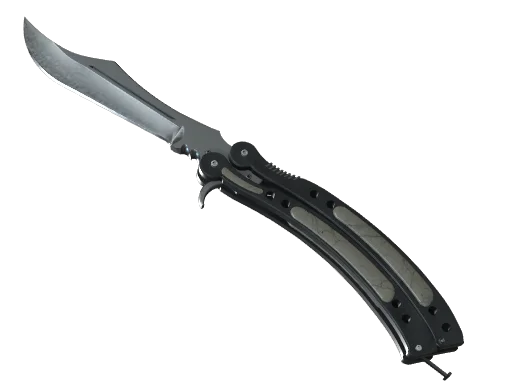
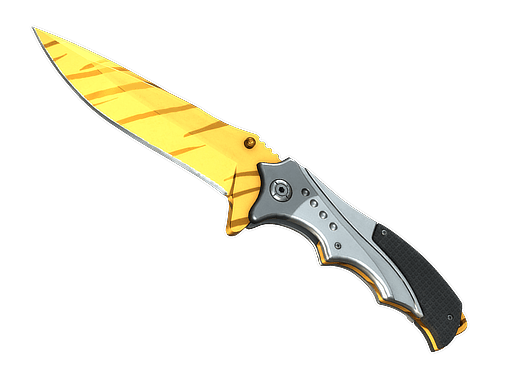
- Butterfly Knife | Gamma Doppler
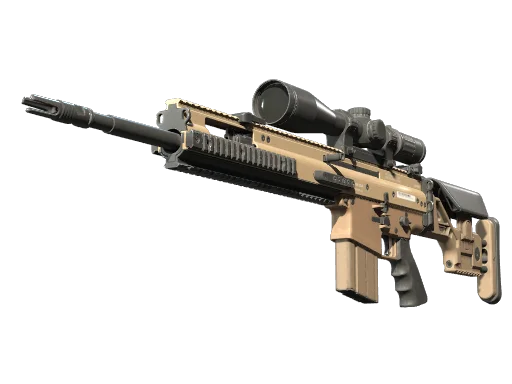
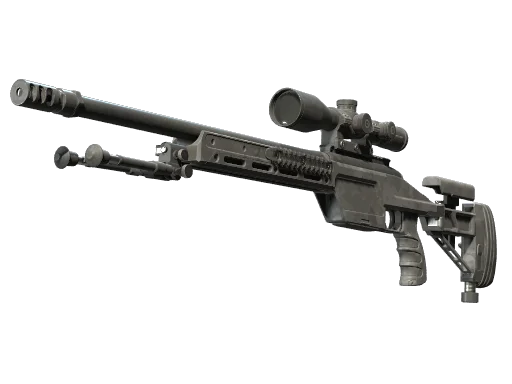
- AWP | Fade
- Glock-18 | Gamma Doppler Emerald
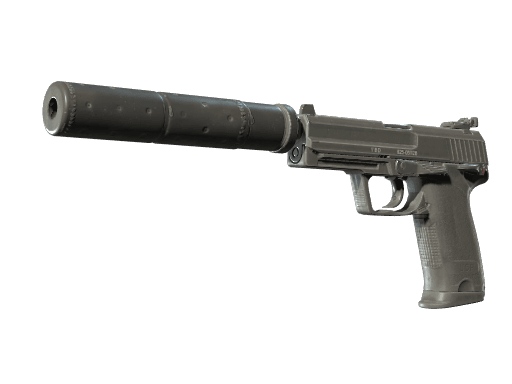
- USP-S | Kill Confirmed
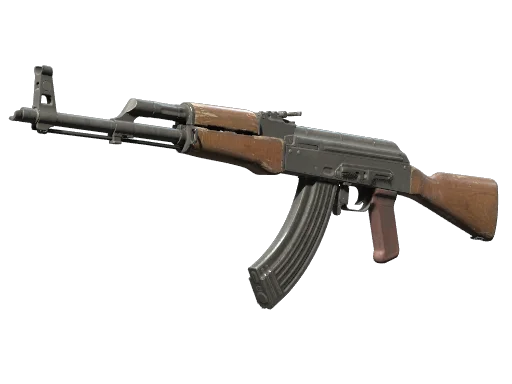
- AK-47 | Redline
- M4A1-S | Hot Rod
- Desert Eagle | Sunset Storm 壱
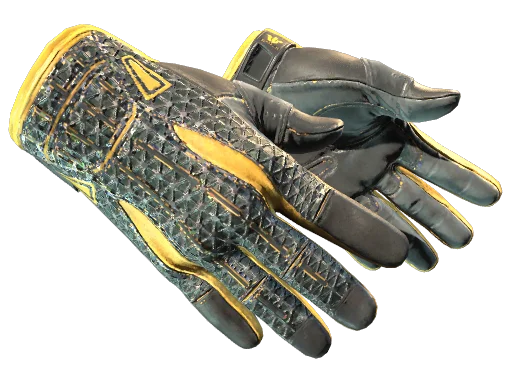
- Sport Gloves | Slingshot
s1mple’s inventory reflects his refined taste, combining aesthetics with in-game performance.
Why Copy Pro Settings?
Copying a pro config won’t instantly boost your rank, but it gives you a proven baseline. Once you’re comfortable, tweak from there. Curious how other stars set up their game? Check the karrigan cs2 settings for an IGL perspective, or the broky cs2 settings if you main AWP. Riflers should peek at the kscerato cs2 settings too.
If you’re chasing that clean pro look in-game, browse all cs2 skins to complete your loadout.
Final Thoughts
The s1mple CS2 settings prove that consistency and precision beat flashy configs every time. Copy his sensitivity, crosshair, and launch options, then spend hours in Deathmatch and Aim Botz to make them feel natural.
Ready to complete your setup? Explore all rifles on cs2.ad and grab the skins that fit your new pro-level config.