





































Ilya “m0NESY” Osipov is one of the deadliest AWPers in the world, and copying his config is one of the fastest ways to level up your own aim. In this guide, we break down the full monesy cs2 settings package — crosshair, sensitivity, viewmodel, video settings, and launch options — so you can flick with the same feel as the young Russian prodigy.
Whether you’re grinding Premier or just want a cleaner setup, these numbers are a proven starting point.
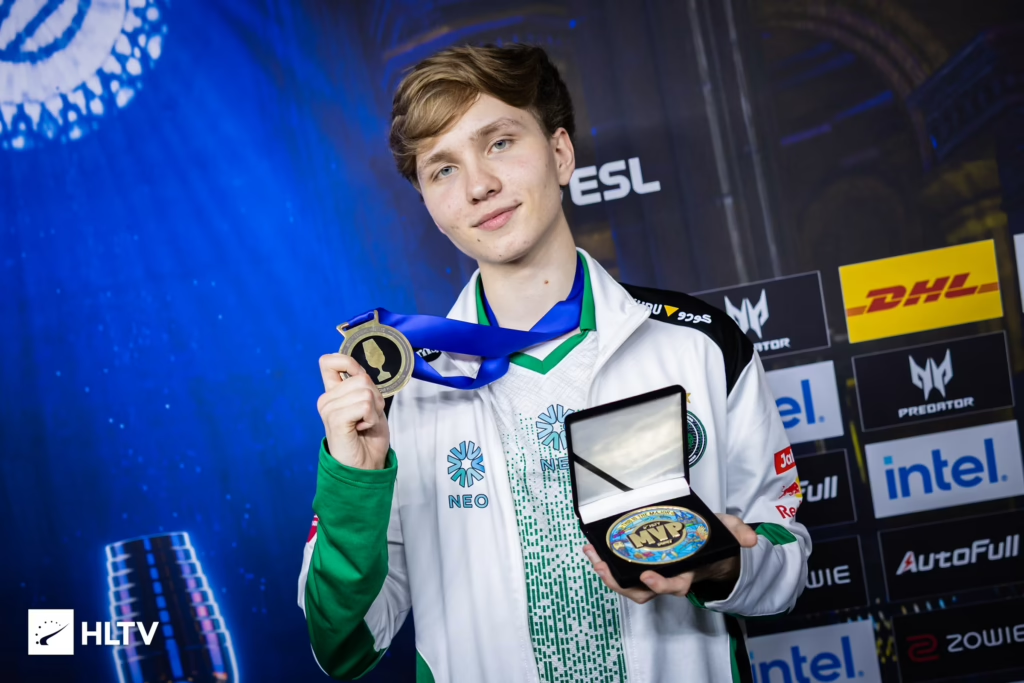
m0NESY Mouse Settings & Sensitivity
m0NESY plays with a low sensitivity that gives him the pixel-perfect control needed for one-taps and long-range AWP flicks. If you’re switching from a higher sens, expect an adjustment period of a few days.
| Setting | Value |
|---|---|
| DPI | 400 |
| In-game Sensitivity | 2.3 |
| eDPI | 920 |
| Zoom Sensitivity | 1.00 |
| Windows Sensitivity | 6 |
| Raw Input | 1 |
| Mouse Acceleration | 0 |
| Polling Rate | 2000 Hz |
Key takeaway: An eDPI of 920 is on the lower end even for pros. Pair it with a large mousepad so you have room for wide swings across awp skin prices angles like Mirage Window or Dust II Long.
m0NESY Crosshair Settings
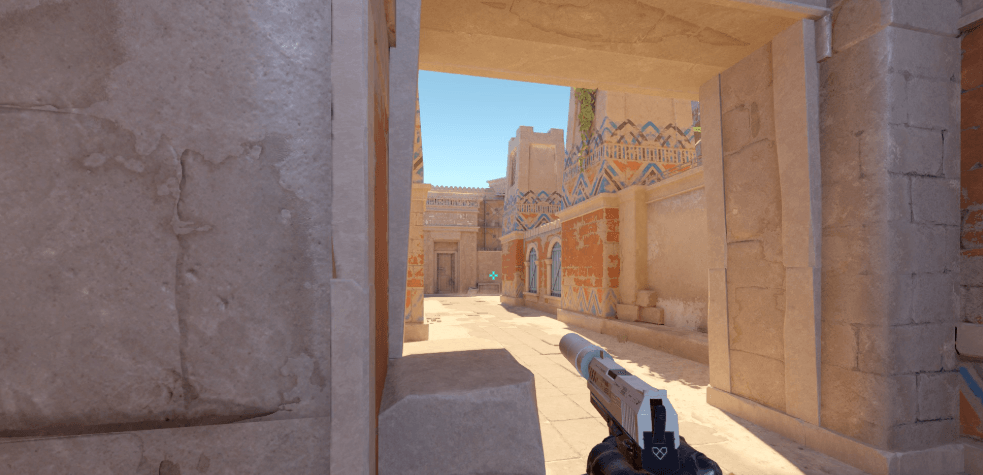
The m0NESY crosshair is small, static, and cyan — designed for precise head-level placement without visual clutter.
cl_crosshairstyle 4cl_crosshairsize 1.5
cl_crosshairthickness 0.5
cl_crosshairgap -3
cl_crosshair_drawoutline 0
cl_crosshaircolor 5
cl_crosshaircolor_r 0
cl_crosshaircolor_g 255
cl_crosshaircolor_b 255
cl_crosshairdot 0
cl_crosshair_t 0
cl_crosshairalpha 255
Copy-Paste Crosshair Code
You can import his crosshair directly into CS2 using this share code:
CSGO-wAD3c-ykt5L-zvZ98-vBisR-6sWPA
m0NESY Video Settings
| Setting | Value |
| Resolution | 1280×960 |
| Aspect Ratio | 4:3 Stretched |
| Refresh Rate | 540Hz |
| Display Mode | Fullscreen |
| Global Shadow Quality | High |
| Model / Texture Detail | Low |
| Texture Filtering Mode | Bilinear |
| Shader Detail | Low |
| Particle Detail | Low |
| Ambient Occlusion | Disabled |
| High Dynamic Range | Quality |
| FidelityFX Super Resolution | Disabled (Highest Quality) |
| NVIDIA Reflex Low Latency | Enabled |
Ilya “m0NESY” Osipov configures his setup to ensure a massive competitive advantage. He prefers utilizing a 4:3 aspect ratio locked at a stretched 1280×960 resolution, which widens player hitboxes on your screen. To prevent hardware-induced micro-stutters and maximize raw framing output, his layout runs most advanced graphical parameters on Low, while leaving Global Shadows on High to accurately spot enemy player model shadows around corners. To fully configure your own client visual parameters, look over our updated CS2 video settings reference menu.
m0NESY CS2 Audio & Radar Settings
Audio Settings
- Master Volume: 65%
- Audio Profile: Natural EQ
- L/R Isolation: 50%
- Perspective Correction: Disabled
Radar Settings
- Draw Radar Labels: Yes
- Radar Map Zoom: 0.40
- Radar Is Centered: No
- Radar Toggle Shape: Always Square
His configuration relies on high acoustic clarity to isolate minute directional sound cues during clutch situations. His audio configuration drops artificial positional effects in favor of raw acoustic values via the Natural EQ filter setup, making it incredibly simple to detect defusal taps or footsteps. Additionally, his active mini-map is zoomed far out to an optimized 0.40 scaling factor, which prevents blind spots on defense. Read our thorough best CS2 audio settings guide along with our advanced CS2 radar settings manual to update your game client.
m0NESY Launch Options
-novid -console -tickrate 128 +fps_max 0 -freq 540
His configuration keeps startup operations highly streamlined to keep runtime performance optimized. Rather than stacking unneeded launch arguments that might degrade game client performance, his launch instructions prioritize core system utilities. This includes bypassing initial loading videos, unlocking engine frames entirely, and matching his monitor refresh rate. You can choose structural tweaks for your own client initialization sequence from our dedicated list of CS2 launch options.
Gear Setup
- Monitor: BenQ Zowie XL2566K
- Mouse: Logitech G Pro X Superlight 2 (White)
- Mousepad: SteelSeries QcK Heavy
- Keyboard: Razer Huntsman V3 Pro TKL
- Headset: Logitech G Pro X 2
His mechanical precision is supplemented by an ultra-premium professional equipment profile. His system outputs to a top-tier BenQ Zowie XL2566K display configured at a blistering 540Hz refresh speed to eliminate motion blur. Aiming commands are handled by a lightweight Logitech G Pro X Superlight 2 mouse gliding across a high-friction Artisan pad, which allows him to land pixel-perfect AWP flick shots instantaneously.
m0NESY Skins & Collectibles
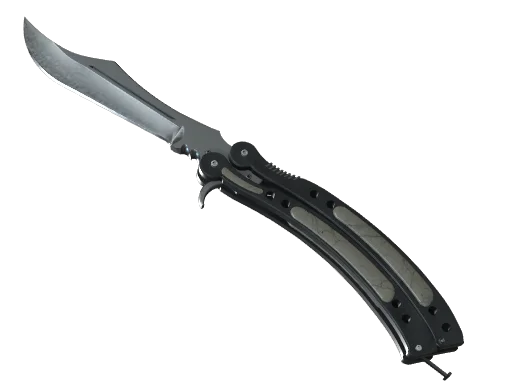
- Knife: ★ Butterfly Knife | Gamma Doppler Emerald (Factory New)
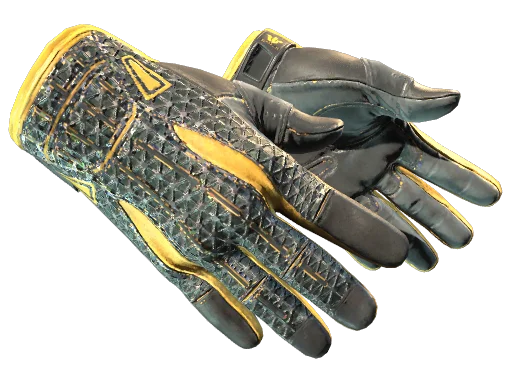
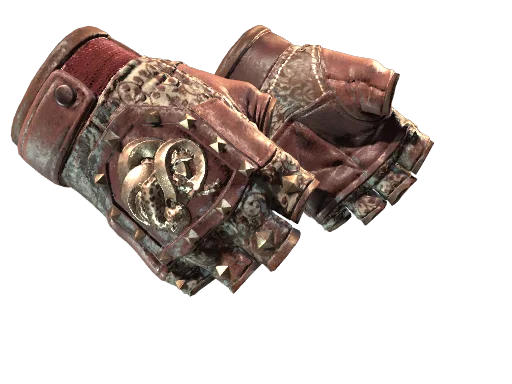
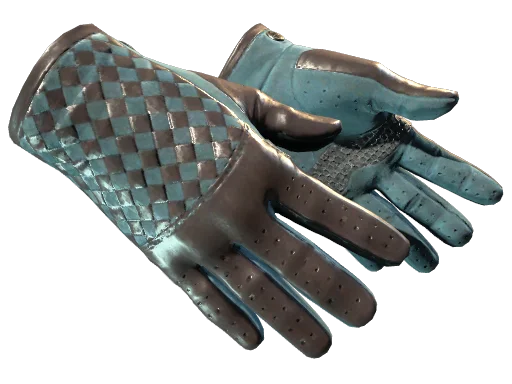
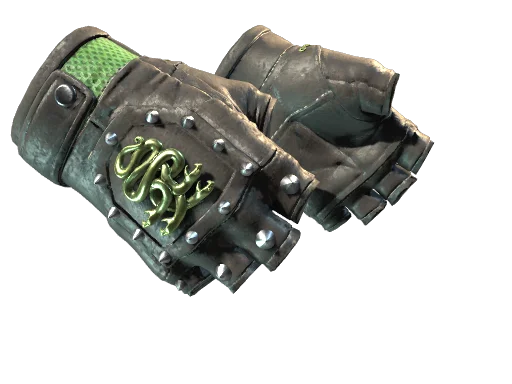
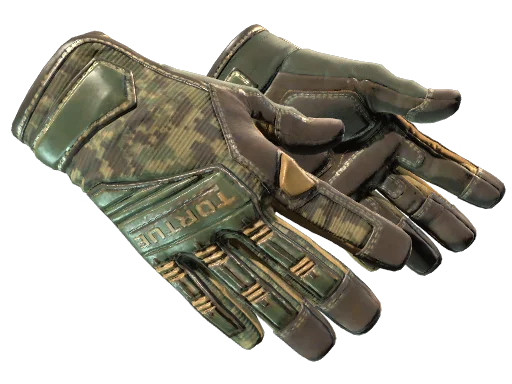
- Gloves: ★ Specialist Gloves | Emerald Web (Minimal Wear)
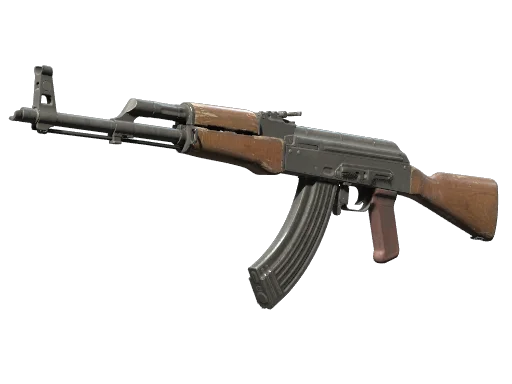
- AK-47: AK-47 | Wild Lotus (Factory New)
- AWP: AWP | Gungnir (Factory New)
His loadout inventory features some of the most sought-after collector items in esports history. His visual loadout utilizes a matching high-tier emerald cosmetic aesthetic, combining an immaculate Factory New Butterfly Gamma Doppler Emerald with clean Specialist Gloves. Alongside a rare Wild Lotus rifle, these incredible weapon finishes easily classify as some of the most expensive CS2 skins across global trade markets.
Final Thoughts
Emulating a prodigy like m0NESY goes beyond simply copying his setup, but aligning your game configuration with his exact 2026 settings gives you the ultimate foundation for high-tier performance. By stripping away visual clutter with his minimalist static crosshair, stretching your resolution to widen targets, and optimizing your client for maximum frame output, you remove the technical barriers standing between you and mechanical precision.preference and hardware.
Ready to complete your setup? Explore all rifles on cs2.ad and grab the skins that fit your new pro-level config.