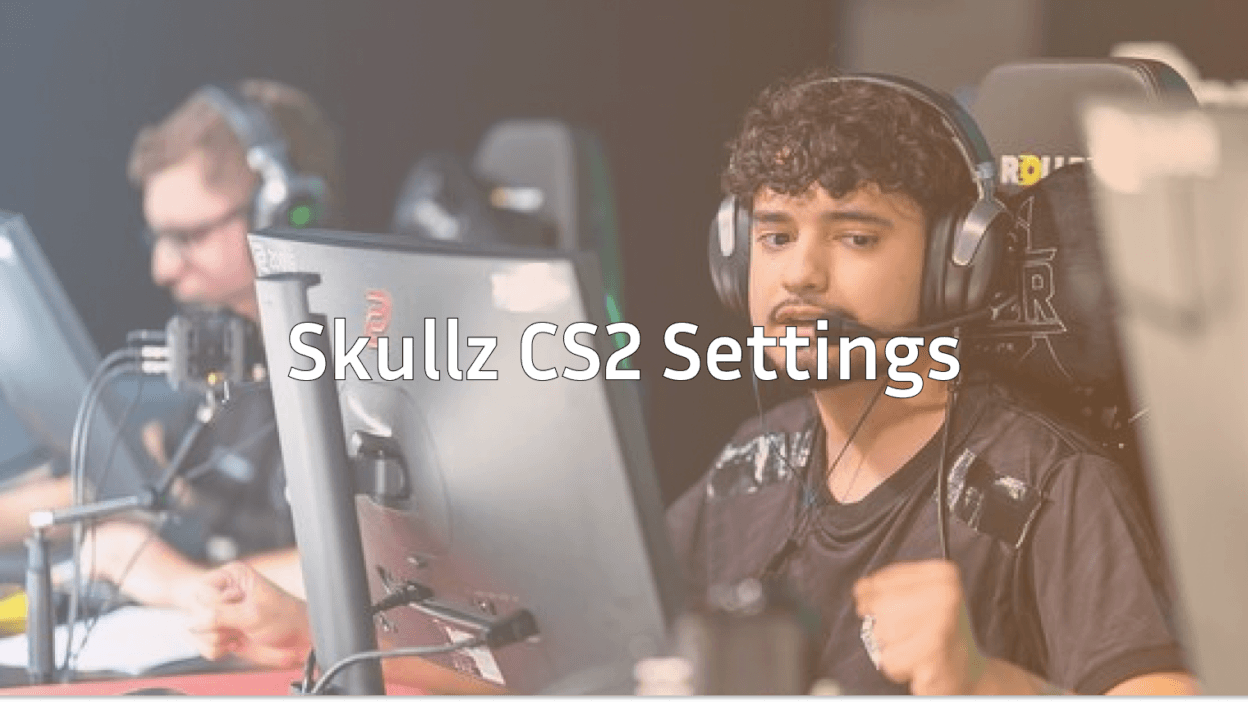
If you’re looking for the best skullz cs2 settings, you’re in the right place. Whether you’re grinding FACEIT or pushing Premier rank, copying pro setups can give you a serious edge especially when it comes to aim consistency and comfort.
In this guide, we’ll break down everything: sensitivity, crosshair, video settings, gear, and tips to actually use these settings effectively.
Who is Skullz?
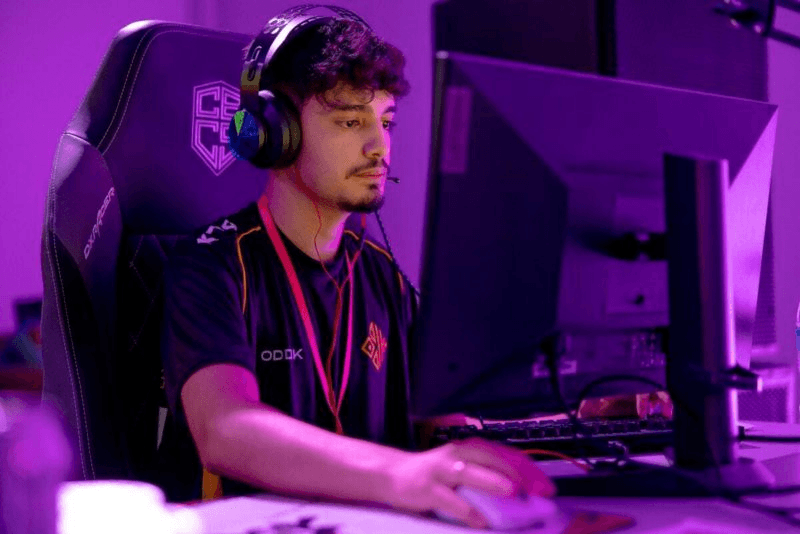
Skullz is one of the rising Brazilian talents in CS2, known for his sharp aim and consistent rifling. His setup reflects a balance between control and speed perfect for players who want precision without sacrificing mobility.

If you’ve checked other pros like NiKo or ZywOo, you’ll notice Skullz falls somewhere in the middle when it comes to sensitivity and playstyle.
Skullz CS2 Sensitivity Settings
Sensitivity is the most important part of any pro setup.
- DPI: 400
- Sensitivity: 2.0
- eDPI: 800
- Zoom Sensitivity: 1.0
- Raw Input: On
His eDPI of 800 sits in the medium range for professional players. This allows comfortable 180-degree turns while maintaining accuracy for those crucial AWP shots.
If you’re unsure where you stand, check this detailed guide on best sensitivity for CS2 to find your perfect range.
Pro tip: If you’re switching from another game, use this Valorant to CS2 sensitivity converter to match your muscle memory.
Skullz Crosshair Settings
Crosshair plays a huge role in consistency. Skullz uses a clean, minimal crosshair that helps with visibility and accuracy.
- Style: Classic Static
- Color: Green
- Thickness: 1
- Length: 2
- Gap: -3
- Outline: No
- Dot: No
If you want to experiment or copy exact codes, check this full CS2 crosshair guide.
You can also instantly copy pro crosshairs using this how to copy crosshair in CS2 guide.
Video Settings For Max FPS & Clarity
Like most pros, Skullz prioritizes performance over visuals.
- Resolution: 1280×960 (Stretched)
- Aspect Ratio: 4:3
- Refresh Rate: 240Hz
- Shadow Quality: Low
- Texture Detail: Low
- Shader Detail: Low
- Boost Player Contrast: Enabled
If you’re curious why pros prefer stretched res, check this CS2 stretched resolution breakdown.
For a complete optimization setup, see CS2 video settings and boost your FPS instantly.
Viewmodel Settings
Your viewmodel affects how much of your screen is visible during fights.
Skullz uses a clean, centered viewmodel for better visibility.
To customize your own, follow this how to change viewmodel in CS2 guide.
Mouse & Gear Setup
While settings matter, your gear also plays a big role in performance.
Typical Skullz-style setup includes:
- Lightweight gaming mouse
- Large mousepad for low sens
- Mechanical keyboard
- High refresh rate monitor
If you’re optimizing your setup, don’t miss this best DPI for CS2 guide.
Launch Options & Config
Many pros use launch options to improve performance and reduce input lag.
Common options:
- -novid
- -high
- -tickrate 128
For a full list, check this CS2 launch options guide.
You can also create your own config using CS2 autoexec for consistent settings every time you launch the game.
Radar & HUD Settings
Good awareness = better decisions.
Skullz uses a clean radar with maximum visibility.
To copy similar settings, check:
These small tweaks can massively improve your map awareness.
Practice Like Skullz
Settings alone won’t make you a better player. You need practice.
Here are some ways to train effectively:
- Aim training maps
- Deathmatch grinding
- Recoil control practice
Use this CS2 aim training map guide to improve faster.
Also, mastering spray patterns is key starting with this AK spray pattern breakdown.
Binds That Improve Gameplay
Pro players rely heavily on binds for efficiency.
Some useful ones:
- Jump throw bind
- Quick switch
- Grenade binds
Set them up using:
These will instantly improve your utility usage.
Performance Optimization Tips
Even with pro settings, poor performance can hold you back.
Fix common issues with:
Smooth gameplay is just as important as aim.
How Skullz Compares to Other Pros
Skullz’s settings are balanced not too fast, not too slow.
Compare his setup with:
- donk CS2 settings (aggressive aim)
- ropz CS2 settings (precision-focused)
- device CS2 settings (AWP-heavy style)
This helps you understand what fits your playstyle best.
Should You Copy Skullz Settings?
Short answer: Yes but with adjustments.
Here’s how to do it right:
- Start with Skullz’s exact settings
- Play for a few days
- Adjust sensitivity slightly if needed
- Keep what feels comfortable
If you’re new, begin with this CS2 beginner guide before copying pro setups.
Final Thoughts
Skullz CS2 settings are a great starting point for players who want a balanced and reliable setup. His medium sensitivity, clean crosshair, and performance-focused video settings make him a solid reference for both beginners and experienced players.
But remember settings won’t magically make you better.
Consistency, practice, and smart adjustments are what truly level up your game.