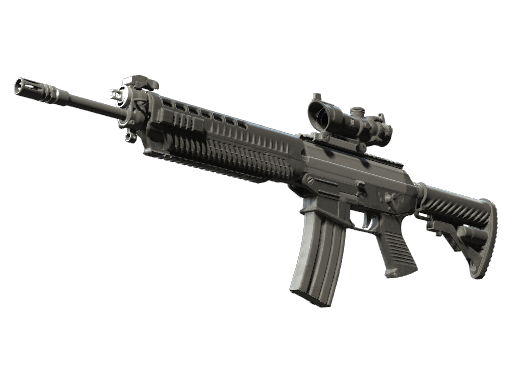
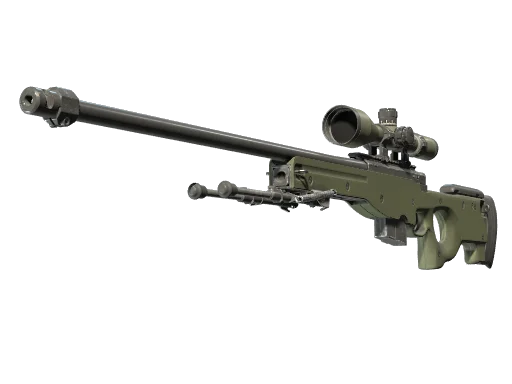








































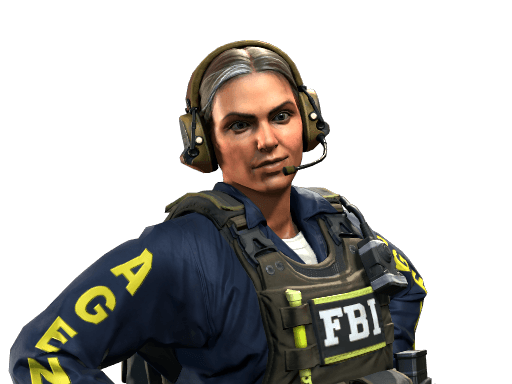
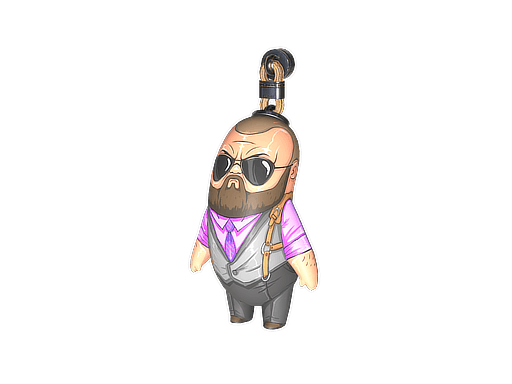






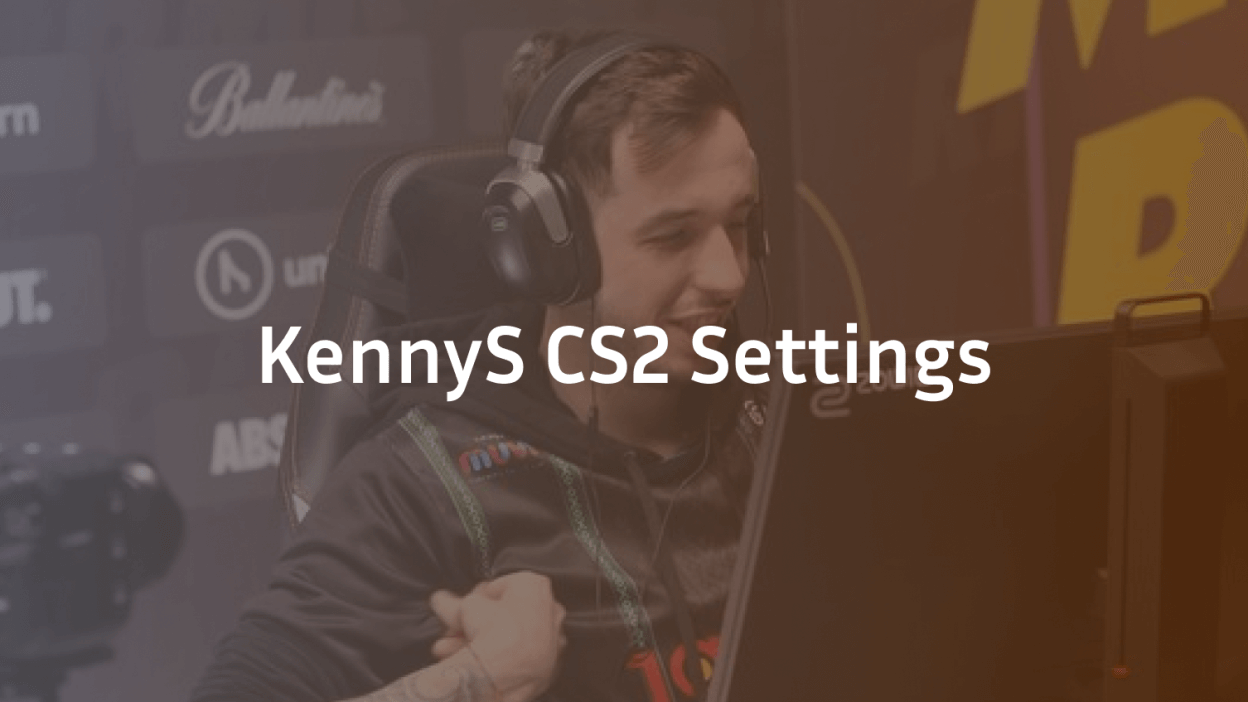
Kenny “kennyS” Schrub is one of the most iconic AWPers in Counter-Strike history, and his setup still shapes how snipers play today. In this guide, we break down the full kennyS CS2 settings — sensitivity, crosshair, viewmodel, video config, and gear — so you can copy the exact setup he uses as a content creator on CS2. Every number below comes straight from his verified public config.

Who Is kennyS?
kennyS is a French pro turned content creator, best known for his time on Team EnVyUs and G2 Esports, where he was widely considered the best AWPer in the world during 2015–2016. He was crowned HLTV’s #1 player of 2015. Today, he plays as a Content Creator and still streams CS2 with an aggressive, flick-heavy AWP style.
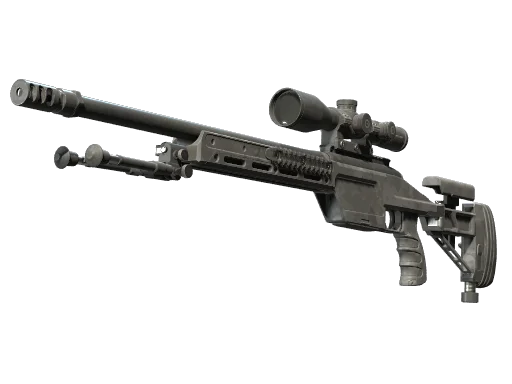
If you love the sniper role, his configuration is a great starting point — especially paired with a clean awp skin that helps you spot your scope.
kennyS CS2 Mouse Settings
kennyS uses a low-to-medium sensitivity typical of top AWPers. The key is that his effective sens (DPI × in-game sens) lands right in the pro sweet spot.
| Setting | Value |
|---|---|
| DPI | 400 |
| Sensitivity | 2.2 |
| eDPI | 880 |
| Zoom Sensitivity | 1.0 |
| Hz (Polling Rate) | 1000 |
| Windows Sensitivity | 6 |
| Raw Input | 1 |
| Mouse Acceleration | 0 |
Key takeaway: An eDPI of 880 is on the lower end for riflers but standard for AWPers who need precise flicks. If you’re switching from a rifle-focused sens, expect an adjustment period.
kennyS CS2 Crosshair
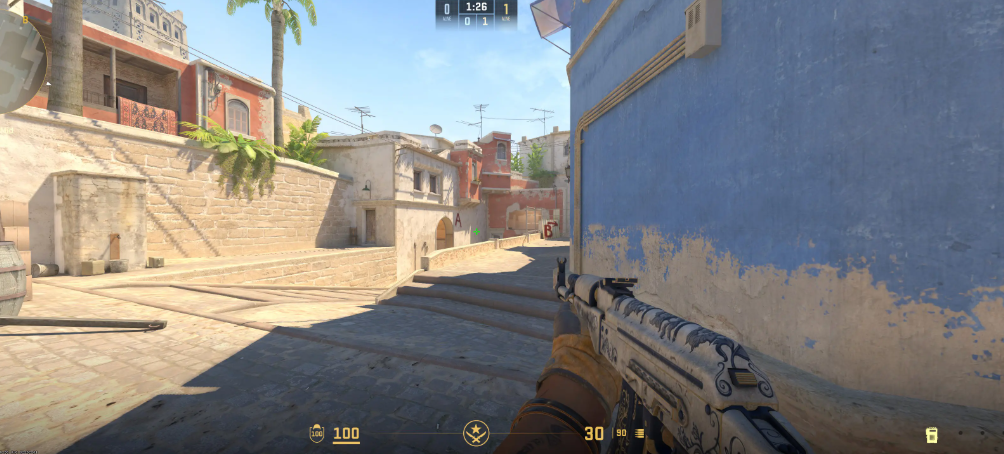
His crosshair is small, static, and cyan — designed for pixel-perfect AWP flicks where the dot needs to sit exactly where the shot lands.
cl_crosshairstyle 4cl_crosshairsize 2
cl_crosshairthickness 0.5
cl_crosshairgap -3
cl_crosshair_drawoutline 0
cl_crosshaircolor 1
cl_crosshaircolor_r 0
cl_crosshaircolor_g 255
cl_crosshaircolor_b 255
cl_crosshairdot 0
cl_crosshair_t 0
cl_crosshairalpha 255
Copy-paste command:
CSGO-acWy2-5hUSy-RCSLF-DqjWD-U647MWant to compare crosshair styles across pros? Check our karrigan cs2 settings breakdown for an IGL’s setup, or the broky cs2 settings guide for another elite AWPer perspective.
kennyS CS2 Viewmodel
kennyS runs a desktop viewmodel (weapon centered lower, more screen real estate). This keeps his view of angles clean when peeking with the AWP.
viewmodel_offset_x 2viewmodel_offset_y 2viewmodel_offset_z -2viewmodel_fov 68
viewmodel_presetpos 0cl_bob_lower_amt 5
cl_bobamt_lat 0.1
cl_bobamt_vert 0.1
cl_bobcycle 0.98
kennyS CS2 Video Settings
Kenny plays at 1024×768 stretched on a 4:3 aspect ratio — a classic pro choice that makes models appear wider and easier to hit.
| Setting | Value |
|---|---|
| Resolution | 1024×768 |
| Aspect Ratio | 4:3 |
| Scaling Mode | Black Bars |
| Display Mode | Fullscreen |
| Refresh Rate | 240 Hz |
| Boost Player Contrast | Enabled |
| Wait for Vertical Sync | Disabled |
| Multisampling Anti-Aliasing | 8x MSAA |
| Global Shadow Quality | High |
| Model / Texture Detail | Low |
| Texture Filtering | Bilinear |
| Shader Detail | Low |
| Particle Detail | Low |
| Ambient Occlusion | Disabled |
| High Dynamic Range | Quality |
| FidelityFX Super Resolution | Disabled (Highest Quality) |
| NVIDIA Reflex Low Latency | Disabled |
Bold takeaway: The 4:3 stretched format widens hitboxes visually and is a favorite among veteran CS players. If you’re on a modern high-refresh monitor, this setup still holds up.
For a deeper dive into optimizing your visuals, our cs2 graphic settings guide explains what each option actually does.
kennyS Gear & Peripherals
| Gear | Model |
|---|---|
| Mouse | Razer DeathAdder V4 Pro |
| Mousepad | Flicks Kennys |
| Keyboard | Bloody AT98 (or Logitech G512 Carbon depending on configuration) |
| Headset | Razer BlackShark V2 Pro |
| Monitor | AOC AG251FZ |
The Razer DeathAdder V4 Pro is a right-handed ergo shape popular with AWPers — light enough for flicks but stable for precise scoped shots.
kennyS Launch Option
Does not use any Launch OptionsWhy This Setup Works
kennyS’s config prioritizes three things: clean vision, precise input, and low system latency. Every choice — from CMAA2 anti-aliasing to NVIDIA Reflex Boost — reduces visual noise and shaves milliseconds off his click-to-photon time. That matters most when you’re the AWPer holding a key angle on maps from the mirage collection or Dust II.
If you want to see how other elite riflers configure their game, our w0nderful cs2 settings guide covers the current NAVI AWPer, while kscerato cs2 settings shows a top-tier rifler’s approach.
How to Apply kennyS’s Config
- Back up your current config (found in
...\Steam\userdata\).\730\local\cfg\ - Create a new file called
kennys.cfgand paste the crosshair + viewmodel commands. - In-game console, run:
exec kennys.cfg - Set your DPI to 400 and in-game sensitivity to 2.2.
- Switch resolution to 1024×768 stretched, 4:3.
Final Thoughts
The kennyS CS2 settings are a masterclass in AWPer minimalism — low sens, tiny cyan crosshair, stretched 4:3, and every graphical feature tuned for clarity. Copy his setup, spend a week adjusting, and see if it unlocks your flicks. Ready to complete the fantasy? Browse cs2 skins on cs2.ad and pick up an AWP finish worthy of the legend himself.