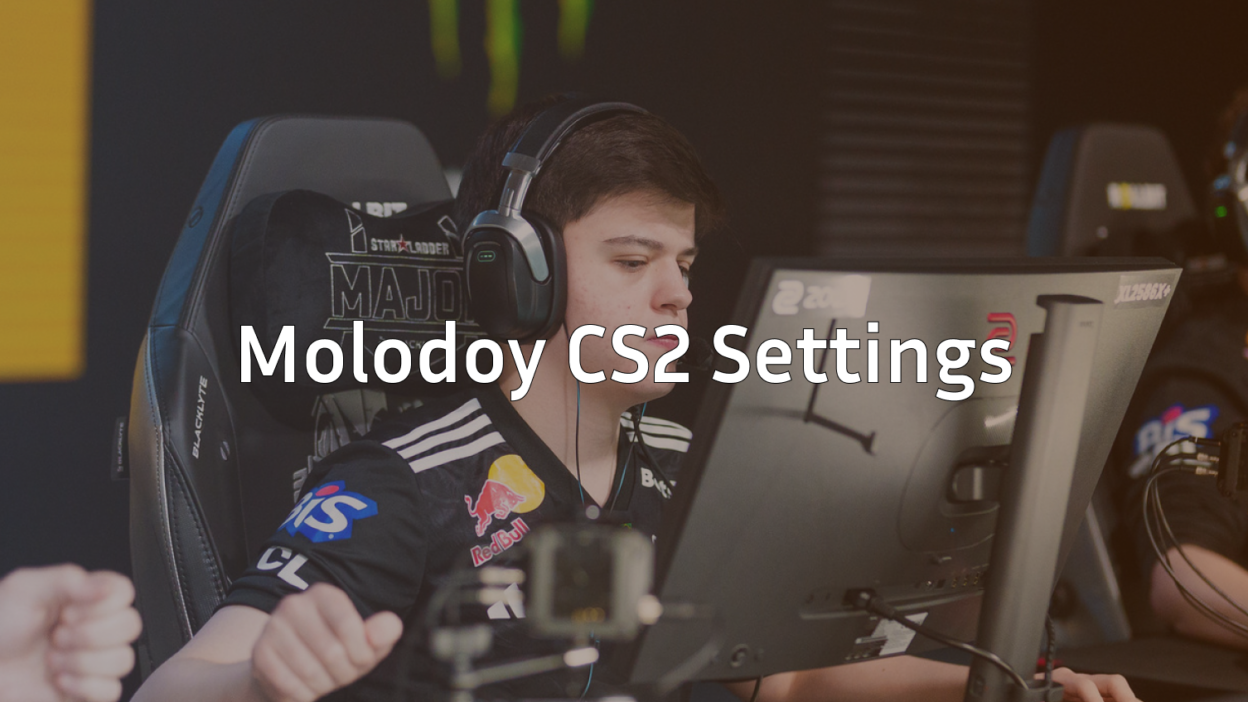
When it comes to molodoy CS2 settings, you’re looking at the configuration of one of the most explosive AWPers in professional Counter-Strike. Danil “molodoy” Golubenko burst onto the scene in 2025 and immediately made his mark, finishing as HLTV’s 6th-ranked player of the year with two MVP awards.
The 21-year-old Kazakhstani sniper has transformed FURIA into a championship-caliber team, and his settings reflect the precision needed for elite-level AWPing. Let’s dive into the complete breakdown of molodoy’s CS2 configuration.
Who is molodoy? The Rising AWP Star
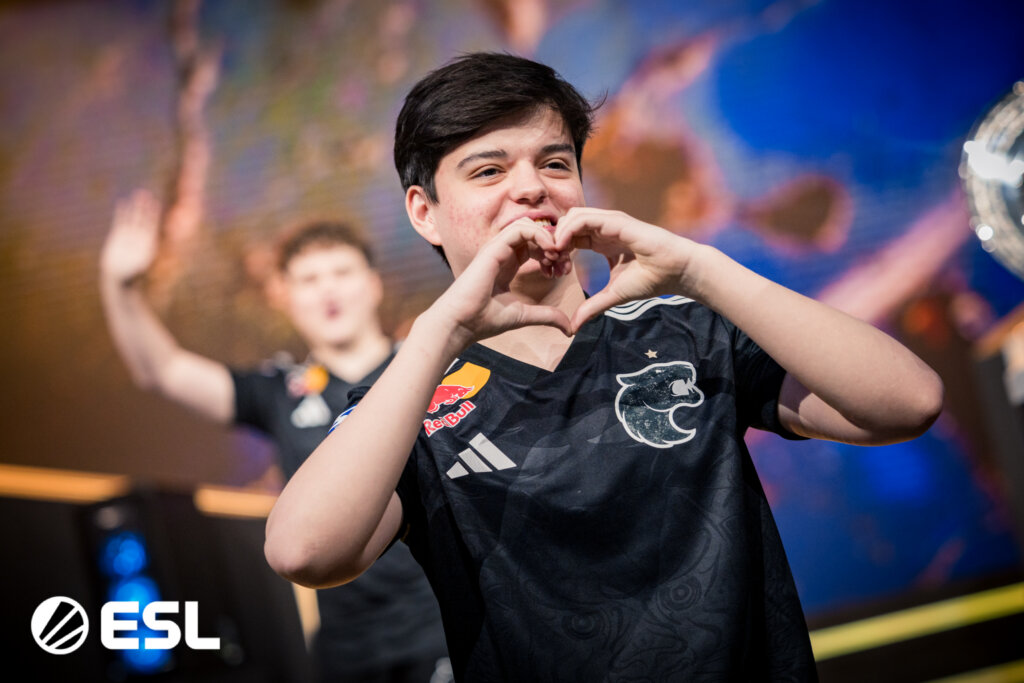
Danil “molodoy” Golubenko (born January 10, 2005) is a Kazakhstani professional Counter-Strike 2 player who debuted in the HLTV Top 20 and immediately placed 6th based on the results of 2025. In less than a year in Tier-1, molodoy managed to win several big tournaments with FURIA, claim two MVPs at Big Events, and receive two additional EVP mentions.
Career Highlights & Achievements
- HLTV Top 20 Debut: 6th place in 2025
- MVP Awards: FISSURE Playground 2 and IEM Chengdu 2025
- Major Tournaments Won: 4 titles with FURIA in 2025
- Rating: 1.17 overall rating across 229 maps
- Role: Primary AWPer for FURIA
In 2025 molodoy became the “center of gravity” for FURIA, around which both strategies and the team’s psychological confidence were built. His aggressive entry style and clutch performances have made him one of the most feared AWPers in the game.
Molodoy’s Complete CS2 Mouse Settings
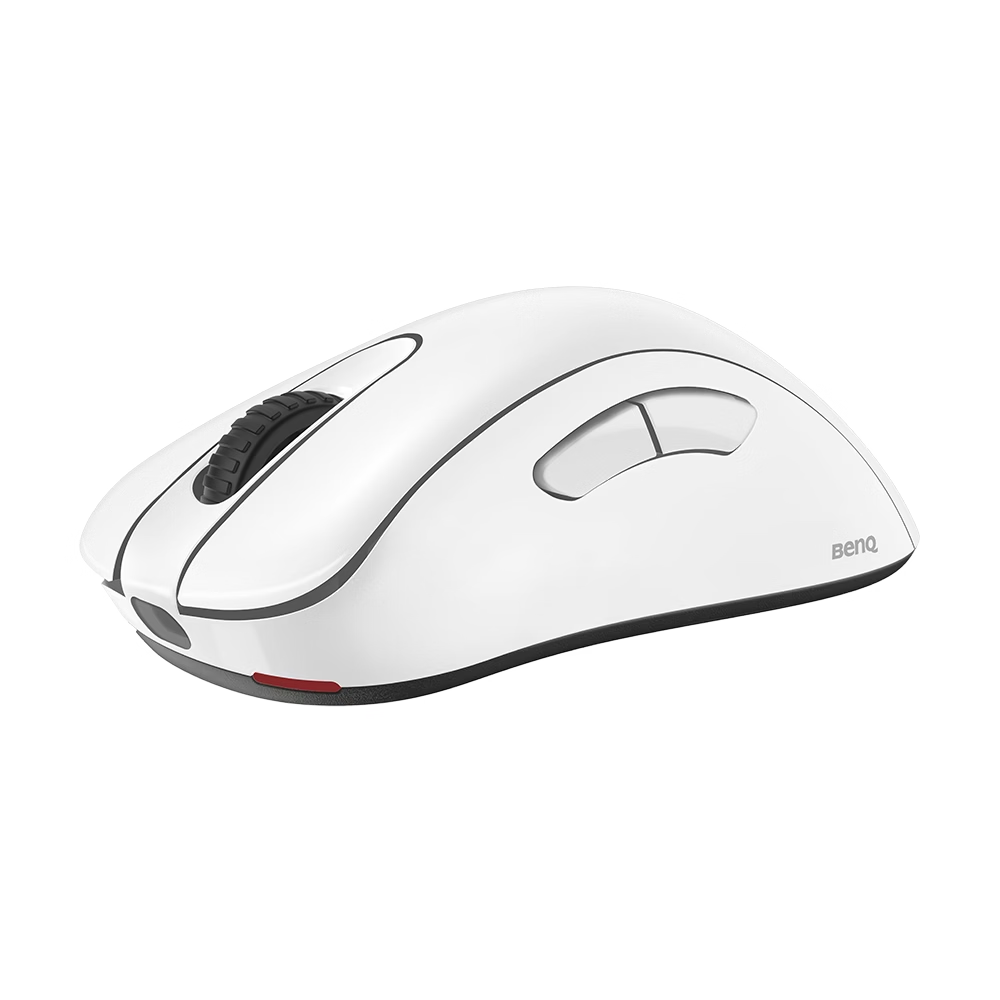
The foundation of any pro AWPer’s success starts with perfect mouse settings. Here’s molodoy’s exact mouse configuration:
Mouse Hardware & Sensitivity
| Setting | Value |
| Mouse | ZOWIE EC2-DW White |
| DPI | 400 |
| In-Game Sensitivity | 2.0 |
| eDPI | 800 |
| Zoom Sensitivity | 1.0 |
| Polling Rate | 1000Hz |
| Windows Sensitivity | 6 (Default) |
He uses 400 DPI and a sensitivity of 2. This relatively low sensitivity is perfect for precise AWP shots while still allowing for quick flicks and repositioning.
Why These Settings Work for AWPing
Low eDPI Advantage: At 800 eDPI, molodoy can make micro-adjustments for headshots while maintaining consistency across long angles. This is crucial for an AWPer who needs pixel-perfect precision.
1:1 Zoom Ratio: His zoom sensitivity of 1.0 means there’s no acceleration when scoped, creating muscle memory consistency between scoped and unscoped aim.
For comparison with other top AWPers, check out our s1mple’s CS2 Settings guide to see how the GOAT configures his setup.
Molodoy CS2 Crosshair Settings & Codes
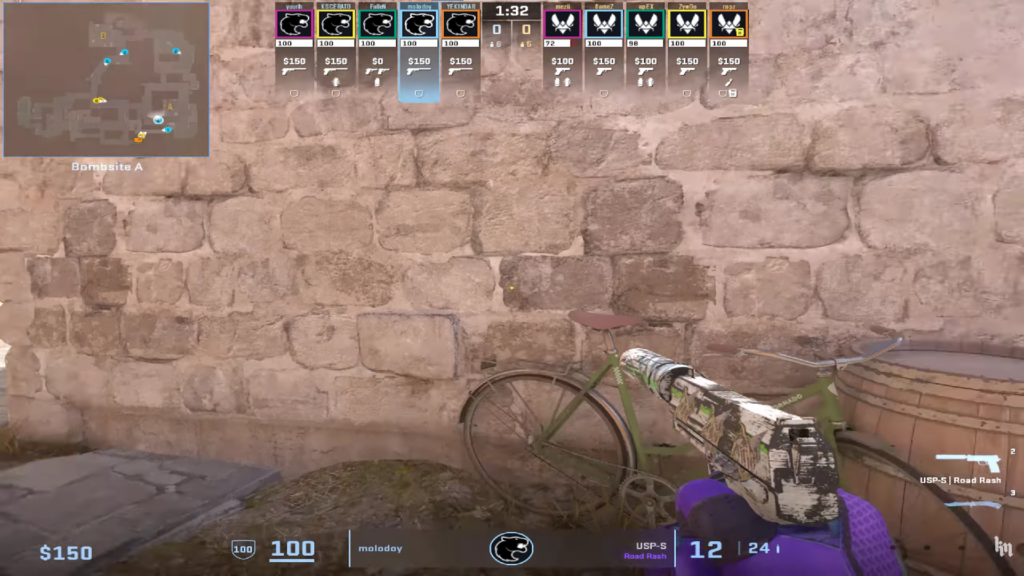
His crosshair is Classic Static in cyan with an outline. molodoy frequently updates his crosshair, but here are his most recent configurations:
Latest Crosshair Code
CSGO-QVJA3-eFyR4-wjv9e-x3tNO-DqmHB
Crosshair Settings Breakdown
| Setting | Value |
| Style | Classic Static (Style 4) |
| Size | 1 |
| Thickness | 0 |
| Gap | -4 |
| Color | Cyan (0, 255, 255) |
| Alpha | 255 (Fully Opaque) |
| Outline | Yes (Thickness: 1) |
| Center Dot | No |
Alternative Crosshair Codes
molodoy has used these crosshairs in recent matches:
CSGO-C8938-HaQy7-OcUZo-6qoKB-aAmDACSGO-n6ery-bedXS-3ZJOX-3Oxkx-QomHB
molodoy uses an ultra-minimal crosshair that stays visible without becoming distracting. Perfect for an AWPer who still needs a clean sight for pistols and rifles.
How to Import Molodoy’s Crosshair
- Copy one of the crosshair codes above
- Open CS2 and go to Settings > Game > Crosshair
- Click “Share or Import”
- Paste the code and click “Import”
For more crosshair options, explore our how to change crosshair in CS2 guide.
Molodoy CS2 Viewmodel Configuration
The viewmodel FOV is 68. Here are molodoy’s complete viewmodel settings:
Viewmodel Commands
viewmodel_fov 68viewmodel_offset_x 2.5
viewmodel_offset_y 0
viewmodel_offset_z -1.5
viewmodel_presetpos 1
Viewmodel Settings Explained
- FOV 68: Slightly higher than default, providing better peripheral vision
- X Offset 2.5: Positions the weapon more to the right
- Y Offset 0: Keeps the weapon at default forward/back position
- Z Offset -1.5: Lowers the weapon slightly for better screen visibility
The CS2 viewmodel settings are responsible for the position of the hand and the weapon. molodoy’s configuration maximizes screen real estate while maintaining weapon visibility for recoil control.
Molodoy CS2 Video Settings
Video settings include very high global shadow quality, high model/texture detail, and trilinear texture filtering. Here’s his complete video configuration:
Display Settings
| Setting | Value |
| Resolution | 1280×960 |
| Scaling Mode | 4:3 Stretched |
| Display Mode | Fullscreen |
| Refresh Rate | 240Hz |
| Brightness | 110% |
| Aspect Ratio | 4:3 |
Graphics Quality Settings
| Setting | Value |
| Global Shadow Quality | Very High |
| Model/Texture Detail | High |
| Texture Filtering Mode | Trilinear |
| Shader Detail | High |
| Particle Detail | High |
| Ambient Occlusion | High |
| High Dynamic Range | Quality |
| FidelityFX Super Resolution | Disabled |
| NVIDIA Reflex Low Latency | Enabled |
Advanced Video Settings
| Setting | Value |
| Multisampling Anti-Aliasing Mode | None |
| Global Shadow Quality | Very High |
| Dynamic Shadows | All |
| Effect Detail | High |
| Shader Detail | High |
| Boost Player Contrast | Enabled |
| Wait for Vertical Sync | Disabled |
| Motion Blur | Disabled |
Because molodoy is as quick as a flash on the AWP, he’s able to play in the speedier 4:3 and not feel a negative impact. The stretched resolution gives him wider player models while maintaining the speed advantage of 4:3.
Molodoy CS2 Audio & HUD Settings
Audio Configuration
| Setting | Value |
| Master Volume | 0.5 |
| Music Volume | 0.0 |
| Voice Volume | 0.4 |
| Audio Device | Logitech G PRO X 2 Headset |
| Audio Quality | High |
| 3D Audio Processing | Disabled |
HUD Settings
| Setting | Value |
| HUD Scale | 0.85 |
| HUD Color | Default |
| Radar Scale | 0.7 |
| Radar Centers Player | Yes |
| Radar Rotate | No |
| Show Team Positions | Yes |
Molodoy’s Gaming Setup & Hardware
Complete Hardware List
| Component | Model |
| Mouse | ZOWIE EC2-DW White (4K Wireless) |
| Mousepad | Artisan Hayate Otsu XSoft (Wine Red) |
| Keyboard | Logitech G Pro X Keyboard |
| Headset | Logitech G PRO X 2 LIGHTSPEED (Magenta) |
| Monitor | ZOWIE XL2586X+ |
| Monitor Settings | 540Hz (Up to 600Hz), Low Input Lag Mode |
Monitor Configuration
| Setting | Value |
| Picture Mode | Movie |
| Brightness | 80 |
| Contrast | 17 |
| Sharpness | 5 |
| Gamma | Gamma 2 |
| Color Temperature | Normal |
| AMA | High |
| DyAc 2 | Premium |
| Black eQualizer | 10 |
| Color Vibrance | 20 |
| Low Blue Light | 0 |
CS2 Launch Options & Console Commands
Launch Options
Sadly, molodoy does not use any CS2 launch options. However, for optimal performance, consider these standard options:
-novid -tickrate 128 +fps_max 0 -high
Essential Console Commands
Here are key commands molodoy likely uses for practice and gameplay:
Practice Commands
sv_cheats 1mp_roundtime 60
mp_roundtime_defuse 60
mp_limitteams 0
mp_autoteambalance 0
mp_maxmoney 65000
mp_startmoney 65000
mp_buytime 9999
mp_buy_anywhere 1
mp_freezetime 0
Performance Commands
fps_max 0cl_forcepreload 1
mat_queue_mode 2
For a complete list of useful commands, check our CS2 practice commands guide.
How Molodoy’s Settings Impact His Playstyle
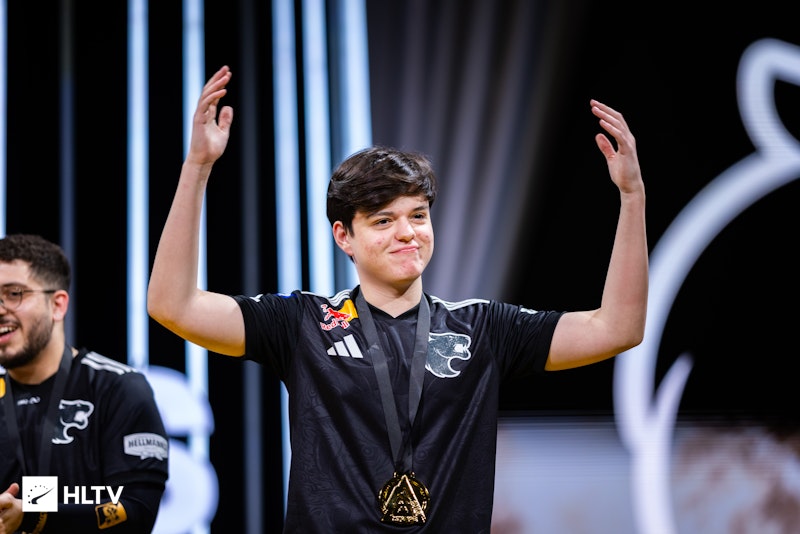
AWP-Optimized Configuration
molodoy plays as an AWPer, so his CS2 settings should emphasize exceptional accuracy. Swift movements of the mouse to place the crosshair over the head and a shot to earn the kill — this formula should be flawless to not get punished. For this, mouse sensitivity and a convenient look of the crosshair are extremely important.
Key Advantages of His Setup
- Low Sensitivity: Perfect for precise AWP shots and micro-adjustments
- 4:3 Stretched: Wider player models for easier target acquisition
- Minimal Crosshair: Clean sight picture for both scoped and unscoped shots
- High Refresh Rate: 240Hz monitor eliminates motion blur during flicks
Adaptability Across Weapons
Due to the economic aspect in Counter-Strike, even molodoy can’t always be on a sniper rifle. His game settings are good for the pistols, SMGs, and assault rifles, too.
Comparing Molodoy to Other Top AWPers
Want to see how molodoy’s setup compares to other elite snipers? Check out these guides:
- m0NESY CS2 Settings – G2’s young AWP prodigy
- ZywOo CS2 Settings – Vitality’s superstar
- s1mple CS2 Settings – The GOAT’s configuration
AWPer Settings Comparison
| Player | eDPI | Resolution | Crosshair Style |
| molodoy | 800 | 1280×960 (4:3) | Static Cyan |
| m0NESY | 880 | 1280×960 (4:3) | Static Green |
| ZywOo | 1040 | 1920×1080 (16:9) | Static White |
| s1mple | 1236 | 1280×960 (4:3) | Static Cyan |
Training with Molodoy’s Settings
Recommended Practice Routine
- Aim Training: Use aim training maps for 30 minutes daily
- AWP Practice: Focus on flick shots and pre-aims on Dust 2 long angles
- Crosshair Placement: Practice keeping crosshair at head level
- Sensitivity Consistency: Stick with the settings for at least 2 weeks
Essential Training Maps
- aim_botz: Basic aim training
- Yprac_mirage: Learn Mirage callouts and angles
- AWP Training Maps: Specialized AWP practice scenarios
Frequently Asked Questions (FAQs)
What DPI does molodoy use?
He uses 400 DPI and a sensitivity of 2. This gives him an eDPI of 800, perfect for precise AWP shots.
What crosshair does molodoy use?
His most recent crosshair code is CSGO-QVJA3-eFyR4-wjv9e-x3tNO-DqmHB. His crosshair is Classic Static in cyan with an outline.
What resolution does molodoy play on?
molodoy plays on 1280×960 4:3 stretched resolution, which gives him wider player models while maintaining competitive advantages.
Does molodoy use launch options?
Sadly, molodoy does not use any CS2 launch options. He relies on in-game settings for optimization.
What monitor does molodoy use?
He uses a ZOWIE XL2586X+ running at 240Hz with specialized settings for competitive gaming.
Conclusion: Master the AWP with Molodoy’s Configuration
Chengdu brought him his second MVP and secured his status as one of the world’s leading AWPers. molodoy’s rapid rise to the top of professional CS2 proves that the right settings, combined with dedication and talent, can lead to extraordinary success.
His configuration emphasizes precision, consistency, and adaptability – exactly what you need to excel as an AWPer in CS2. Whether you’re grinding Premier ranks or practicing on community servers, molodoy’s settings provide a proven foundation for AWP mastery.
Ready to dominate with the AWP? Copy molodoy’s settings, practice consistently, and remember – even the best settings won’t replace hours of dedicated training. Start with his configuration and adjust based on your personal preferences and playstyle.
Want to explore more pro configurations? Check out our complete collection of CS2 pro player settings and find the perfect setup for your game. Happy fragging!