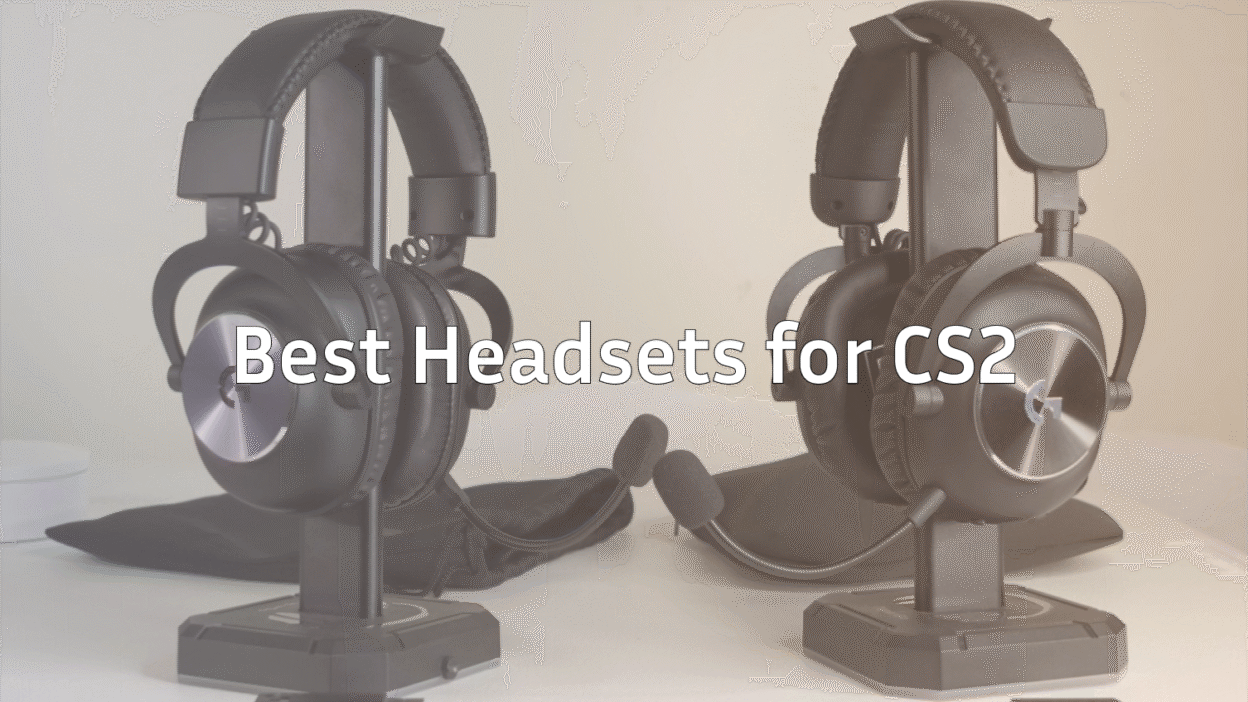
Whether you’re stepping into CS2 for the first time or a seasoned CS:GO veteran, having the right headset can dramatically improve your performance. Footsteps, gunfire, and in-game cues become sharper, giving you that extra edge over opponents. In this guide, we’ll cover the best headsets for CS2, including the top CSGO headset options, Logitech best headset picks, and what to consider when choosing your next audio gear.
Why a Good Headset Matters in CS2
Audio in CS2 isn’t just for immersion it’s competitive advantage. With precise sound positioning, you can:
- Hear enemy footsteps clearly to anticipate pushes across maps like Mirage or Overpass.
- Detect bomb plants and defusals from a distance.
- Communicate effectively with teammates without distortion.
- Immerse yourself in the environment for better game awareness.
Even minor improvements in sound quality can translate into more clutch plays and fewer surprises.
Key Features to Look for in a CS2 Headset
Before we dive into the top picks, here’s what matters most:
| Feature | Why It Matters |
| Sound Quality | Crisp mids, clear highs, and punchy lows help you detect footsteps and gunfire. |
| Surround Sound | 7.1 or virtual surround helps locate enemies accurately in 3D space. |
| Comfort | Padded ear cups and adjustable headbands allow long gaming sessions without fatigue. |
| Microphone Quality | Clear voice chat ensures no miscommunication in team-based modes. |
| Durability | Sturdy build to withstand long-term use. |
| Wired vs Wireless | Wired minimizes latency; wireless adds mobility but check for lag. |
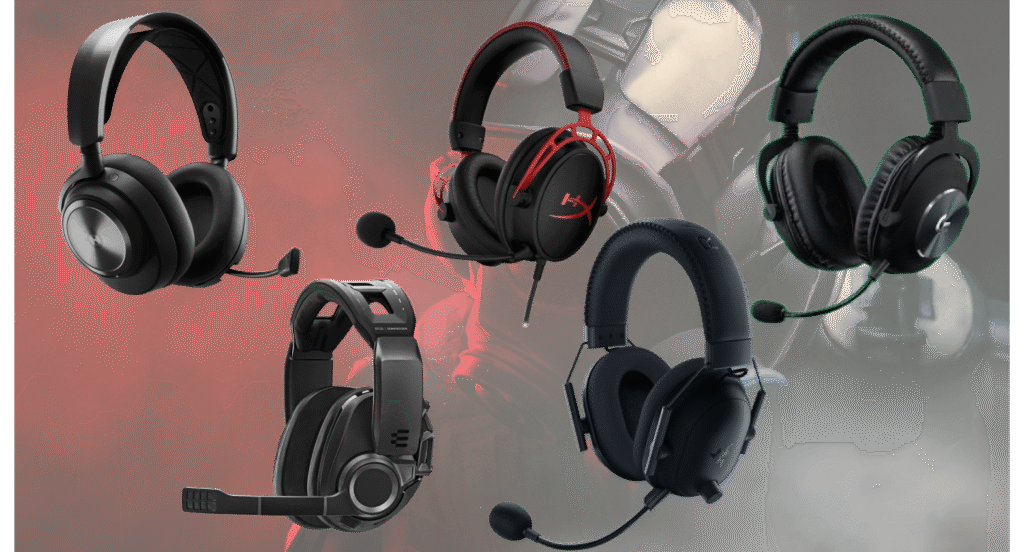
Top Headsets for CS2 in 2026
1. SteelSeries Arctis Nova Pro
- Pros: Superb 3D audio, comfortable for long sessions, detachable mic.
- Cons: Premium price.
- Why CS2 Players Love It: The clarity of footsteps and directional audio is perfect for competitive play. Works great with guides like CS2 Mirage smokes to anticipate enemy rotations.
2. Logitech G Pro X
- Pros: Excellent microphone, durable, lightweight design.
- Cons: Wired only.
- Best Use: Competitive players looking for a Logitech best headset for CSGO and CS2. Pair it with CS2 pro settings for maximum advantage.
3. HyperX Cloud Alpha
- Pros: Outstanding comfort, dual chamber drivers for rich sound, budget-friendly.
- Cons: No wireless option.
- Why It’s Great: A solid best headset for CSGO and CS2 combo without breaking the bank. Ideal for improving your game on maps like Dust 2 and Inferno.
4. Razer BlackShark V2
- Pros: Clear audio, THX Spatial Audio, lightweight.
- Cons: Ear cups can be warm in long sessions.
- Ideal For: Gamers who prioritize precise sound positioning in clutch scenarios, especially when combined with guides like CS2 grenade binds.
5. Sennheiser GSP 670
- Pros: Exceptional sound and build quality, wireless with low latency.
- Cons: Expensive.
- Pro Tip: Perfect for high-level CS2 play, especially when following CS2 audio settings guide to maximize positional accuracy.
Wired vs Wireless: Which Should You Choose?
- Wired: Zero latency, consistent performance, often better value. Best for tournament play.
- Wireless: More freedom of movement, minimal latency on premium models. Great for casual and streamer setups.
Combine your headset with pro setups like s1mple CS2 settings or shroud CS2 settings to fully optimize your gameplay.
How to Get the Most Out of Your CS2 Headset
- Enable 3D/Surround Sound: Many headsets like SteelSeries and Razer support 7.1 or spatial audio.
- Adjust EQ Settings: Boost highs slightly for footsteps without sacrificing gun audio.
- Use Noise-Canceling Mics: Reduce background noise for clearer team communication.
- Check In-Game Audio Settings: Match headset output to CS2 settings for maximum positional accuracy.
For optimal CS2 audio performance, check out our best CS2 audio settings guide.
Bonus Tips from Pro CS2 Players
Many pro settings are available in our guides like niko’s CS2 settings or sh1ro’s CS2 setup. Combining a pro headset with their sensitivity and audio setups can significantly improve your gameplay.
Conclusion
Choosing the right headset is about balancing sound quality, comfort, and budget. Whether you’re hunting for the best CSGO headset, a Logitech best headset, or a versatile gaming headset for CS2, this guide has you covered. Investing in a quality headset doesn’t just improve immersion it can directly improve your performance in clutch situations.
Remember, combining your headset choice with other optimization guides like CS2 crosshair guide or CS2 pro settings ensures you get every advantage possible.