










































































































































































































































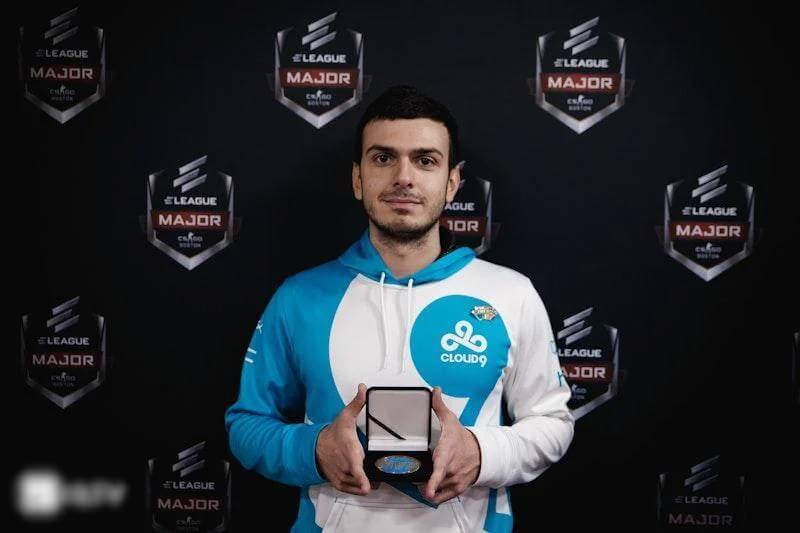
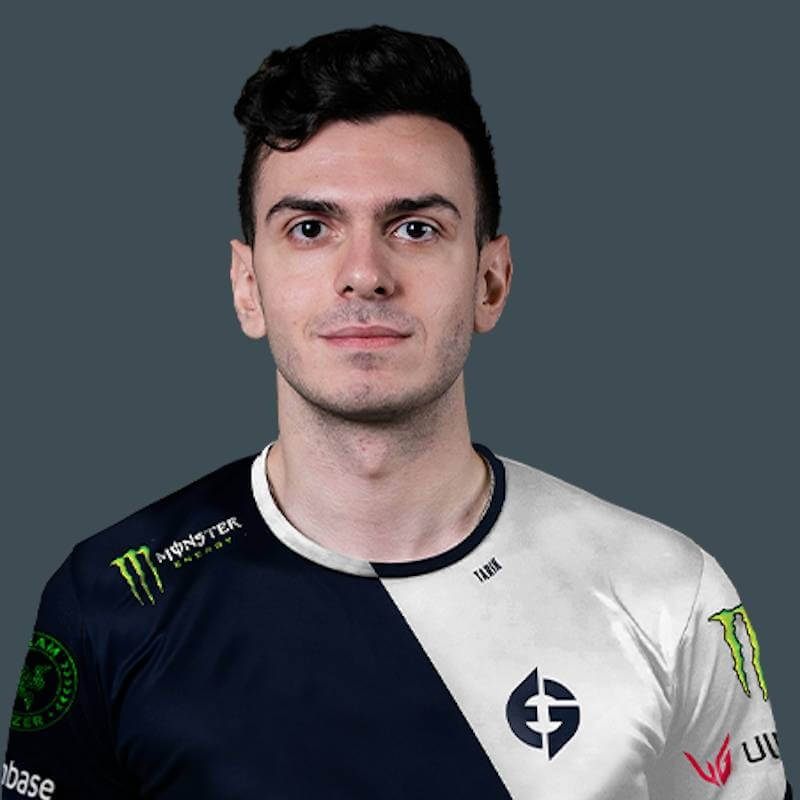
If you’ve spent any time on Twitch or followed the professional Counter-Strike scene over the last decade, you know Tarik Celik. From winning a Major with Cloud9 to becoming the “CEO of VALORANT” streaming, Tarik remains one of the most mechanically gifted players in tactical shooters.
Even though he spends a lot of time in other games now, Tarik frequently returns to Counter-Strike 2, bringing his sharp aim and aggressive playstyle with him. If you want to replicate his snappy movement and crisp headshots, you need the right foundation.
In this guide, we’re breaking down the official tarik CS2 settings, including his tarik cs2 crosshair, mouse sensitivity, and tarik monitor setup.
Tarik CS2 Mouse Settings
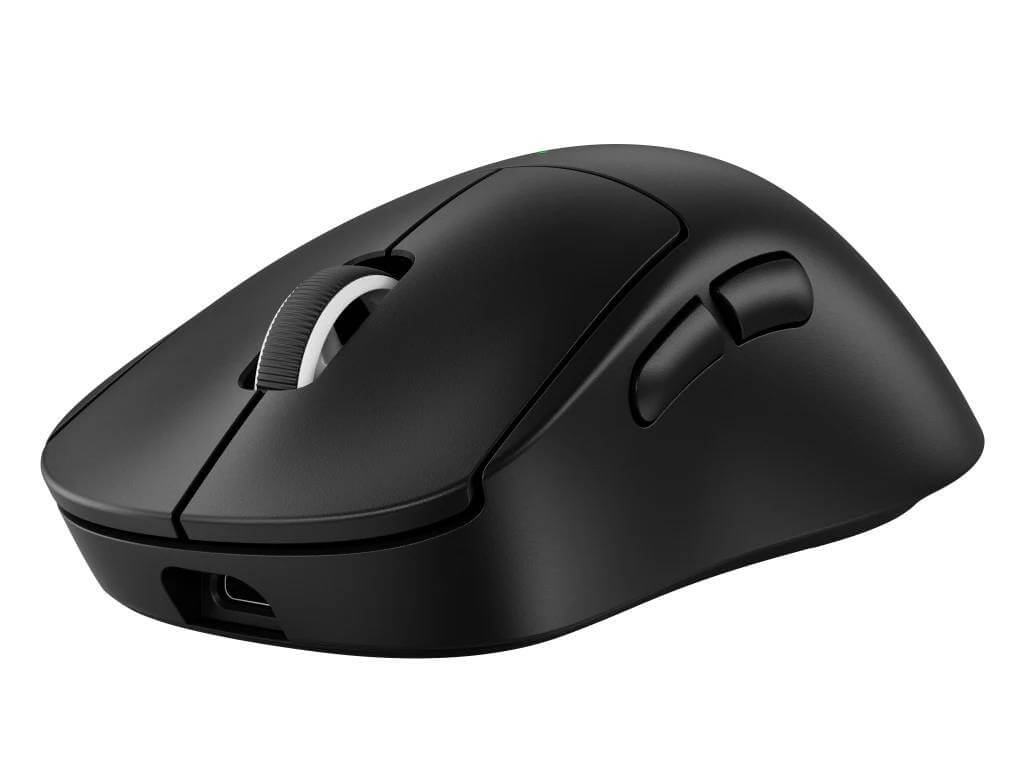
Tarik uses a relatively standard DPI for a pro, but his “effective DPI” is what allows him to pull off those insane flick shots. Like many best CS2 players, he keeps mouse acceleration off to ensure muscle memory remains consistent.
| Setting | Value |
| DPI | 800 |
| Sensitivity | 1.10 |
| eDPI | 880 |
| Zoom Sensitivity | 1.00 |
| Hz | 1000 |
| Windows Sensitivity | 6/11 |
| Raw Input | On |
If you are coming over from Riot’s shooter, you might want to check out our VALORANT to CS2 sensitivity converter to see how your current aim stacks up against Tarik’s.
Tarik CS2 Crosshair (The Secret Sauce)
The tarik cs2 crosshair is a classic small, static cyan crosshair. It provides high visibility against most backgrounds on maps like Mirage or Inferno without obscuring your target’s head.
Crosshair Code:
CSGO-S7u86-N4p9v-7uN38-5f2rN-XmS6B
Crosshair Settings Breakdown
If you prefer to enter the CS2 crosshair commands manually into the console, use these:
- Style: 4 (Static)
- Size: 2
- Thickness: 1
- Gap: -3
- Outline: No
- Color: Cyan (Color 4)
- Dot: No
Want to experiment further? You can learn how to change crosshair in CS2 or even try out a CS2 dot crosshair if you find Tarik’s version too distracting.
Tarik CS2 Video & Monitor Settings
Tarik is a fan of the “stretched” look. Using a CS2 4:3 resolution makes player models appear wider, which many pros feel makes them easier to hit. This is a common trend among legends—you’ll see similar setups in our s1mple CS2 settings and shroud CS2 settings guides.
Monitor Setup (tarik monitor)
- Monitor: ASUS ROG Swift PG259QN (360Hz)
- Resolution: 1280×960
- Aspect Ratio: 4:3 (Stretched)
- Scaling Mode: Fullscreen
Video Settings
Tarik prioritizes performance and visibility over eye candy. Lowering CS2 graphic settings ensures the highest possible FPS and lowest CS2 input lag.
- Global Shadow Quality: High (Crucial for seeing player shadows)
- Model/Texture Detail: Low
- Texture Filtering Mode: Bilinear
- Shader Detail: Low
- Particle Detail: Low
- Ambient Occlusion: Disabled
- HDR: Performance
- FidelityFX Super Resolution: Disabled (Highest Quality)
- NVIDIA Reflex Low Latency: Enabled + Boost
Tarik Viewmodel Settings
The viewmodel determines how much space your gun takes up on the screen. Tarik uses a fairly standard “pro” viewmodel that keeps the weapon tucked away to maximize screen real estate.
- viewmodel_fov 68
- viewmodel_offset_x 2.5
- viewmodel_offset_y 0
- viewmodel_offset_z -1.5
- viewmodel_presetpos 3
To customize this for yourself, check out our guide on how to change viewmodel in CS2.
Peripheral Gear
Tarik’s gear is built for speed and precision. While tarik csgo settings have evolved over the years, his hardware remains top-tier:
- Mouse: Logitech G Pro X Superlight 2
- Keyboard: SteelSeries Apex Pro TKL
- Headset: Sennheiser Game Zero
How to Apply These Settings
To get the most out of these tarik settings, we recommend setting up a CS2 autoexec file. This ensures that every time you launch the game, your sensitivity, binds, and crosshair are exactly where they should be.
If you’re looking to upgrade your look while using these settings, you might want to check out some knife cases in CS2 or hunt for a butterfly knife to match Tarik’s flashy playstyle.
Summary Table: Tarik CS2 Config at a Glance
| Category | Tarik’s Preference |
| Sensitivity | 1.10 @ 800 DPI |
| Resolution | 1280×960 (Stretched) |
| Crosshair | Cyan, Size 2, Gap -3 |
| Refresh Rate | 360Hz |
| Scaling | Stretched |
Frequently Asked Questions (FAQs)
What is Tarik’s CS2 crosshair code?
You can import Tarik’s exact crosshair using the code: CSGO-S7u86-N4p9v-7uN38-5f2rN-XmS6B. This will give you his signature small cyan static crosshair. If you want to try something different, you can also look into a CS2 square crosshair for a more “boxy” feel.
What monitor does Tarik use for CS2?
Tarik currently uses the ASUS ROG Swift PG259QN, which is a 24.5-inch monitor featuring a blazing-fast 360Hz refresh rate. High refresh rates are standard among pros to reduce CS2 stuttering and ensure the smoothest possible gameplay.
Why does Tarik play on a stretched resolution?
Tarik uses 1280×960 (4:3 Stretched) because it makes player models appear larger and wider on the screen. While this lowers your horizontal field of view (FOV), many players find it much easier to hit headshots. If you’re new to this, check out our guide on CS2 stretched res to set it up correctly.
What is Tarik’s mouse sensitivity in CS2?
Tarik plays with a sensitivity of 1.10 at 800 DPI, resulting in an eDPI of 880. This is considered a medium-low sensitivity, providing a great balance between precision and the ability to clear corners quickly. If you want to compare this to other pros, see our m0nesy CS2 settings guide.
Does Tarik use a jump-throw bind?
Yes, like almost all competitive players, Tarik uses a jump-throw bind in CS2. This is essential for landing consistentMirage smokes orInferno smokes that require perfect timing.


