Nitr0 CS2 Settings, Crosshair, and Career Guide
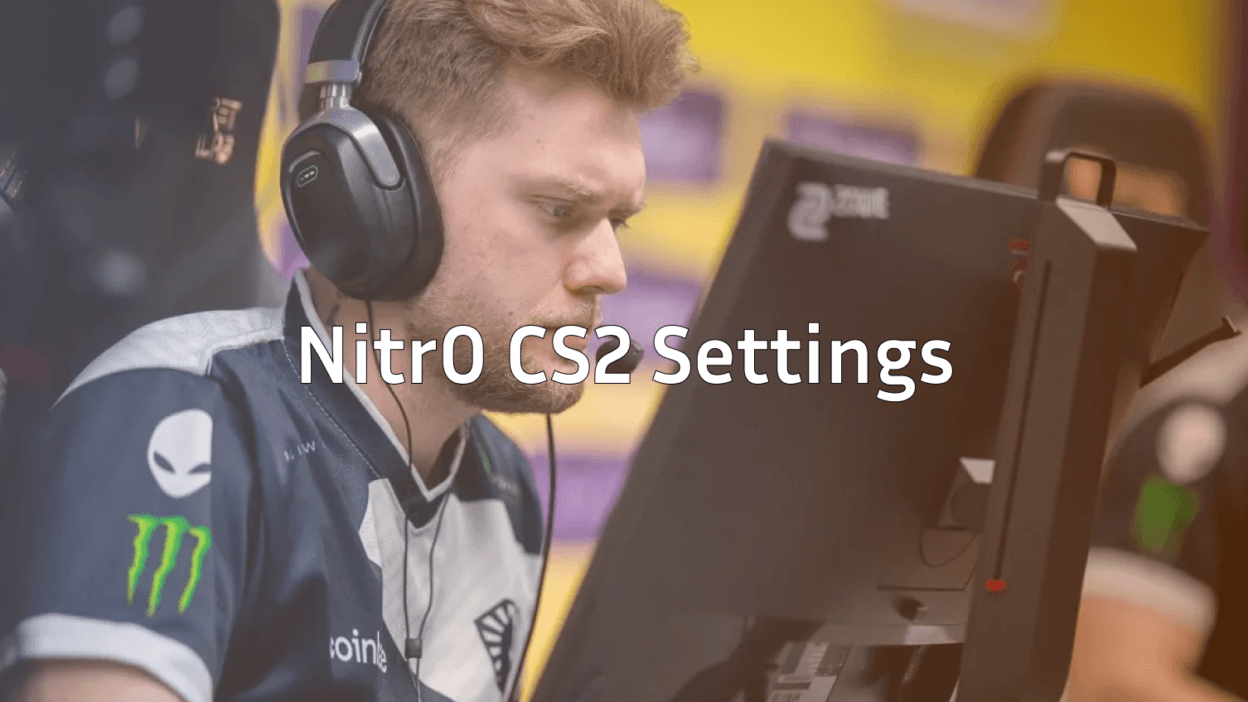
If you’ve ever watched a clutch-heavy NA highlight reel, you’ve probably seen Nick “nitr0” Cannella make it look easy. We’re breaking down the nitr0 CS2 setup crosshair, viewmodel, sensitivity, and the in-game habits that turned him into one of North America’s most respected IGLs.
Whether you want to copy his config or just understand what makes a pro player tick, this guide gives you everything you need.
Who Is nitr0?
nitr0 is a veteran North American CS pro known for his calm leadership and clutch ability. He spent years as the IGL for Team Liquid during their dominant 2019 run, then bounced between VALORANT and CS before returning to Counter-Strike.
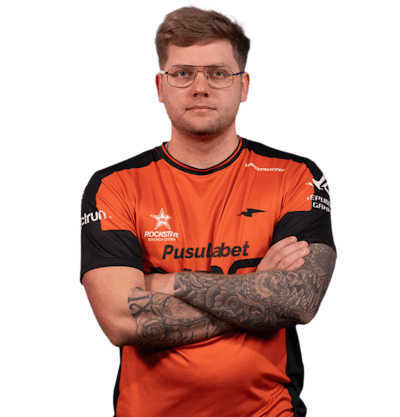
He’s the kind of player who built his name on fundamentals: smart utility, controlled aim, and reading the round better than the enemy. That’s why his settings are worth studying they’re tuned for consistency, not flash.
nitr0 CS2 Crosshair
nitr0 runs a small, classic static crosshair. It’s tight enough to one-tap heads at distance but visible enough during a spray.
Copy and paste this into your console:
cl_crosshairstyle 4cl_crosshairsize 1.5
cl_crosshairthickness 0.5
cl_crosshairgap -2
cl_crosshair_drawoutline 0
cl_crosshaircolor 1
cl_crosshair_dynamic_splitdist 7
cl_crosshair_dynamic_maxdist_splitratio 0
This crosshair works well across all rifles, especially the ak-47 where precise tap-firing matters most.
nitr0 CS2 Sensitivity & Mouse Settings
nitr0 plays on a low-to-mid sensitivity, which is the standard for pro riflers who need stable spray control.
| Setting | Value |
|---|---|
| DPI | 400 |
| In-game Sensitivity | 1.6 |
| eDPI | 640 |
| Zoom Sensitivity | 1.0 |
| Polling Rate | 1000 Hz |
| Windows Sensitivity | 6/11 |
| Raw Input | On |
Why this works: A 640 eDPI gives you enough arm movement to control AK-47 spray patterns while still being fast enough to flick onto wide peeks.
If you’re moving from a higher sens, give it a week before judging your muscle memory needs time to adjust.
Video & Resolution Settings
Like most pros, nitr0 prioritizes frames and visibility over visual quality.
| Setting | Value |
|---|---|
| Resolution | 1280×960 |
| Aspect Ratio | 4:3 |
| Scaling Mode | Stretched |
| Refresh Rate | 240Hz+ |
| Boost Player Contrast | Enabled |
| Multisampling AA | None |
| Shadow Quality | Low |
| Texture Detail | Low |
Stretched 4:3 makes player models appear wider, which many pros find easier to hit. It also slightly reduces FOV, removing peripheral distractions.
For more frame-boosting tweaks, check our cs2 launch options guide proper launch parameters can squeeze extra FPS even on solid hardware.
Viewmodel Settings
nitr0 keeps his viewmodel pulled in close to the center, similar to most NA pros.
viewmodel_offset_x 1viewmodel_offset_y 2
viewmodel_offset_z -2
viewmodel_fov 68
viewmodel_presetpos 3
This setup keeps your weapon out of the way when checking off-angles on maps like Mirage and Inferno.
How nitr0 Plays the Game
Settings only get you so far. nitr0’s strength is reading rounds and managing economy. Here’s what to take from his playstyle:
- Patient defaults: He rarely commits to fast executes without info. Map control first, hit second.
- Clutch composure: His 1vX record is built on staying still, listening, and trading utility for time.
- Smart eco calls: He buys at the right moment, not just when the team has cash.
If you struggle with reading rounds, scrim partners and 1v1 servers help. Our cs2 1v1 server guide walks you through setting up duels to sharpen aim and decision-making.
Practice Routine to Match a Pro Setup
Copying settings is easy. Building the muscle memory is the work. We recommend:
- 15 minutes of aim_botz with the new sensitivity before every session
- Recoil practice with the AK-47 and m4a4 30 bullets each, then reset
- Prefire maps for whichever map you’re queuing
- Deathmatch to apply everything under pressure
Use our list of cs2 practice commands to set up offline servers with infinite ammo, no recoil toggles, and bot control.
Should You Copy nitr0’s Settings?
Yes, with one caveat. Pro settings are a starting point, not gospel. nitr0’s 1.6 sens at 400 DPI works for him because he’s been refining it for years. If it feels off after a week of honest practice, tweak it.
The crosshair, viewmodel, and video settings translate to almost any player. The sensitivity is personal.
Final Thoughts
The nitr0 CS2 config is a masterclass in consistency over flash. Low sens, clean crosshair, stretched 4:3, and a brain wired for round economy. Copy what works, drop what doesn’t, and put in the practice hours.
Looking to upgrade your loadout while you grind? Browse all CS2 skins on cs2.ad to find the AK or AWP that matches your style.