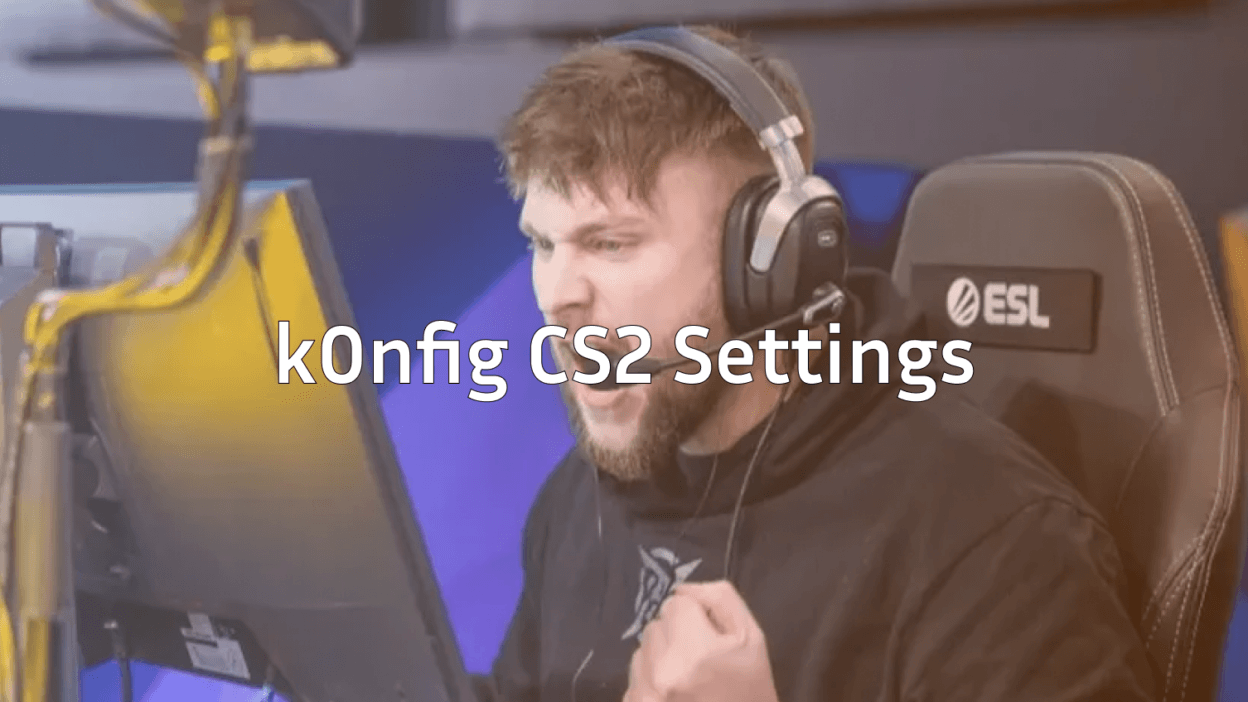
k0nfig CS2 Settings, Crosshair & Config Guide
Want to play with the same setup as one of Denmark’s most aggressive entry fraggers? The k0nfig CS2 config is built for fast peeks, tight crosshair placement, and confident spray control. Below, we break down his complete settings crosshair, sensitivity, viewmodel, and launch options so you can copy them in minutes.
Who Is k0nfig?
Kristian “k0nfig” Wienecke is a Danish professional player known for his aggressive playstyle, hard entries, and reliable rifling on both the m4a4 and ak-47. His config reflects that style: a clean crosshair, stable sensitivity, and a no-nonsense viewmodel that maximizes screen space.

k0nfig CS2 Crosshair
His crosshair is a small, static green classic easy to track on any map and friendly for headshot placement at common angles.
cl_crosshairstyle 4cl_crosshairsize 2
cl_crosshairthickness 1
cl_crosshairgap -2
cl_crosshair_drawoutline 1
cl_crosshair_outlinethickness 1
cl_crosshaircolor 1
cl_crosshaircolor_r 0
cl_crosshaircolor_g 255
cl_crosshaircolor_b 0
cl_crosshairdot 0
cl_crosshair_t 0
Why it works: A static style (4) with a small gap keeps your aim point precise while the outline keeps it visible against bright textures like Mirage’s A site or Inferno’s Banana.
k0nfig Mouse Sensitivity & DPI
| Setting | Value |
|---|---|
| DPI | 400 |
| In-game sensitivity | 1.35 |
| eDPI | 540 |
| Zoom sensitivity | 1.0 |
| Windows sensitivity | 6/11 |
| Polling rate | 1000 Hz |
| Raw input | 1 |
A 540 eDPI is on the lower side of pro averages, which favors precise spray control over flick-heavy plays. If you’re coming from a higher sens, give it a few hours of cs2 1v1 practice to adjust.
Viewmodel Settings
k0nfig prefers a centered, slightly raised viewmodel clean for peeking corners without blocking your aim.
viewmodel_fov 68viewmodel_offset_x 2.5
viewmodel_offset_y 0
viewmodel_offset_z -1.5
viewmodel_presetpos 3
cl_bob_lower_amt 5
cl_bobamt_lat 0.1
cl_bobamt_vert 0.1
cl_bobcycle 0.98
Video Settings
His video config prioritizes frames over visuals typical for any pro chasing high refresh rates.
| Setting | Value |
|---|---|
| Resolution | 1280×960 |
| Aspect Ratio | 4:3 (Stretched) |
| Display Mode | Fullscreen |
| Refresh Rate | Highest available |
| Global Shadow Quality | High |
| Model/Texture Detail | Low |
| Texture Filtering | Bilinear |
| Shader Detail | Low |
| Particle Detail | Low |
| Ambient Occlusion | Disabled |
| FidelityFX Super Resolution | Disabled (Highest Quality) |
| MSAA | None |
| Boost Player Contrast | Enabled |
Stretched 4:3 makes player models appear wider, which many pros prefer for spotting peeks at long ranges like Mid on Dust 2 or Long A.
Launch Options
k0nfig runs a minimal set of launch options. Add these in Steam → CS2 → Properties → Launch Options:
-novid -tickrate 128 -high -freq 240 +fps_max 400For a deeper breakdown, check our full cs2 launch options guide to see which flags actually still work after the Source 2 transition.
Key Binds
He keeps binds simple and ergonomic:
- Jump: Space + Mouse Wheel Down
- Walk: Shift
- Crouch: Ctrl
- Voice: K
- Drop: G
- Inspect: F
If you want to fine-tune your own keyboard layout, our cs2 binds reference covers every useful bind from grenade keys to jumpthrows.
How to Apply the k0nfig Config
- Copy the crosshair and viewmodel commands above.
- Open CS2 and paste them into the developer console (
~). - Type
host_writeconfigto save your settings. - Find your saved file in your cs2 config location and back it up.
That’s it you’re now running the same setup as a Tier 1 entry fragger.
Should You Copy Pro Settings?
Honestly? Partially. Crosshair and viewmodel are personal preference and easy to test. Sensitivity, however, depends on your mousepad size and arm/wrist style. Don’t blindly drop to 1.35 if you’ve been playing on 2.5 for years.
Use k0nfig’s setup as a starting point, then tweak from there. Pair it with regular aim training and time on community servers our cs2 practice commands list will get you set up for solo warmups in seconds.
Final Thoughts
The k0nfig CS2 config is a solid template for aggressive players who want clean visuals and precise aim. Copy the crosshair, test the sensitivity, and adjust until it feels right.
Want to upgrade your in-game look while you’re at it? Browse the latest cs2 skins on cs2.ad to find a loadout worthy of your new setup.