










































































































































































































































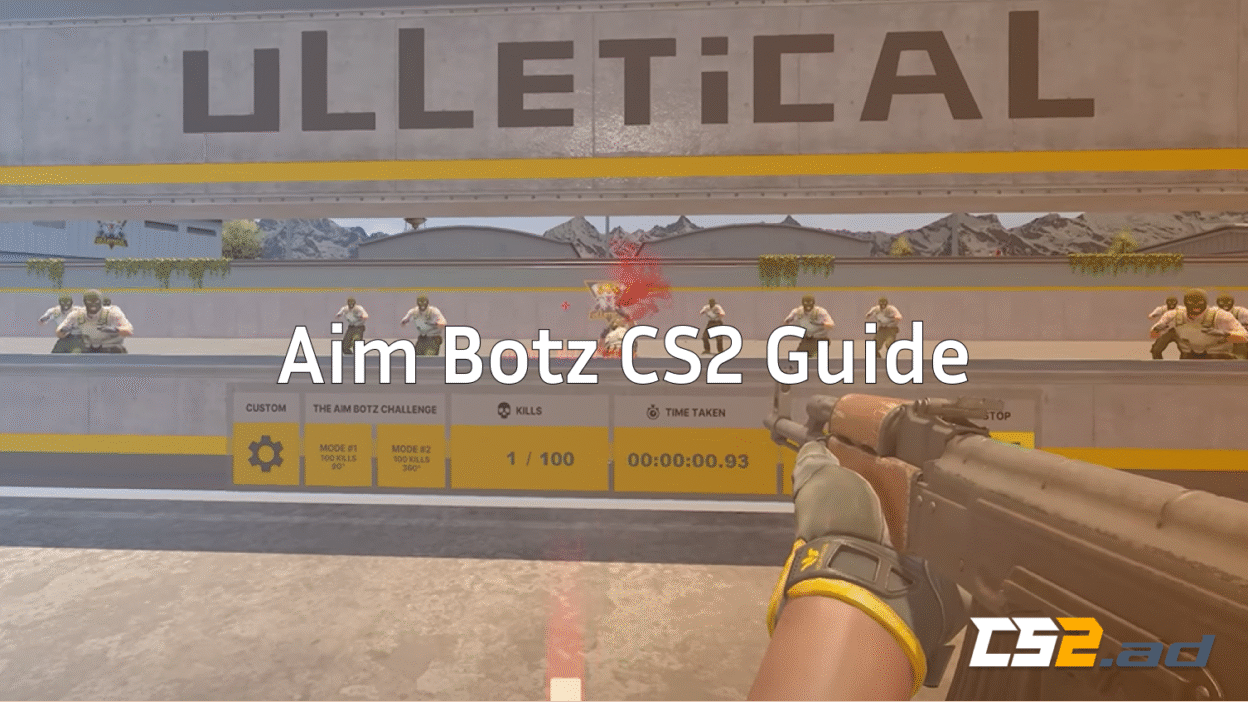
If you want to improve your mechanical skill in Counter-Strike 2, Aim Botz is still the number one warmup and aim-training map on Steam Workshop. Whether you’re grinding Premier, learning recoil patterns, or trying to reach a higher CS2 rank, mastering Aim Botz builds the foundation for consistent crosshair placement, smooth tracking, and fast flicking.
What Is Aim Botz in CS2?

Aim Botz is the most popular community aim-training map originally made for CS:GO and now ported to CS2’s Source 2 engine. The map spawns static and moving bots around you in a 360° arena, allowing you to practice every aiming skill you need:
- Flicking
- Tracking
- Counter-strafing
- Quick switching
- Burst/transfer control
- Spray transfer (works well with CS2 recoil changes)
If you haven’t reviewed recoil yet, check out your CS2 spray patterns guide, which pairs perfectly with Aim Botz training.
How to Install and Play Aim Botz in CS2 (Workshop Map)

Valve added proper Workshop map support to Counter-Strike 2, so installing Aim Botz is simple:
1. Open CS2
2. Click Play → Workshop Maps
3. Press “Visit Workshop”
4. Search:
Aim Botz CS2 / AimBotz – Training
5. Subscribe to the map
6. Return to CS2 and launch it
Best Aim Botz CS2 Settings (Recommended Setup)
Once inside Aim Botz CS2 workshop map, you’ll see a control panel. Use these recommended settings for the most efficient warmup.
Enable these settings
- Moving bots
- Enable “Random strafing”
- Enable headshot-only mode (for warmup)
- Reduce bot HP to 10 (for HS warmup)
- Disable bot armor (optional)
- Enable wall reset (targets respawn fast)
- Add sniper bots for AWP drills
Disable these settings
- Bot shields
- Long-range-only mode (use mixed instead)
- Circular movement (not realistic for CS2 fights)
Best Launch Commands for Aim Botz CS2
Use a local practice config to reduce distractions and boost FPS in training.
Open console and paste:
sv_cheats 1
bot_kick
mp_limitteams 0
mp_autoteambalance 0
mp_roundtime 60
mp_roundtime_defuse 60
mp_restartgame 1
If your CS2 stutters on Aim Botz, read:
Best Sensitivity for Aim Botz CS2
If you’re unsure about sensitivity, try the perfect conversion from Valorant or any other game.
Most pros aim between:
- 800 eDPI to 1400 eDPI (sensitivity × DPI)
Try to avoid extremely high sensitivity.
Lower sens helps with precision, especially in Aim Botz headshot drills.
Best Crosshair for Aim Botz CS2
Your crosshair matters more than you think. If you haven’t found your perfect one yet, use this guide.
Or copy a pro’s crosshair:
Examples:
Best Aim Botz CS2 Drills (Pro-Level Practice Routines)
These drills are designed for 10–20 minute warmups or full training sessions. They combine flicking, tracking, spray transfer, and movement.
1. 3-Minute Headshot-Only Warmup
Settings:
- Headshot only
- Bot HP: 10
- Moving bots enabled
- Sensitivity: normal
Goal: 150+ kills in 3 minutes.
This drill instantly sharpens your first-bullet accuracy.
2. 180° and 360° Flick Drill
Turn left-right and flick to new targets in one smooth motion.
Tips:
- Don’t overshoot
- Keep crosshair at head height (important for real maps like Anubis, Mirage, Ancient)
3. Spray Control + Transfer Drill
Use the AK, M4A4, or M4A1-S and practice:
- Start close
- Pull down to control recoil
- No crouching
- Transfer right-left to new bots
If you want help choosing your rifle:
4. Strafe-Stopping Drill
Enable strafing bots. Only shoot when you stop.
This builds the skill needed for real competitive duels — especially helpful if you’re playing Premier or learning rank system basics.
5. AWP Reaction Drill
Enable sniper bots and immediate respawn.
Goal:
- Aim for 70%+ accuracy
- No unscoped shots
- No crouch unless needed
6. 5-Minute Tracking Challenge
Enable slow-strafing bots. Focus on:
- Smooth tracking
- No flicking
- Shoulder-level movement
- Keeping crosshair stable
Full 15-Minute Daily Aim Botz Routine (Recommended)
| Time | Drill | Focus |
| 3 min | Headshot-only warmup | Flick speed |
| 3 min | 360° flick practice | Crosshair placement |
| 3 min | Spray control + transfers | Recoil mastery |
| 3 min | Strafe-stopping | Counter-strafing |
| 3 min | Tracking drill | Smooth aim |
If you want a full “how to get better at CS2” guide, pair this routine with:
Useful Console Commands for Aim Botz Training
These commands help adjust the training environment:
1. Show FPS
2. Clear decals to avoid distraction
3. Reset your crosshair, viewmodel, or binds
Aim Botz vs Other CS2 Aim Training Methods
| Method | Best For | Pros | Cons |
| Aim Botz | Flicking, tracking, warmups | Fast, simple, consistent | Static environment |
| DM (deathmatch) | Real combat | Reaction speed | Can feel chaotic |
| Recoil training maps | Spray mastery | Very specific practice | Not full aim |
| Retake servers | Mid-round fights | Great game sense | Limited aim focus |
If you want DM servers or community server instructions:
Aim Botz CS2 Not Working? (Fix Guide)

Some players reported issues like:
- Bots not spawning
- Workshop maps not loading
- Black screen
- Low FPS in Aim Botz
Pro Tips to Improve Faster Using Aim Botz
Don’t spam your mouse
Focus on smooth and controlled flicking
Train BOTH headshot and bodyshot drills
Stop ego-peeking in real matches
Add movement—don’t always stand still
Do Aim Botz after warm hands, not when cold
Track your kills per minute (KPM) to track improvement
If you want to learn recoil follow-through:
CS2 Follow Recoil
Combine Aim Botz with Real Map Practice
Don’t overuse Aim Botz — pair it with map-specific training:
And learn callouts to improve game sense:
Frequently Asked Questions (FAQs)
1. What is Aim Botz in CS2?
Aim Botz is a popular CS2 Workshop training map that spawns bots around you in a 360° arena. It helps improve flicking, tracking, crosshair placement, and recoil control through consistent, repeatable drills.
2. How do I install Aim Botz in CS2?
Go to Play → Workshop Maps → Visit Workshop in CS2, search “Aim Botz CS2” or “AimBotz – Training”, click Subscribe, and launch it from your Workshop Maps tab.
3. What are the best settings for Aim Botz CS2?
Turn on moving bots, random strafing, fast respawn, reduced bot HP (10–20), and headshot-only mode for warmups. Turn off bot armor and bot shields unless you want realistic combat simulation.
4. What sensitivity should I use in Aim Botz?
Most pros use 800–1400 eDPI. Lower sensitivity helps with precision and headshot consistency. If switching from Valorant, convert sensitivity using a 1:1 calculator.
5. How long should I practice Aim Botz every day?
Beginners: 10–15 minutes
Intermediate: 15–20 minutes
Advanced / Premier grinders: 20–30 minutes max
Avoid overtraining—Aim Botz is best as a warmup, not hours of grinding
Final Thoughts
Absolutely.
Even in 2025, Aim Botz remains:
- The fastest warmup
- The best consistent aim trainer
- Perfect for building precision
- Great for daily routines
- The #1 choice of pros and streamers
Whether you’re brand new or grinding for Premier rank, using Aim Botz consistently—combined with real CS2 practice—will make you a far more confident and mechanically stronger player.


