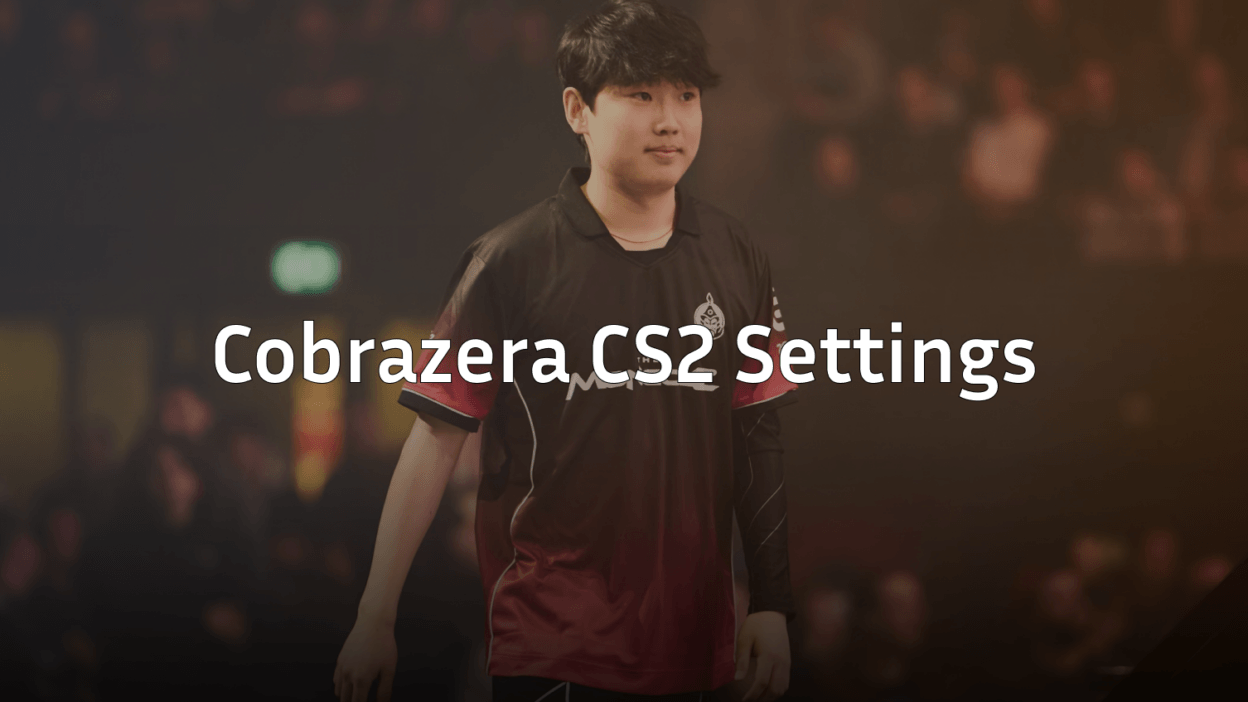
Want to play like one of Brazil’s rising CS2 stars? Cobrazera CS2 settings give you the exact configuration this talented player uses to compete at the highest level. From his mouse sensitivity to crosshair style, we’ve got everything you need to copy his setup.
Cobrazera has made a name for himself in the Brazilian CS2 scene with sharp aim and smart positioning. His settings reflect a balanced approach that prioritizes consistency and precision.
Cobrazera Mouse Settings
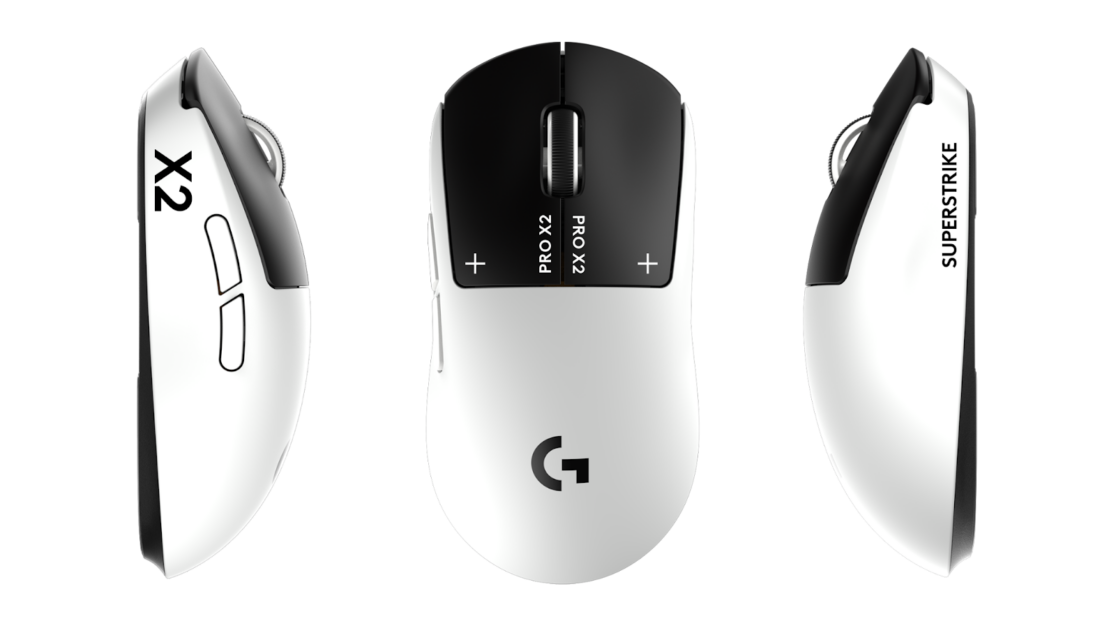
Mouse settings are the foundation of any pro player’s aim. Cobrazera uses a setup that balances speed and control.
| Setting | Value |
|---|---|
| DPI | 800 |
| In-Game Sensitivity | 1.0 |
| eDPI | 800 |
| Zoom Sensitivity | 1.0 |
| Hz (Polling Rate) | 1000 |
| Windows Sensitivity | 6 |
| Raw Input | On |
His 800 eDPI sits in the medium-low range, which is common among professional players. This allows for precise micro-adjustments while still enabling quick flicks when needed.
If you’re transitioning from higher sensitivity, lower it gradually over several days. Your muscle memory needs time to adapt.
Cobrazera Crosshair Settings
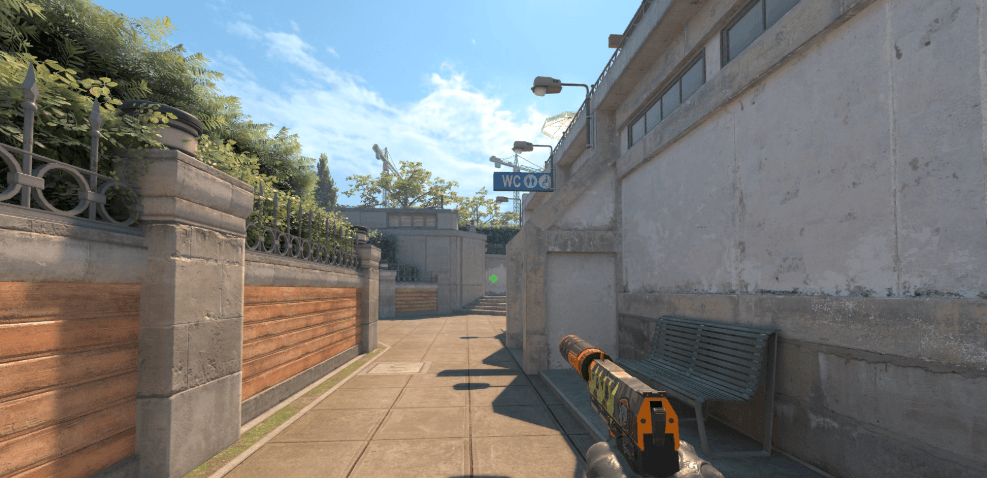
A clean crosshair helps you land those crucial headshots. Here’s what Cobrazera uses:
| Setting | Value |
|---|---|
| Style | 4 (Classic Static) |
| Color | Green |
| Size | 2 |
| Thickness | 0 |
| Gap | -3 |
| Outline | No |
| Dot | No |
Crosshair Code:
CSGO-qkAZP-kpcxD-mJ8WE-MkbrR-qDPYEThis compact crosshair with a negative gap creates a tight center point. It’s excellent for holding angles and tapping heads on maps like Mirage or Inferno.
To apply this crosshair, open your console and paste the code after cl_crosshair_sharecode.
Cobrazera Video Settings

Performance matters more than visuals in competitive CS2. Cobrazera’s video settings prioritize high frame rates.
| Setting | Value |
|---|---|
| Resolution | 1280×960 |
| Aspect Ratio | 4:3 |
| Scaling Mode | Stretched |
| Display Mode | Fullscreen |
Advanced Video Settings
| Setting | Value |
|---|---|
| Boost Player Contrast | Enabled |
| V-Sync | Disabled |
| Multisampling Anti-Aliasing | 4x MSAA |
| Global Shadow Quality | Medium |
| Model/Texture Detail | Low |
| Texture Filtering Mode | Bilinear |
| Shader Detail | Low |
| Particle Detail | Low |
| Ambient Occlusion | Disabled |
| High Dynamic Range | Performance |
| FidelityFX Super Resolution | Disabled |
The 4:3 stretched resolution makes player models appear wider, which some pros find easier to track. If you want to optimize your setup further, check out our guide on cs2 video settings.
Cobrazera Viewmodel Settings
Your viewmodel affects how your weapon appears on screen. Here’s Cobrazera’s configuration:
viewmodel_fov 68viewmodel_offset_x 2.5
viewmodel_offset_y 0
viewmodel_offset_z -1.5
viewmodel_presetpos 3
cl_righthand 1
These settings push the weapon model to the side, giving you slightly more screen visibility. The 68 FOV is the maximum allowed in competitive play.
Cobrazera Radar Settings
Good radar usage separates average players from great ones. Cobrazera’s radar settings help him track teammate positions and rotations.
| Setting | Value |
|---|---|
| Radar Centers The Player | Yes |
| Radar Is Rotating | Yes |
| Radar Hud Size | 1.0 |
| Radar Map Zoom | 0.5 |
| Radar Shape | Round |
A lower zoom value shows more of the map, which is useful for reading enemy positions during executes.
Cobrazera Gear & Peripherals
Pro players invest in quality equipment. Here’s what Cobrazera uses:
| Peripheral | Product |
|---|---|
| Mouse | Logitech G Pro X Superlight |
| Mousepad | Large cloth pad |
| Keyboard | Mechanical (Cherry MX switches) |
| Headset | HyperX Cloud II |
| Monitor | 240Hz or higher |
The G Pro X Superlight is one of the most popular mice among CS2 professionals. Its lightweight design (63g) allows for quick movements without fatigue during long sessions.
If you’re looking to match your gear with some fresh skins, browse our collection of AK-47 skins or check out the latest AWP options.
Key Binds Worth Copying
Cobrazera uses standard pro binds with a few optimizations:
bind "mwheeldown" "+jump"bind “c” “+duck”
bind “4” “slot4”
bind “f” “+lookatweapon”
Mouse wheel jump is essential for consistent bunny hops and movement techniques. Most pros bind this as their primary jump key.
How to Apply These Settings
Follow these steps to copy Cobrazera’s config:
- Launch CS2 and open the Settings menu
- Navigate to each section (Mouse, Video, Crosshair)
- Input the values from the tables above
- For crosshair, use the sharecode in console
- Paste viewmodel commands into your autoexec.cfg
Create an autoexec.cfg file in your CS2 config folder to save these settings permanently.
Should You Copy Pro Settings?
Cobrazera’s settings work for him because he’s practiced thousands of hours with this exact setup. Use his config as a starting point, not a final destination.
Consider these factors:
- Your mousepad size – Lower sensitivity needs more space
- Monitor refresh rate – Match your video settings to your hardware
- Personal comfort – Adjust sensitivity until tracking feels natural
Many Brazilian pros like coldzera use similar configurations. Comparing multiple pro setups can help you find what works for your playstyle.
Conclusion
Cobrazera’s CS2 settings offer a solid foundation for competitive play. His 800 eDPI, 4:3 stretched resolution, and compact crosshair represent a proven combination used by many professional players.
Copy these settings, practice consistently, and adjust what doesn’t feel right. The best config is one you’ve made your own through hours of gameplay.
Looking to upgrade your loadout while you grind? Browse CS2 skins to find the perfect weapon finishes for your collection.