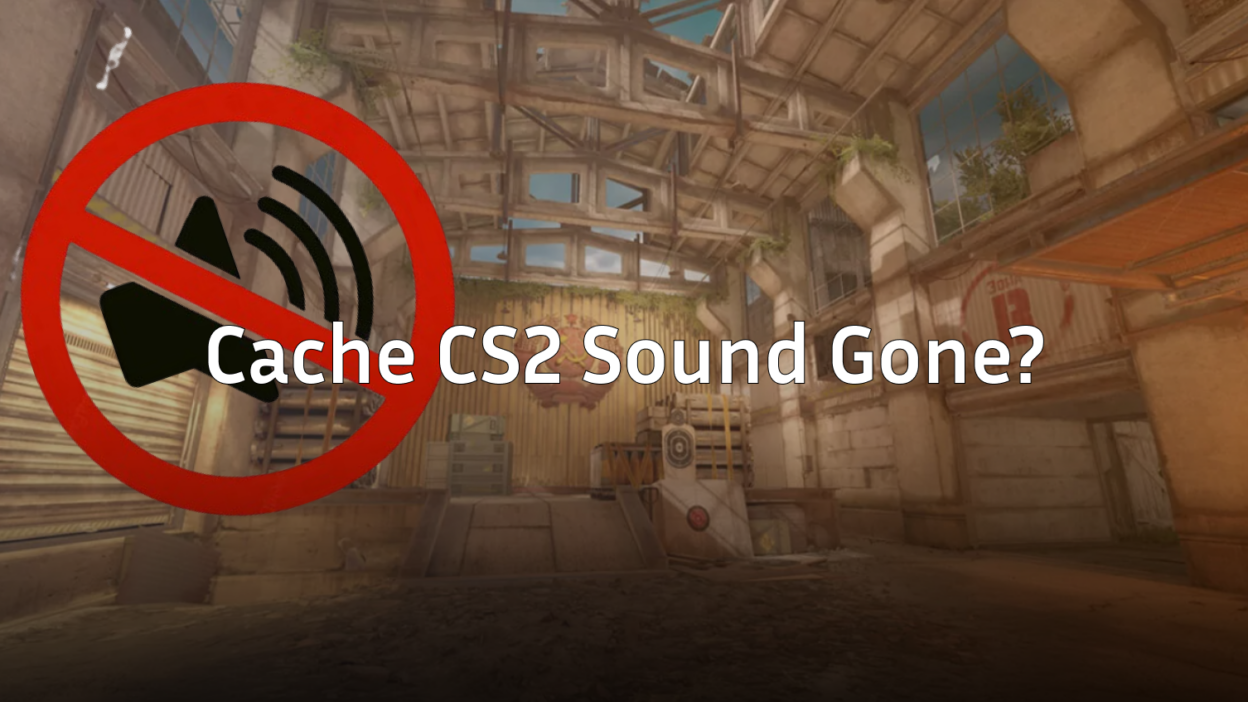
Is there anything more tilting than holding a site on Cache, only for your game to go dead silent? One second you’re listening for the squeaky door pop, and the next, it’s like you’re playing a silent movie. This Cache CS2 sound gone glitch has been hitting the community hard after the recent 2026 map update, but don’t abandon your match just yet.
You don’t need to restart your PC or verify your game files mid-round. Here is exactly how to get your audio back in seconds.
The Quick Fix: The Audio Device Flip
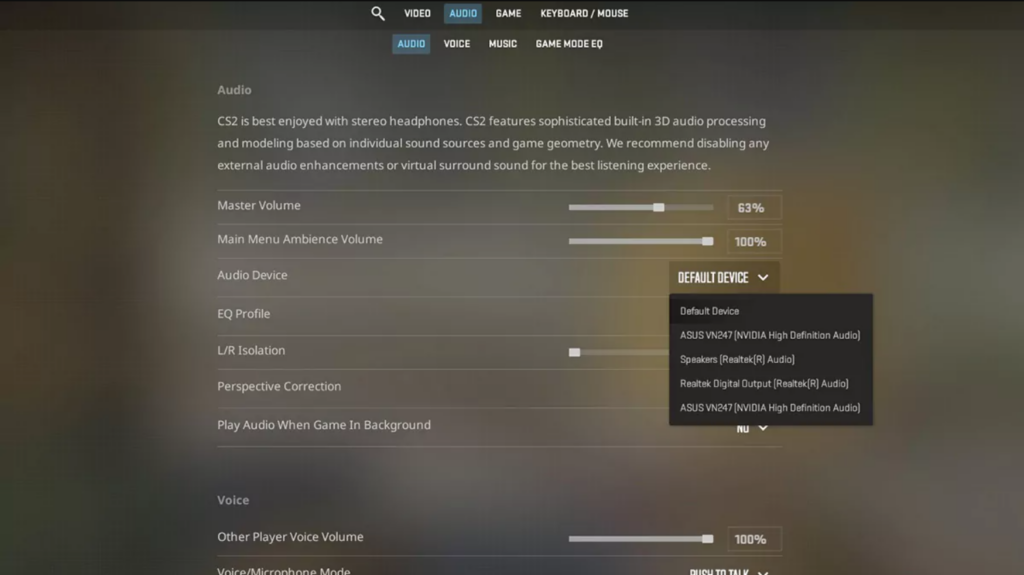
The fastest way to fix the sound bug without leaving the server is to “reset” the audio engine through your settings menu.
- Press ESC to open the menu.
- Go to Settings (the gear icon) > Audio.
- Look for the Audio Device dropdown menu.
- Switch it to any other device (like your monitor or speakers).
- Immediately switch it back to your primary headset.
This forces CS2 to re-initialize the sound system, which usually brings the audio back instantly.
The Pro Method: The “Emergency” Console Bind
If this bug keeps happening every few rounds, you don’t want to be fumbling in the settings menu while a T is rushing you. You can create a bind that fixes the sound with one button press.
How to set up the bind:
- Open your Developer Console.
- Type sound_device_override and see what your current ID is (it will look like a long string of numbers/letters).
- Copy that ID and put it into this command:
bind “KEY” “toggle sound_device_override Source2SDLDefaultDevice YOUR_ID_HERE”
Now, whenever the sound cuts out, just tap your chosen key twice to reset the audio.
Why is this happening on Cache?
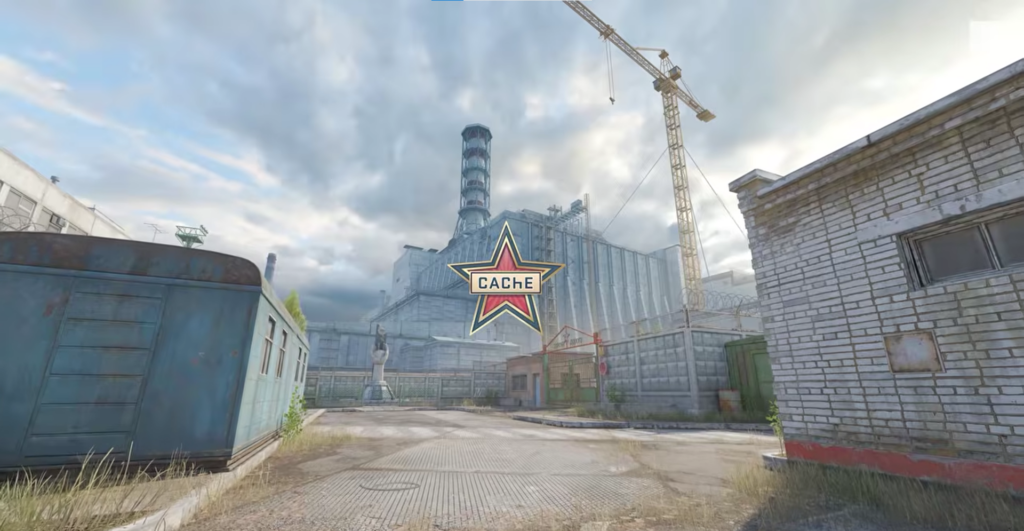
The 2026 return of Cache brought several engine upgrades, but it seems to have some conflicts with how Source 2 handles ambient soundscapes. Players have reported the audio dropping specifically after long rounds or when multiple grenades explode near the A site.
| Common Symptom | Instant Solution |
| Total Silence | Toggle Audio Device in Settings |
| Muffled Footsteps | Check Best CS2 Audio Settings |
| Voice Chat Gone | Use voice_modenable 1 in console |
Still having issues?
If the sound flip doesn’t work, you might be dealing with deeper driver issues. Check out our guide on CS2 Crashing or see if your CS2 System Requirements are still being met after the latest engine patch.
If you’re looking to improve your game while the sound is actually working, make sure you’re using the right CS2 Binds and check out how the pros do it with s1mple’s CS2 Settings.