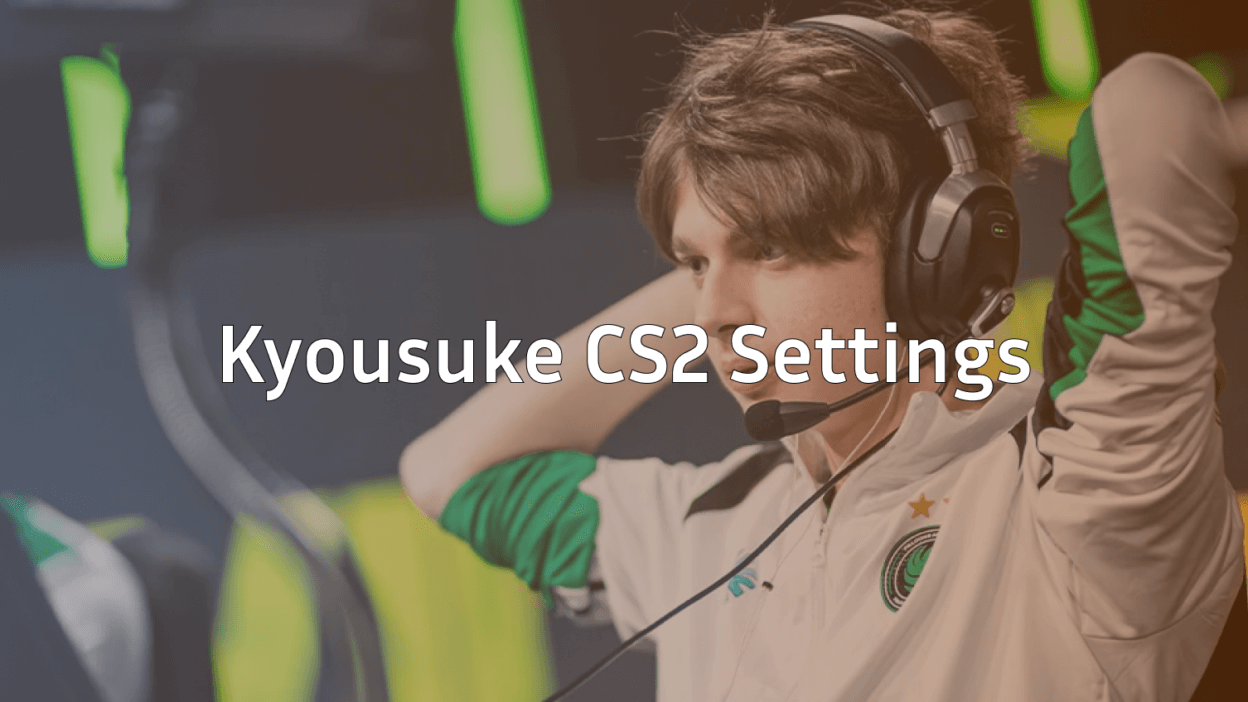
Maxim “kyousuke” Lukin has rapidly ascended from the Team Spirit Academy to become a cornerstone of Team Falcons. Known for his clinical rifling and insane headshot consistency, many players are looking to replicate his setup to climb the cs2 ranks.
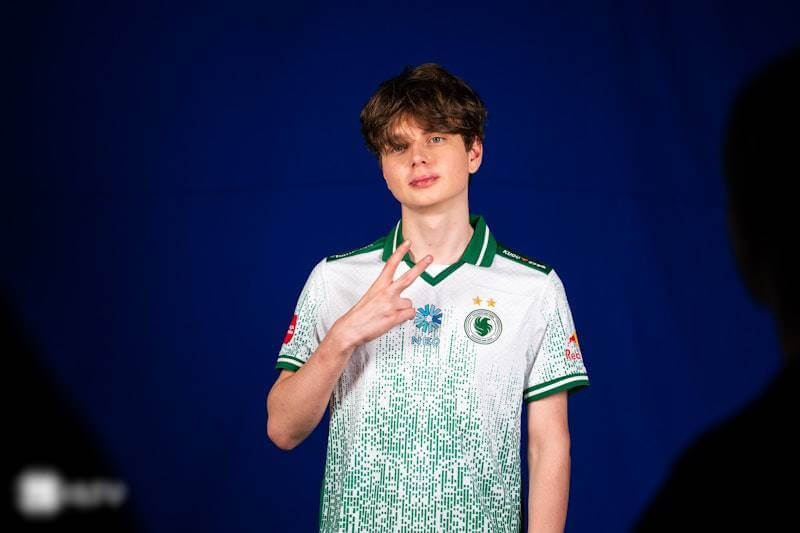
This guide breaks down the latest kyousuke cs2 settings, including his crosshair, video configuration, and mouse setup, so you can optimize your game just like the pros.
Kyousuke CS2 Mouse Settings
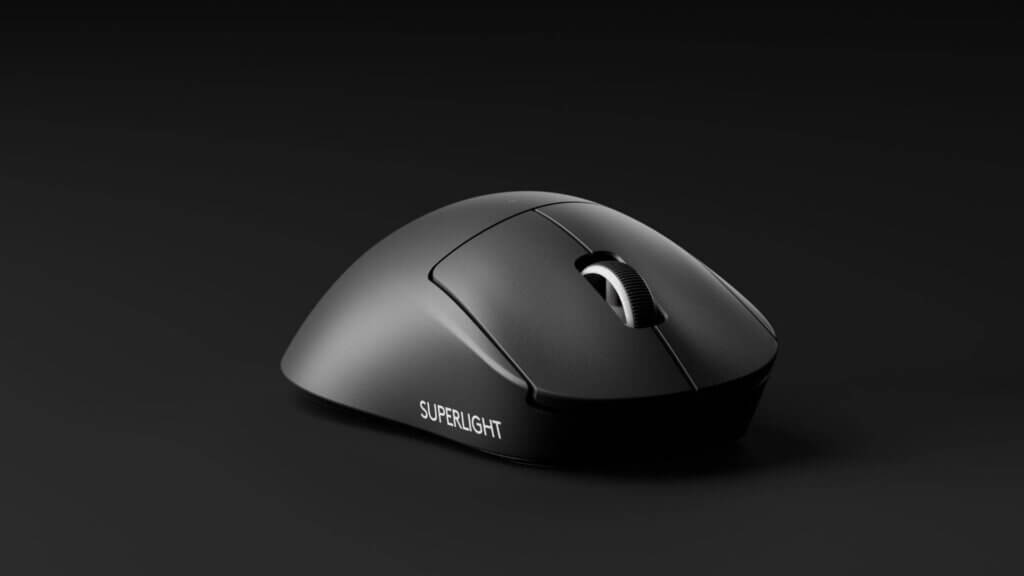
Kyousuke uses a relatively standard eDPI for a professional rifler. He relies on the Logitech G PRO X Superlight 2 (often in the Magenta colorway), which is a favorite in the pro scene for its lightweight and reliable sensor.
| Setting | Value |
| DPI | 800 |
| Sensitivity | 1.28 |
| eDPI | 1024 |
| Zoom Sensitivity | 1.00 |
| Windows Sensitivity | 6 |
| Polling Rate | 1000 Hz |
With an eDPI of 1024, Kyousuke finds a “sweet spot” between the ultra-low sensitivity of players like niko cs2 settings and the higher speed of stars like donk cs2 settings. If you are looking to find your own perfect feel, checking out the best sensitivity for cs2 is a great starting point.
Kyousuke CS2 Crosshair
The kyousuke cs2 crosshair is a minimal, static yellow or cyan cross. It is designed to be unobtrusive while providing a clear point of reference for headshots.
Crosshair Code:
CSGO-4ttyQ-vfwMK-Gz9fL-hY6zW-4fWjM
Manual Crosshair Settings:
- Style: Classic Static (4)
- Color: Yellow (or Cyan)
- Size (Length): 1
- Thickness: 1
- Gap: -4
- Outline: No
- Dot: No
- Follow Recoil: Off
If you aren’t sure how to apply these, learn how to change crosshair in cs2 or how to copy crosshair in cs2 from other players in your match.
Video & Resolution Settings
Like most elite players, Kyousuke prefers a 4:3 stretched resolution. This stretches the player models, making them appear wider and theoretically easier to hit on your screen.
- Resolution: 1280×960
- Aspect Ratio: 4:3
- Scaling Mode: Stretched
- Brightness: 93% (High brightness helps spot enemies in dark corners)
Advanced Video Config:
| Feature | Setting |
| Boost Player Contrast | Enabled |
| Wait for Vertical Sync | Disabled |
| Multisampling Anti-Aliasing | 8x MSAA |
| Global Shadow Quality | Low |
| Model / Texture Detail | Low |
| Texture Filtering Mode | Bilinear |
| Shader Detail | Low |
| Particle Detail | Low |
| Ambient Occlusion | Disabled |
| High Dynamic Range | Quality |
| NVIDIA Reflex Low Latency | Disabled |
For a deeper dive into optimizing your frames per second, check out our cs2 video settings guide or see how to show fps cs2 to monitor your performance.
Kyousuke CS2 Stats & Performance
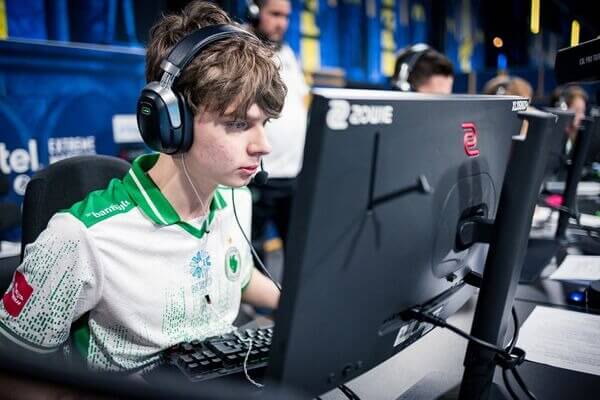
The kyousuke cs2 stats tell the story of a high-impact rifler. As of early 2026, he maintains an impressive HLTV rating and a high Average Damage per Round (ADR).
- Average ADR: ~90.4
- Headshot Percentage: ~58.3%
- K/D Ratio: 1.20
- Impact Rating: 1.42
His aggressive entry-fragging style (Opening rating of 89/100) makes him a nightmare for defenders on maps like Mirage. If you’re struggling to hold sites against players like him, mastering cs2 mirage callouts is essential for better team communication.
Viewmodel & Launch Options
Kyousuke uses a viewmodel that keeps the weapon model tucked away to maximize his field of vision.
Viewmodel Config:
viewmodel_fov 68; viewmodel_offset_x 2.5; viewmodel_offset_y 0; viewmodel_offset_z -1.5; viewmodel_presetpos 1
Pro Tip: If you want to customize your view further, you can use the cs2 viewmodel guide to find a position that suits your playstyle.
Launch Options:
While launch options are personal, most pros use these to ensure the game runs smoothly:
-novid -tickrate 128 -high +fps_max 0
Gear Setup
Having the right hardware is half the battle. Kyousuke’s setup is built for 360Hz competitive play.
- Monitor: ZOWIE XL2566K (360Hz)
- Mouse: Logitech G PRO X Superlight 2 Magenta
- Keyboard: Logitech G Pro X (GX Blue Clicky)
- Mousepad: SteelSeries QcK Heavy
- Headset: HyperX Cloud II
When he’s not busy carrying in pro matches, you might find him hunting for rare items. Much like other pros, he often carries high-tier skins like the AK-47 Wild Lotus or a Butterfly Knife Fade. If you’re looking to upgrade your own inventory, check out which knife cases cs2 have the best odds or look for cs2 cases with butterfly knife.
Final Thoughts
Copying cs2 kyousuke settings won’t instantly make you a pro, but it provides a world-class foundation. His setup is optimized for visibility, high frame rates, and consistent aiming. Once you’ve applied his config, head into some cs2 custom maps to practice your aim and movement.