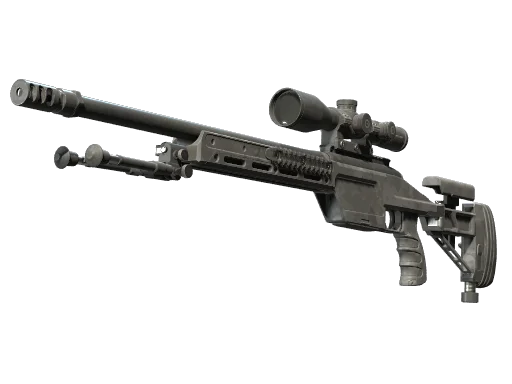






























































Want to aim like a Brazilian legend? The FalleN’s CS2 settings used by Gabriel “FalleN” Toledo — the veteran IGL and anchor for FURIA — are surprisingly simple, and copying them is one of the fastest ways to stabilize your crosshair placement. Below, we break down every sensitivity, crosshair, viewmodel, and video setting FalleN runs in CS2, plus the gear that pushes his play.
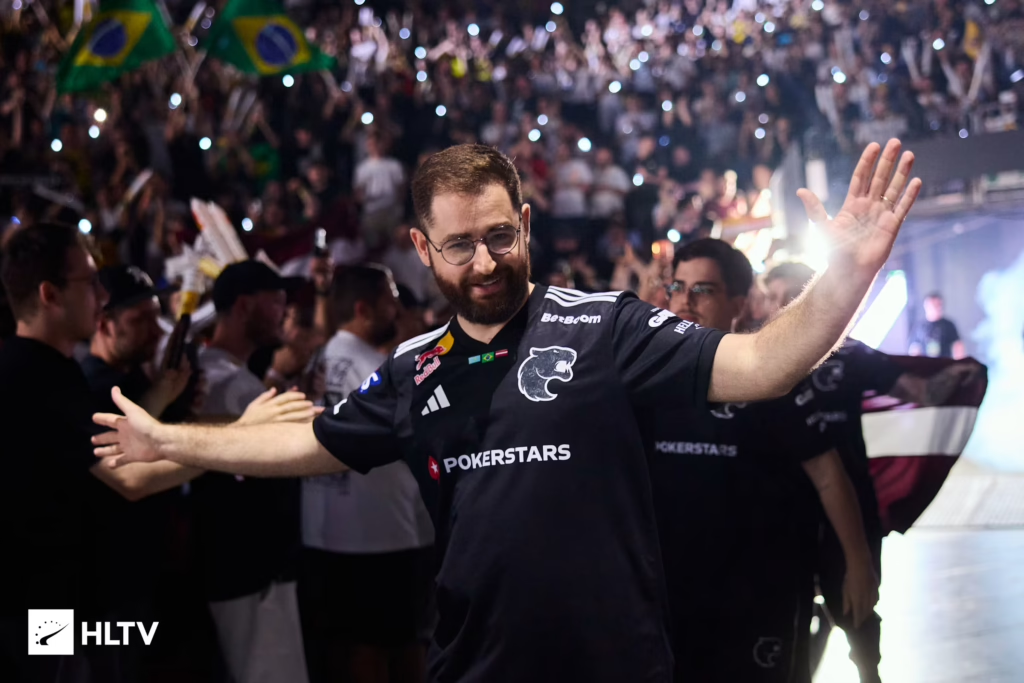
Who Is FalleN?
Gabriel “FalleN” Toledo is a Brazilian CS legend and two-time Major champion (MLG Columbus 2016, ESL One Cologne 2016 with Luminosity/SK Gaming). He currently plays and IGLs for FURIA, and remains one of the most influential figures in CS history.
His setup leans heavy toward stability and precision — perfect for his transition to CT anchoring and controlled rifling.
FalleN CS2 Sensitivity Settings
Here are the exact mouse settings FalleN uses in CS2:
| Setting | Value |
| DPI | 400 |
| Sensitivity | 2.0 |
| eDPI | 800 |
| Zoom Sensitivity | 1.00 |
| Hz (Polling Rate) | 1000 |
| Windows Sensitivity | 6 |
| Raw Input | On |
| Mouse Acceleration | Off |
Key takeaway: At 800 eDPI, FalleN has moved to a slightly more balanced sensitivity profile compared to his older 540 eDPI setup. This gives him much faster turning and reaction speeds while still maintaining the steady hand needed for tier-one AWPing.
FalleN Crosshair Settings
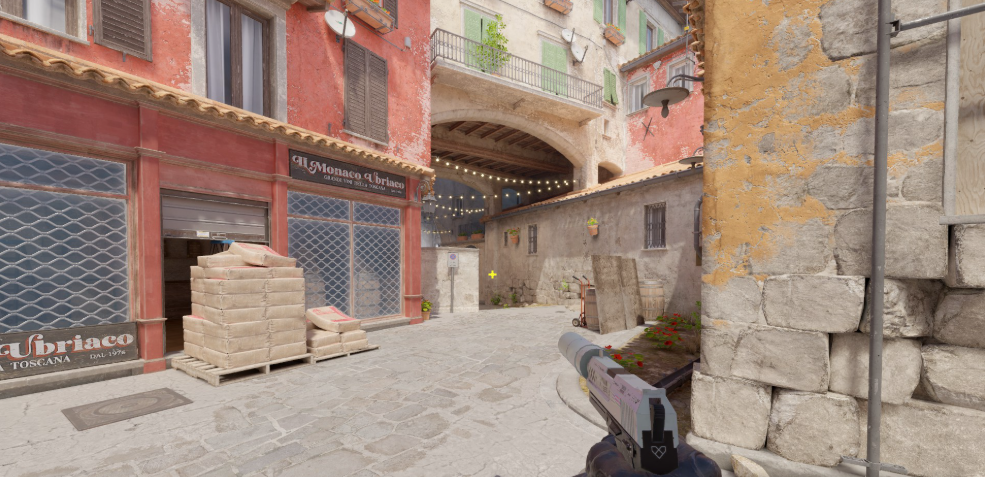
His crosshair is a clean, classic cyan static dot-style — thin, tight, and easy to read against any background.
cl_crosshairstyle 4
cl_crosshaircolor 2

cl_crosshaircolor_b 0
cl_crosshaircolor_g 255
cl_crosshaircolor_r 255

cl_crosshairsize 2
cl_crosshairthickness 1
cl_crosshairgap -6

cl_crosshair_drawoutline 1
cl_crosshair_outlinethickness 0.1

cl_crosshairdot 0
cl_crosshair_t 0
cl_crosshairalpha 255
Copy-Paste Crosshair Code
CSGO-DySAA-sWtfq-GEBcO-27WOS-cBCEBWhy it works: The tight, static look is built for high visual consistency. The slightly wider gap (-6) coupled with a size of 2 and a thin outline ensures that player models remain perfectly framed and highly visible in chaotic, long-range tier-one duels.
FalleN Viewmodel Settings
FalleN uses the default desktop viewmodel — nothing fancy, maximum familiarity.
viewmodel_fov 60
viewmodel_offset_x 1

viewmodel_offset_y 1

viewmodel_offset_z -1

viewmodel_presetpos 1
FalleN Video Settings
FalleN prioritizes clarity and frames over eye candy — standard pro setup.
| Setting | Value |
| Resolution | 1280×960 |
| Aspect Ratio | 4:3 |
| Scaling Mode | Stretched |
| Display Mode | Fullscreen |
| Refresh Rate | 240 Hz+ |
| Boost Player Contrast | Enabled |
| Wait for Vertical Sync | Disabled |
| Multisampling Anti-Aliasing | CMAA2 |
| Global Shadow Quality | High |
| Model / Texture Detail | Low |
| Texture Filtering | Trilinear |
| Shader Detail | Low |
| Particle Detail | Low |
| Ambient Occlusion | Medium |
| High Dynamic Range | Quality |
| FidelityFX Super Resolution | Disabled (Highest Quality) |
Stretched 1280×960 makes enemy models appear wider — a common tweak among Brazilian pros. Combined with our full cs2 graphics guide, you can tune your own rig for maximum visibility.
FalleN Launch Options
Simple and clean:
-novid -refresh 240 -consoleAdd -refresh matching your monitor’s refresh rate.
FalleN Gear & Peripherals
The hardware behind the legend:
| Gear | Model |
| Mouse | Fallen Gear Lobo Wireless |
| Keyboard | Fallen Gear Pink Keyboard (or Logitech G Pro X TKL RAPID) |
| Mousepad | Fallen Gear Invoker |
| Headset | Fallen Gear Morcego Pro Wireless |
| Monitor | BenQ ZOWIE XL2546K (240Hz) |
The Fallen Gear Invoker cloth pad gives him a customized, high-control texture with a steady glide. It is optimized specifically to handle quick micro-adjustments and those long, decisive AWP swings down critical lines of sight.
How to Apply FalleN’s Settings
- Open CS2 and go to Settings → Game
- Import his crosshair via the share code above
- Set your DPI to 400 in your mouse software
- Set in-game sensitivity to 2.0
- Match his video settings under Video → Advanced
- Add launch options via Steam → CS2 → Properties
Why Copy FalleN’s Settings?
FalleN’s config is built on 20+ years of competitive experience. His low-medium sens is beginner-friendly for aspiring AWPers, and his crosshair is one of the cleanest for tracking heads. If you’re grinding to improve your one-taps, pair his config with our breakdown of the best AWP skins and check out other pro configs like karrigan’s cs2 config or broky’s AWP setup for comparison.
For riflers, cross-reference with KSCERATO’s settings — his FURIA teammate — to see how their configs sync.
Final Thoughts
FalleN’s setup proves you don’t need flashy configs to dominate — just a stable sens, a clean crosshair, and a stretched res that gives you the visual edge. Copy his settings, put in the hours, and refine to your comfort.
Ready to complete the look? Browse all CS2 skins on cs2.ad and build an inventory worthy of the Professor himself.