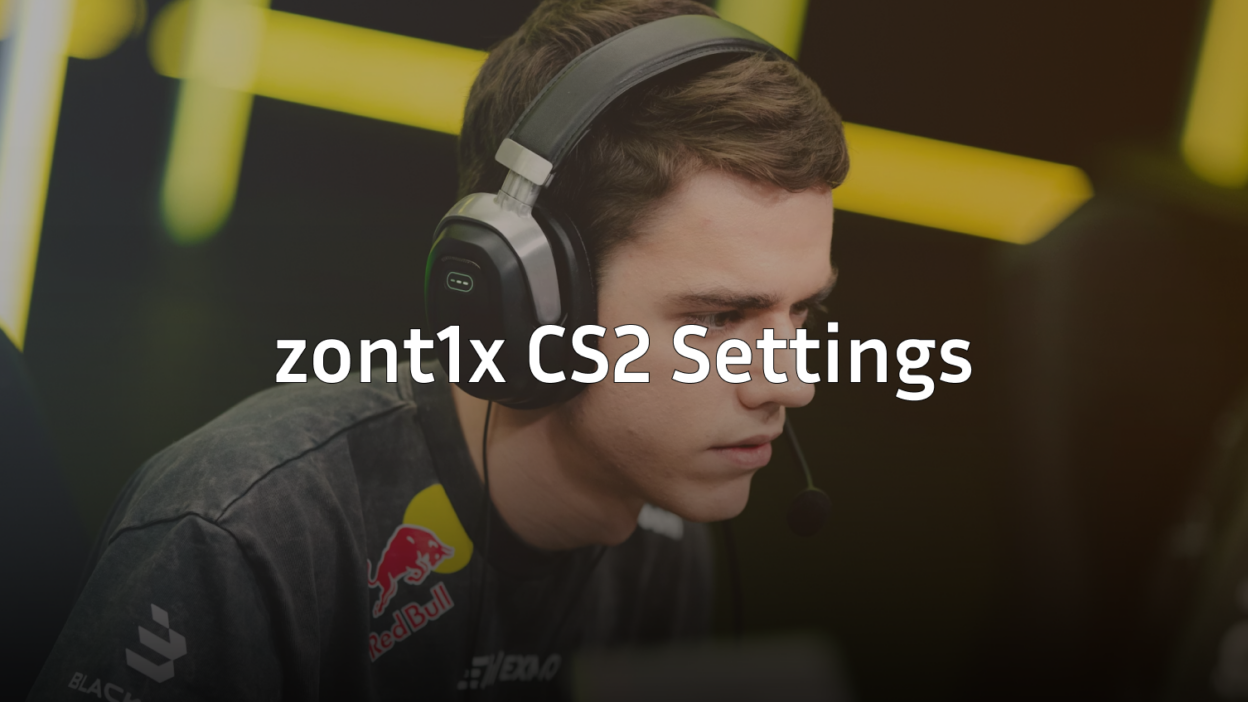
Dmitry “zont1x” Biryukov has rapidly become one of the most exciting young talents in professional Counter-Strike. If you want to copy zont1x CS2 settings to improve your own gameplay, this guide covers everything from his mouse sensitivity to his video configuration.
The Russian rifler is known for his aggressive playstyle and sharp aim. Let’s break down exactly what settings power his performance.
zont1x Mouse Settings

Mouse settings form the foundation of consistent aim. Zont1x uses a relatively moderate sensitivity that balances precision with the ability to make quick flick shots.
| Setting | Value |
|---|---|
| DPI | 800 |
| In-Game Sensitivity | 0.9 |
| eDPI | 720 |
| Zoom Sensitivity | 1.0 |
| Hz (Polling Rate) | 1000 |
| Windows Sensitivity | 6 |
| Raw Input | On |
His eDPI of 720 sits in the medium range for professional players. This gives him enough control for precise AK-47 spray transfers while still allowing quick 180-degree turns when needed.
If you’re coming from a higher sensitivity, lower it gradually over several days rather than making a drastic change overnight.
zont1x Crosshair Settings
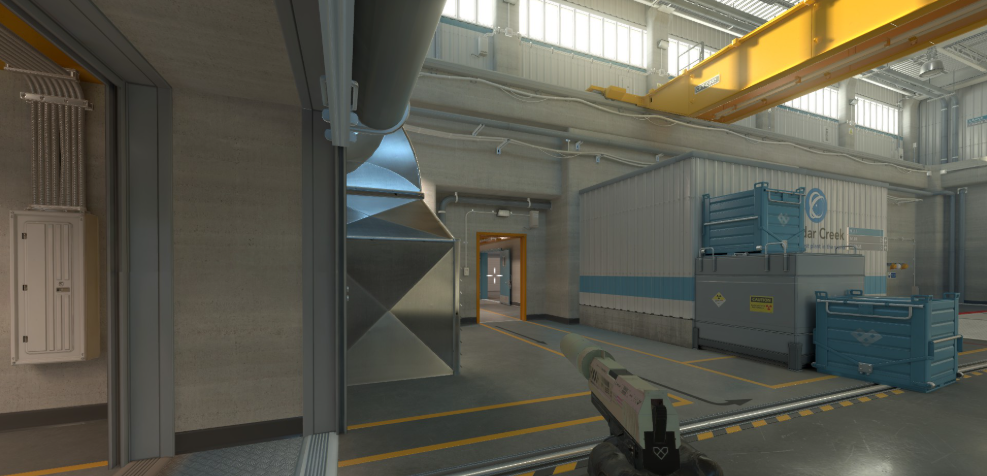
A clean crosshair helps with precise aiming, and zont1x uses a simple static design that doesn’t distract during firefights.
cl_crosshairsize 1.5cl_crosshairgap -3
cl_crosshairthickness 0
cl_crosshairdot 0
cl_crosshaircolor 1
cl_crosshair_drawoutline 0
cl_crosshairstyle 4
cl_crosshairalpha 255
Key characteristics:
- Small size (1.5) — Minimal screen obstruction
- Tight gap (-3) — Creates a compact crosshair for headshot accuracy
- Green color — High visibility against most map backgrounds
- No outline — Keeps the crosshair crisp and thin
This crosshair works exceptionally well for rifle duels on maps like Mirage and Inferno where precise first-bullet accuracy determines fights.
zont1x Video Settings

Professional players prioritize frame rate and visibility over visual quality. Zont1x’s video settings reflect this competitive approach.
| Setting | Value |
|---|---|
| Resolution | 1280×960 |
| Aspect Ratio | 4:3 |
| Scaling Mode | Stretched |
| Display Mode | Fullscreen |
Advanced Video Settings
| Setting | Value |
|---|---|
| Boost Player Contrast | Enabled |
| V-Sync | Disabled |
| NVIDIA Reflex Low Latency | Enabled |
| Multisampling Anti-Aliasing | 4x MSAA |
| Global Shadow Quality | Medium |
| Model/Texture Detail | Low |
| Texture Filtering Mode | Bilinear |
| Shader Detail | Low |
| Particle Detail | Low |
| Ambient Occlusion | Disabled |
| High Dynamic Range | Performance |
| FidelityFX Super Resolution | Disabled |
The stretched 4:3 resolution makes player models appear wider, which some players find easier to hit. Combined with low graphical settings, this ensures maximum FPS stability during intense moments. For more optimization tips, check out our cs2 video settings guide.
Boost Player Contrast is particularly important — it makes enemies stand out against backgrounds, giving you that split-second advantage in spotting opponents.
zont1x Viewmodel Settings
Viewmodel positioning affects how much screen real estate your weapon takes up. Zont1x uses a viewmodel that keeps his weapon compact and out of the way.
viewmodel_fov 68viewmodel_offset_x 2.5
viewmodel_offset_y 0
viewmodel_offset_z -1.5
viewmodel_presetpos 3
cl_righthand 1
This configuration pushes the weapon slightly to the right and down, maximizing visibility in the center of the screen where enemies appear.
zont1x Radar Settings
Effective radar usage separates good players from great ones. A properly configured radar provides crucial information without requiring you to look away from your crosshair.
| Setting | Value |
|---|---|
| Radar Centers The Player | Yes |
| Radar Rotation | Yes |
| Radar Hud Size | 1.0 |
| Radar Map Zoom | 0.5 |
The low zoom value (0.5) lets zont1x see the entire map at a glance, making it easier to track teammate positions and potential rotations. For a deeper dive into radar optimization, read our cs2 radar settings guide.
zont1x Keybinds
While most of zont1x’s keybinds follow standard conventions, a few optimizations help with utility usage during fast-paced rounds.
| Action | Key |
|---|---|
| Jump | Space / Mouse Wheel Down |
| Duck | Left Ctrl |
| Walk | Left Shift |
| Use | E |
| Inspect Weapon | F |
| Drop Weapon | G |
Binding jump to mouse wheel down in addition to spacebar makes bunny hopping more consistent — essential for quick rotations and aggressive peeks.
Hardware zont1x Uses
Professional settings only work properly with reliable hardware. Here’s what zont1x uses:
| Component | Product |
|---|---|
| Mouse | Logitech G Pro X Superlight |
| Mousepad | Logitech G640 |
| Keyboard | Logitech G Pro X |
| Monitor | 360Hz Gaming Monitor |
| Headset | Logitech G Pro X |
The G Pro X Superlight is one of the most popular mice among professional players due to its lightweight design and flawless sensor. Pairing it with a large cloth mousepad like the G640 gives consistent tracking across the entire surface.
Tips for Using zont1x’s Settings
Simply copying settings won’t instantly improve your gameplay. Here’s how to actually benefit from them:
- Give yourself adjustment time — New sensitivity takes 1-2 weeks to feel natural
- Practice your spray patterns — Lower sensitivity requires more arm movement for M4A1-S and AK spray control
- Use workshop maps — Aim trainers help you adapt faster
- Don’t change everything at once — Adjust one setting at a time so you can identify what works
If zont1x’s sensitivity feels too low, consider settings from players like NiKo who use slightly higher eDPI values.
Conclusion
Zont1x CS2 settings prioritize clean visuals, consistent aim, and maximum performance. His moderate eDPI of 720, stretched 4:3 resolution, and minimal crosshair create a setup optimized for competitive play.
Remember that these settings work for zont1x’s specific playstyle and hardware. Use them as a starting point, then adjust based on what feels comfortable for you.
Looking to upgrade your loadout while you grind? Browse CS2 skins to find the perfect rifle skin for your new config.