dav1deus CS2 Settings, Crosshair & Complete Setup Guide
Looking to copy the exact setup of one of the rising stars in pro Counter-Strike? We’ve put together the full dav1deus CS2 settings breakdown so you can tune your crosshair, viewmodel, and sensitivity just like the pro. Whether you’re grinding Premier or practicing deathmatch, these configs give you a proven baseline to build from.
Who Is dav1deus?
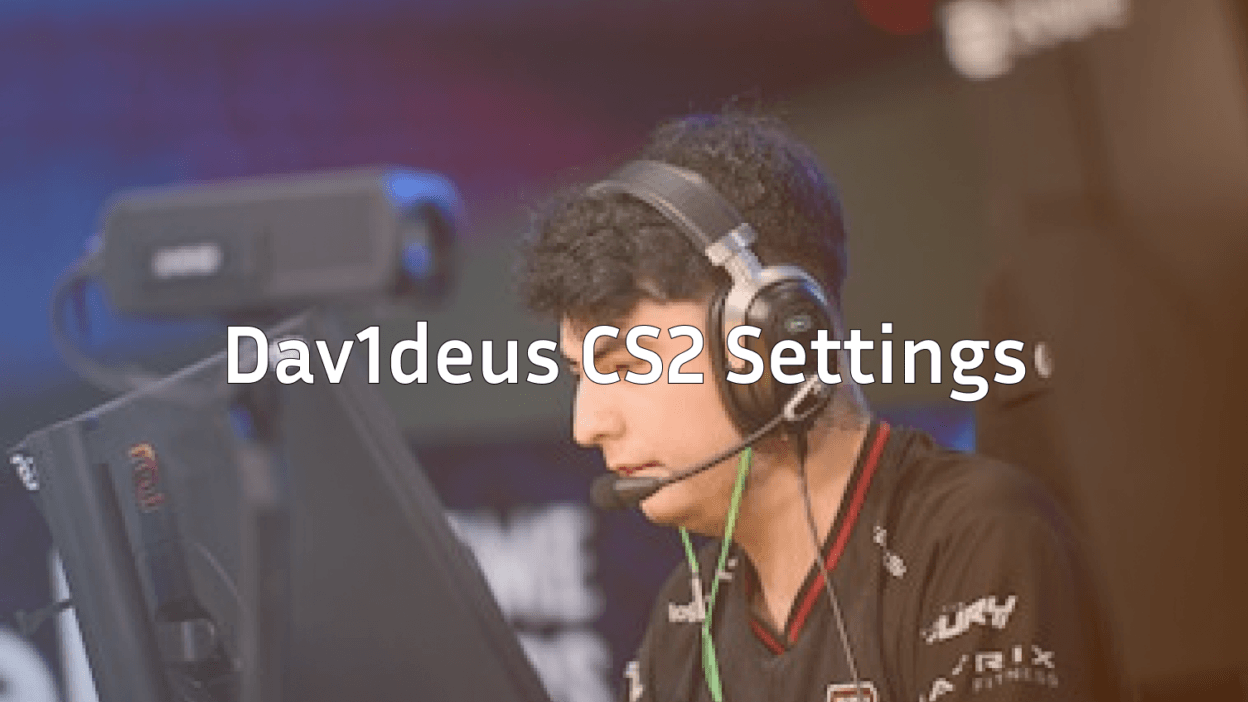
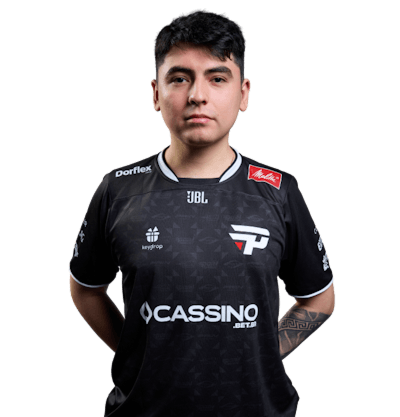
dav1deus is a professional CS2 player known for sharp aim and consistent utility usage. Like many top-tier pros, he’s fine-tuned his setup over thousands of hours from mouse sensitivity to viewmodel placement to squeeze every ounce of performance out of the game.
Why copy pro settings? They’re not magic, but they’re battle-tested. Pros play with configs that minimize distractions and maximize clarity, which is exactly what improving players need.
dav1deus CS2 Crosshair Settings
A clean, readable crosshair is the foundation of good aim. Here’s the crosshair config used by dav1deus:
cl_crosshairstyle 4cl_crosshairsize 2
cl_crosshairthickness 1
cl_crosshairgap -2
cl_crosshair_drawoutline 1
cl_crosshair_outlinethickness 1
cl_crosshaircolor 1
cl_crosshairdot 0
cl_crosshairalpha 255
This setup gives you a tight, static crosshair with a thin outline perfect for spotting heads against busy backgrounds on maps like Mirage or Inferno. Paste these into your console or add them to your autoexec.
Why This Crosshair Works
- Style 4 (classic static) — no movement bloom, so you always see exactly where your bullets will land
- Green color — pops against nearly every texture in CS2
- Negative gap — tightens the crosshair around the dot sightline for precise tapping
Mouse & Sensitivity Settings
Aim consistency starts with sensitivity. dav1deus plays on a low-to-mid sens setup typical of pro riflers:
| Setting | Value |
|---|---|
| DPI | 400 |
| In-game sensitivity | 2.0 |
| eDPI | 800 |
| Zoom sensitivity | 1.0 |
| Polling rate | 1000 Hz |
| Raw input | On |
| Mouse acceleration | Off |
800 eDPI is the sweet spot for most pros because it balances flick control with micro-adjustment precision. If you’re coming from a higher sens, give yourself a week of deathmatch to adjust.
Viewmodel & HUD Settings
dav1deus uses a standard right-hand viewmodel that keeps weapons visible without blocking sightlines:
viewmodel_offset_x 2.5viewmodel_offset_y 2
viewmodel_offset_z -2
viewmodel_fov 68
cl_bob_lower_amt 5
cl_bobamt_lat 0.1
cl_bobamt_vert 0.1
If you prefer a lefty setup, check our guide on the left hand command cs2 to swap sides cleanly.
Video & Graphics Settings
Pros prioritize frames and clarity over eye candy. Here’s the typical dav1deus video config:
| Setting | Value |
|---|---|
| Resolution | 1280×960 (stretched) |
| Aspect ratio | 4:3 |
| Refresh rate | 240 Hz+ |
| Global Shadow Quality | High |
| Model/Texture Detail | Low |
| Shader Detail | Low |
| Particle Detail | Low |
| Ambient Occlusion | Disabled |
| FSR | Disabled |
| Multisampling AA | 2x |
Stretched 4:3 makes player models appear slightly wider — a common pro preference for easier target tracking. Pair this with optimized cs2 launch options to squeeze out extra FPS on weaker systems.
Key Binds & Utility
dav1deus keeps his binds simple and consistent. Here’s a stripped-down version you can adapt:
bind "q" "lastinv"bind “mouse4” “+voicerecord”
bind “mouse5” “+jump”
bind “f” “+lookatweapon”
For a deeper dive on personalizing your setup, check out our full breakdown of essential CS2 binds that every player should know.
Practice Routine
Settings only matter if you actually train. A typical pro warmup looks like this:
- 15 minutes aim_botz — tap heads at 200 units
- 20 minutes deathmatch — focus on one-taps with the AK
- 10 minutes recoil control — spray patterns on Workshop maps
- Full competitive match — apply the warmup under pressure
Want to set up bots for solo practice? Our guide to useful CS2 bot commands has everything you need. You can also load specific weapons instantly using cs2 give weapon commands for targeted drills.
Gear Matching the dav1deus Setup
While we can’t confirm his exact current peripherals, most pros run:
- Mouse: Lightweight (~60g) wireless with 1000Hz polling
- Keyboard: Low-profile mechanical or optical switches
- Monitor: 240Hz+ 1080p panel, 24-inch
- Headset: Wired for minimal latency
Should You Copy dav1deus’s Settings?
Yes but treat them as a starting point. Pro settings are optimized for pro reflexes, monitor size, and mousepad space. Copy the config, play 10–20 matches, then tweak sensitivity and viewmodel to match your personal comfort.
The crosshair and video settings are safe to copy 1:1 because they’re almost universally effective. Sensitivity and keybinds are more personal.
If you’re still climbing the ladder, our breakdown of the CS2 ranking system will help you track progress as you dial in your new config.
Final Thoughts
Copying the dav1deus CS2 setup is a shortcut to a clean, pro-grade config but the real gains come from consistent practice and smart adjustments. Start with the crosshair, lock in your sensitivity, and build from there.
Looking to freshen up your loadout while you grind? Browse the latest CS2 skins on cs2.ad to match your new setup with some style.