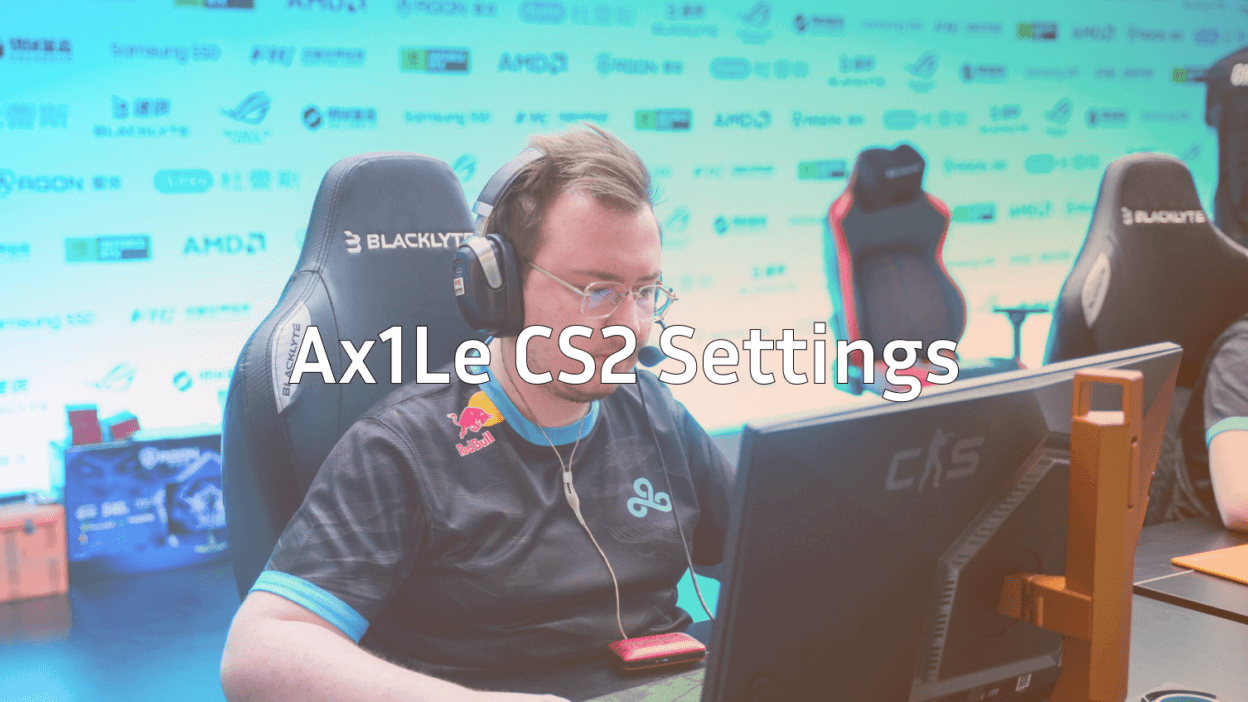
Ax1Le CS2 Settings, Crosshair & Playstyle Guide
Want to play like one of the most mechanically gifted riflers in the world? This Ax1Le CS2 guide breaks down his exact settings, crosshair, and viewmodel so you can copy his setup and learn from his approach. Whether you’re grinding Premier or just love the pro scene, dialing in the right config is step one.
Who Is Ax1Le?
Sergey “Ax1Le” Rykhtorov is a Russian professional CS player known for his aggressive rifling, sharp AK spray control, and clutch plays on the T side. He’s widely considered one of the cleanest aimers in the game, making his config a popular download for aspiring improvers.
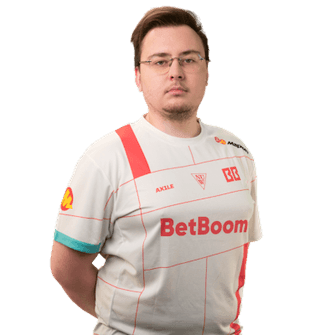
His playstyle leans into fast peeks, precise spray transfers, and confident duels so his settings are tuned for flick accuracy and consistent tracking.
Ax1Le CS2 Crosshair
A clean, high-contrast crosshair is a must for reading spray patterns. Ax1Le uses a small static crosshair that stays out of the way during long-range duels.
cl_crosshairstyle 4cl_crosshairsize 2
cl_crosshairthickness 0.5
cl_crosshairgap -3
cl_crosshair_drawoutline 0
cl_crosshaircolor 1
cl_crosshairdot 0
cl_crosshairalpha 255
Key takeaway: The tight gap and small size give you a precise aiming point without cluttering your screen.
Ax1Le CS2 Mouse Settings
Low sensitivity is the theme here great for micro-adjustments during rifle duels.
| Setting | Value |
|---|---|
| DPI | 400 |
| In-game sensitivity | 1.6 |
| eDPI | 640 |
| Zoom sensitivity | 1.0 |
| Windows sensitivity | 6 |
| Raw input | On |
| Mouse acceleration | Off |
This eDPI is on the lower end of pro averages, which rewards players who use their full mousepad for wide swings. If you’re coming from a higher sens, give it a week to adjust.
Video & Display Settings
Pros prioritize visibility and frames over eye candy. Here’s the general approach Ax1Le uses:
- Resolution: 1280×960 (4:3 stretched)
- Aspect Ratio: 4:3
- Scaling Mode: Stretched
- Refresh Rate: 240Hz+
Stretched 4:3 makes player models appear slightly wider a popular choice for players who grew up on CS:GO. If you prefer native sharpness, 1920×1080 works perfectly fine in CS2.
Graphics Settings
Set most options to Low or Medium to maximize FPS. Keep Model/Texture Detail at Low and Shader Detail at Low to reduce visual noise.
Viewmodel Settings
A cleaner viewmodel means more of the screen is visible. Ax1Le’s is pulled in close:
viewmodel_fov 68viewmodel_offset_x 2.5
viewmodel_offset_y 2
viewmodel_offset_z -2
viewmodel_presetpos 3
Launch Options
Optimizing startup flags can squeeze extra performance out of your rig. Check our full breakdown of recommended CS2 launch options for a deeper dive, but the basics look like this:
-novid -tickrate 128 -high -freq 240If you’re still learning how CS2 tick rate affects registration and sub-tick updates, that guide is worth a read before tweaking further.
How Ax1Le’s Playstyle Shapes His Config
Ax1Le is a pure rifler he rarely picks up the awp and instead dominates duels with the ak-47 on T-side and the m4a1-s on CT. His low sens supports three core habits:
- Pre-aiming common angles — his crosshair placement is textbook
- Controlled spraying — tight sens lets him pull down predictable patterns
- Counter-strafing discipline — every shot starts from a full stop
If you want to mirror his style, practice these three skills daily in aim maps and deathmatch. Running a few CS2 1v1 servers against friends is also a great way to sharpen rifle duels.
Useful Binds for Rifle Players
Ax1Le keeps his binds simple but efficient. Jump-throw, quick buy, and clear decals are the essentials. Browse more ideas in our CS2 keybind setup guide.
bind "mouse4" "+jumpthrow"bind “f” “+lookatweapon”
Practicing with Ax1Le’s Config
Copying settings is only half the job muscle memory comes from reps. Use these CS2 practice commands to set up smoke lineups, recoil drills, and spray training offline. Spend 15 minutes a day on aim\_botz or Yprac routines before jumping into matchmaking.
Quick practice routine:
- 10 min aim warmup (aim\_botz)
- 10 min prefire map (prefire\_mirage)
- 20 min deathmatch
- Then queue Premier matchmaking
Final Thoughts
Ax1Le’s CS2 config is a proven blueprint for players who want to master the rifle meta. Low sens, clean crosshair, minimal viewmodel it’s the recipe for consistent aim. Copy the settings, put in the practice hours, and watch your deagle and AK duels improve.
Ready to match the pro look on the outside too? Browse the full catalog of CS2 skins on cs2.ad to complete your loadout.