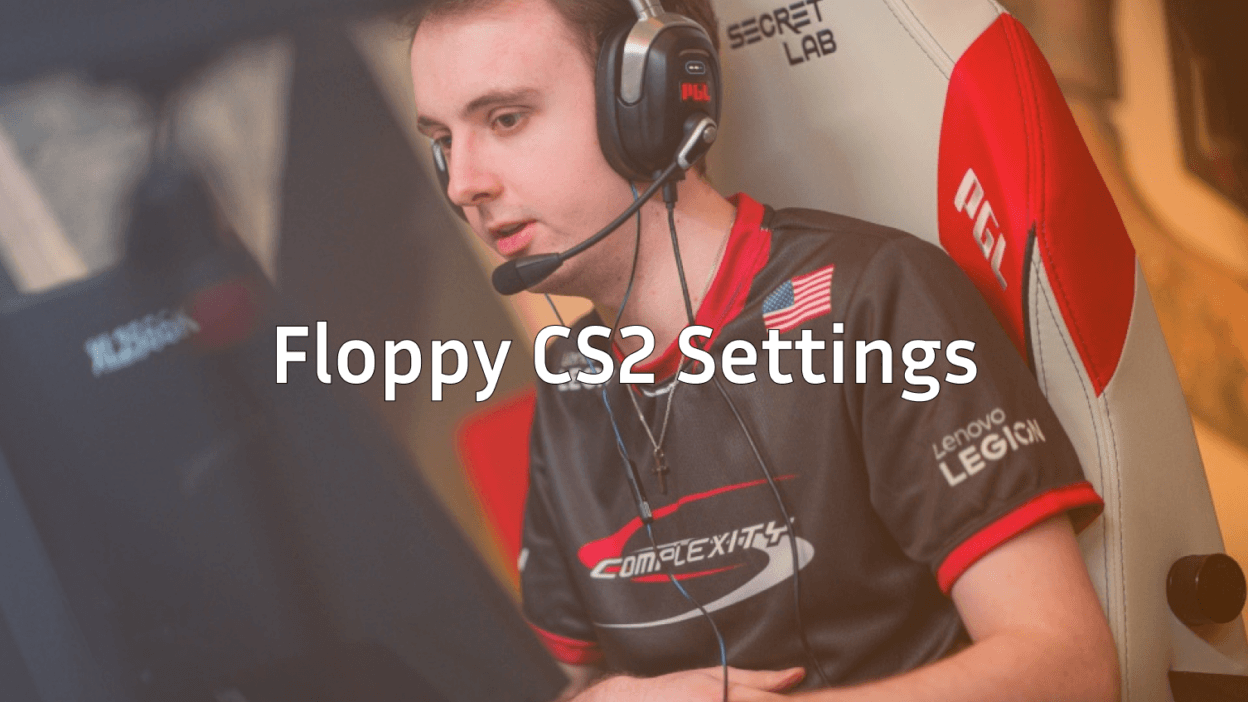
Want to play like one of North America’s most consistent riflers? This floppy CS2 guide breaks down every setting Ricky “floppy” Kemery uses from his crosshair and sensitivity to his viewmodel, video settings, and gear. Whether you’re chasing his aim or just curious how a pro fine-tunes his config, you’ll find everything you need below.
Who Is floppy?
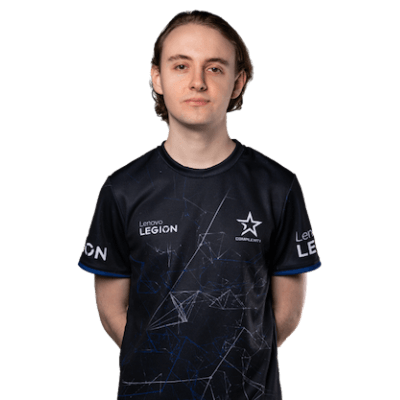
Ricky “floppy” Kemery is an American CS2 player and one of the most experienced riflers in the North American scene. Currently listed as a Free Agent, he’s known for his sharp aim, smart utility use, and steady role as a versatile rifler. Fans can follow him on his Twitter and Instagram for updates.
If you want to study more pro setups, check out our niko cs2 settings breakdown for comparison.
floppy CS2 Mouse Settings
floppy plays on a low-to-mid sensitivity that lets him flick fast on the ak-47 while staying steady for awp duels.
| Setting | Value |
|---|---|
| DPI | 800 |
| Sensitivity | 1.5 |
| eDPI | 1200 |
| Zoom Sensitivity | 1.00 |
| Hz (Polling Rate) | 1000 |
| Windows Sensitivity | 6 |
| Raw Input | On |
| Mouse Acceleration | Off |
Key takeaway: An eDPI around 1200 is the sweet spot for many pro riflers fast enough for spray transfers, slow enough for precise headshots.
floppy CS2 Crosshair
floppy’s crosshair is a classic static style with no dot perfect for tracking enemies through smokes and crosshair placement on common angles.
cl_crosshairstyle 4cl_crosshairsize 2
cl_crosshairthickness 1
cl_crosshairgap -3
cl_crosshair_drawoutline 0
cl_crosshaircolor 1
cl_crosshaircolor_r 0
cl_crosshaircolor_g 255
cl_crosshaircolor_b 0
cl_crosshairdot 0
cl_crosshair_t 0
cl_crosshairalpha 255
Copy and paste this into your console to get the exact floppy CS2 crosshair. It’s tight, green, and small enough not to block enemy heads at long range.
floppy CS2 Viewmodel Settings
A clean viewmodel keeps your screen free for spotting peeks and reading smokes.
viewmodel_offset_x 2.5viewmodel_offset_y 2
viewmodel_offset_z -2
viewmodel_fov 68
viewmodel_presetpos 3
cl_bob_lower_amt 5
cl_bobamt_lat 0.1
cl_bobamt_vert 0.1
cl_bobcycle 0.98
If you prefer a left-handed view like some pros do, use our left hand command cs2 guide to switch quickly.
floppy CS2 Video Settings
floppy runs his game at 1280×960 stretched (4:3) a common pro choice that makes player models look slightly wider and easier to hit.
| Setting | Value |
|---|---|
| Resolution | 1280×960 |
| Aspect Ratio | 4:3 |
| Scaling Mode | Stretched |
| Display Mode | Fullscreen |
| Brightness | 130% |
| Boost Player Contrast | Enabled |
| VSync | Disabled |
| Multisampling AA | CMAA2 |
| Global Shadow Quality | High |
| Model/Texture Detail | Low |
| Shader Detail | Low |
| Particle Detail | Low |
| Ambient Occlusion | Disabled |
| FidelityFX Super Resolution | Disabled (Highest) |
Why stretched? Models appear chunkier on screen, making headshots slightly easier to land. Combined with low texture details, you get max FPS and clean visibility.
floppy CS2 Launch Options
Want the exact launch options floppy uses? Use this in Steam:
-novid -tickrate 128 -freq 240 +fps_max 400For a full breakdown of every command, check our cs2 launch options guide. You can also fine-tune server performance using our cs2 tick rate explainer.
floppy CS2 Gear
Pros pick gear that matches their settings here’s what powers floppy’s game:
- Mouse: Logitech G Pro X Superlight
- Mousepad: Logitech G640
- Keyboard: Wooting 60HE
- Headset: HyperX Cloud II
- Monitor: 240Hz competitive display
The Wooting 60HE is a favorite in the pro scene thanks to its analog Hall Effect switches, giving floppy faster counter-strafing inputs than traditional mechanical boards.
How to Apply floppy’s Config
Setting up his exact config is easy:
- Open CS2 and go to your cs2 config location.
- Create or edit your
autoexec.cfgfile. - Paste in the crosshair, viewmodel, and sensitivity commands above.
- Add
exec autoexecto your launch options or run it from the console. - Restart CS2 to apply.
For practice routines after copying his config, our cs2 practice commands list will help you grind aim and utility just like the pros.
Should You Copy floppy’s Setup?
Copying a pro config won’t instantly make you a pro but it gives you a tested baseline used at the highest level. If you’re a rifler who likes a balanced sens and a minimal crosshair, floppy’s setup is a great starting point. Adjust the sensitivity to feel right for your arm, then keep everything else the same for at least two weeks before tweaking.
Want to pair pro settings with pro-grade gear inspiration? Browse all CS2 skins and check out all rifles on cs2.ad to deck out your loadout like the pros.
Final Thoughts
The floppy CS2 config is built around clean visuals, steady sensitivity, and a no-nonsense crosshair exactly what you’d expect from one of NA’s most reliable riflers. Copy his settings, practice consistently, and you’ll feel the difference in your aim within days.
Looking for more pro setups? Explore our full library of CS2 guides on blog.cs2.ad and grab the gear and skins that match your new playstyle at cs2.ad.