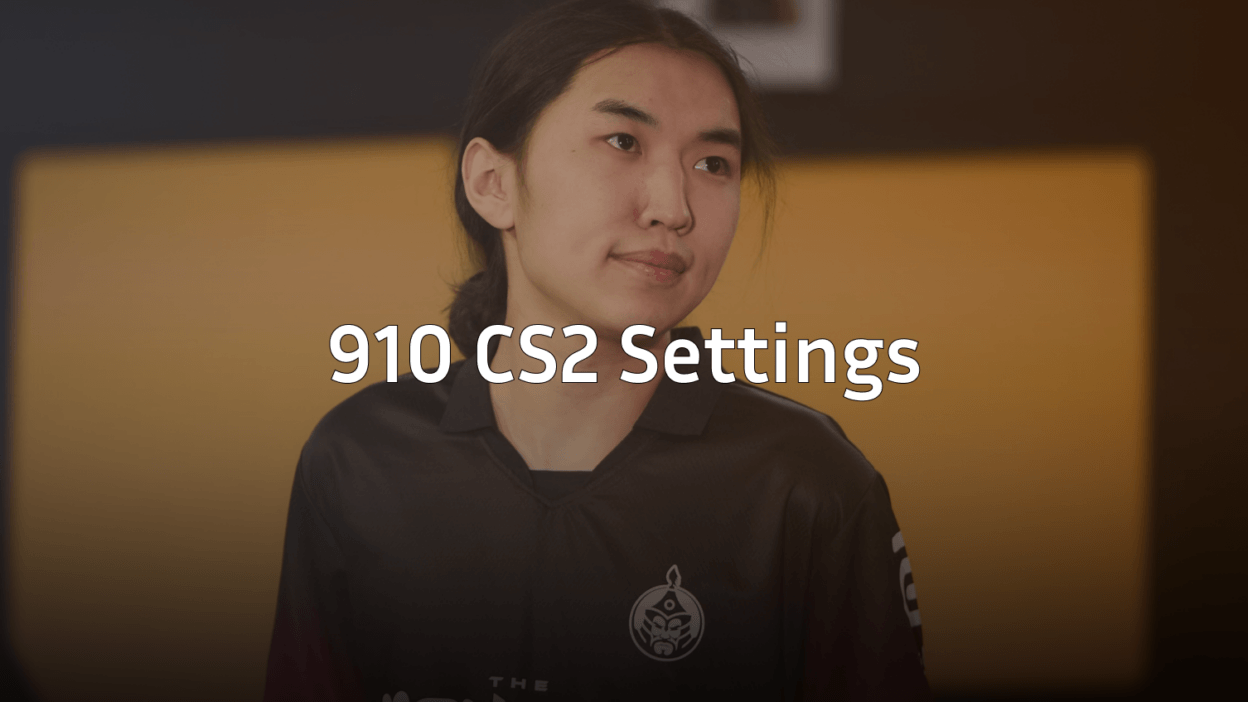
Looking to replicate a rising talent’s setup? The 910 CS2 settings offer a balanced configuration that prioritizes visibility and precision—perfect for players looking to climb the ranks with a pro-inspired config.
This guide covers everything you need: mouse settings, crosshair code, video configuration, and keybinds.
910 Mouse Settings

910 uses a moderate sensitivity setup that balances quick flicks with precise micro-adjustments. This works well for players who need flexibility across all rifles and pistol rounds.
| Setting | Value |
|---|---|
| DPI | 800 |
| In-Game Sensitivity | 1.0 |
| eDPI | 800 |
| Zoom Sensitivity | 1.0 |
| Hz (Polling Rate) | 1000 |
| Windows Sensitivity | 6 |
| Raw Input | On |
Key takeaway: An 800 eDPI sits in the sweet spot used by many pros. It provides enough speed for checking corners while maintaining the control needed for AWP flicks and spray transfers.
Why This Sensitivity Works
The 1.0 sensitivity at 800 DPI creates a 1:1 ratio that many players find intuitive. You’ll need roughly 52cm for a full 360-degree turn—standard for tactical shooters where precision beats speed.
If you’re coming from a higher sensitivity, lower it gradually over several days rather than switching cold.
910 Crosshair Settings
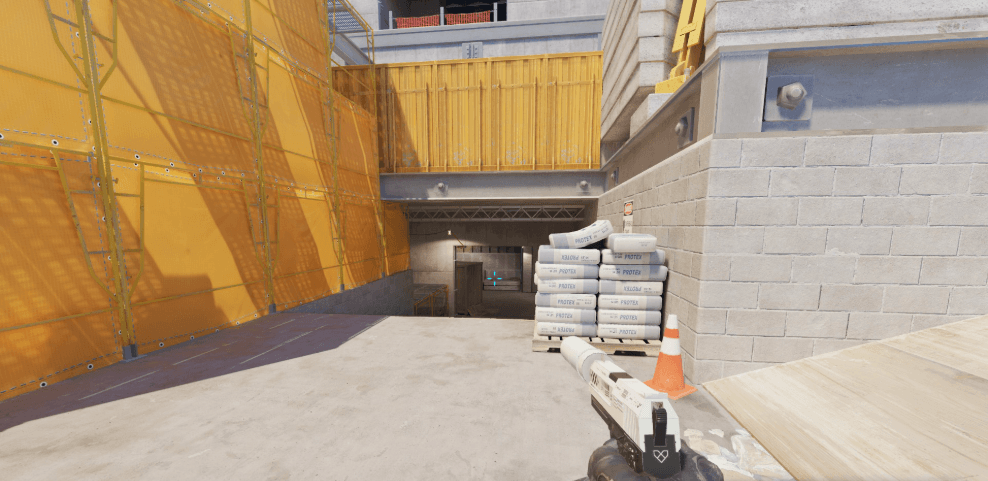
910 runs a clean, static crosshair designed for headshot-level placement. No distractions, just a clear aiming point.
CSGO-DP5k3-E5xfS-MyXD8-H4FBA-UYGiJ| Setting | Value |
|---|---|
| Style | 4 (Static) |
| Color | Green (1) |
| Size | 2 |
| Thickness | 1 |
| Gap | -2 |
| Outline | On |
| Outline Thickness | 1 |
| Dot | Off |
Pro tip: The negative gap pulls the crosshair lines closer together, creating a tighter reference point for headshots. The outline ensures visibility against bright surfaces on maps like Mirage or Dust II.
910 Video Settings

Performance trumps visuals in competitive CS2. These settings maximize FPS while keeping enemy models visible—similar to what you’d find in our CS2 video settings guide.
| Setting | Value |
|---|---|
| Resolution | 1280×960 |
| Aspect Ratio | 4:3 |
| Scaling Mode | Stretched |
| Display Mode | Fullscreen |
Advanced Video Settings
| Setting | Value |
|---|---|
| Boost Player Contrast | Enabled |
| V-Sync | Disabled |
| NVIDIA Reflex | Enabled + Boost |
| Multisampling | 4x MSAA |
| Global Shadow Quality | Medium |
| Model/Texture Detail | Medium |
| Texture Filtering | Bilinear |
| Shader Detail | Low |
| Particle Detail | Low |
| Ambient Occlusion | Disabled |
| High Dynamic Range | Performance |
| FidelityFX Super Resolution | Disabled |
Why stretched 4:3? Player models appear wider, making targets easier to track horizontally. The tradeoff is reduced peripheral vision, but most pros accept this for the visual advantage in direct gunfights.
For additional optimization, check our CS2 NVIDIA settings guide to ensure your GPU is properly configured.
910 Keybinds
Efficient keybinds reduce reaction time during clutch moments. Here’s 910’s utility and weapon setup:
| Action | Key |
|---|---|
| Jump | Space / Mouse Wheel Down |
| Duck | Ctrl |
| Walk | Shift |
| Use | E |
| Reload | R |
| Drop Weapon | G |
| HE Grenade | 4 |
| Flashbang | F |
| Smoke | X |
| Molotov | C |
| Bomb | 5 |
Jump Throw Bind
Essential for consistent utility lineups:
alias "+jumpthrow" "+jump;-attack"alias “-jumpthrow” “-jump”
bind “v” “+jumpthrow”
This ensures your smokes land in the same spot every time—critical for executing on sites.
Launch Options
910 keeps launch options minimal. Modern CS2 handles most optimizations automatically:
-novid -tickrate 128| Option | Purpose |
|---|---|
| -novid | Skips intro video |
| -tickrate 128 | Sets offline server tickrate |
Note: Avoid outdated options like -high or -threads. These can actually hurt performance in CS2’s updated engine.
Comparing 910’s Setup to Other Pros
910’s configuration shares similarities with other precision-focused players. If you want alternatives, explore settings from NiKo or ropz who use comparable eDPI ranges.
| Player | eDPI | Resolution |
|---|---|---|
| 910 | 800 | 1280×960 |
| NiKo | 800 | 1280×960 |
| ropz | 836 | 1920×1080 |
Final Thoughts
The 910 CS2 settings provide a solid foundation for competitive play. The 800 eDPI offers precision without sacrificing mobility, while the stretched 4:3 resolution makes targets easier to hit.
Remember: settings are personal. Use this config as a starting point, then adjust based on your playstyle. The best sensitivity is the one you can consistently hit shots with.
Ready to upgrade your loadout too? Browse CS2 skins to find the perfect look for your new setup.