Are you tired of being stuck at the same rank? Do you wonder how do I get better at CS:GO (and CS2)?
The secret isn’t just one magic trick; it’s about building a solid foundation across six core areas: Settings, Aim, Movement, Utility, Knowledge, and Mentality. While raw mechanical skill is key, understanding the strategy and mastering the small Counter-Strike tricks is what separates the casual players from the serious competitors.
This guide is designed to give you actionable tips for CSGO (and CS2) that you can apply in your next practice session. Let’s dive in!
1. Get Your Settings Right (The Foundation)
Before you even start aiming, you need a comfortable environment. Your setup shouldn’t fight against you.
1. Find Your Perfect Sensitivity (eDPI)
This is the single most important setting for consistent aiming. The pros almost universally use a low sensitivity.
- What is eDPI? It’s the simple multiplication of your in-game sensitivity (e.g., 1.5) and your mouse DPI (e.g., 400).
- The Sweet Spot: Most competitive players fall between 600 and 1200 eDPI.
Example: 400 DPI x 2.0 sens = 800 eDPI.
- Actionable Tip: You should be able to turn roughly 180 degrees with a comfortable sweep of your arm. If you’re constantly lifting your mouse, your sensitivity is too low. If you overshoot targets, it’s too high.
- Pro Example: Want to see what the best are using? Check out the pro CS2 settings used by players like ZywOo, ropz, or s1mple.
2. Optimize Your Video Settings
Competitive Counter-Strike prioritizes performance over graphics.
- FPS > Graphics: Always prioritize maximum frames per second (FPS) for the smoothest experience. Set all graphical options (like shadows, texture filtering, and effects) to Low.
- Monitor Refresh Rate: Make sure your monitor refresh rate is set to the maximum (144Hz, 240Hz, or higher) both in your display settings and in your CS2 video settings.
- Aspect Ratio: Many players prefer 4:3 stretched for larger enemy models, but 16:9 offers more peripheral vision. Choose what feels best for you.
3. Customization for Clarity
Customize your tools so you can focus only on the game.
- Crosshair: Use a static, small crosshair with a clear contrast color. You can easily copy a pro’s crosshair in CS2 or design your own to ensure it doesn’t distract you.
- Viewmodel: Change your viewmodel to move your weapon further into the corner of the screen, clearing your field of vision. You can change your viewmodel in CS2 to mimic the styles of your favorite pros.
2. Master Your Aim (The Core Skill)
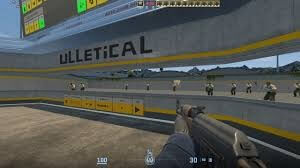
Aiming in Counter-Strike is not just about raw mouse control; it’s about consistency and pre-planning.
1. The 90% Rule: Crosshair Placement
This is the most crucial skill to learn. If you are aiming correctly, you win {9}{10} of your gunfights.
- Always Aim at Head Height: Whether you are walking, holding an angle, or peeking a corner, your crosshair should always be positioned where an enemy’s head will appear.
- Check the Corners: As you move through a map, constantly adjust your crosshair to the next potential enemy location. If you’re looking at the ground, you’ve failed the 90% rule.
- Keep Your Distance: When holding corners, move your crosshair slightly off the corner. This allows you to react to the enemy’s peek without having to move your crosshair significantly.
2. Recoil Control and Shooting Mechanics
CS:GO/CS2 is based on precise shooting, not spraying and praying. You must learn the three shooting techniques.
| Technique | Distance | Description | Key Weapon |
| Tapping | Long | Firing one shot at a time. Used for absolute maximum accuracy at extreme range. | AK-47, Deagle |
| Bursting | Mid-to-Long | Firing 3–5 rounds and resetting the aim. This is the most reliable technique. | M4A4/M4A1-S |
| Spraying | Close | Firing a full 30-round magazine. You must learn the spray pattern (the path your crosshair follows). Pull down and left for the AK-47’s first 10 bullets. | All Rifles, SMGs |
3. Build a Practice Routine
Dedicate 15-30 minutes before you jump into competitive play.
- Aim Training Maps: Use community maps to practice tracking, reflex flicks, and consistent taps.
- Deathmatch: Use this for realistic training. Focus on one goal per Deathmatch session (e.g., only aiming for the head, only bursting, only using the AK-47).
- Recoil Master: Practice full-spray control on static targets until you can consistently control the first 10 rounds.
3. Movement and Positioning (Counter-Strike Tricks)
In CS, where you are matters just as much as where you shoot.
1. Counter-Strafing: The Essential Trick
This is the single most important Counter-Strike trick to master. Because CS has movement inaccuracy, you must be completely still to fire accurately.
- The Technique: To instantly stop your momentum, press the movement key in the opposite direction for a split second.
Moving Right (D): Press A quickly, then fire.
Moving Left (A): Press D quickly, then fire.
- Why it works: It brings your velocity to zero instantly, allowing you to fire a perfectly accurate shot while your enemy is expecting you to still be moving.
2. Peeking Like a Pro
The way you enter a gunfight determines if you live or die.
- Avoid Wide Peeks: Never step out into the open too far unless you are entry-fragging and want to draw fire.
- The Jiggle Peek (Info Peek): Quickly tap A and D to peek a corner and gather information without exposing your entire body.
- The Shoulder Peek (Baiting the Shot): Tap a directional key to quickly flash your shoulder around a corner. This baits the enemy into shooting, revealing their position and allowing you to re-peek for the kill.
- Jump Throws: Learning to execute a perfect jump throw bind in CS2 is necessary for consistent utility usage, especially for specific smokes.
4. Utility Mastery (The Game Changer)
Smokes, flashes, and molotovs are your biggest force multiplier. Never skip buying utility.
1. The Purpose of Each Grenade
| Grenade | Purpose | Key Usage Tip |
| Smoke Grenade | Blocking Line of Sight (LOS) and delaying pushes. | Use it to cross dangerous gaps or cut off a bombsite into smaller, manageable pieces. |
| Flashbang | Disorienting enemies. | Crucial: Throw flashes so they detonate after you peek, giving the enemy minimal time to react. |
| Molotov/Incendiary | Denial and Funneling. | Use it to force enemies out of a hiding spot (like a corner) or block a choke point completely for several seconds. |
2. Execute Smokes and Flashes
Practice is key here. Spend time on an empty server learning the essential smokes for your favorite maps. You can use CS2 smoke practice commands to make this process faster.
- Default Smokes: Learn at least one basic smoke per map to block the most common angles (e.g., the A-long smoke on Dust 2).
- Utilize Binds: Use CS2 grenade binds (e.g., separate keys for each grenade) so you don’t waste time scrolling through your inventory mid-fight.
5. Map Knowledge & Communication
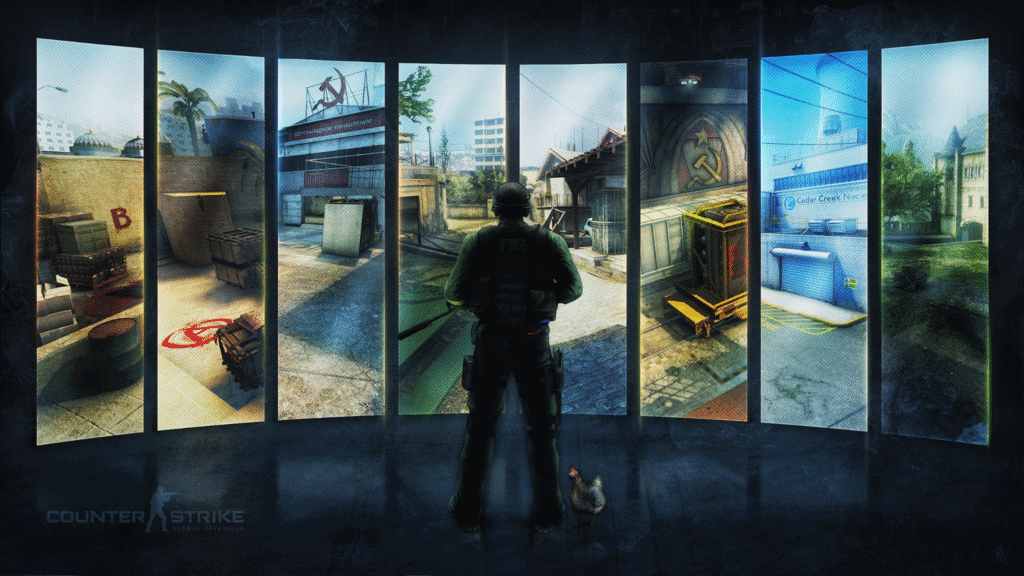
A skilled player doesn’t just know how to shoot; they know where to shoot.
1. Learn the Callouts
Communication is teamwork. If you call enemy on site, it helps no one.
- Be Specific: Learn the official callouts for every location. If you are playing on Nuke, you need to know Ramp,Heaven,Vents, and Outside.
- Study Maps: We have guides for specific map callouts:
2. Master the Economy
Counter-Strike is a 15-round half economy simulation. Understanding when to buy is critical.
- Full Buy: Rifles, full utility, and armor.
- Force Buy: Buying a few cheap weapons (like SMGs or Pistols) and light armor to disrupt the opponent’s economy.
- Eco Round: Only buying pistols (or nothing) to save money for a full buy on the next round.
- Never Go Alone: If you have money, buy for a teammate who is poor. $2,000 spent on a Rifle for a poor teammate is more valuable than $2,000 saved in your bank account.
6. The Mental Game (Experience)
High-level play requires a resilient and intelligent mindset. These tips for CSGO are often forgotten but essential.
1. Review Your Demos
The best way to figure out how do I get better at CS:GO is to watch yourself fail.
- What to Look For:
Crosshair Placement: Were you looking at the ground when you died?
Utility Usage: Did you throw a smoke or flash that helped your team, or did you hold onto it until the round was lost?
Positioning: Did you stand in the open when you could have played cover?
- Use the Replay Commands: You can easily fast-forward CS2 replays and use CS2 replay commands to slow down moments of failure.
2. Focus on Consistency, Not Flukes
Don’t celebrate the lucky headshot; celebrate the round where you executed a perfect smoke and won the after-plant scenario.
- Tilt Control: Recognize when you are getting frustrated. Take a deep breath. Mute toxic players (how to mute people in CS2). Every round is a fresh start. You can’t fix the last round, only focus on winning the next one.
- Role Definition: Understand the CS2 roles (Entry Fragger, Support, AWPer, Lurker, In-Game Leader). Find the role that suits your playstyle and stick to it. You can’t be good at everything at once.
Frequently Asked Questions (FAQs)
1. How quickly can I improve my crosshair placement?
While mastery takes time, you can see noticeable improvements in your crosshair placement within 1-2 weeks of focused practice. Dedicate 10-15 minutes daily to pre-aim maps and consciously keep your crosshair level with common head-heights as you move through maps, and the habit will quickly form.
2. What is the single most crucial piece of utility (smoke, flash, or molotov) I should learn first?
The most crucial utility depends on your main map, but prioritizing the entry smoke for the most contested bomb site (e.g., A-site Mirage, B-site Inferno) is key. Learning one reliable smoke that blocks a major line of sight will immediately increase your team’s success rate on attack.
3. What does “map control” mean and why is it so important?
Map control is the strategic occupation or effective neutralization of key areas on the map. It’s vital because holding these areas—like Mid on Mirage or Banana on Inferno—gives your team more time to rotate, better intel on enemy movements, and safer positions from which to attack or defend.
4. What are the optimal mouse sensitivity (eDPI) settings for competitive play?
There is no single “optimal” setting, but most professionals use a low eDPI (effective dots per inch), typically between 400 and 1200. To calculate yours, multiply your mouse’s DPI by your in-game sensitivity. Using a low eDPI forces you to use your entire arm for aiming, leading to higher consistency and precision.
5. How should I structure my daily practice routine to get the fastest results?
A balanced routine should allocate 60-70% of time to mechanics (aim maps, Deathmatch) and 30-40% to game sense (recoil practice, learning utility lineups, watching demos). Always start with a warm-up, focus intensely on one skill per session, and finish by playing a match to apply what you learned.