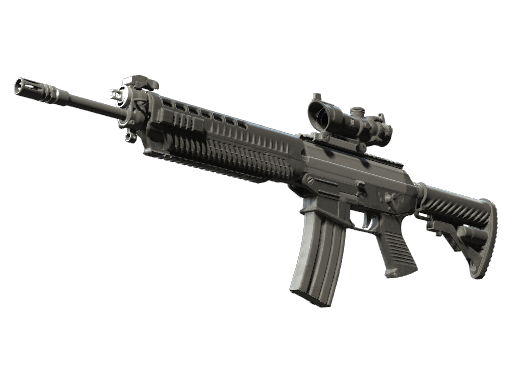
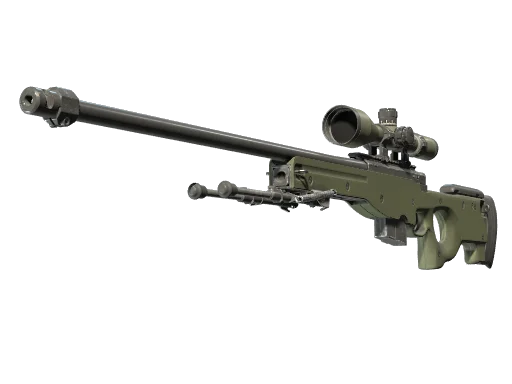
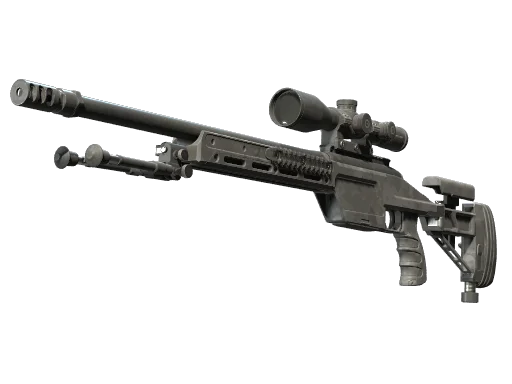

















































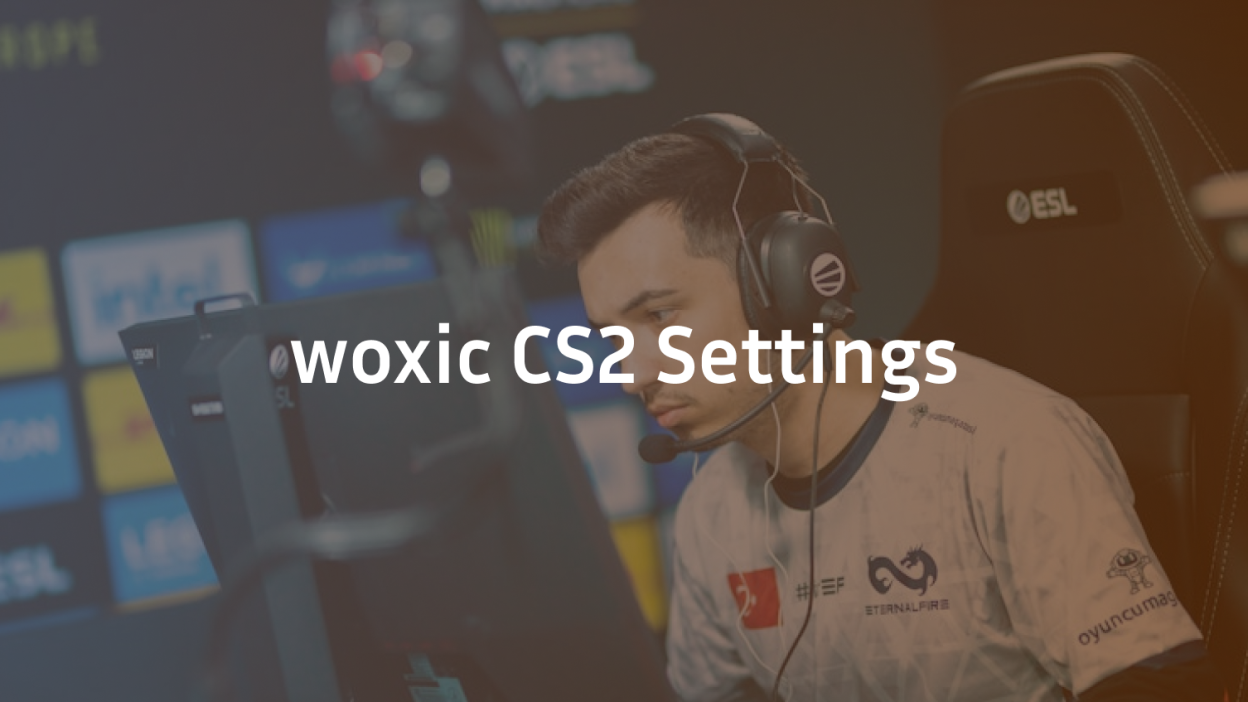
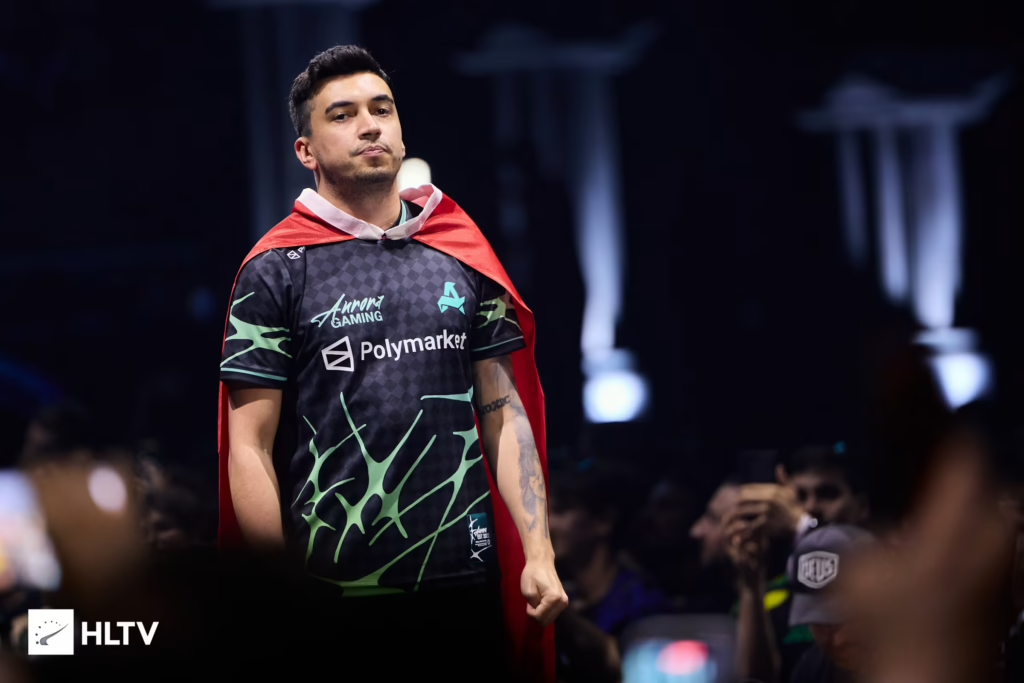
Looking to copy one of the most explosive AWPers in the game? The woxic CS2 settings below cover everything from sensitivity and crosshair to viewmodel and gear — pulled directly from his current Aurora setup and updated for CS2.
Özgür “woxic” Eker is a Turkish AWP specialist known for his aggressive peeks and fast flick shots. Whether you main the awp rifle skins or just want a proven pro config, this guide gives you the exact numbers.
woxic Sensitivity & Mouse Settings
woxic runs a low-to-mid sensitivity that favors precision over speed — ideal for the deliberate aim you need behind the scope.
| Setting | Value |
|---|---|
| DPI | 400 |
| Sensitivity | 1.85 |
| eDPI | 740 |
| Zoom Sensitivity | 1.00 |
| Hz (Polling Rate) | 1000 |
| Windows Sensitivity | 6 |
| Raw Input | 1 |
| Mouse Acceleration | 0 |
Key takeaway: 400 DPI with 1.85 sens gives him roughly 45 cm per 360°. That’s a large mousepad range — build muscle memory before copying it blindly.
woxic Crosshair Settings
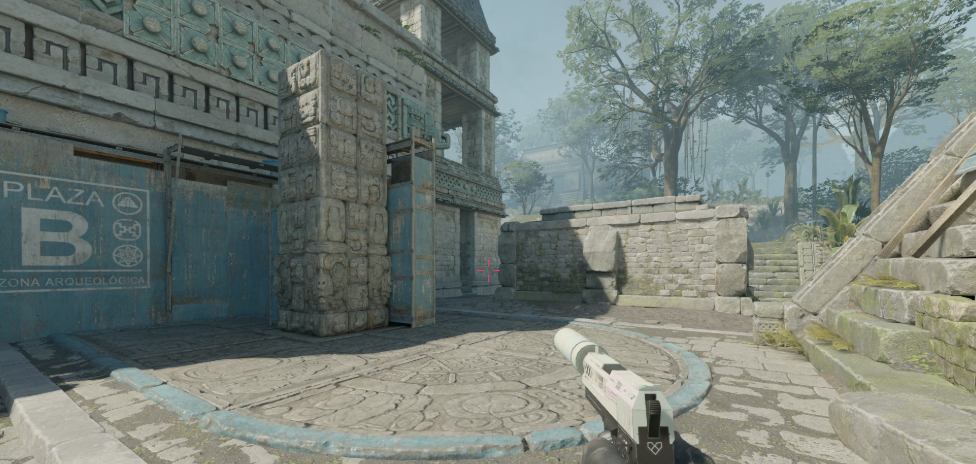
His crosshair is a clean, classic static style — small, sharp, and easy to place on head level.
| Setting | Value |
|---|---|
| Style | 4 (Classic Static) |
| Color | 1 (Green) |
| Size | 2 |
| Thickness | 0.5 |
| Gap | -2 |
| Outline | 1 |
| Center Dot | No |
| Alpha | 255 |
Crosshair Console Command
Paste this into your console to copy woxic’s crosshair instantly:
cl_crosshairstyle 4; cl_crosshaircolor 1; cl_crosshairsize 2; cl_crosshairthickness 0.5; cl_crosshairgap -2; cl_crosshair_drawoutline 1; cl_crosshairdot 0; cl_crosshairalpha 255If you want to test other pro crosshairs side-by-side, our karrigan CS2 config and broky pro settings breakdowns are worth a look.
woxic Viewmodel Settings
woxic keeps his viewmodel centered and low so his hands don’t block sightlines during AWP peeks.
| Setting | Value |
|---|---|
| viewmodel_fov | 68 |
| viewmodel_offset_x | 2.5 |
| viewmodel_offset_y | 0 |
| viewmodel_offset_z | -1.5 |
| viewmodel_presetpos | 3 |
| cl_bob_lower_amt | 5 |
| cl_bobamt_lat | 0.1 |
| cl_bobamt_vert | 0.1 |
| cl_bobcycle | 0.98 |
woxic Video & Graphics Settings
He runs a stretched 4:3 resolution — the classic AWPer’s choice for wider player models and cleaner target contrast.
| Setting | Value |
|---|---|
| Resolution | 1280×960 |
| Aspect Ratio | 4:3 (Stretched) |
| Scaling Mode | Stretched |
| Refresh Rate | 240 Hz |
| Display Mode | Fullscreen |
| Brightness | 130% |
| Global Shadow Quality | High |
| Model / Texture Detail | Low |
| Shader Detail | Low |
| Boost Player Contrast | Enabled |
| Multisampling AA | 4x MSAA |
| Texture Filtering | Bilinear |
| V-Sync | Disabled |
For a deeper dive into optimizing visuals, check our CS2 graphics settings guide — it explains why low shader detail actually improves visibility.
woxic Launch Options
-novid -tickrate 128 -freq 240 -allow_third_party_softwareThese options skip the intro, force his monitor’s refresh rate, and enable driver-level input software.
woxic Gear & Hardware Setup
Pro settings only matter if the hardware can keep up. Here’s what he uses:
| Gear | Model |
|---|---|
| Mouse | Logitech G Pro X Superlight |
| Mousepad | Logitech G640 |
| Keyboard | Logitech G Pro X |
| Headset | Logitech G Pro X |
| Monitor | BenQ ZOWIE XL2546K (240 Hz) |
The Logitech G Pro X Superlight is a fan favorite among AWPers — lightweight, wireless, and reliable for the quick lifts you need to reset aim after a scope.
Should You Copy woxic’s Settings?
Copy his crosshair and viewmodel — those translate directly. But treat sensitivity as a starting point, not a rule.
woxic’s 1.85 at 400 DPI works because he’s trained thousands of hours with a wide arm-aim motion. If you’re used to wrist aim on a small mousepad, drop to 1.2–1.5 and work up.
Best matches for his config:
- Players learning AWP or maining it
- Anyone on a 240 Hz monitor with a large mousepad
- Users who prefer stretched 4:3 for wider models
If you want more AWPer configs, our w0nderful sensitivity setup and torzsi CS2 settings pages break down two of the current top snipers.
Final Thoughts
The woxic CS2 settings above give you a battle-tested foundation used at the top level — low DPI, stretched 4:3, tight crosshair, and clean viewmodel. Copy the crosshair and viewmodel exactly, but tune sensitivity to your own arm.
Ready to match the look too? Browse AWP skin prices on cs2.ad or dig into the full pistol skin catalog to complete your pro loado