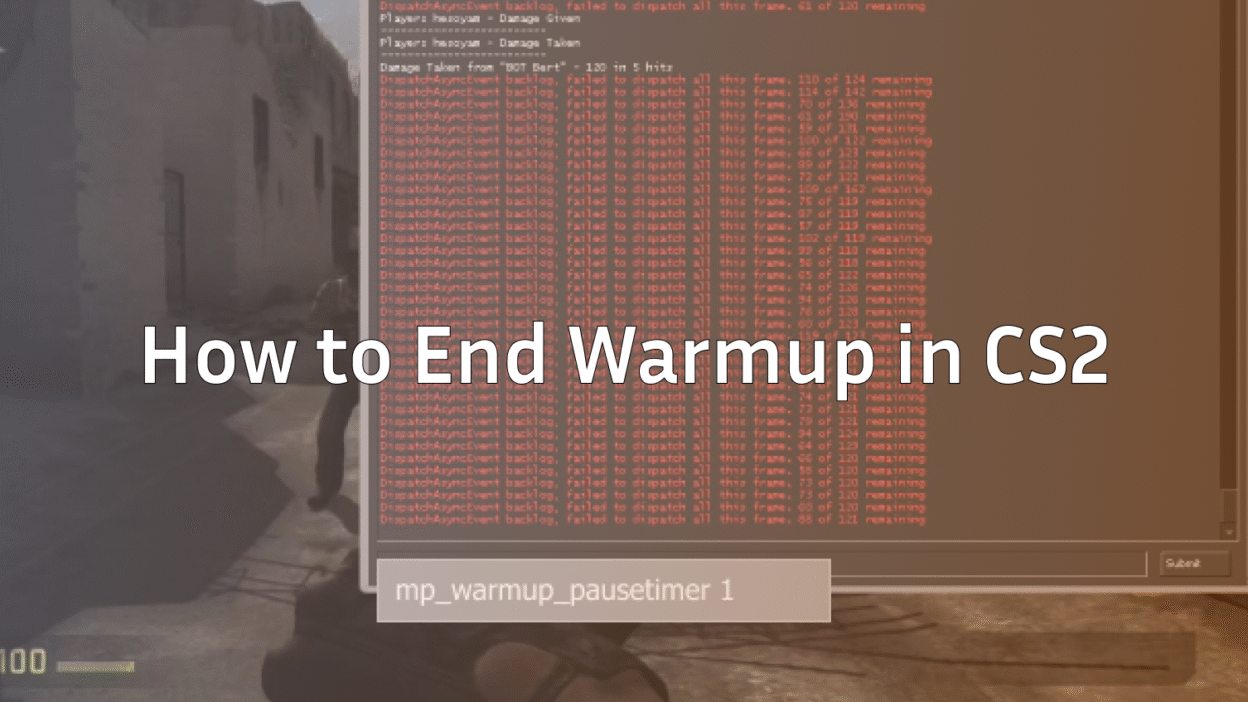
Warmup is useful when you need to warm your aim, adjust your crosshair, or let players load in. But if you’re on a private server, practicing with friends, or running drills, the warmup countdown can feel unnecessary. This guide explains exactly how to end warmup, how to skip warmup in CS:GO, and how to use the end warmup command in CS2 with complete clarity and accuracy.
Unlike many competitor articles that only list a command or two, this guide walks you through the entire process so you understand why warmup behaves the way it does, when commands work, and what to do if they fail.
What the Warmup Phase Actually Does
Warmup in CS2 and CS:GO gives players a buffer before the match starts. During this time, you can:
- Test sensitivity and crosshair settings
- Practice spray control
- Adjust audio or viewmodel
- Let late players load into the server
If you want to get matches started quickly—especially on private servers—you’ll need to manually skip warmup using console commands.
For fine-tuning your settings during warmup, you can check helpful guides such as
How to Change Crosshair in CS2 and
Best Player Configs like shroud CS2 Settings.
How to Enable the Console (Required Step)
Before you can use any warmup-related commands, the developer console must be enabled.
- Open Settings
- Go to the Game tab
- Set “Enable Developer Console” to Yes
- Press the ~ key in-game to open it
Once the console is enabled, you can use all warmup commands listed below.
The Main Command to End Warmup Immediately
If you want to end warmup instantly, the command is:
mp_warmup_end
This forces the warmup phase to finish and moves the match directly into the first round. It works in:
- Private servers
- Offline with bots
- Community servers where you have permissions
- CS2 dedicated servers you host (see:
CS2 Dedicated Server Guide )
How to Skip Warmup in CS:GO or CS2 via Console
Here is the step-by-step method most players use:
- Open the developer console
- Type the warmup command
- Press Enter
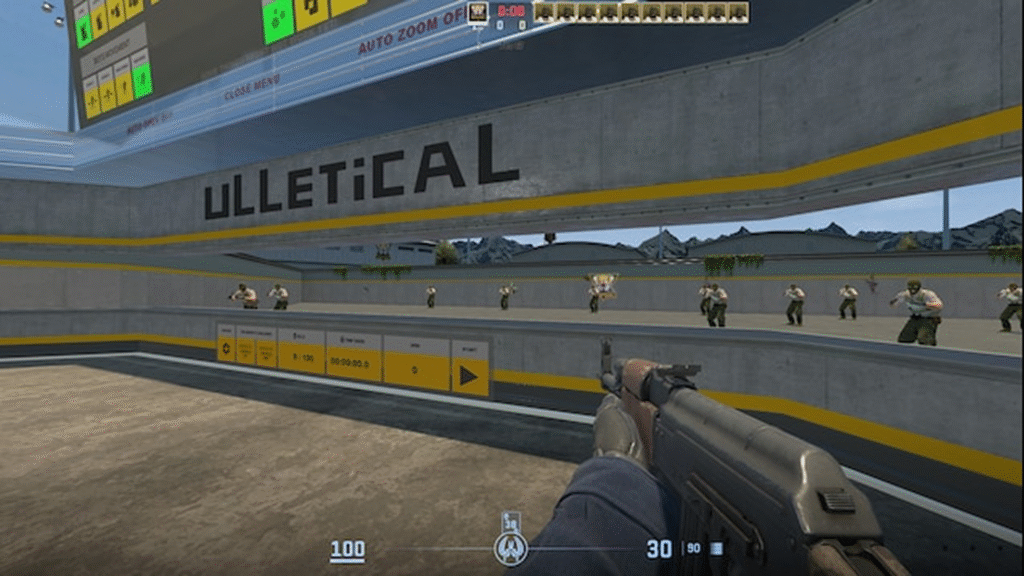
For skipping warmup entirely:
mp_warmup_end
For a shorter warmup instead of skipping:
mp_warmuptime 5
For ending warmup once enough players join:
mp_endwarmup_player_count 2
This is helpful when practicing with a friend or teammate.
Useful Warmup Customisation Commands
Below are additional warmup commands that give you more control:
| Command | Description |
| mp_warmuptime X | Sets warmup duration (seconds) |
| mp_warmup_end | Ends warmup immediately |
| mp_do_warmup_offline 0 | Disables warmup in offline matches |
| mp_endwarmup_player_count X | Ends warmup after X players join |
These are perfect for practice servers—especially when combined with configs from guides like:
Why Warmup Sometimes Doesn’t End (Troubleshooting)
Not every server allows players to run warmup-related commands. Here’s why:
1. You Don’t Have Admin Permissions
If you aren’t the host or an admin, commands will not execute.
2. Warmup Is Forced in Official Competitive
In matchmaking, you cannot skip warmup under any circumstances. Valve enforces it.
A good use of that warmup time is adjusting your settings, like:
3. Server Config Overrides
Some community servers have locked configs where warmup cannot be modified.
When It Is Useful to End Warmup
Skipping warmup is ideal in:
- Offline practice sessions
- 1v1 or aim map matches
- Custom scrims where everyone is ready
- Dedicated servers you manage
- Workshop maps with friends (see:
How to Play Workshop Maps With Friends )
If you frequently host practice sessions or create your own servers, reducing setup time can save a lot of effort.
Best Practice: Combine Warmup Control With Server Binds
Many players create a practice config that automatically disables warmup.
For example:
mp_do_warmup_offline 0
mp_warmuptime 1
mp_warmup_end
You can bind these with your other practice commands to streamline your sessions, especially if you also use tools like:
Summary
If you want to skip warmup quickly in CS2 or CS:GO, the most important command is:
mp_warmup_end
Along with supporting commands like mp_warmuptime and mp_do_warmup_offline, you have full control over how your server handles warmup.
These commands work perfectly in private servers, offline modes, and practice sessions, but won’t function in official matchmaking.