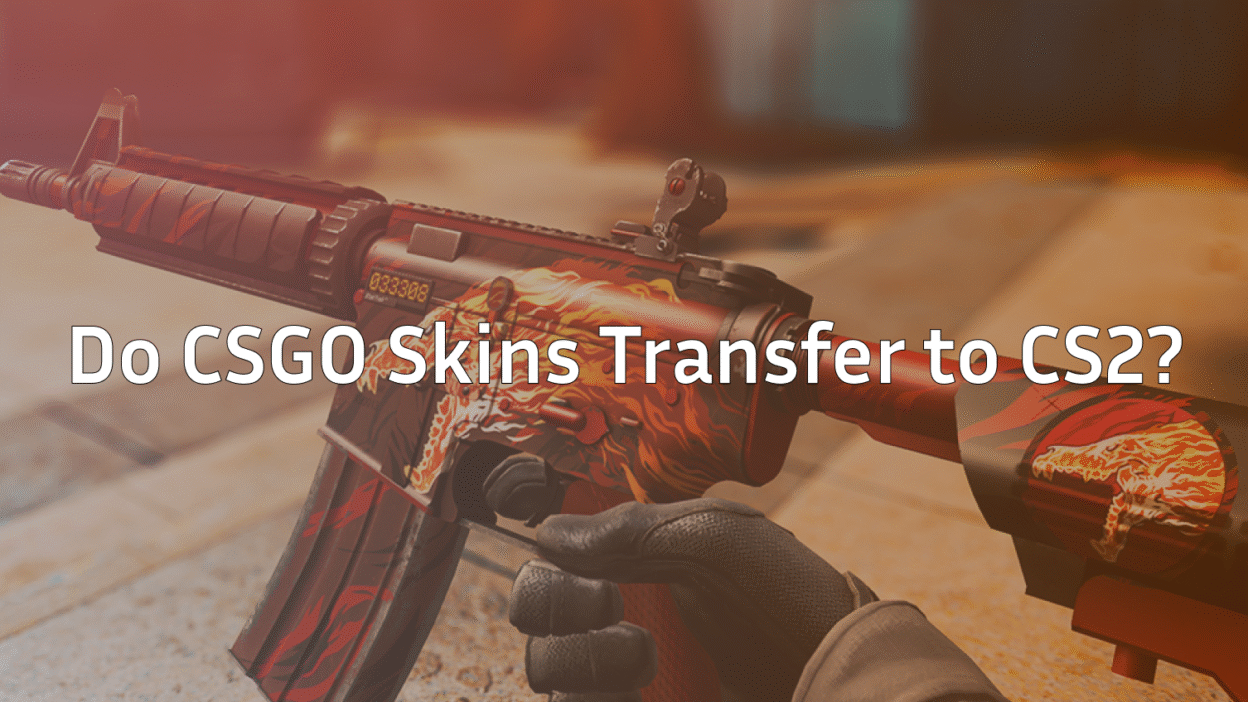
If you’ve spent years collecting skins, opening cases, or investing in knives, one question probably hit you hard when CS2 launched:
Do CSGO skins transfer to CS2?
Short answer: Yes — 100% of your CSGO skins transfer to CS2.
Long answer? Let’s break it down properly so there’s zero confusion.
Quick Answer
All CSGO skins transfer to CS2 automatically
Same Steam inventory
Same floats, patterns, stickers, StatTrak
No manual transfer needed
No skins lost
If it was in your CSGO inventory, it’s now part of CS2 skins.
Will CSGO Skins Transfer to CSGO 2 Automatically?
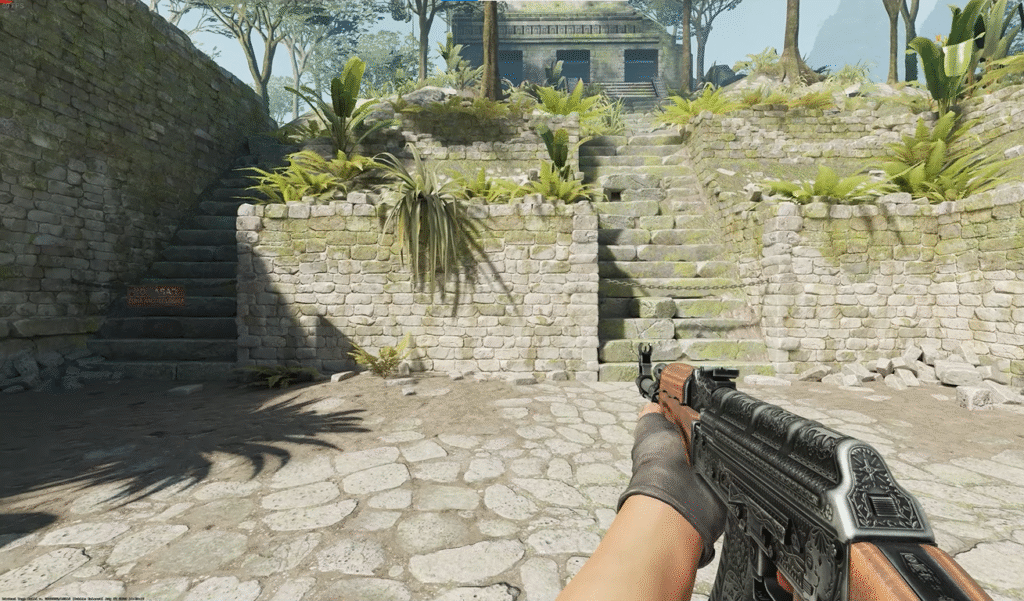
Yes. When Valve released Counter-Strike 2, it replaced CSGO, not launched as a separate game.
That means:
- Same Steam account
- Same inventory
- Same items
There is no “CSGO → CS2 transfer process”. Your skins simply exist in CS2 by default.
This applies to:
- Weapon skins
- Knives
- Gloves
- Stickers
- Cases
- Agents
- Music kits
- Charms
What Happens to Your Skins in CS2?
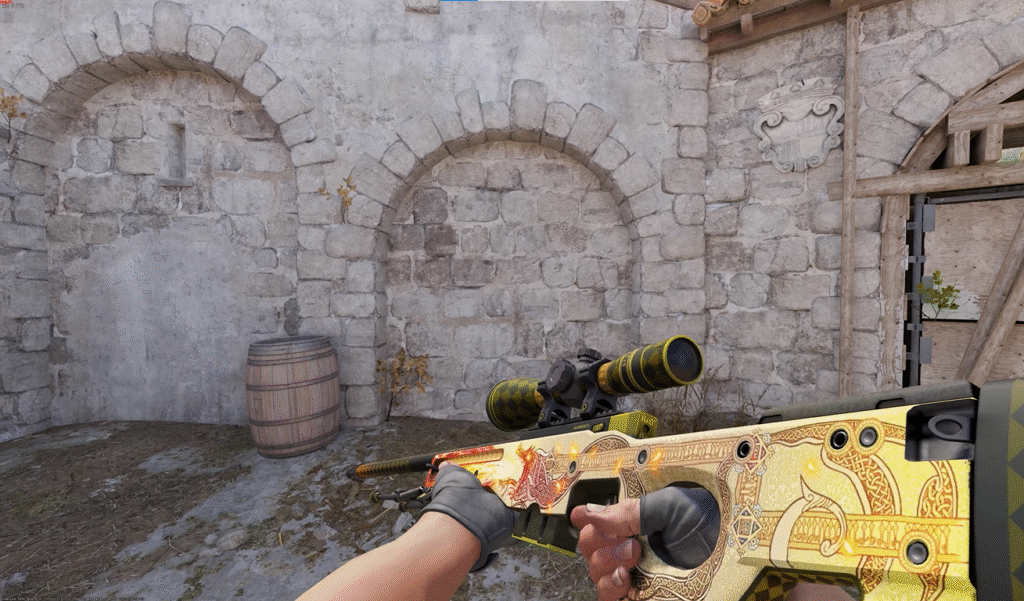
Here’s exactly how CSGO skins in CS2 behave:
| Skin Feature | Status in CS2 |
| Weapon skins | Transferred |
| Knife skins | Transferred |
| Gloves | Transferred |
| Float values | Unchanged |
| Patterns | Preserved |
| Stickers | Still applied |
| StatTrak | Fully working |
| Tradeable status | Same as before |
Your AK Redline, AWP Asiimov, or Karambit Doppler didn’t reset or reroll.
Do Knives and Gloves Transfer to CS2?
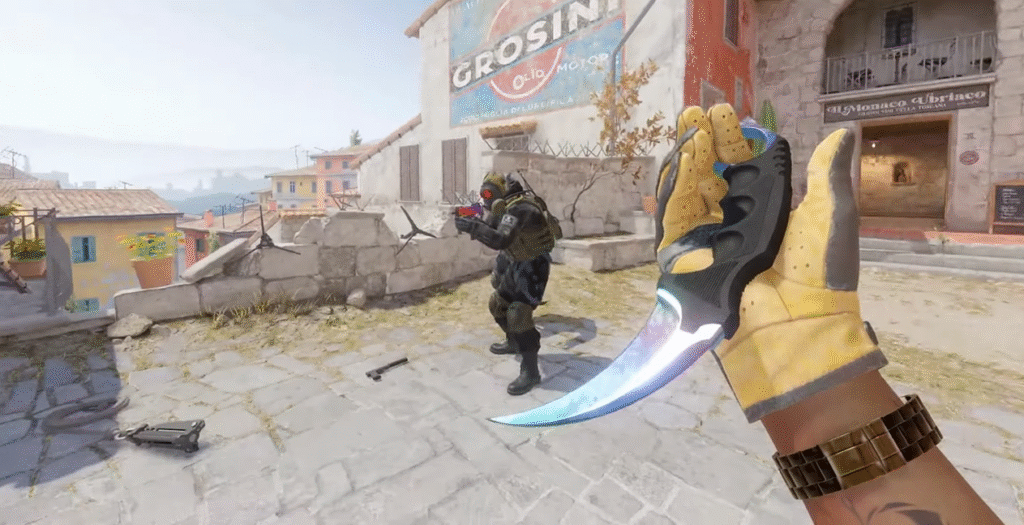
Absolutely.
All knives and gloves transfer with:
- Same finishes
- Same phases (Doppler, Gamma Doppler, etc.)
- Same float values
If you’re into knives, you might also enjoy:
CS2 actually improves lighting and reflections, making high-tier knives look even cleaner.
Why Do Some Skins Look Different in CS2?
This is where many players get confused.
Your skins didn’t change — the engine did.
CS2 uses Source 2, which introduces:
- Better lighting
- Improved shaders
- Realistic reflections
- More accurate wear visibility
Because of that:
- Some skins look brighter
- Some look darker
- Scratches may appear clearer
Float values are exactly the same.
If you’re curious how skin visuals evolved:
Do CSGO Cases Transfer to CS2?
Yes, all cases carry over.
That includes:
- Old discontinued cases
- Active drop pool cases
- Rare cases
You can still:
- Open them
- Trade them
- Sell them
Want to know which cases are dropping now?
Can You Trade or Sell Skins in CS2?
Yes — trading works exactly the same.
You can:
- Trade skins with players
- Sell skins on the Steam Market
- Use third-party marketplaces
Trade rules like:
- Trade holds
- Steam Guard
- Market cooldowns
…all still apply.
Helpful reads:
Did CS2 Add New Skins or Remove Old Ones?
Valve did not remove any existing skins.
However:
- CS2 introduced new collections
- New case designs are expected over time
- Some older skins gained value due to demand
To explore high-value items:
Are Skins Safe in CS2?
Yes — CS2 skins are tied to your Steam inventory, not local files.
To stay safe:
- Enable Steam Guard
- Avoid API scams
- Don’t click sketchy trade links
Security guides worth checking:
Common Myths About CS2 Skin Transfer
You need to move skins manually
Old skins got deleted
Floats changed in CS2
CS2 skins are separate
All false.
If you owned it in CSGO, you still own it in CS2.
Final Verdict: Do CSGO Skins Transfer to CS2?
Yes — every single one of them.
CS2 is a visual and technical upgrade, not a reset. Your inventory remains intact, valuable, and fully usable.
If you’re building a CS2 loadout, trading, or investing — you’re safe.
Frequently Asked Questions (FAQs)
Will skins transfer to CSGO 2 automatically?
Yes. CS2 uses the same Steam inventory, so skins transfer automatically.
Are CSGO skins worth more in CS2?
Some are. Improved visuals and demand have increased prices for certain skins.
Did CS2 remove any skins?
No. All existing skins remain available.
Can I still open old CSGO cases in CS2?
Yes. All cases that were in your inventory still work.