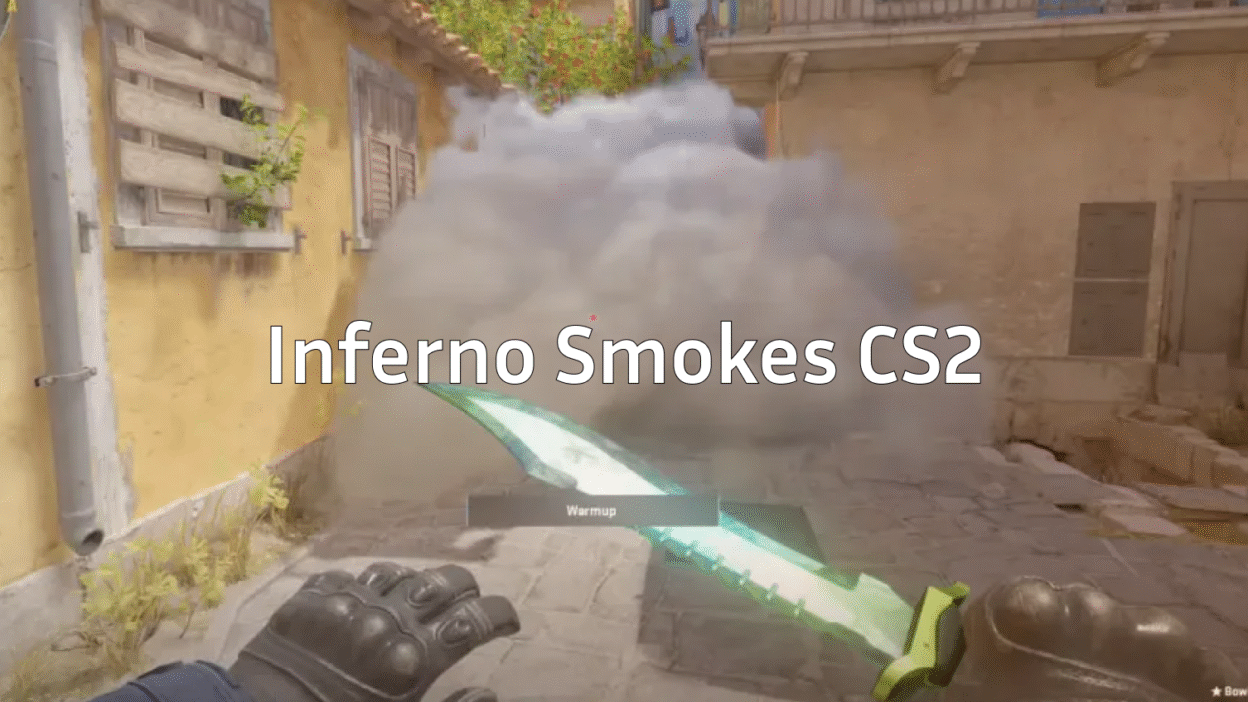
If you’re serious about improving your CS2 gameplay, mastering Inferno smokes is a must. Proper grenade usage can secure bombsites, choke off enemy rotations, and give your team the upper hand in crucial rounds. This guide covers every essential smoke, flash, and nade, including pro tips for perfect lineups.
We’ll also link to other helpful CS2 resources where needed, like Inferno callouts and top CS2 pro settings to level up your playstyle.
Why Smokes Matter on Inferno CS2
Inferno is a map defined by narrow choke points, long sightlines, and bombsite control. Using Inferno smokes correctly allows you to:
- Block sniper lines of sight at mid and banana.
- Execute bombsite takes safely.
- Deny rotations and delay pushes.
- Force enemies out of safe positions.
Failing to use grenades properly often results in lost control of key areas like Banana, Apartments, and Mid.
Essential CS2 Inferno Smokes
Here’s a breakdown of the must-know smokes on Inferno CS2, with tips for easy execution:
1. Banana Control Smokes
Purpose: Block vision from CTs holding Banana.
| Smoke | Lineup | Tips |
| Banana Deep | Stand near T spawn, aim at top of tree | Useful for pushing safely with team |
| Car Smoke | Align with dumpster corner | Cuts off crossfire from CTs |
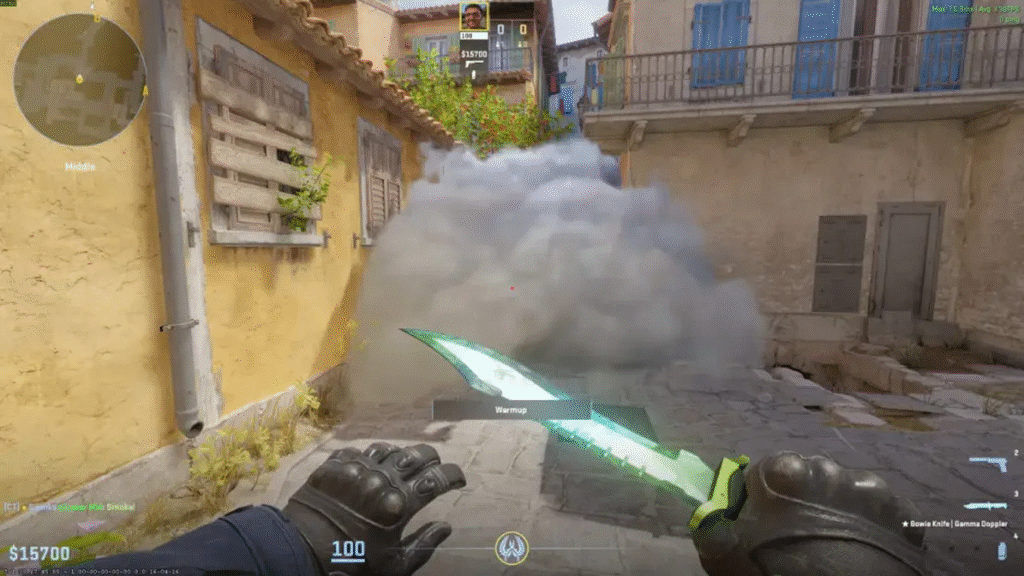
Pro Tip: Combine with a flash over sandbags to isolate enemies.
2. Mid Control Smokes
Purpose: Gain vision and access to A or B through Mid.
- Top Mid Smoke: Stand at T roof, aim at specific window ledge.
- Arch Smoke: Blocks CT vision from Arch.
These are crucial for mid-to-B splits or fakes.
3. Bombsite A Smokes
- Default Site Smoke: Drops from T Apartments into default plant spot.
- Graveyard Smoke: Blocks pit peekers and sniper sightlines.
- Balcony Smoke: Cuts off AWP from balcony.
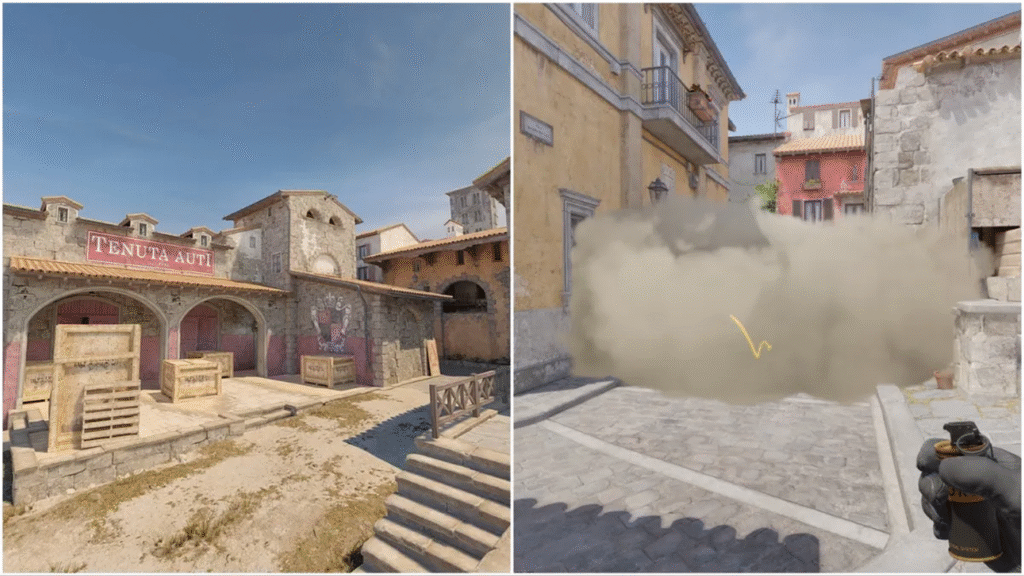
Combine these with flashes for full site executes.
4. Bombsite B Smokes
- CT Spawn Smoke: Blocks off rotations.
- New Box/Bench Smoke: Protects plant spot.
- Banana to B Smoke: Stops early push from CTs.
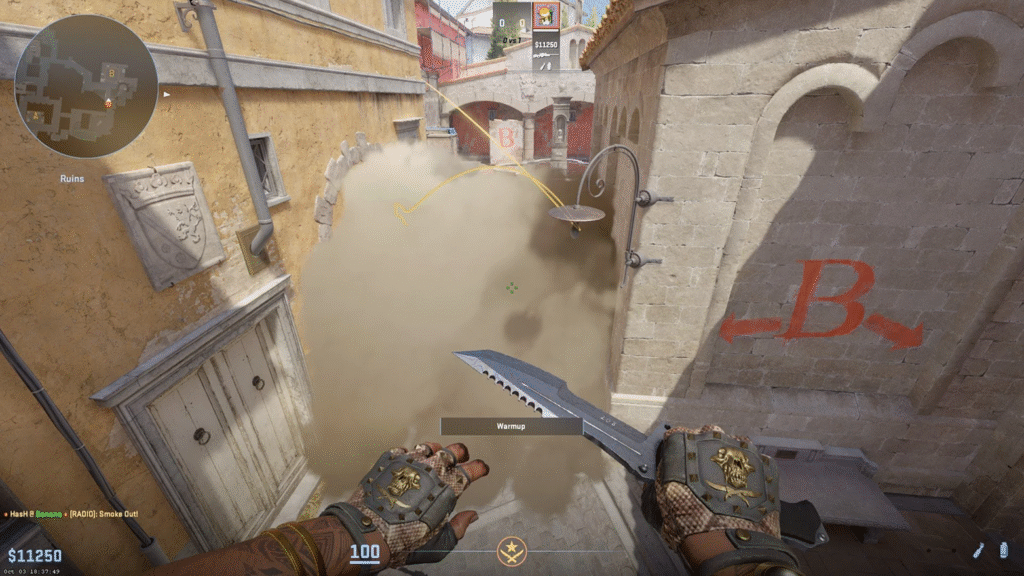
5. Advanced Tips for Inferno Nades (CS2 Nades)
- Chain smokes: Layer multiple smokes for full coverage.
- Pop-flash: Quick flashes from corners prevent peeks.
- Molly Usage: Clear common hiding spots (e.g., Coffins, New Box).
You can practice all these with CS2 smoke practice commands, which will make your lineup execution perfect.
Best Practices to Improve Your Inferno CS2 Gameplay
- Learn Callouts: Knowing exact positions like Banana, Apartments, and Pit helps you use smokes effectively. Check out our Inferno callouts guide.
- Watch Pros: Observe professional players’ grenade timings to understand real-game usage.
- Practice in Workshop Maps: Load CS2 maps specifically designed for smoke practice.
- Sync with Teammates: Never throw a smoke blindly; coordinate for maximum effect.
Quick Reference Table: Must-Know Smokes
| Site | Smoke Type | Recommended Use |
| Banana | Deep/Car | Safe push, choke control |
| Mid | Top Mid / Arch | Mid control, split executions |
| A | Default / Graveyard / Balcony | Full site take |
| B | CT Spawn / Bench / Banana | Delay rotations, secure plant |
This table is your go-to for quick refreshers before matches.
Related CS2 Guides You’ll Love
- CS2 Mirage Smokes – Improve your Mirage executes.
- CS2 Pro Settings – Match top-tier player setups.
- CS2 Crosshair Guide – Precision aiming tips.
Final Thoughts
Mastering Inferno smokes in CS2 is about precision, timing, and teamwork. Once you get comfortable with these lineups, your ability to control the map and execute bombsites will skyrocket.Remember: practice beats theory. Use workshop maps, rehearse lineups, and always communicate with your team. Soon, you’ll be throwing smokes like a pro and turning the tide of every match.