










































































































































































































































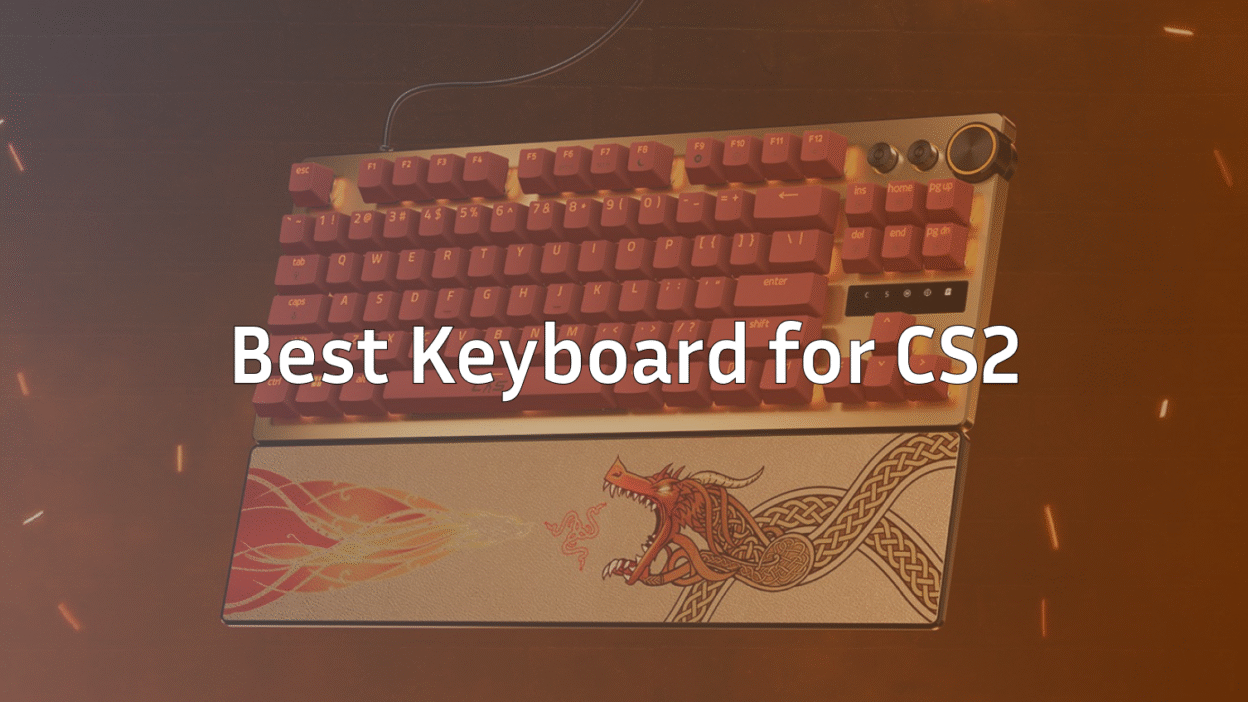
If you’re serious about Counter-Strike 2 (CS2) — or still playing CSGO — your keyboard isn’t just another accessory. It directly affects movement, counter-strafing, peeking precision, and even utility execution. A reliable keyboard helps you stay consistent across every map, whether you’re holding angles on Inferno, fighting mid on Mirage, or taking fast duels on Nuke.
If you’re still learning map knowledge, our CS2 map callouts guides (including Mirage, Dust 2, Nuke and more) can help you maximize the advantage of your new keyboard by improving communication and rotations.
In this guide, we’ll break down the best keyboards for CS2/CSGO, what actually matters, and help you choose the perfect board based on your playstyle — just like pros do.
What Makes a Good Keyboard for CS2 / CSGO?
| Factor | Why It Matters |
| Form Factor (TKL / 60% / 65%) | More mouse space = better aim and smoother counter-strafes. Especially helpful if you play with low sensitivity or stretched resolutions. |
| Mechanical or Optical Switches | Faster activation, consistent feel, and much better for movement than membrane boards. |
| Low Latency + Fast Response | Crucial for peeking, jiggle movements, bunnyhopping (see BHOP commands), and instant firing. |
| Build Quality | Steel frames, PBT caps, and stable stabilizers help with durability and consistent movement binds. |
| Comfort | Long CS2 sessions add up — ergonomic features matter. |
| Customizability | Some keyboards offer adjustable actuation or rapid-trigger, great for precise movement control. |
If you’re optimizing your entire setup, you may also enjoy our Best CS2 Audio Settings and Complete CS2 Crosshair Guide.
Best Keyboards for CS2 & CSGO
Below are the best keyboards across various playstyles, based on switch technology, responsiveness, build quality, and competitive performance.
1. Razer Huntsman V3 Pro TKL — Best Overall Keyboard for CS2
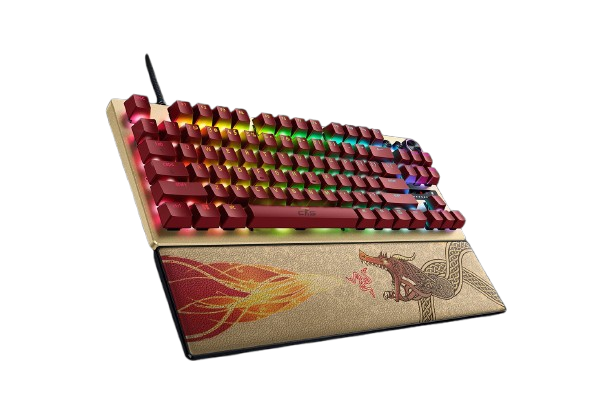
The Huntsman V3 Pro TKL is widely considered one of the best esports keyboards ever made. Adjustable actuation, analog optical switches, rapid trigger — it’s built specifically for FPS precision.
Why it’s amazing for CS2:
- Rapid Trigger = insane movement control
- TKL layout = more mouse space for peeks
- Optical switches = ultra-fast inputs
Pairs exceptionally well with advanced movement practice on CS2 surf servers or aim scenarios.
2. Logitech G Pro X — Pro-Favorite TKL
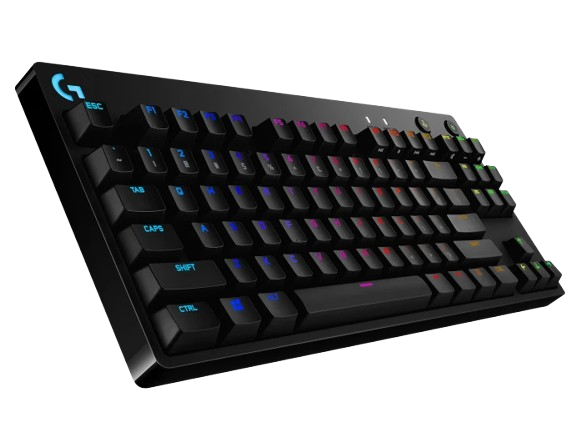
The Logitech G Pro X Used by countless CS pros thanks to its consistency and simplicity. The switch-swapping capability helps you fine-tune your preferred feel.
Best for: players who want something tournament-proven, plug-and-play, and durable.
You can also match it with the settings of pros like:
3. Wooting 60HE+ — Best 60% Keyboard for CS2
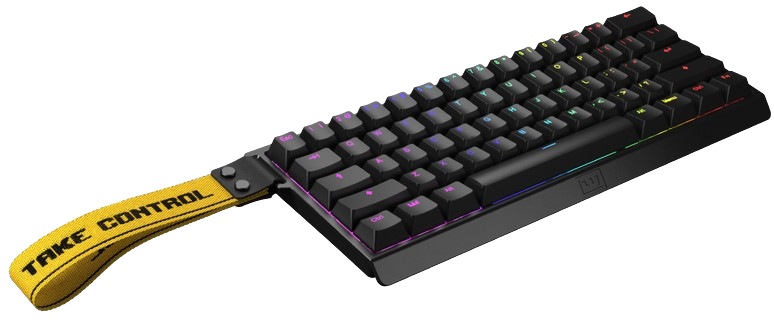
The Wooting 60HE+ has a 60% layout and is armed with Lekker L60 switches. This keyboard gives gamers unprecedented control over their in-game characters, making it one of the go-to keyboards for professional gamers. Besides a competitive edge, the 60HE+ is made to be modified, so keyboard enthusiasts can mod it to their liking.
Why CS2 players love it:
- Ultra-fast analog actuation
- Compact 60% layout
- Perfect for low sens players
Ideal if you use advanced configs like jump-throw bind or grenade binds.
4. SteelSeries Apex Pro TKL — Best Adjustable TKL
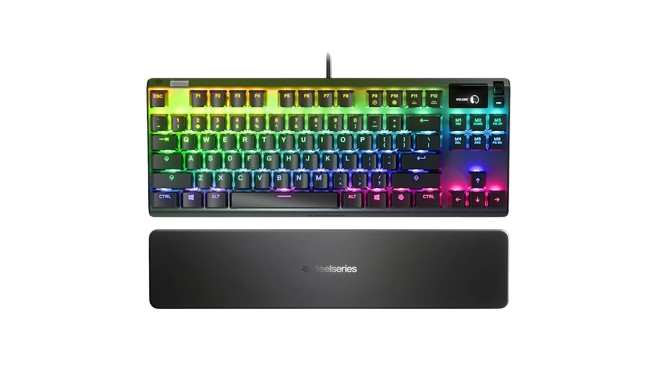
The SteelSeries Apex Pro TKL SteelSeries’ Omnipoint switches let you fully customize actuation points. Great for players who love fine-tuning their controls.
Works great if you frequently practice smokes or lineups on maps like:
5. Ducky One 3 SF Aura — Best 65% Mechanical Keyboard
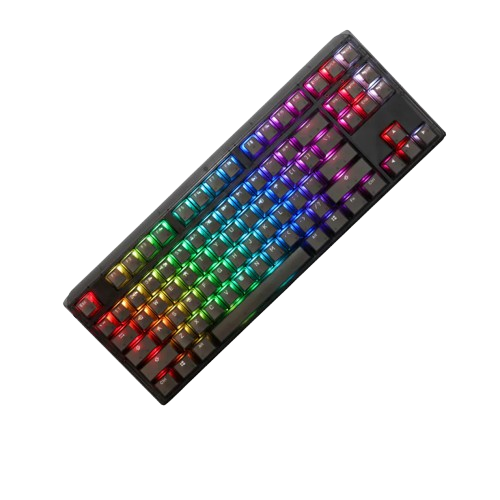
The Ducky One 3 SF Aura is a compact but premium-feeling keyboard with proven reliability and PBT caps.
Perfect for players who want a compact layout without sacrificing arrow keys.
6. Fnatic STREAK65 LP — Best Low-Profile Keyboard for CS2
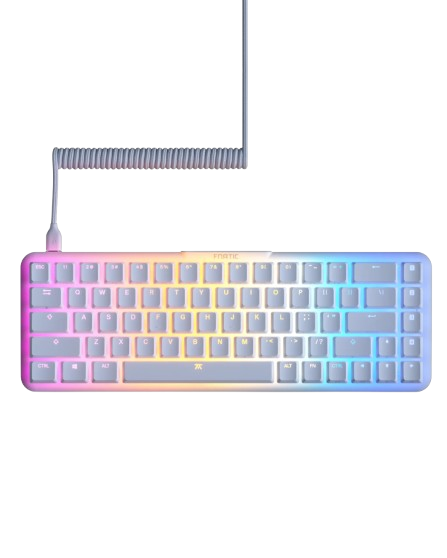
The Fnatic STREAK65 LP Lightweight, low-travel keys, and built for esports players. Ergonomically great for long sessions.
Pairs well with high-speed movement practice on CS2 deathmatch.
7. Corsair K100 RGB — Best Full-Size Premium Gaming Keyboard
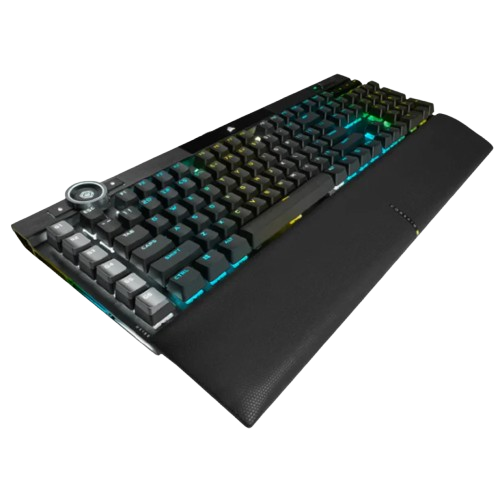
The Corsair K100 RGB Feature-rich and powerful, but larger footprint makes it less ideal for competitive FPS.
Better suited for players who play CS2 casually alongside other genres.
8. Glorious GMMK Pro — Best Hot-Swappable Keyboard
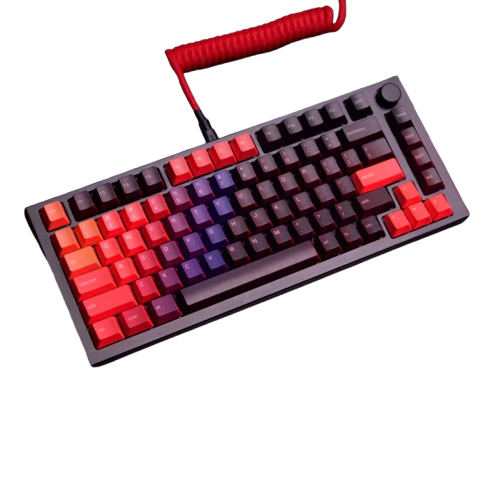
The Glorious GMMK Pro Perfect for keyboard enthusiasts who want full customization. You can tailor the switch feel to match your preferred movement precision.
If you’re tuning your setup, also check out:
Which Keyboard Should You Choose?
| Player Type | Recommended Keyboard |
| Competitive / FACEIT grinders | Huntsman V3 Pro TKL / Logitech G Pro X |
| Low sensitivity players | Wooting 60HE+ |
| Compact but usable layout | Ducky One 3 SF / Fnatic STREAK65 |
| Keyboard hobbyists | GMMK Pro |
| RGB lovers / casual players | Corsair K100 |
If you’re grinding Premier mode, check your rank progress using the CS2 Ranks Guide to track your improvement.
Extra Pro Tips When Buying a CS2 Keyboard
- Avoid membrane keyboards — mechanical/optical is mandatory.
- TKL or smaller layouts give more mouse space for peeking and counter-strafing.
- Low latency matters way more than RGB.
- Match your keyboard with proper CS2 launch options for best performance.
- Learn to efficiently bind utility keys using CS2 buy binds or chat binds.
Frequently Asked Questions (FAQs)
1. What makes a keyboard good for CS2?
A good CS2 keyboard should offer fast response times, a durable build, consistent actuation, and minimal debounce delay. Linear switches, especially optical or rapid-trigger types, are preferred for precise movement inputs.
2. Are optical switches better for CS2?
Yes. Optical switches have near-instant actuation and reset speeds, making them ideal for movement-heavy games like CS2. They reduce latency and allow faster counter-strafe timing.
3. Do I need Rapid Trigger or Adjustable Actuation for CS2?
Not required — but highly beneficial. Rapid Trigger resets the switch instantly, improving strafing, peeking, and micro-movement in CS2. Many pro players now prefer keyboards with this feature.
4. What’s better for CS2: TKL or Full-Size Keyboard?
TKL (Tenkeyless) is the best choice for CS2 because:
- More space for mouse movement
- More comfortable arm positioning
- Lighter, easier to travel with
Full-size only matters if you use the numpad for work.
5. How important is polling rate on a CS2 keyboard?
Very important. A 1,000 Hz polling rate is standard, but newer keyboards with 4,000 Hz and 8,000 Hz offer smoother input and noticeably lower latency.
Final Thoughts
The best keyboard for CS2 is the one that gives you maximum control, consistency, and comfort — not the one with the most RGB. Whether you’re practicing lineups, grinding Premier, or running DM servers, a great keyboard is one of the cheapest but most impactful upgrades you can make.
If you’re building a full optimized CS2 setup, you may also enjoy:


