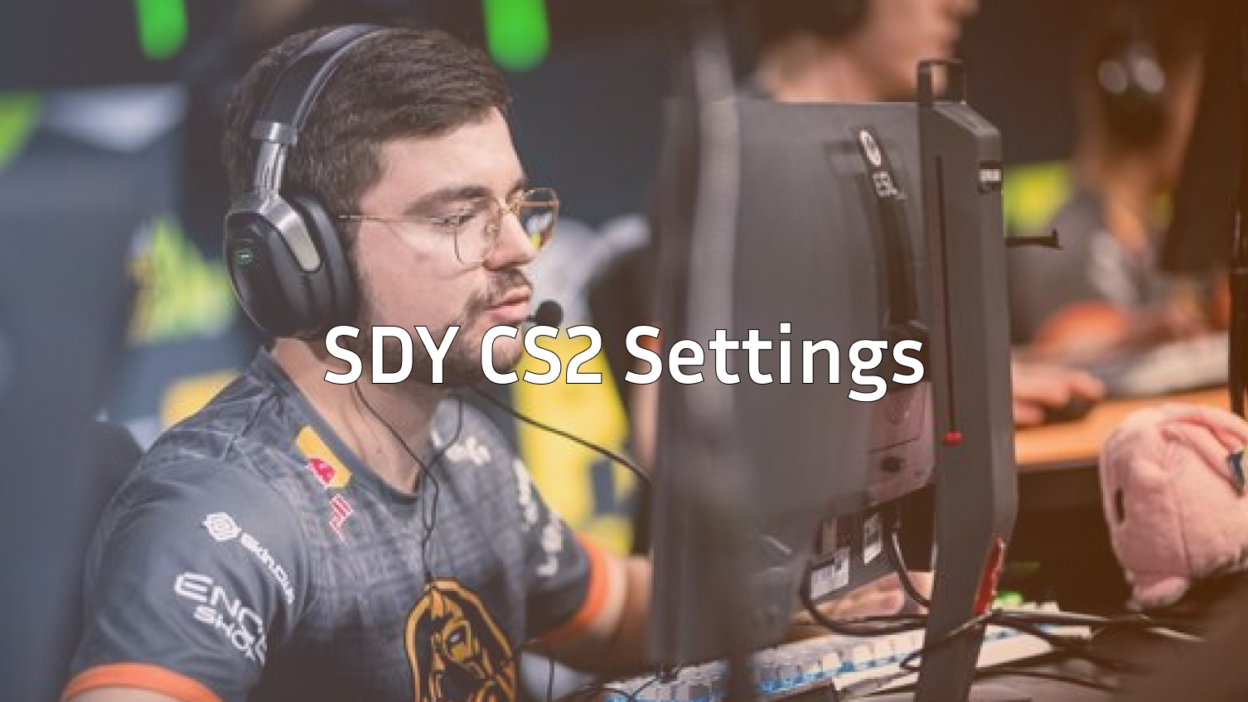
Viktor “sdy” Orudzhev has carved out a reputation as one of the most versatile players in professional Counter-Strike. If you’re looking to replicate sdy CS2 settings and understand what makes his configuration effective, you’ve come to the right place.
In this guide, we’ll break down sdy’s complete setup from mouse sensitivity to crosshair settings and video configuration.
Who Is sdy?
sdy is a Ukrainian professional CS2 player known for his flexible playstyle and ability to fill multiple roles within a team. His experience across different positions makes him valuable in any roster.

He’s competed at the highest level of Counter-Strike, participating in Major tournaments and facing off against the world’s best teams. His calm demeanor and consistent aim have earned him respect throughout the competitive scene.
sdy’s Mouse Settings
Mouse settings form the foundation of any player’s aim. sdy uses settings that balance precision with the ability to make quick adjustments.
| Setting | Value |
|---|---|
| DPI | 400 |
| In-Game Sensitivity | 2.0 |
| eDPI | 800 |
| Zoom Sensitivity | 1.0 |
| Hz (Polling Rate) | 1000 |
| Windows Sensitivity | 6 |
| Raw Input | On |
| Mouse Acceleration | Off |
An eDPI of 800 falls within the medium low range for professional players. This gives sdy enough control for precise rifle sprays while still allowing comfortable movement for checking angles.
If you’re experimenting with sensitivity, remember that lower eDPI requires more desk space but typically offers better precision for AK-47 spray control and AWP flick shots.
sdy’s Crosshair Settings
A clean, visible crosshair is essential for landing shots consistently. sdy uses a compact crosshair that doesn’t obstruct his view.
cl_crosshairalpha 255cl_crosshaircolor 1
cl_crosshairdot 0
cl_crosshairgap -2
cl_crosshairsize 2
cl_crosshairstyle 4
cl_crosshairthickness 1
cl_crosshair_drawoutline 0
Crosshair Breakdown
- Style 4: Static crosshair with no movement feedback
- Size 2: Small enough to not block targets at range
- Gap -2: Tight center for precise headshot alignment
- Color 1: Green for visibility against most backgrounds
- No outline: Keeps the crosshair crisp and minimal
This crosshair works well on maps with varied lighting conditions. The green color stands out against both dark corners and bright open areas.
sdy’s Video Settings
Professional players prioritize frame rate and visibility over visual fidelity. sdy’s video configuration reflects this philosophy.
| Setting | Value |
|---|---|
| Resolution | 1280×960 |
| Aspect Ratio | 4:3 |
| Scaling Mode | Stretched |
| Display Mode | Fullscreen |
Graphics Settings
| Setting | Value |
|---|---|
| Global Shadow Quality | Medium |
| Model/Texture Detail | Low |
| Texture Filtering Mode | Bilinear |
| Shader Detail | Low |
| Particle Detail | Low |
| Ambient Occlusion | Disabled |
| High Dynamic Range | Performance |
| FidelityFX Super Resolution | Disabled |
| Multisampling Anti-Aliasing | None |
Using 4:3 stretched makes player models appear wider, which some players find easier to track and hit. However, this comes at the cost of reduced horizontal field of view.
The low graphics settings ensure maximum FPS stability, which is critical during intense firefights on maps like Inferno or Mirage. Check out our CS2 maps guide to understand how different settings affect performance across the map pool.
sdy’s Viewmodel Settings
Viewmodel positioning affects how much screen space your weapon occupies. sdy uses a configuration that keeps his view clear.
viewmodel_fov 68viewmodel_offset_x 2.5
viewmodel_offset_y 0
viewmodel_offset_z -1.5
viewmodel_presetpos 3
cl_righthand 1
These settings push the weapon model toward the right side and slightly down, maximizing the visible play area on the left side of the screen.
sdy’s Radar Settings
Proper radar configuration provides crucial information without requiring you to look away from the action for too long.
| Setting | Value |
|---|---|
| Radar Centers The Player | Yes |
| Radar Rotation | Yes |
| Radar Hud Size | 1.0 |
| Radar Map Zoom | 0.5 |
A zoomed-out radar shows more of the map, helping with mid-round decision making and tracking teammate positions across different sites.
sdy’s Keybinds
While most of sdy’s binds follow standard layouts, efficient utility usage requires quick access to grenades.
For setting up your own optimized keybinds, our CS2 binds guide covers everything from basic movement to advanced buy binds.
sdy’s Gaming Gear
Professional players rely on high quality peripherals for consistent performance.
| Peripheral | Product |
|---|---|
| Mouse | Logitech G Pro X Superlight |
| Mousepad | Logitech G640 |
| Keyboard | Logitech G Pro X |
| Monitor | BenQ ZOWIE XL2546K (240Hz) |
| Headset | HyperX Cloud II |
The G Pro X Superlight is one of the most popular mice among professionals due to its lightweight design and reliable sensor. Combined with a large cloth mousepad, it allows for smooth, consistent tracking.
A 240Hz monitor significantly reduces input lag and motion blur, making it easier to track fast-moving targets. If you’re serious about improving, upgrading your monitor is one of the most impactful hardware changes you can make.
Should You Copy sdy’s Settings?
Copying a pro’s settings provides a solid starting point, but optimal configuration varies by individual. Consider these factors:
- Desk space: Low sensitivity requires room for large mouse movements
- Hand size: Grip style affects comfortable mouse weight and shape
- Monitor size: Higher resolutions may work better on larger displays
- Personal preference: Some players simply perform better with different settings
Start with sdy’s configuration, then make small adjustments based on what feels natural. Track your performance over several play sessions before making additional changes.
Practice Tips Using sdy’s Config
Once you’ve applied these settings, effective practice accelerates improvement:
- Deathmatch: Warm up for 15-20 minutes before competitive matches
- Aim trainers: Use workshop maps to build muscle memory
- Utility practice: Learn smokes and flashes using practice commands
- Demo review: Watch your own gameplay to identify positioning mistakes
Consistency matters more than perfection. Stick with your settings long enough to develop proper muscle memory before tweaking further.
Conclusion
sdy’s CS2 settings reflect a professional approach that prioritizes performance and clarity over visual appeal. His medium-low sensitivity, static crosshair, and stretched resolution create a configuration optimized for competitive play.
Use this guide as your foundation, but don’t be afraid to experiment. The best settings are the ones that help you perform consistently.
Ready to upgrade your loadout to match your new config? Browse CS2 skins to find the perfect weapon finishes for your setup.