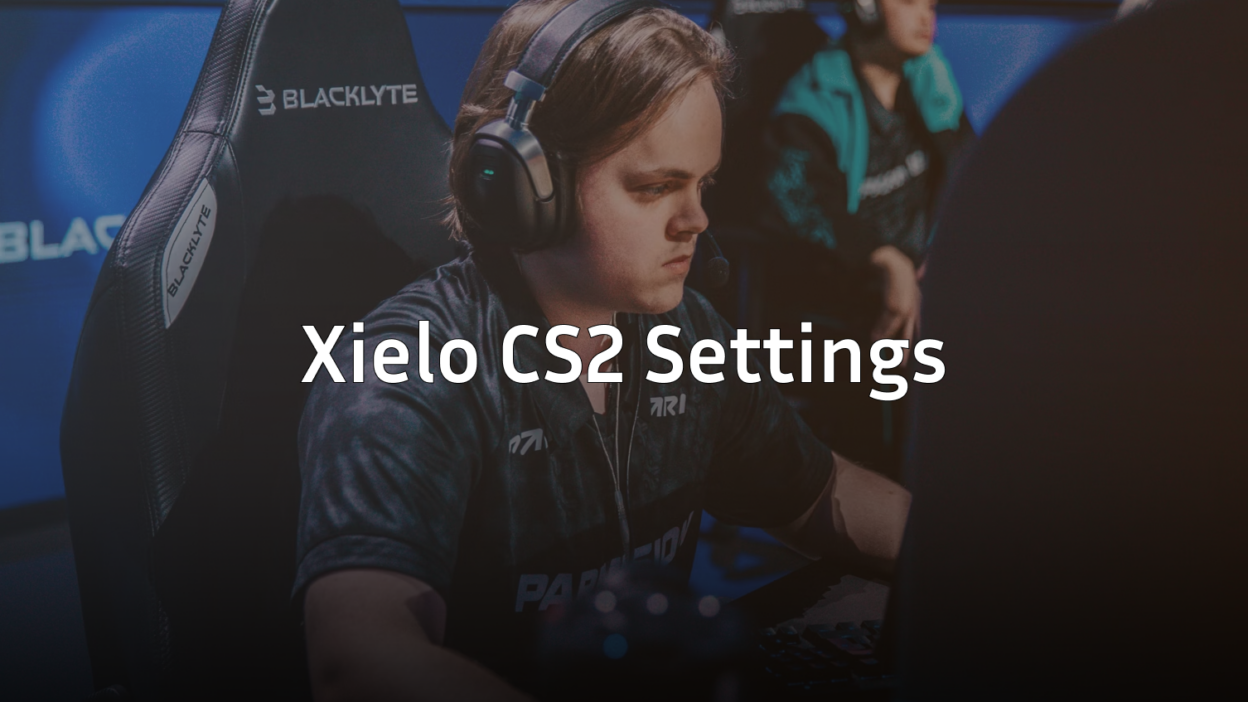
Want to frag like one of the rising stars in Counter-Strike? These Xielo CS2 settings give you the exact configuration this talented player uses to dominate servers. From mouse sensitivity to video settings, we’ve got everything you need to replicate his setup.
Xielo has made a name for himself with crisp aim and smart positioning. His settings prioritize visibility and consistency — two things every CS2 player needs to climb ranks.
Xielo’s Mouse Settings
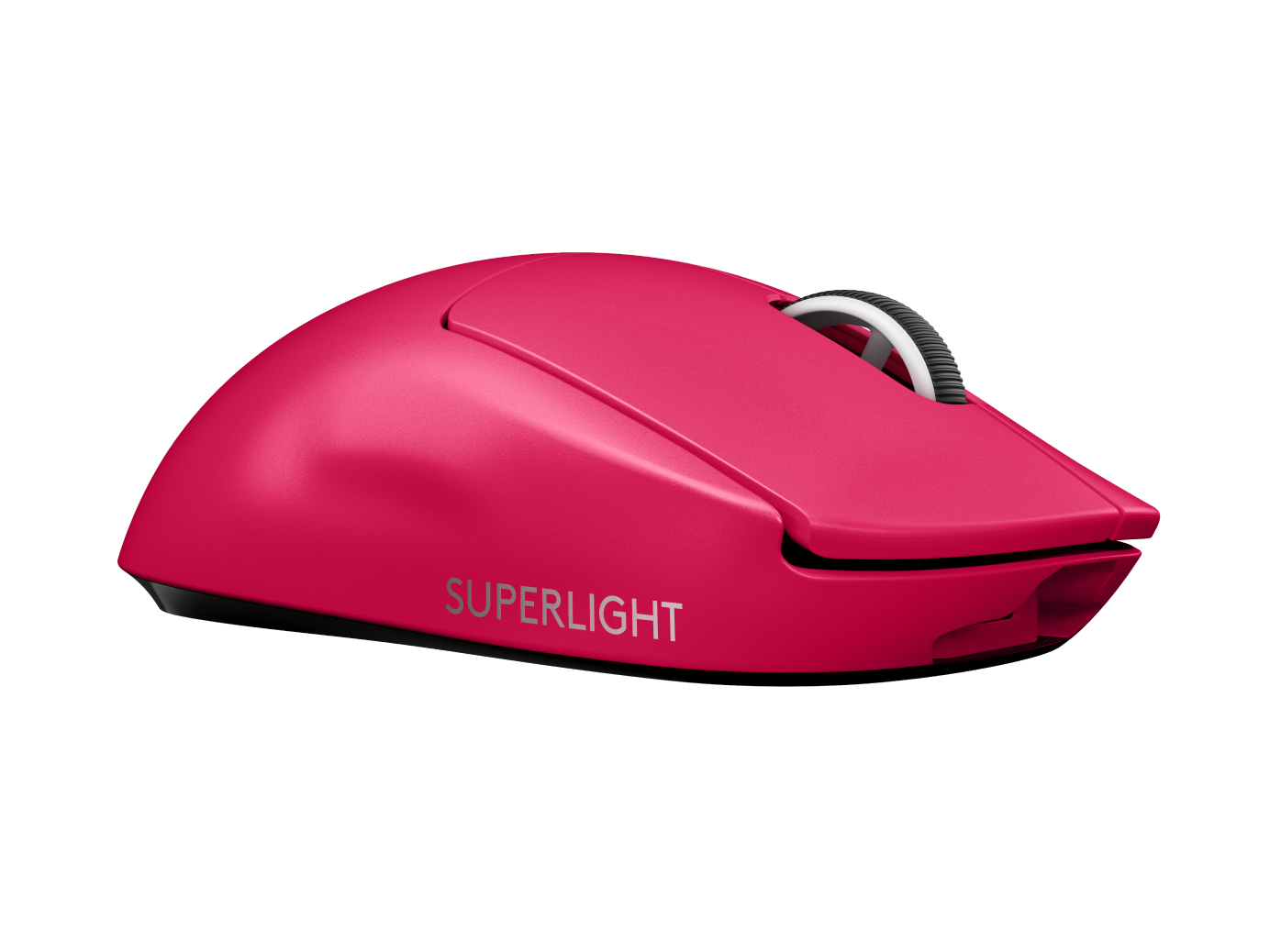
Mouse settings form the foundation of your aim. Xielo uses a relatively low sensitivity setup that allows for precise micro-adjustments while still enabling quick flicks.
| Setting | Value |
|---|---|
| DPI | 800 |
| In-Game Sensitivity | 0.9 |
| eDPI | 720 |
| Zoom Sensitivity | 1.0 |
| Mouse Hz | 1000 |
| Windows Sensitivity | 6 |
| Raw Input | On |
| Mouse Acceleration | Off |
His eDPI of 720 sits in the sweet spot that many pros prefer. It’s low enough for precision rifle play but responsive enough for checking corners quickly.
If you’re transitioning from higher sensitivity, drop it gradually over a few days rather than all at once.
Xielo’s Crosshair Settings
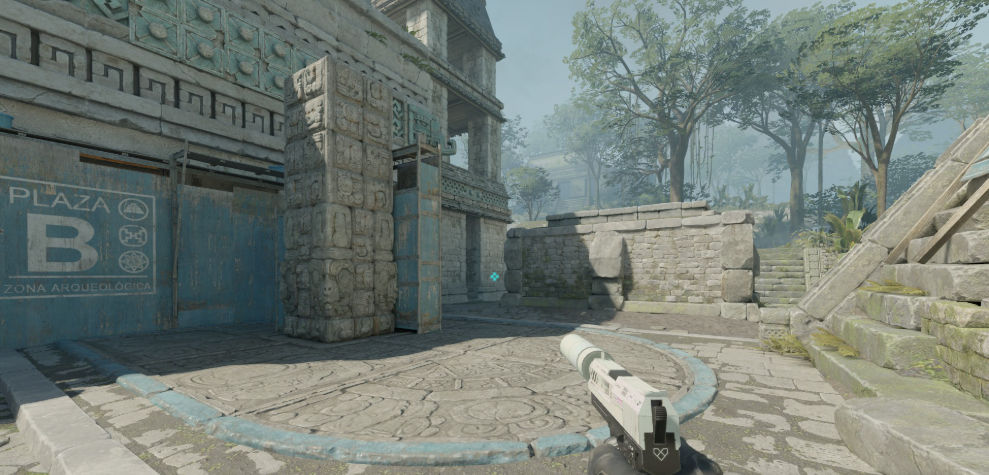
A clean crosshair helps you land those crucial first shots. Xielo runs a static, small crosshair without a center dot.
| Setting | Value |
|---|---|
| Style | 4 |
| Color | Green (1) |
| Size | 2 |
| Thickness | 0 |
| Gap | -3 |
| Outline | No |
| Center Dot | No |
| T Style | No |
Crosshair Code
Copy this directly into your console:
CSGO-pKdLN-DzGJM-3Y8Rh-HwKcK-vVnzDThis tight crosshair works exceptionally well for headshot-level aim. The negative gap pulls the lines closer together, creating a precise aiming point for tapping heads with the AK-47 or M4A1-S.
Video Settings for Maximum Performance

Xielo prioritizes frame rate over visual fidelity. More FPS means smoother gameplay and lower input lag — critical advantages in competitive matches.
| Setting | Value |
|---|---|
| Resolution | 1280×960 |
| Aspect Ratio | 4:3 |
| Scaling Mode | Stretched |
| Display Mode | Fullscreen |
Advanced Video Settings
| Setting | Value |
|---|---|
| Boost Player Contrast | Enabled |
| V-Sync | Disabled |
| Multisampling Anti-Aliasing | 4x MSAA |
| Global Shadow Quality | High |
| Texture Detail | Low |
| Model/Texture Detail | Low |
| Shader Detail | Low |
| Particle Detail | Low |
| Ambient Occlusion | Disabled |
The 4:3 stretched resolution makes player models appear wider on screen, potentially making targets easier to hit. Many pros swear by this setup, though it does reduce your field of view.
Want to dive deeper into optimizing your visuals? Check out our CS2 video settings guide for detailed explanations.
Viewmodel Configuration
Xielo uses a viewmodel that keeps his weapon positioned out of the way while maintaining good visibility.
viewmodel_fov 68viewmodel_offset_x 2.5
viewmodel_offset_y 0
viewmodel_offset_z -1.5
viewmodel_presetpos 3
cl_righthand 1
This setup pushes the weapon toward the bottom-right corner of your screen, freeing up visual space for spotting enemies.
Key Binds
Efficient keybinds reduce reaction time. Here are Xielo’s essential binds:
| Action | Key |
|---|---|
| Jump | Space / Mouse Wheel Down |
| Crouch | Left Ctrl |
| Walk | Left Shift |
| Inspect Weapon | F |
| Drop Weapon | G |
| Use | E |
Utility Binds
Quick grenade access wins rounds:
bind "4" "slot4"bind “c” “slot7”
bind “x” “slot8”
bind “z” “slot6”
Having dedicated keys for each utility type lets you throw smokes, flashes, and mollies without fumbling through your inventory.
Radar Settings
A properly configured radar provides crucial information without cluttering your screen. For optimal radar configuration, our CS2 radar settings guide covers everything in detail.
Xielo keeps his radar zoomed out enough to see the entire map, helping with rotations and callouts during clutch situations.
Audio Settings
Sound positioning can make or break your game sense:
| Setting | Value |
|---|---|
| Master Volume | 50% |
| Audio Output | Headphones |
| EQ Profile | Crisp |
| L/R Isolation | 50% |
The Crisp EQ profile emphasizes footsteps and gunshots, making it easier to pinpoint enemy positions.
Launch Options
Xielo keeps his launch options minimal:
-novid -tickrate 128Modern CS2 handles most optimizations automatically. Overloading launch options can actually hurt performance rather than help it.
Hardware Xielo Uses
Your settings only work as well as your gear allows:
- Mouse: Logitech G Pro X Superlight
- Mousepad: Large cloth pad (450mm+)
- Monitor: 360Hz gaming monitor
- Headset: HyperX Cloud II
You don’t need identical hardware to use these settings. However, a high refresh rate monitor (144Hz minimum) makes a noticeable difference in tracking moving targets.
Tips for Adapting These Settings
Copying pro settings won’t instantly make you better. Here’s how to actually benefit from Xielo’s config:
- Give it time — New sensitivity takes 3-5 days to feel natural
- Practice fundamentals — Spend 15 minutes in aim trainers daily
- Adjust gradually — If something feels wrong, make small tweaks
- Focus on crosshair placement — Settings won’t fix bad habits
Compare these settings with other pros like NiKo’s CS2 config or Shroud’s setup to find what works for your playstyle.
Final Thoughts
These Xielo CS2 settings provide a solid foundation for competitive play. The low eDPI rewards patience and precision, while the stretched resolution and clean crosshair optimize target acquisition.
Remember — settings are personal. Use this config as a starting point, then fine-tune based on your own comfort and playstyle.
Looking to upgrade your loadout while you grind? Browse the latest CS2 skins to find your perfect weapon finish.