The transition from CS:GO to Counter-Strike 2 wasn’t just a name change; it was a complete engine overhaul. With the Source 2 engine now powering the world’s most iconic tactical shooter, the way the game eats up your PC resources has shifted significantly.
Whether you’re trying to figure out if you need a new graphics card or if your processor is holding you back, we’ve got the definitive breakdown for 2026.
The Short Answer: Is CS2 CPU or GPU Intensive?
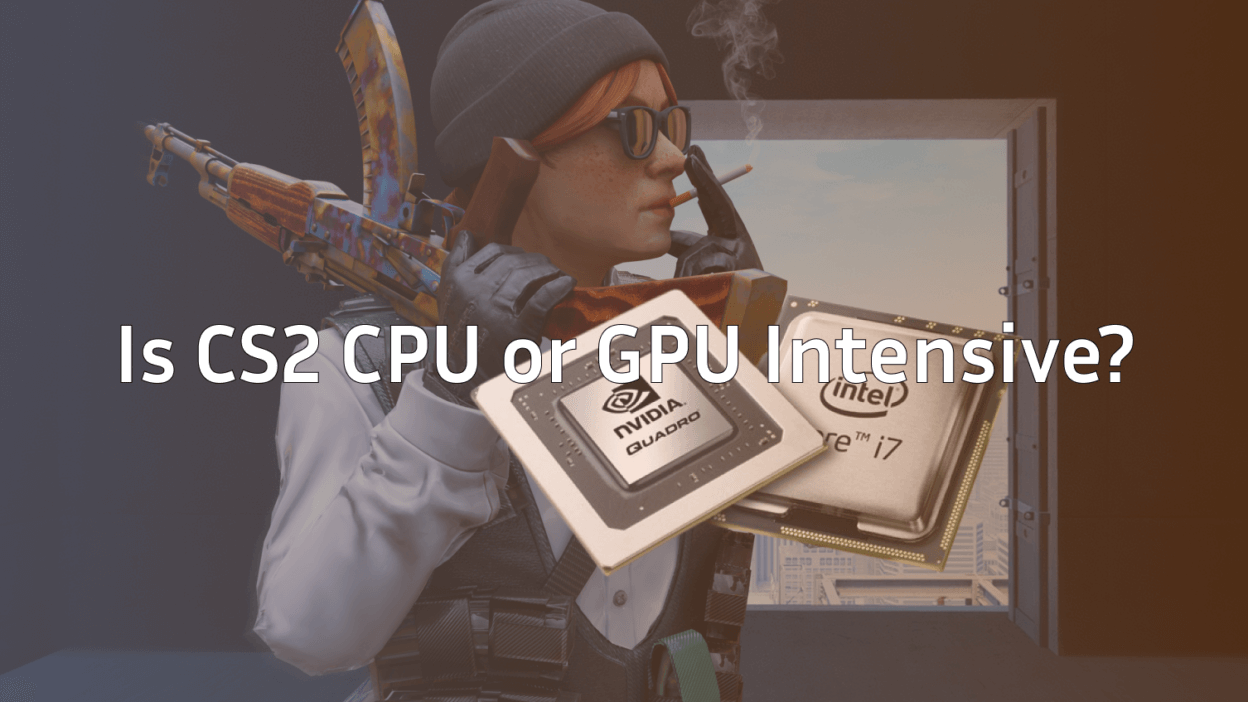
Counter-Strike 2 is both CPU and GPU intensive, but it remains primarily a CPU-bound game for competitive players. While the Source 2 engine introduced advanced lighting and volumetric smokes that demand more from your GPU, the “heavy lifting”—physics, hit registration, and the sub-tick system—still relies on your CPU’s single-core speed.
CPU vs. GPU Priority
| Your Goal | Priority Component |
| Max FPS (240Hz/360Hz+) | CPU (Single-core performance is king) |
| 4K Resolution / High Graphics | GPU (Source 2 visuals are demanding) |
| No Stuttering / Solid 1% Lows | Balanced System (Fast RAM also helps) |
Is CS2 More GPU or CPU Intensive?
In the old days of CS:GO, you could run the game on a potato-grade GPU as long as your CPU was fast. In 2026, that has changed.
Why the CPU Still Rules
CS2 uses a “sub-tick” system to ensure that movement and shooting feel more responsive. This requires constant, rapid-fire calculations from your processor. If you are chasing the highest possible frame rates to match a high-refresh monitor, you will almost always hit a CPU bottleneck before a GPU one.
Check out our guide on the best CPU for CS2 to see which chips are currently dominating the leaderboards.
Why the GPU Matters Now
Unlike its predecessor, CS2 features:
- Volumetric Smokes: These are fully 3D and react to bullets/nades. They are heavy on the GPU.
- Dynamic Lighting: Realistic shadows and reflections make the maps look great but require modern VRAM.
- Physics: Particle effects from HE grenades and Molotovs are rendered with much higher fidelity.
If you find your frames dropping specifically when a smoke pops or a site is flooded with utility, your GPU might be struggling. To fix this, you might need to tweak your CS2 video settings or look into the best CS2 NVIDIA settings for a quick boost.
CS2 System Requirements (2026 Update)
Valve’s official requirements are a bit modest. If you want to play competitively without CS2 stuttering, you’ll want to aim for the “Recommended” tier.
| Component | Minimum Specs | Recommended (Competitive) |
| OS | Windows 10/11 (64-bit) | Windows 11 |
| CPU | 4 Hardware Threads (Intel i5-750) | 8+ Cores (Ryzen 7 9800X3D or i7-14700K) |
| Memory | 8 GB RAM | 16 GB – 32 GB DDR5 |
| GPU | 1 GB VRAM (DX11, Shader 5.0) | 8 GB+ VRAM (RTX 4060 / RX 7700 XT) |
| Storage | 85 GB available space | 85 GB NVMe SSD |
Pro Tip: Even if you have a beastly PC, using the right CS2 launch options can help stabilize your frame times and reduce input lag.
How to Tell if You’re CPU or GPU Bound
Not sure which part of your PC is the weak link? Use this simple test:
- Enter a practice match on a map like Mirage (check out our Mirage callouts while you’re at it).
- Open the console and show FPS in CS2.
- Lower your resolution to 1280×960 (4:3 stretched).
- If your FPS stays the same: You are CPU limited. Your graphics card is ready to give more, but your processor can’t keep up.
- If your FPS shoots up: You are GPU limited. Your graphics card was struggling at the higher resolution.
Performance Tips for Gamers
If your PC is struggling to keep up with the pros like s1mple or donk, here are three quick ways to optimize:
- Check Your Drivers: Ensure your GPU drivers are up to date. This is the #1 cause of CS2 crashing.
- Manage Background Apps: Close Chrome and Discord overlays to free up CPU cycles for the sub-tick system.
- Optimize Your Settings: Set “Global Shadow Quality” to Medium or High (to see player shadows) but keep “Particle Detail” and “Ambient Occlusion” low.
If you’re still seeing performance issues like packet loss, it might be a network issue rather than a hardware one.
Final Verdict
Is CS2 GPU or CPU intensive? It’s a hybrid. It requires a modern GPU to handle the beautiful Source 2 visuals, but it still demands a high-performance CPU to maintain the 300+ FPS that competitive players need.