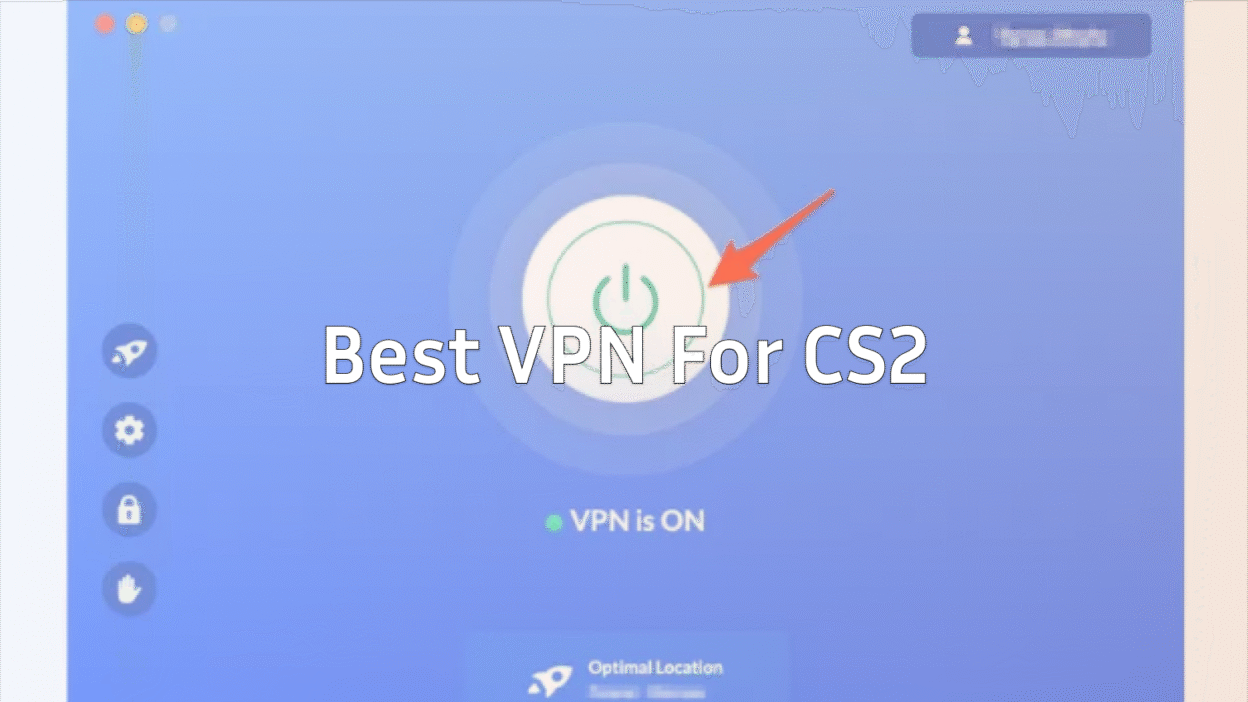
If you’re grinding CS2 daily, whether you’re aiming for your next Premier rank, trying to fix packet loss, or simply switching regions to play with friends, using the right VPN for CS2 can make a massive difference.
The problem? Many blogs recommend random VPNs without actually understanding how CS2 servers behave, what impacts your net graph, or how latency routing works.
This guide fixes that.
Relax, grab your mouse, and let’s break down the best VPNs for CS2, how they help, and which one YOU should actually pick.
Why Even Use a VPN in CS2?
Many players consider using a VPN when they start running into common issues that affect their connection, matchmaking experience, or overall access to the game.
Reduce Packet Loss
VPNs with optimized gaming routes can fix ISP-level congestion that causes packet drops.
If packet loss is your main issue, you should also check your setup using this guide: How to Fix Packet Loss in CS2.
Stabilize Ping & Avoid Routing Issues
Sometimes your ISP sends your traffic on a world tour. A good VPN reroutes packets more efficiently.
Switch Regions for Matchmaking
Want easier lobbies or to play with friends abroad? A VPN lets you queue in different regions.
Avoid ISP Throttling
Some ISPs throttle gaming. A VPN hides your gaming traffic.
Play Safely on Public Wi-Fi
LAN cafés, airports, dorm networks—VPN = protection.
Quick Comparison: Best VPNs for CS2 (2026)
| VPN | Lowest Ping Performance | Packet Loss Fix | Best For | Highlight |
| NordVPN | ⭐⭐⭐⭐⭐ | ⭐⭐⭐⭐⭐ | Competitive players | Fastest routing (NordLynx) |
| ExpressVPN | ⭐⭐⭐⭐ | ⭐⭐⭐⭐ | Casual → mid-level players | Very stable servers |
| Surfshark | ⭐⭐⭐⭐ | ⭐⭐⭐⭐ | Budget gamers | Cheapest unlimited devices |
| ProtonVPN | ⭐⭐⭐ | ⭐⭐⭐ | Privacy lovers | Strongest encryption |
| ExitLag (not a VPN) | ⭐⭐⭐⭐⭐ | ⭐⭐⭐⭐⭐ | Ping optimization only | Best for routing, NOT privacy |
1. NordVPN — Best Overall VPN for CS2
If you want the best mix of ping, packet stability, and reliability—choose NordVPN.
Why it’s #1:
- NordLynx protocol = insanely fast ping
- Massive server network (1900+ optimized locations)
- Reduces jitter better than most
- Consistent results in EU, NA, SA, SEA servers
- Great for region switching
- Excellent mobile support for Steam Deck players
(If you play CS2 on Steam Deck, check this guide:
CS2 on Steam Deck)
Best For:
Competitive players, FACEIT grinders, high-level matchmaking.
2. ExpressVPN — Most Stable and Easy to Use
ExpressVPN doesn’t always have the lowest ping, but it is incredibly stable, which is key for consistent headshots and peeker’s advantage.
Why it’s great:
- Extremely stable server load
- Great for switching regions
- Ideal if your ISP causes jitter spikes
- Simple UI for quick region swapping mid-session
Best For:
Players who value reliability over maximum speed.
3. Surfshark — Best Budget VPN for CS2
Cheap but surprisingly powerful.
Highlights:
- Unlimited devices
- Fast speeds for the price
- No bandwidth throttling
- Great alternative if you want a cheap CS:GO VPN replacement
Best For:
Budget players, content creators, students.
4. ProtonVPN — Best for Privacy-Focused Gamers
If you care about privacy or live in a restricted region, ProtonVPN is the best choice.
Pros:
- Best-in-class privacy
- Good routing on paid plans
- Strong encryption
- Based in Switzerland
Best For:
Players who want anonymity + decent gaming performance.
5. ExitLag — Best Pure Ping Optimizer (Not a VPN)
ExitLag isn’t a VPN, it’s a gaming route optimizer.
If the ONLY thing you care about is ping, this is the strongest option.
Pros:
- Often reduces ping by 20–50 ms
- Eliminates ISP routing issues
- Multi-path routing = lower packet loss
- Especially good for SEA, SA, and OCE regions
Cons:
- No privacy
- Doesn’t unblock regions like a real VPN
Best For:
Try-hard players focusing on raw performance.
Pair it with strong CS2 configs using guides like:
CS2 Video Settings
Best Sensitivity for CS2
CS2 Max FPS Guide
What to Look For in a CS2 VPN (2026 Checklist)
1. Low Latency Routing
Look for:
- WireGuard / NordLynx protocols
- Nearby servers
- Gaming-optimized routes
2. Server Variety
This helps you:
- Switch regions
- Play with teammates
- Avoid high-load matchmaking servers
3. Packet Loss Control
Some VPNs handle congestion better.
If you’re having jitter or rubberbanding issues, also see:
CS2 Rubberbanding Fix Guide
4. No Data Caps or Throttling
Some cheap VPNs throttle you mid-game when usage spikes.
5. App Performance
Make sure your VPN doesn’t eat CPU, vital for CS2 since it’s CPU-heavy.
You can check your system load with: CS2 System Requirements
Does Using a VPN Get You Banned in CS2?
No, Valve does NOT ban players for using a VPN.
However:
- If your VPN IP has a bad reputation, you might get Low trust factor matches.
- If you abuse region hopping, your queue times may increase.
If you’re dealing with Trust Factor issues, check:
How to Check Trust Factor in CS2
Best VPN for Fixing Packet Loss in CS2
If packet loss is your biggest enemy, these perform best:
- NordVPN
- ExitLag
- ExpressVPN
Packet loss usually comes from:
- ISP congestion
- Bad routing
- Overloaded CS2 servers
- Wi-Fi interference
For a full fix, visit: How to Fix Packet Loss in CS2
Best VPN for Switching Regions in CS2
Best Options:
- NordVPN
- ExpressVPN
- Surfshark
These help you:
- Play on friend’s servers
- Try different matchmaking pools
- Reduce queue times (NA nights, EU mornings, etc.)
If you’re new to region strategies, this guide may help you understand matchmaking better: CS2 Ranks Guide
How to Set Up a VPN for CS2 (Step by Step)
- Install your chosen VPN (NordVPN recommended)
- Connect to a server close to your region
- Launch Steam
- Open CS2
- Enable net graph: How to Enable Net Graph in CS2
- Check ping, loss, and choke
- Switch servers if needed
- Queue & enjoy smoother gameplay
Should You Use a VPN on FACEIT or Premier?
Yes, FACEIT works fine with VPNs.
Just ensure:
- Stable server location
- No packet loss
- Avoid suspicious IPs
If you’re grinding Premier, try optimizing your FPS & visuals using:
CS2 Video Settings Guide
CS2 Radar Settings
Final Recommendations
Best overall VPN for CS2:
NordVPN
Best stable alternative:
ExpressVPN
Best cheap VPN:
Surfshark
Best for privacy:
ProtonVPN
Best ping optimizer:
ExitLag (not a VPN)
Final Thoughts
Getting the best VPN for CS2 isn’t about picking the “most popular” one, it’s about choosing the one that matches your region, ISP, and gaming style.
Whether you’re trying to fix your packet loss, queue with friends across the world, or just want a smoother experience while practicing smokes on Mirage, Inferno, Dust 2, or Anubis, you’ll notice the difference immediately.