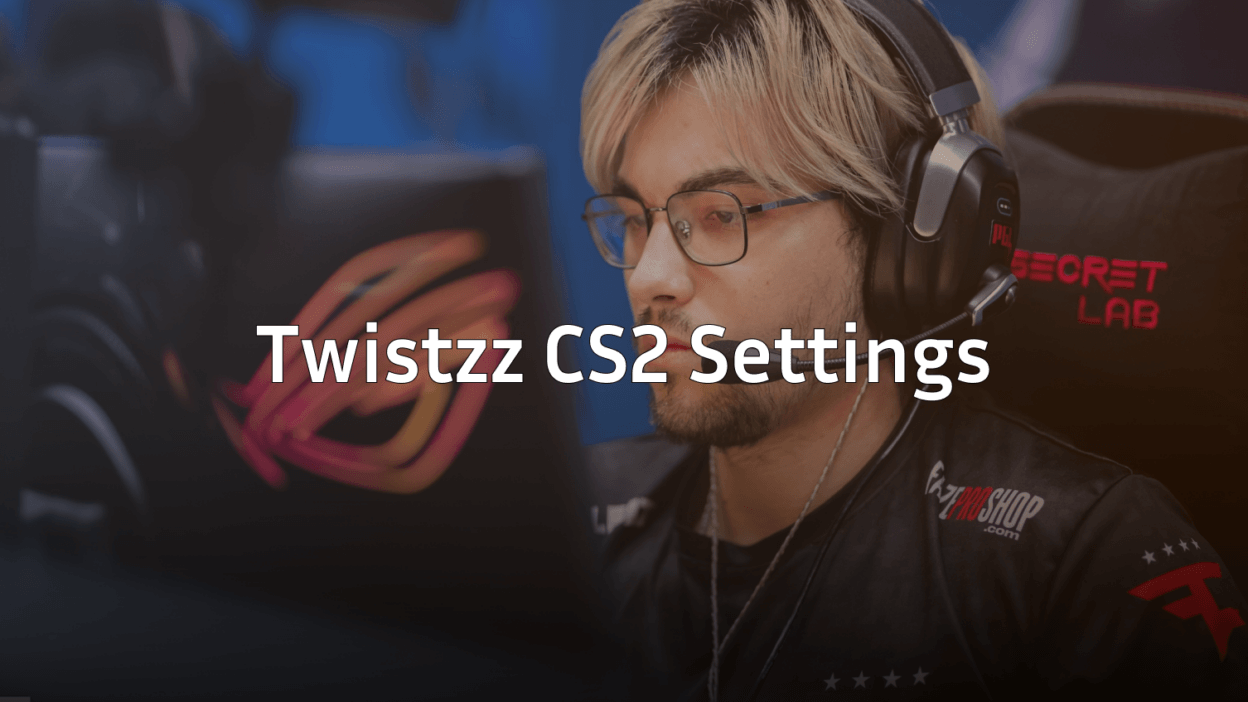
Russel “Twistzz” Van Dulken is one of the most mechanically gifted riflers in professional Counter-Strike. His Twistzz CS2 settings combine precision aiming with clean visuals, making them worth studying for any player looking to improve.
This guide covers everything you need to replicate his setup—from mouse sensitivity to video settings.
Twistzz Mouse Settings
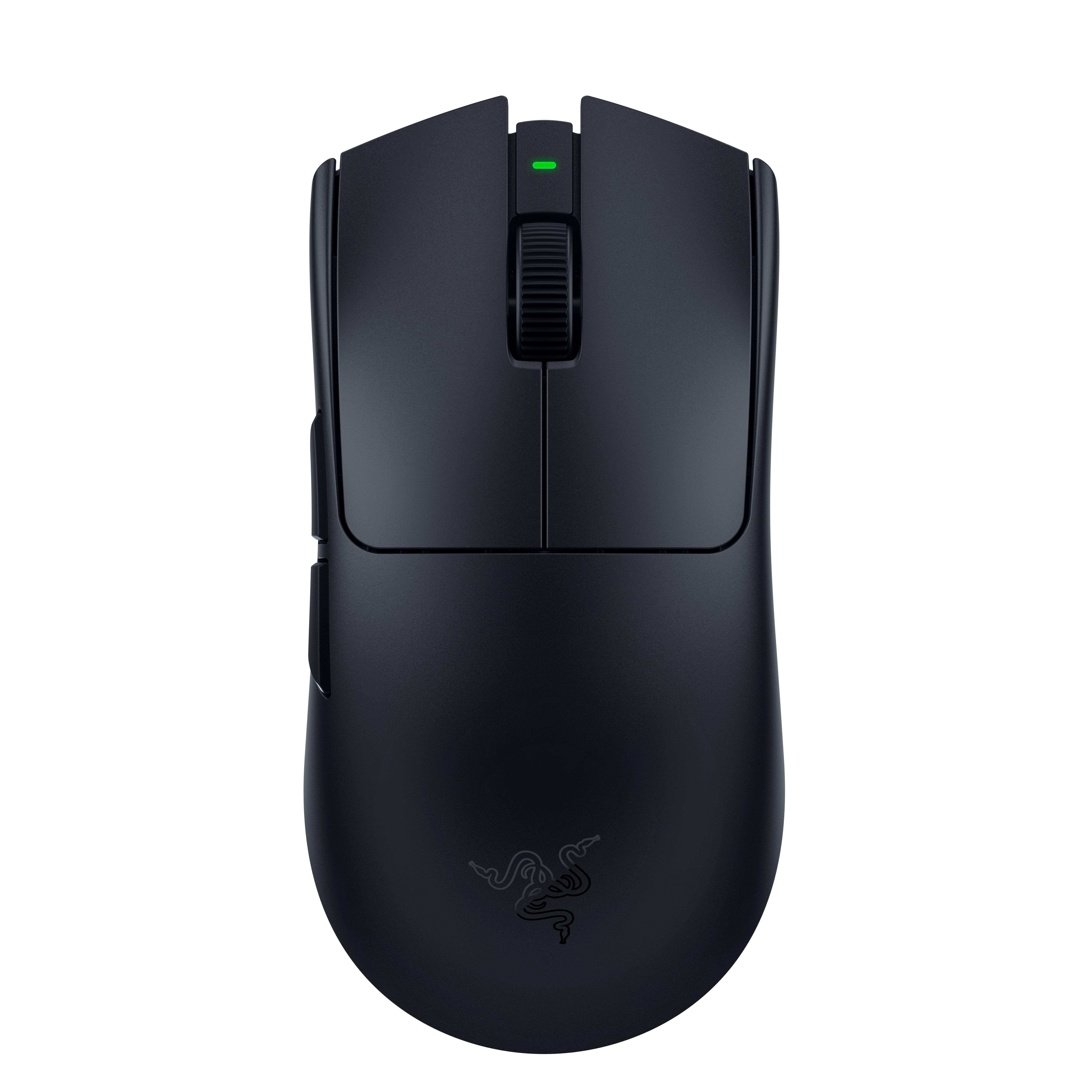
Twistzz uses a relatively low sensitivity that allows for precise micro-adjustments during gunfights. This setup rewards consistent arm movement and large mousepad space.
| Setting | Value |
|---|---|
| DPI | 1400 |
| In-Game Sensitivity | 0.52 |
| eDPI | 728 |
| Zoom Sensitivity | 1.00 |
| Hz (Polling Rate) | 1000 |
| Windows Sensitivity | 6 |
| Raw Input | On |
His eDPI of 728 sits in the low-medium range for professional players. This gives him excellent control when holding angles or spraying with the AK-47 or M4A1-S.
Key takeaway: If you’re switching to this sensitivity, expect an adjustment period. Low eDPI requires more arm movement and a larger mousepad.
Twistzz Crosshair Settings
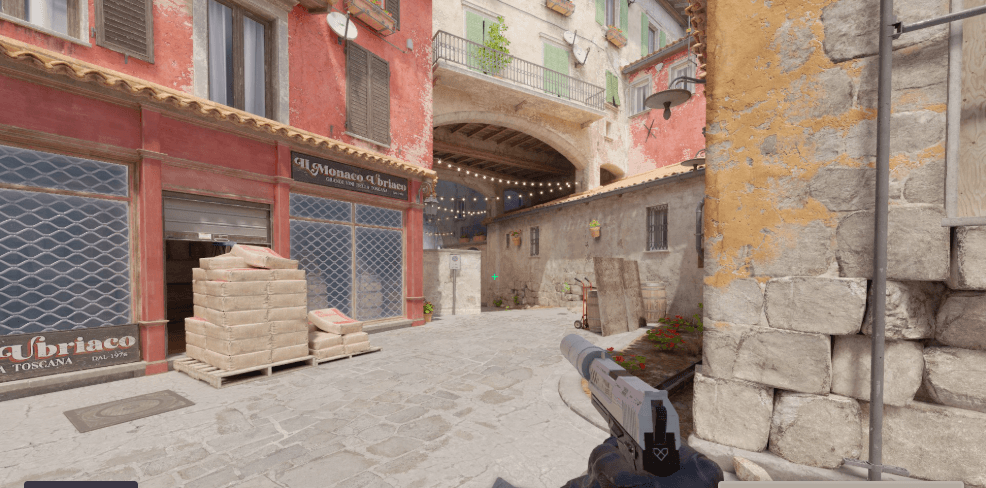
Twistzz runs a small, static crosshair that stays visible against most backgrounds without cluttering the screen.
| Setting | Value |
|---|---|
| Style | 4 |
| Size | 1 |
| Thickness | 0 |
| Gap | -3 |
| Outline | No |
| Color | Green (1) |
| Dot | No |
Crosshair Code
Copy this code and paste it in your console:
CSGO-nvCds-5bvdO-rjWYT-6oTcF-nXfvMThe tight gap and small size keep the crosshair compact for headshot-level aiming. This style works well for players who prefer minimal visual distraction during firefights.
Twistzz Video Settings

Clean visuals and high frame rates take priority in Twistzz’s video configuration. He plays on a stretched resolution that makes player models appear slightly wider.
| Setting | Value |
|---|---|
| Resolution | 1280×960 |
| Aspect Ratio | 4:3 Stretched |
| Scaling Mode | Stretched |
| Refresh Rate | 360 Hz |
Graphics Settings
| Setting | Value |
|---|---|
| Global Shadow Quality | High |
| Model/Texture Detail | Low |
| Texture Filtering Mode | Bilinear |
| Shader Detail | Low |
| Particle Detail | Low |
| Ambient Occlusion | Disabled |
| High Dynamic Range | Performance |
| FidelityFX Super Resolution | Disabled |
| NVIDIA Reflex Low Latency | Enabled |
Twistzz keeps shadows on High because seeing enemy shadows around corners provides crucial information. Everything else stays low to maximize FPS and reduce visual clutter.
For more optimization tips, check our guide on CS2 graphic settings.
Twistzz Viewmodel Settings
His viewmodel stays out of the way while maintaining good weapon visibility.
viewmodel_fov 68viewmodel_offset_x 2.5
viewmodel_offset_y 0
viewmodel_offset_z -1.5
viewmodel_presetpos 3
cl_righthand 1
Twistzz Keybinds
Twistzz uses a fairly standard keybind layout with a few personal preferences:
| Action | Key |
|---|---|
| Jump | Space / Mouse Wheel Down |
| Crouch | Left Ctrl |
| Walk | Left Shift |
| Use | E |
| Inspect Weapon | F |
| Drop Weapon | G |
| Primary Weapon | 1 |
| Secondary Weapon | 2 |
| Knife | 3 |
| Cycle Grenades | 4 |
| HE Grenade | C |
| Flashbang | Mouse 4 |
| Smoke | X |
| Molotov | Z |
Binding individual grenades to separate keys allows for faster utility usage during executes. This is especially important when throwing quick flashbangs for entry fraggers.
Twistzz Radar Settings
A properly configured radar helps with gathering information without looking away from your crosshair.
cl_radar_always_centered 0cl_radar_scale 0.3
cl_radar_icon_scale_min 1
cl_hud_radar_scale 1.15
Twistzz PC Specs
Professional performance requires professional hardware:
| Component | Specification |
|---|---|
| Monitor | ZOWIE XL2566K (360Hz) |
| Mouse | Logitech G Pro X Superlight |
| Mousepad | ZOWIE G-SR |
| Keyboard | Wooting 60HE |
| Headset | HyperX Cloud II |
The 360Hz monitor combined with his optimized video settings ensures minimal input lag and smooth gameplay.
Why These Settings Work
Twistzz’s configuration prioritizes three things:
- Precision over speed — Low sensitivity for consistent aim
- Clean visuals — Minimal graphical effects to spot enemies faster
- High frame rates — Low settings ensure stable FPS above his refresh rate
His stretched 4:3 resolution is a personal preference that many pros share. The wider player models can make hitting targets feel easier, though it reduces your field of view.
Should You Copy These Settings?
Copying pro settings gives you a solid starting point, but remember:
- Sensitivity is personal — Start with his eDPI and adjust based on comfort
- Resolution depends on your monitor — 4:3 stretched isn’t for everyone
- Hardware matters — His settings assume a high-end PC
If you’re exploring other pro configurations, compare these with NiKo CS2 settings or Karrigan CS2 settings to see how different playstyles influence setup choices.
Conclusion
The Twistzz CS2 settings offer a balanced configuration focused on precision aiming and visual clarity. His low sensitivity rewards players willing to develop proper arm aiming technique, while his video settings prioritize performance over eye candy.
Copy these settings as a foundation, then fine-tune based on your hardware and preferences. Looking to upgrade your loadout while you’re at it? Browse CS2 skins to find your perfect setup.