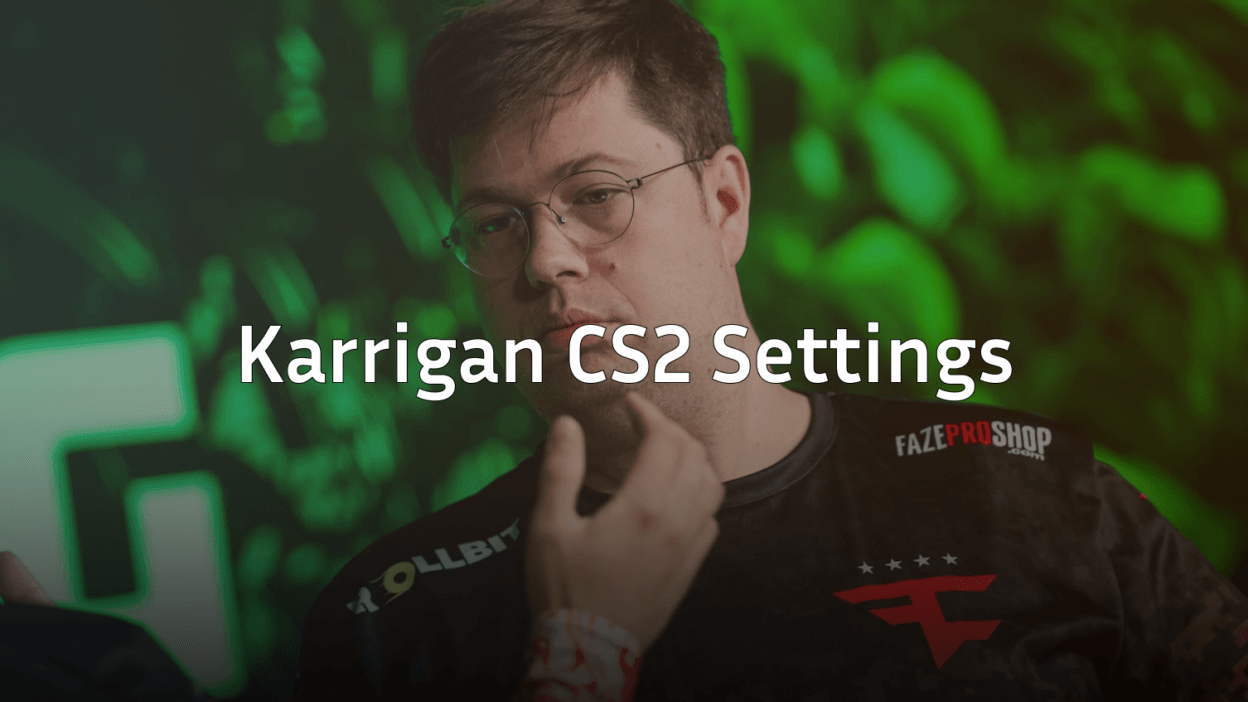
Finn “karrigan” Andersen is one of Counter-Strike’s most decorated in-game leaders, and his karrigan CS2 settings reflect years of competitive refinement. As FaZe Clan’s mastermind, karrigan prioritizes clarity and consistency over flashy configurations.
This guide breaks down every setting karrigan uses—from mouse sensitivity to video options—so you can test his setup yourself.
Karrigan’s Mouse Settings
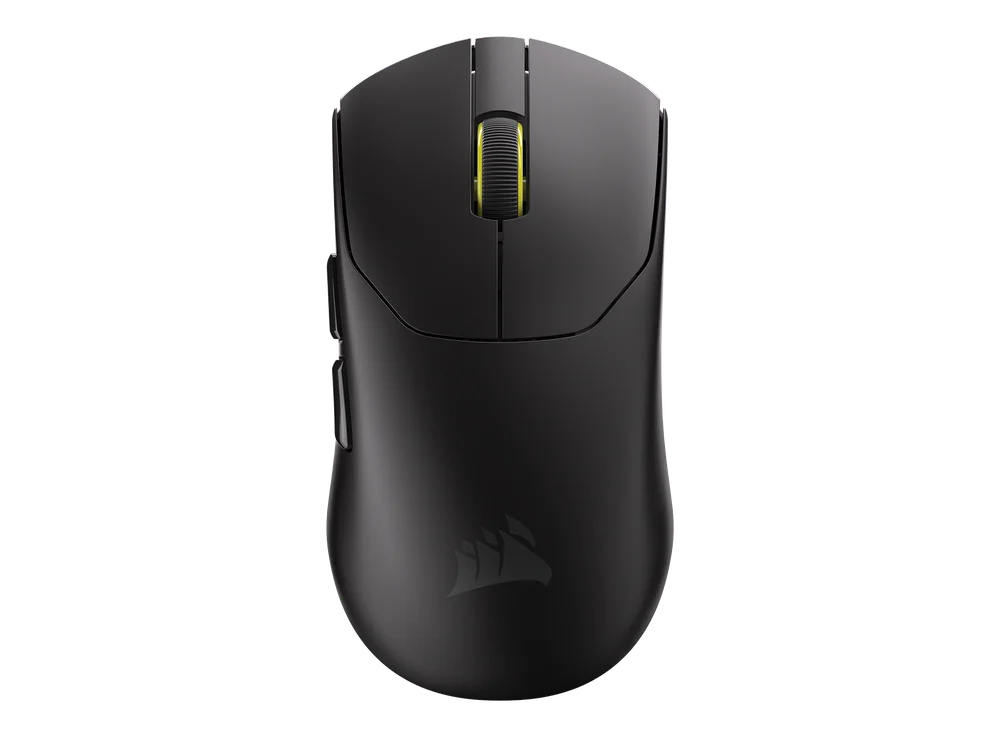
Karrigan uses a moderate sensitivity that balances precise aim with quick rotations for site holds and retakes. His setup allows for controlled micro-adjustments while still enabling 180-degree turns when needed.
| Setting | Value |
|---|---|
| DPI | 400 |
| In-Game Sensitivity | 2.0 |
| eDPI | 800 |
| Zoom Sensitivity | 1.0 |
| Polling Rate | 1000 Hz |
| Windows Sensitivity | 6 |
| Raw Input | On |
An eDPI of 800 sits in the comfortable middle ground for professional players. It’s low enough for precise AWP flicks but high enough that you won’t run out of mousepad during clutch situations.
Pro tip: Karrigan keeps raw input enabled to bypass Windows acceleration entirely. This ensures 1:1 mouse movement translation.
Karrigan’s Crosshair Settings
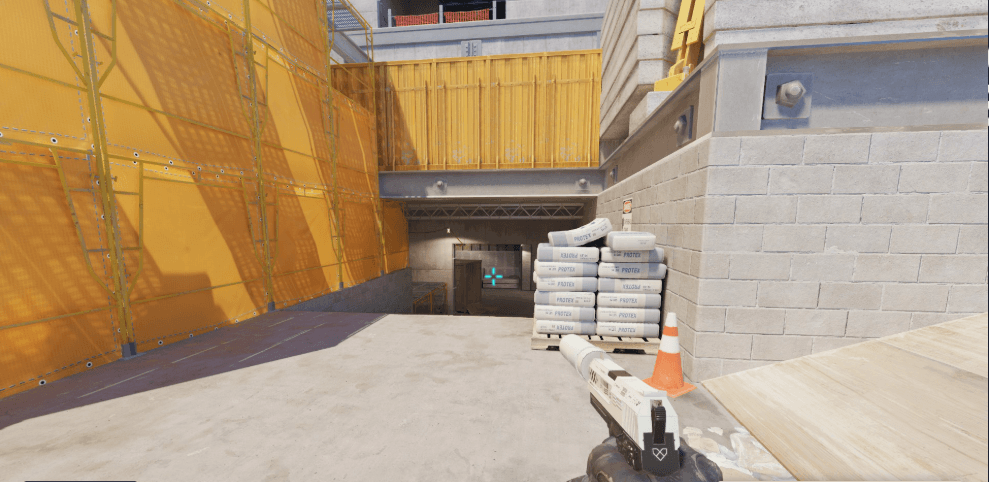
Karrigan runs a small, static crosshair with high visibility. The cyan color stands out against most map backgrounds without being distracting.
| Setting | Value |
|---|---|
| Style | 4 (Classic Static) |
| Color | Cyan |
| Size | 2 |
| Thickness | 0 |
| Gap | -3 |
| Outline | Yes (Thickness 1) |
| Dot | No |
Crosshair Code
Copy this code directly into your console:
CSGO-sNPzP-5VQ7j-rFuPY-JcoQD-zYKnDThe tight gap and thin lines create a precise aiming point without obscuring enemies at range. This style works particularly well when holding angles on maps like Mirage or Inferno.
Karrigan’s Video Settings

As an IGL, karrigan needs maximum visibility and stable framerates. His video configuration prioritizes performance and enemy clarity over visual fidelity.
| Setting | Value |
|---|---|
| Resolution | 1920×1080 |
| Aspect Ratio | 16:9 |
| Display Mode | Fullscreen |
| Refresh Rate | 360 Hz |
Advanced Video Settings
| Setting | Value |
|---|---|
| Boost Player Contrast | Enabled |
| V-Sync | Disabled |
| Multisampling Anti-Aliasing | 4x MSAA |
| Global Shadow Quality | High |
| Model/Texture Detail | Low |
| Texture Filtering Mode | Bilinear |
| Shader Detail | Low |
| Particle Detail | Low |
| Ambient Occlusion | Disabled |
Karrigan uses native 1080p resolution rather than stretched 4:3, giving him the full field of view advantage. The high shadow quality helps spot enemy positions, while other settings stay low for consistent frames.
For a deeper dive into optimizing your display, check out our CS2 graphic settings guide.
Karrigan’s Keybinds
Karrigan keeps his keybinds relatively standard with a few tactical adjustments for quick utility access.
| Action | Key |
|---|---|
| Jump | Space / Mouse Wheel Down |
| Crouch | Left Ctrl |
| Walk | Left Shift |
| Use | E |
| Inspect | F |
| Drop Weapon | G |
| Smoke | 4 |
| Flashbang | Mouse4 |
| HE Grenade | Mouse5 |
| Molotov | C |
Having flashbangs on Mouse4 allows karrigan to throw quick support flashes without taking his fingers off movement keys—essential for executing coordinated site takes.
Karrigan’s Viewmodel Settings
| Setting | Value |
|---|---|
| Viewmodel FOV | 68 |
| Viewmodel Offset X | 2.5 |
| Viewmodel Offset Y | 0 |
| Viewmodel Offset Z | -1.5 |
| Viewmodel Presetpos | 3 |
This viewmodel position keeps weapons tucked to the right side, maximizing screen real estate on the left where enemies often appear during site holds.
Why Karrigan’s Settings Work
Karrigan’s configuration reflects his role as an IGL who still frags. His settings aren’t extreme in any direction:
- 800 eDPI provides versatility for both rifling and AWPing
- Native resolution ensures maximum visibility for reading enemy positions
- Static crosshair offers consistent feedback during spray transfers
- High shadows reveal enemy silhouettes in dark corners
Unlike some star riflers who use aggressive stretched resolutions, karrigan’s setup prioritizes information gathering. He needs to see everything happening across the map to make tactical calls.
Comparing Karrigan to Other Pros
Karrigan’s eDPI of 800 is moderate compared to other professionals. Players like NiKo use similar sensitivities, while AWPers often go lower.
| Player | eDPI | Resolution |
|---|---|---|
| Karrigan | 800 | 1920×1080 |
| NiKo | 800 | 1920×1080 |
| s1mple | 1236 | 1280×960 |
The similarity between karrigan and NiKo’s settings isn’t coincidental—teammates often converge on similar sensitivities to maintain consistent callouts about distances and timings.
Conclusion
Karrigan’s CS2 settings prioritize clarity, consistency, and versatility—exactly what you’d expect from a veteran IGL. His 800 eDPI, native resolution, and clean crosshair create a setup that works across all situations.
Try these settings in deathmatch before jumping into competitive. Remember that karrigan has thousands of hours building muscle memory with this configuration.
Looking to upgrade your loadout while you practice? Browse the latest CS2 skins to find your perfect setup.