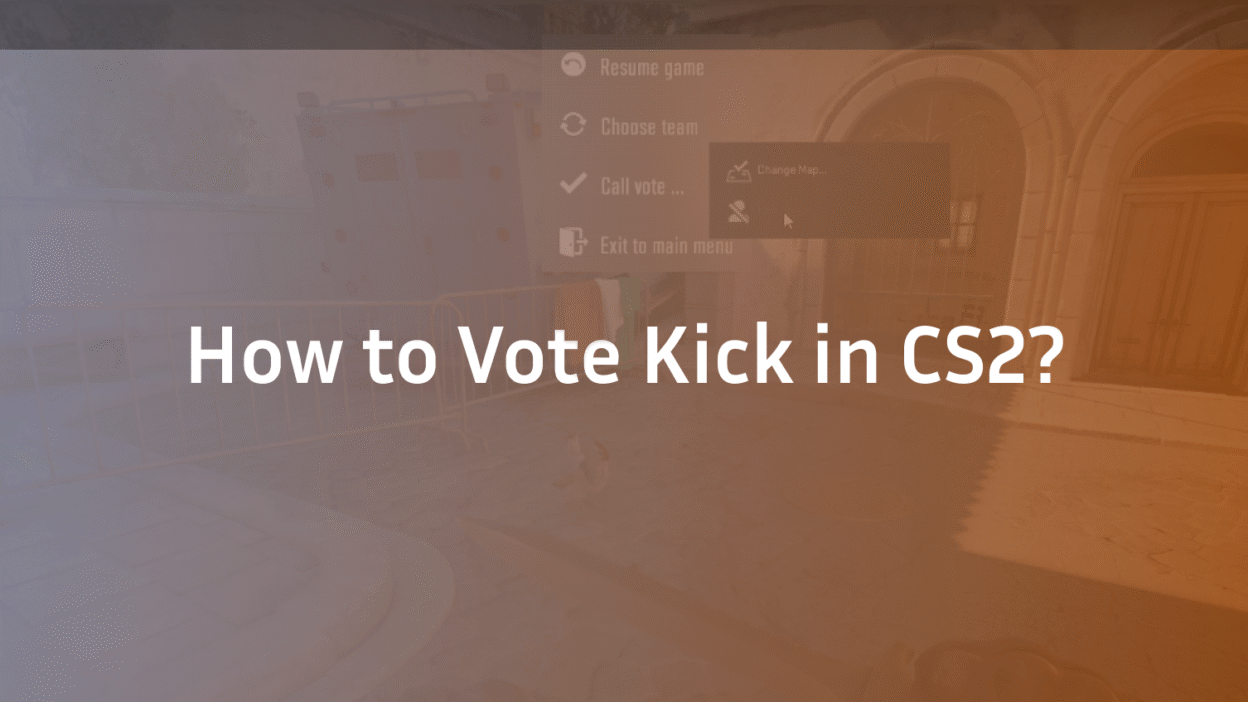
Getting stuck with a toxic, AFK, or griefing teammate can completely ruin a Counter-Strike 2 match. Luckily, CS2 still allows players to vote kick teammates—but many players don’t know how it actually works or why it sometimes fails.
This guide explains how to vote kick in CS2, when you can use it, why vote kicks fail, and how it compares to the old CSGO vote kick system.
What Is Vote Kick in CS2?
Vote kick is a team-based system that allows players to remove a teammate from the match by majority vote.
It’s commonly used to kick players who are:
- AFK or disconnected
- Intentionally griefing
- Team killing
- Refusing to communicate or play objectives
- Abusing voice or text chat
The system is similar to CSGO vote kick, but CS2 has stricter rules to prevent abuse.
How to Vote Kick in CS2 (Step-by-Step)
Here’s the fastest way to start a vote kick in CS2:
Method 1: Using the In-Game Menu (Recommended)
- Press ESC during a match
- Click Call Vote
- Select Kick Player
- Choose the player you want to kick
- Your team votes Yes or No
If the majority votes Yes, the player is kicked immediately.
Method 2: Console Command (Advanced)
CS2 no longer supports manual kick commands like old CSGO servers, but you can still open the vote menu using:
callvote
This opens the same vote menu as the ESC method.
If you’re into commands and binds, you might also like our CS2 binds guide for advanced control setups.
How Many Votes Are Needed to Kick Someone?
Vote kick passes when:
- More than 50% of your team votes YES
- The kicked player cannot vote
- AFK or disconnected players may count as automatic votes
Example (5v5 Match):
| Votes | Result |
| 3 Yes | Player kicked |
| 2 Yes | Vote fails |
Why Can’t I Vote Kick in CS2?
If vote kick isn’t working, one of these rules is usually the reason:
Common Vote Kick Restrictions
- You joined the match late
- You’ve already initiated a vote
- The player is queued with friends
- Too many kicks already happened
- It’s a short-handed match
Valve limits vote kicks to prevent grief-voting.
Can You Vote Kick in Premier Mode?
No.
Vote kick is disabled in Premier mode.
Premier relies on:
- Trust Factor
- Report system
- Post-match penalties
If Premier toxicity is ruining games for you, check out:
How to Kick in CSGO vs CS2 (Key Differences)
| Feature | CSGO | CS2 |
| Console Kick | Yes | No |
| Menu Kick | Yes | Yes |
| Premier Kicks | N/A | Disabled |
| Abuse Protection | Weak | Strong |
CS2 made vote kick harder—but fairer.
When Should You Use Vote Kick?
Vote kick works best when:
- Player is AFK for multiple rounds
- Player is intentionally throwing
- Player is team killing repeatedly
- Player refuses to play objectives
Don’t use vote kick for:
- Bad aim
- New players
- One bad round
Vote Kick Tips That Actually Work
Communicate with teammates before starting the vote
Start the vote after clear evidence (AFK rounds, griefing)
Don’t spam votes early
Mute first if the issue is only voice chat
For voice issues, see our How to Mute People in CS2 guide.
What Happens After a Player Is Kicked?
- Player receives a temporary matchmaking cooldown
- Team plays with a bot or reduced player count
- Match continues normally
If you want to control bots after a kick, our CS2 bot commands guide is useful.
Frequently Asked Questions (FAQs)
How do I vote kick in CS2?
Press ESC → Call Vote → Kick Player, select the player, and wait for team votes.
Can you vote kick in Premier CS2?
No, vote kick is disabled in Premier mode.
Is vote kick removed from CS2?
No, it still exists but with stricter rules than CSGO.
Can you kick yourself in CS2?
Yes. Here’s a full guide on how to kick yourself in CS2.
Final Thoughts
Knowing how to vote kick in CS2 helps keep matches competitive, fair, and enjoyable. While Valve has tightened restrictions compared to CSGO vote kick, the system still works well when used responsibly.
Use it wisely—and keep CS2 clean.