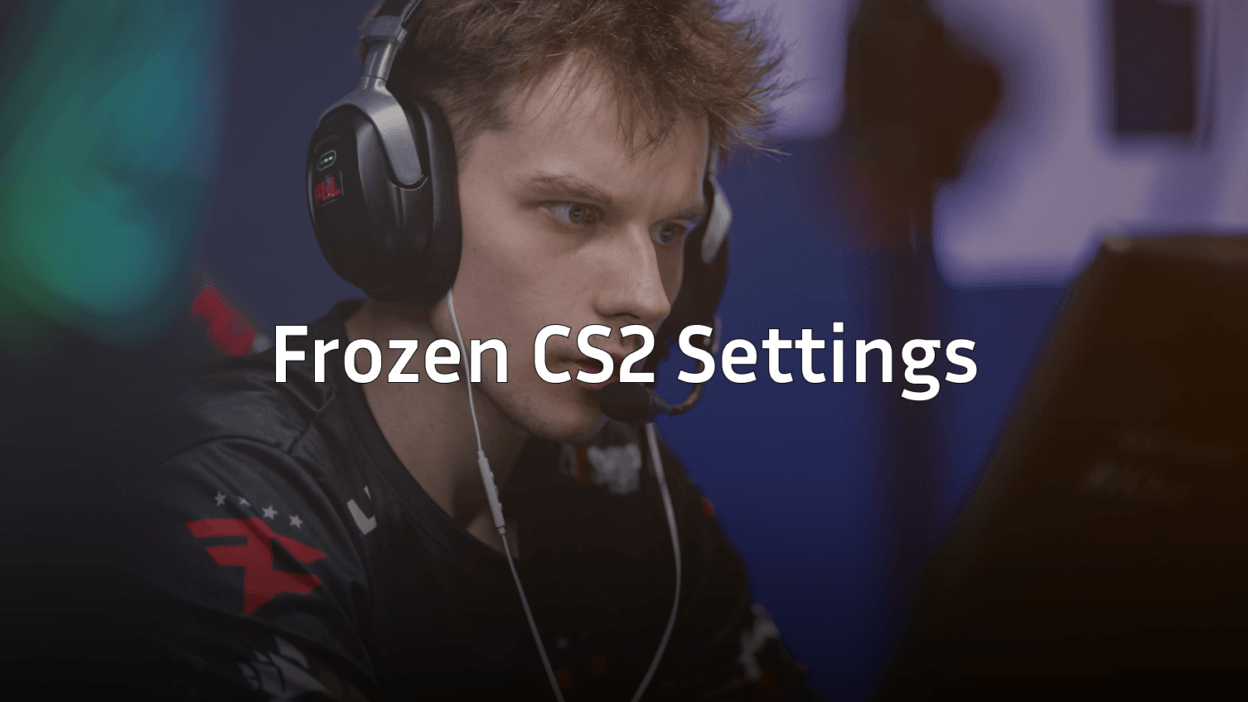
Want to play like one of Europe’s most consistent riflers? These Frozen CS2 settings break down every detail of his configuration—from mouse sensitivity to video options. David “frozen” Čerňanský has been a cornerstone of MOUZ’s success, known for his crisp aim and clutch performances.
Let’s get you set up with his exact config.
Frozen’s Mouse Settings

Frozen uses a relatively low sensitivity that allows for precise micro-adjustments during rifle duels. His setup prioritizes control over speed, which suits his methodical playstyle.
| Setting | Value |
|---|---|
| DPI | 400 |
| In-Game Sensitivity | 2.0 |
| eDPI | 800 |
| Zoom Sensitivity | 1.0 |
| Hz (Polling Rate) | 1000 |
| Windows Sensitivity | 6 |
| Raw Input | On |
His 800 eDPI sits in the medium-low range for professional players. This gives him enough speed for quick flicks while maintaining the precision needed for holding angles with the AK-47 or M4A4.
Crosshair Settings
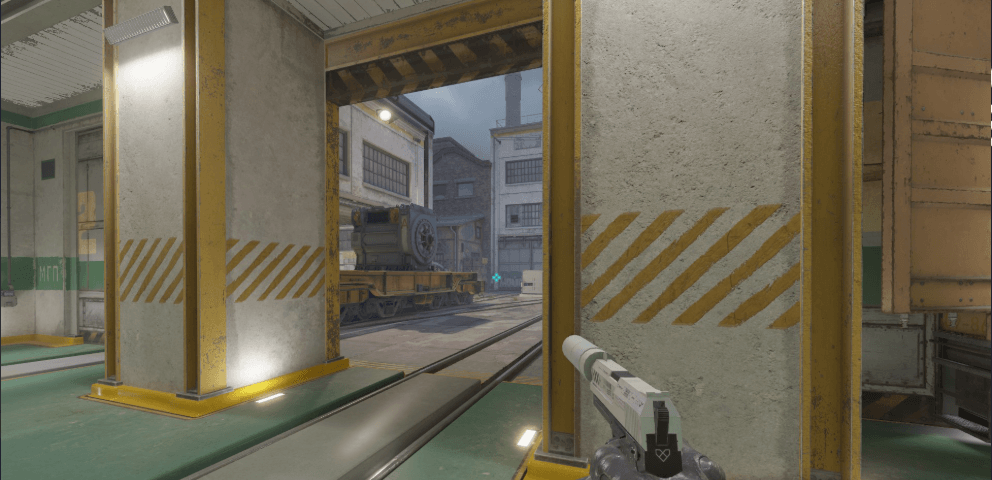
Frozen’s crosshair is clean and minimal—no distractions, just pure visibility against any background.
cl_crosshairsize 1.5cl_crosshairgap -3
cl_crosshairthickness 0
cl_crosshaircolor 1
cl_crosshairdot 0
cl_crosshair_drawoutline 0
cl_crosshair_sniper_width 1
cl_crosshairstyle 4
Crosshair Code: CSGO-cNcjP-7vhkz-vLPfk-cmmLJ-zXeoG
The small size with a tight gap creates a precise center point for headshot placement. The green color (color 1) provides solid contrast on most map textures.
Video Settings

Frozen runs a stretched resolution, which is common among pros who want wider player models for easier target acquisition.
| Setting | Value |
|---|---|
| Resolution | 1280×960 |
| Aspect Ratio | 4:3 Stretched |
| Scaling Mode | Stretched |
| Display Mode | Fullscreen |
Graphics Configuration
| Setting | Value |
|---|---|
| Global Shadow Quality | High |
| Model/Texture Detail | Low |
| Texture Filtering Mode | Bilinear |
| Shader Detail | Low |
| Particle Detail | Low |
| Ambient Occlusion | Disabled |
| High Dynamic Range | Performance |
| FidelityFX Super Resolution | Disabled |
| NVIDIA Reflex Low Latency | Enabled |
He keeps shadows on high to spot enemy silhouettes in dark areas—a crucial advantage on maps like Inferno’s Banana or Mirage’s A site. Everything else stays low for maximum FPS. If you’re looking to optimize your own setup, check out our CS2 graphic settings guide.
Viewmodel Settings
Frozen uses a viewmodel that keeps his weapon positioned out of his primary sightline.
viewmodel_fov 68viewmodel_offset_x 2.5
viewmodel_offset_y 0
viewmodel_offset_z -1.5
viewmodel_presetpos 3
cl_righthand 1
This configuration maximizes screen real estate while keeping the weapon visible enough for reload timing.
Key Bindings
Here are Frozen’s essential keybinds:
| Action | Key |
|---|---|
| Jump | Space / Mouse Wheel Down |
| Crouch | Ctrl |
| Walk | Shift |
| Use | E |
| Drop Weapon | G |
| Inspect | F |
| Quick Switch | Q |
Grenade Binds
bind "4" "slot4"bind “c” “slot7”
bind “x” “slot8”
bind “z” “slot6”
Quick grenade access is essential for executing site takes. Having dedicated binds means you’ll never fumble for a flash during a crucial moment.
Radar Settings
Frozen’s radar is zoomed out to provide maximum map awareness.
cl_radar_scale 0.3cl_hud_radar_scale 1.15
cl_radar_always_centered 0
cl_radar_rotate 1
The non-centered radar shows more of the map, helping with mid-round rotations and reading opponent positions.
Why These Settings Work
Frozen’s configuration reflects his role as a star rifler who needs to win aim duels consistently. Key takeaways:
- Low eDPI (800) provides the precision for holding angles and hitting first shots
- 4:3 stretched makes targets appear wider, potentially easier to track
- Minimal crosshair reduces visual clutter for clean headshot placement
- High shadows give competitive advantages in spotting enemies
His setup shares similarities with other top riflers. Compare it with NiKo’s CS2 settings to see how elite aimers configure their games.
Hardware Frozen Uses
| Component | Product |
|---|---|
| Mouse | Logitech G Pro X Superlight |
| Mousepad | Logitech G640 |
| Keyboard | Logitech G Pro X |
| Monitor | 360Hz |
| Headset | Logitech G Pro X |
The 360Hz monitor paired with his optimized video settings ensures minimal input lag and smooth visual feedback.
Final Thoughts
Copying Frozen’s CS2 settings gives you a solid foundation, but remember—these work for his playstyle and hardware. Use them as a starting point, then adjust sensitivity and crosshair to match your comfort level.
The most important elements to adopt are his low graphics settings for performance and shadow quality on high for visibility. These provide competitive advantages regardless of your aim style.
Ready to upgrade your loadout too? Browse CS2 skins to find the perfect AWP or rifle skin for your collection.