










































































































































































































































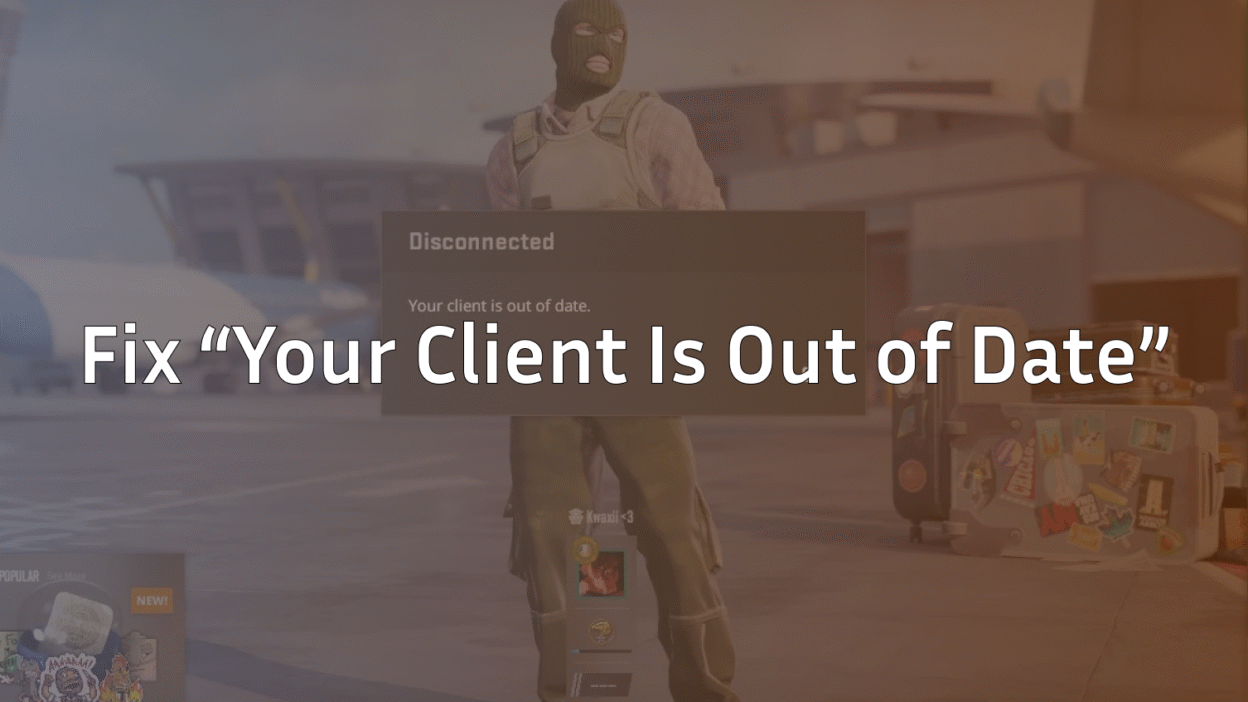
If you’ve ever tried joining a CS2 match and got the dreaded error:
“Your client is out of date”
you’re not alone. This error is super common, especially on community servers or after a Steam update. Don’t worry — it’s usually simple to fix.
What “Your Client Is Out of Date” Means
This message pops up when:
- Your CS2 game files are not fully updated.
- The server version you’re trying to join is newer than your client.
- You’re attempting to join community servers that require the latest update.
It can happen whether you play on official CS2 servers or a custom setup like CS2 custom maps.
How to Fix “Your Client Is Out of Date” in CS2
1. Restart Steam and Check for Updates
- Close CS2.
- Exit Steam completely.
- Reopen Steam → go to Library → right-click CS2 → Properties → Updates.
- Install any pending updates.
2. Verify CS2 Game Files
Corrupted files can trigger this error.
- Open Steam Library.
- Right-click CS2 → Properties → Local Files → Verify Integrity of Game Files.
- Steam will check for missing/corrupted files and automatically fix them.
3. Restart Your Computer
A simple reboot can help Steam detect new updates and sync your client.
4. Join the Correct Server Version
- Official CS2 Servers → Usually auto-updated.
- Community Servers → Make sure you have the latest update to match the server.
- If the server is too new, check the server notes or Discord to confirm your client matches.
- Sometimes, you may need to re-download community server content.
- If the server is too new, check the server notes or Discord to confirm your client matches.
Check guides like CS2 community servers guide for extra tips.
5. Clear Steam Download Cache
- Open Steam → Settings → Downloads → Clear Download Cache.
- Log in again.
- Update CS2 and try again.
6. Reinstall CS2 (Last Resort)
If nothing works:
- Uninstall CS2 completely.
- Reinstall via Steam.
- This ensures your client matches the server version 100%.
Tips to Avoid This Error in the Future
- Always restart Steam after updates.
- Subscribe only to trusted community servers.
- Keep an eye on CS2 patch notes.
- Consider checking guides like CS2 knife cases and CS2 cases with Butterfly Knife to see if any content requires updates.
Frequently Asked Questions (FAQs)
1. Can I join a community server with an outdated client?
No — the server will reject outdated clients. Always update your game first.
2. Why does this happen on official servers?
It’s rare, but may occur if Steam hasn’t auto-applied the latest patch. Restart Steam to force updates.
3. How long does it take to fix this?
Usually a few minutes if you update your client. Reinstallation may take longer depending on your connection.
4. Will verifying game files delete my settings?
No — your config, crosshair, and settings remain intact. You can also check guides like how to change crosshair in CS2.
5. Can VPNs or firewalls cause this error?
Yes. Some network restrictions can block Steam from downloading updates. Make sure Steam is allowed through your firewall.
Final Thoughts
The “Your client is out of date” error is usually a quick fix:
- Update CS2 through Steam
- Verify files
- Match server versions
By following this guide, you can get back to competitive play, surf maps, or community servers without delays.Keep your client updated and check guides for other CS2 tips, like CS2 custom maps and knife cases for the full experience.


