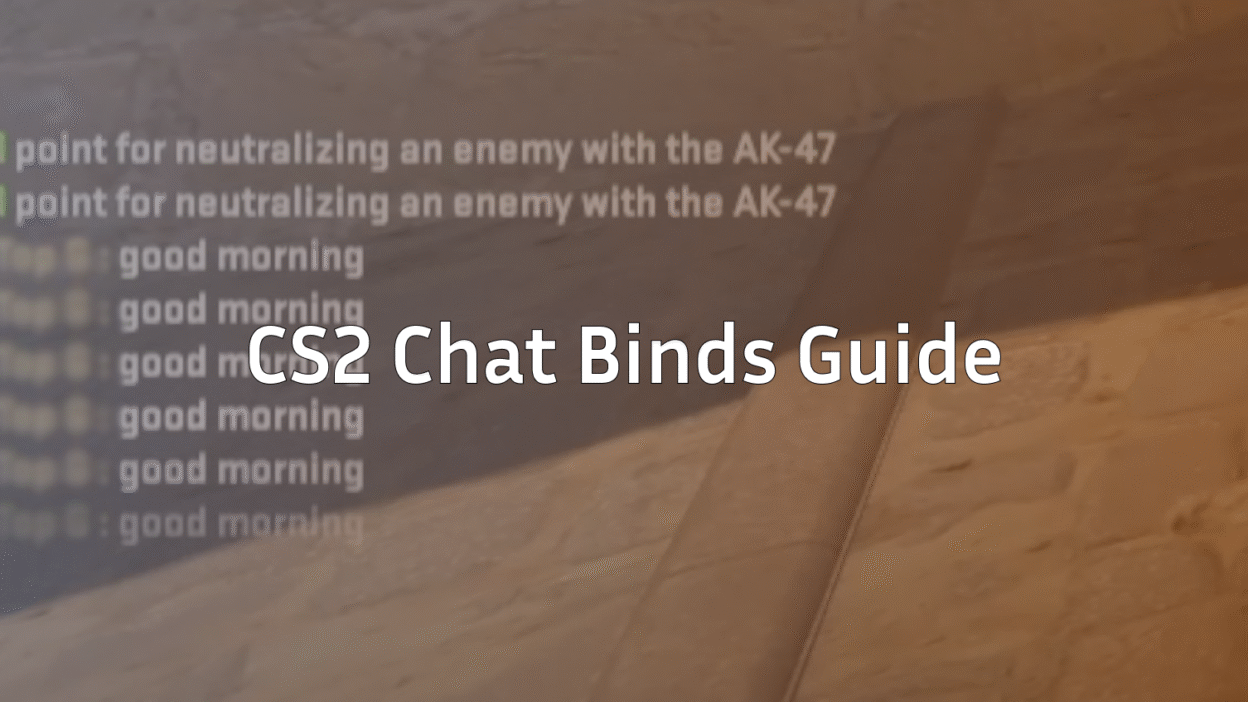
What Are CS2 Chat Binds?
CS2 chat binds let you send pre-written text messages in-game by pressing a single key. Instead of stopping to type, you can instantly communicate important info like enemy positions, bomb status, or quick reminders.
If you played CS:GO before, this will feel familiar. CS2 chat binds work almost the same as csgo chat binds, but with a cleaner console and better consistency.
In short: fewer distractions, faster comms, and better team play.
Why Chat Binds Matter in CS2
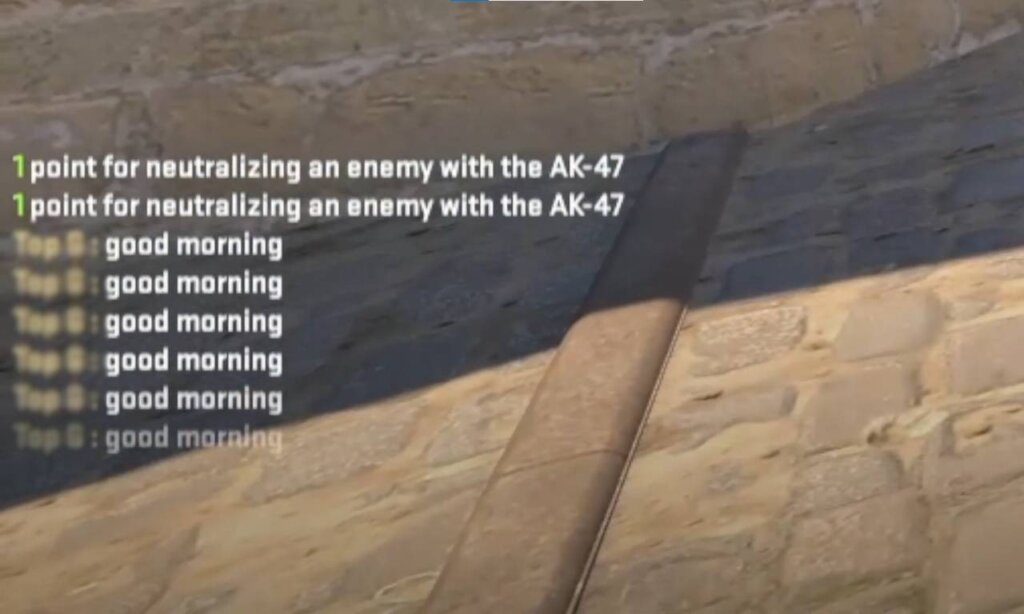
In CS2, rounds are faster and mistakes get punished hard. Chat binds help because they:
- Save time during clutch moments
- Reduce typing errors mid-fight
- Keep communication consistent
- Help solo queue players share info quickly
They’re especially useful if you don’t use voice chat all the time or play late-night matches.
How to Chat in CS2 (Basic Controls)
Before creating binds, you should know the default chat commands:
- Y – Team chat
- U – All chat
If you ever forget these, check your keybinds or reset them in settings. You can also combine chat binds with detailed map knowledge from our Vertigo callouts guide or Inferno callouts guide for maximum impact.
How to Bind Text in CS2 (Step-by-Step)
Creating chat binds in CS2 is done through the developer console.
Step 1: Enable Developer Console
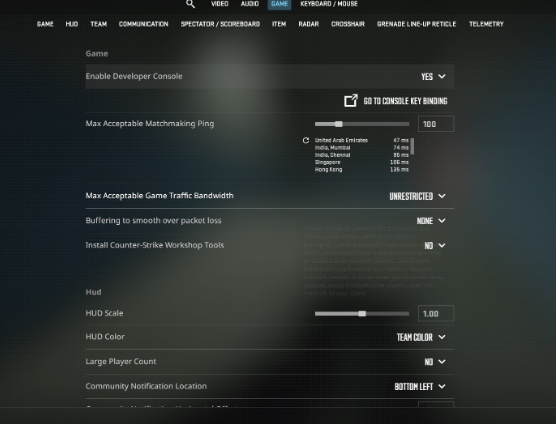
- Open Settings
- Go to Game
- Set Enable Developer Console to Yes
- Press ~ (tilde) to open the console
Step 2: Use the Bind Command
Here’s the basic format:
bind KEY “say MESSAGE”
For team-only messages:
bind KEY “say_team MESSAGE”
This is exactly how bind say cs go worked, so veterans will feel right at home.
Popular CS2 Chat Bind Examples
Below are some practical and commonly used binds.
Team Callout Binds
bind F1 “say_team Enemy A”
bind F2 “say_team Enemy B”
bind F3 “say_team Mid spotted”
Perfect when paired with detailed map knowledge like Dust 2 callouts or Mirage callouts.
Bomb & Objective Binds
bind F4 “say_team Bomb spotted”
bind F5 “say_team Bomb down”
bind F6 “say_team Planting now”
These are clutch-saving messages that teammates instantly understand.
Utility & Strategy Binds
bind F7 “say_team Smoking CT”
bind F8 “say_team Flashing now”
bind F9 “say_team Save this round”
Great for coordinated executes or eco rounds.
CS2 vs CS:GO Chat Binds (What Changed?)
| Feature | CS:GO | CS2 |
| Console syntax | Same | Same |
| say / say_team | Yes | Yes |
| Autoexec support | Yes | Yes |
| Match reliability | Mixed | Improved |
If you already know how to bind text in csgo, you can reuse almost every bind in CS2.
Advanced Chat Bind Tips
Use Autoexec for Permanent Binds
If you want your chat binds to load automatically every time you launch the game, setting them up inside an autoexec file is the cleanest solution. We break this down step by step in our full CS2 autoexec guide.
Instead of retyping binds every time, save them in an autoexec file. This ensures your chat binds load automatically whenever CS2 launches.
Avoid Spamming
Chat binds are helpful, but overusing them can clutter team chat. Stick to high-value messages only.
Combine with Radio Commands
Chat binds work best alongside radio commands for players who don’t always read chat during fights. If you rely heavily on in-game commands, check out our CS2 radio commands guide for extra options.
Common Mistakes to Avoid
- Using long sentences that distract teammates
- Binding important keys like movement or reload
- Spamming all-chat instead of team chat
- Forgetting to test binds in practice mode
Keeping your binds clean and simple is the real pro move.
Are Chat Binds Allowed in CS2?
Yes. Chat binds are completely legal and safe to use in matchmaking, Premier, and Faceit-style environments. They don’t provide unfair advantages and are widely used by casuals and pros alike.
Best Situations to Use Chat Binds
- Solo queue matchmaking
- Late-night games without voice chat
- Clutch situations
- Learning new maps and callouts
They’re also great for beginners who are still getting comfortable with voice comms. If you’re new to the game, our CS2 beginner guide is a solid place to start.
Frequently Asked Questions (FAQs)
Can I use csgo chat binds in CS2?
Yes. Almost all csgo chat binds work the same way in CS2 without any changes.
How many chat binds can I use?
There’s no hard limit, but it’s best to keep them manageable so you don’t forget what each key does.
Do chat binds work in Premier mode?
Yes, chat binds work in Competitive, Premier, Wingman, and community servers.
Can I bind chat messages to mouse buttons?
Absolutely. You can bind chat messages to mouse buttons just like keyboard keys.
Is voice chat better than chat binds?
Voice chat is faster, but chat binds are more consistent—especially when emotions run high.
Final Thoughts
CS2 chat binds are one of the easiest quality-of-life upgrades you can make. They’re simple to set up, legal to use, and genuinely improve teamwork.
Whether you’re a returning CS:GO veteran or a brand-new CS2 player, mastering chat binds will instantly make you a better teammate—and probably win you a few extra rounds along the way.
If you’re building your CS2 setup, chat binds pair perfectly with solid keybinds, clean crosshairs, and strong map knowledge. You can also explore our full CS2 binds guide or learn how to customize your crosshair in CS2 for a complete setup.