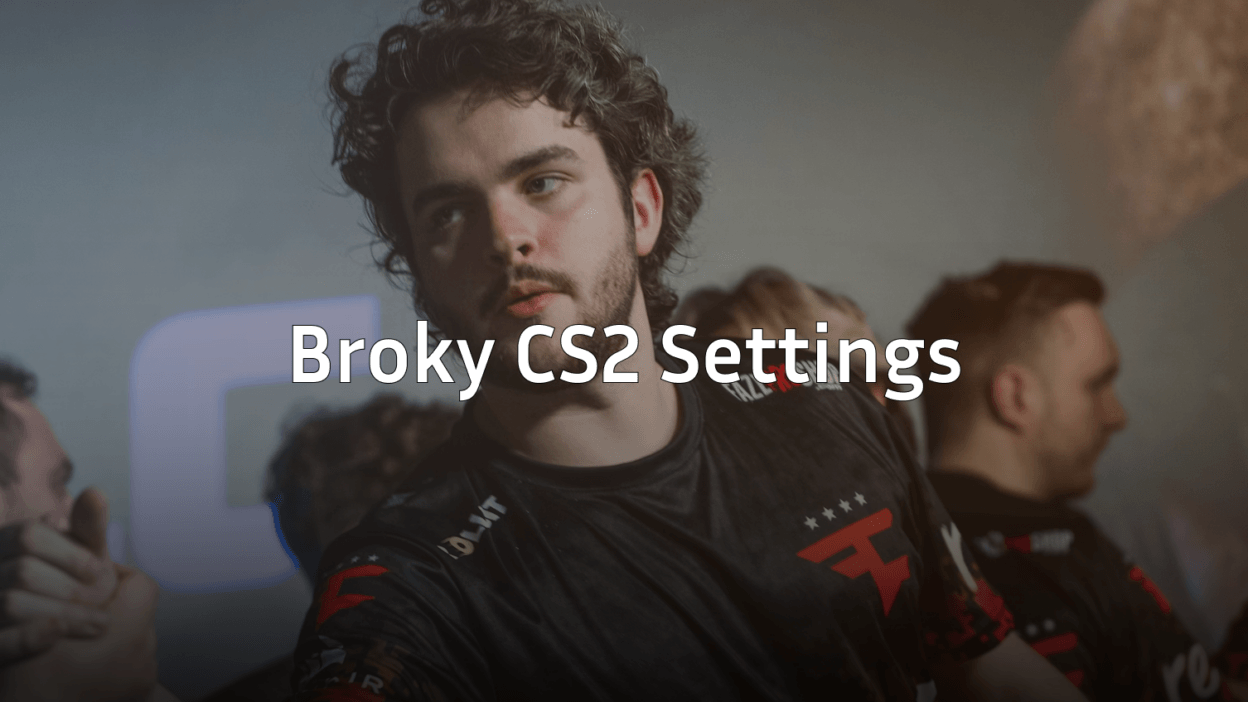
Helvijs “broky” Saukants has established himself as one of the most consistent AWPers in professional Counter-Strike. His broky cs2 settings combine precision aiming with clean visuals, making them ideal for players who want to improve their sniping game. This guide covers his complete setup, from sensitivity to video configuration.
Who Is Broky?

Broky is a Latvian professional player who joined FaZe Clan in 2019 and has become a cornerstone of their roster. Known for his calm demeanor and clutch performances, he’s helped FaZe secure multiple championship titles.
His playstyle emphasizes positioning and patience rather than aggressive peeks. This philosophy reflects in his settings—everything is optimized for holding angles and landing first shots.
Broky’s Mouse Settings
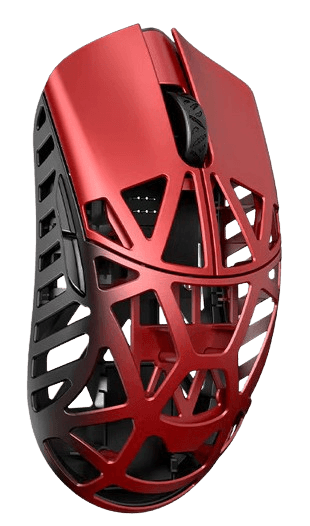
Broky uses a relatively low sensitivity, common among elite AWPers who need precise crosshair placement.
| Setting | Value |
|---|---|
| DPI | 400 |
| In-Game Sensitivity | 2.0 |
| eDPI | 800 |
| Zoom Sensitivity | 1.0 |
| Polling Rate | 1000 Hz |
| Windows Sensitivity | 6 |
| Raw Input | On |
His 800 eDPI sits in the sweet spot for AWPing. It’s low enough for precise flicks but high enough to check corners without lifting your mouse constantly. If you’re transitioning from rifling to primary AWP duty, this sensitivity offers excellent control.
Players like w0nderful cs2 settings use similar low-sensitivity setups for their AWP play.
Crosshair Settings
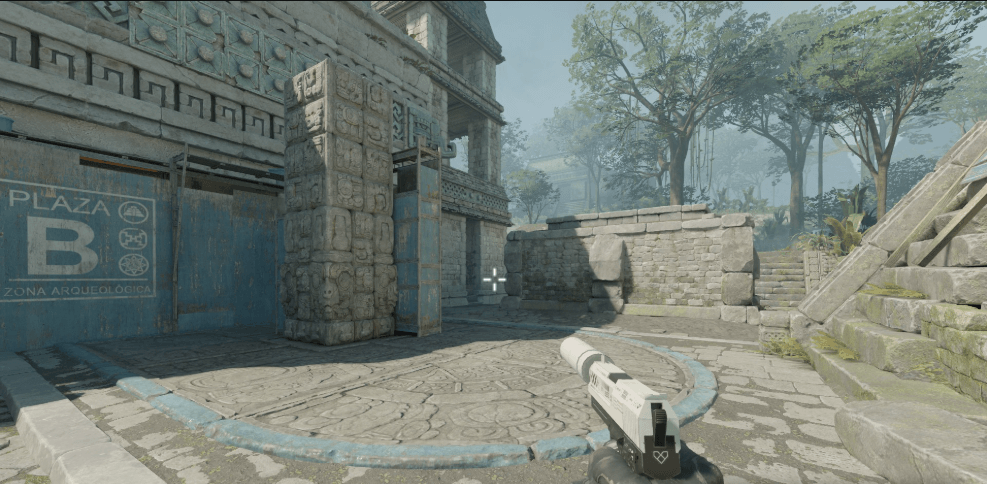
Broky uses a small, static crosshair that doesn’t obstruct targets at long range—critical for holding angles with the AWP.
cl_crosshairsize 1.5cl_crosshairgap -3
cl_crosshairthickness 0
cl_crosshairdot 0
cl_crosshair_drawoutline 0
cl_crosshaircolor 1
cl_crosshairstyle 4
cl_crosshairalpha 255
Key features:
- Small size (1.5) keeps the crosshair tight for headshots
- Negative gap (-3) creates a compact center point
- No outline reduces visual clutter
- Green color provides good contrast on most maps
This crosshair works exceptionally well for AWPing since you’re primarily using the scope. For rifle duels, the small size demands precise aim but rewards accuracy.
Video Settings
Broky plays on stretched resolution, which is popular among pros for making targets appear wider.
| Setting | Value |
|---|---|
| Resolution | 1280×960 |
| Aspect Ratio | 4:3 Stretched |
| Display Mode | Fullscreen |
| Refresh Rate | 360 Hz |
Graphics Configuration
| Setting | Value |
|---|---|
| Global Shadow Quality | High |
| Model/Texture Detail | Low |
| Texture Filtering Mode | Bilinear |
| Shader Detail | Low |
| Particle Detail | Low |
| Ambient Occlusion | Disabled |
| High Dynamic Range | Performance |
| FidelityFX Super Resolution | Disabled |
| Boost Player Contrast | Enabled |
Broky keeps shadows on High because they reveal enemy positions—essential information when holding angles. Everything else stays low to maximize frame rates. For a deeper dive into optimizing your visuals, check our cs2 graphic settings guide.
Boost Player Contrast is enabled, making enemies stand out against backgrounds. This small change significantly improves target acquisition.
Viewmodel Settings
viewmodel_fov 68viewmodel_offset_x 2.5
viewmodel_offset_y 0
viewmodel_offset_z -1.5
viewmodel_presetpos 3
cl_righthand 1
His viewmodel sits relatively high and to the right, keeping the weapon model out of his sightlines. This configuration ensures maximum screen visibility when peeking angles.
Key Bindings
Broky uses standard bindings with a few optimizations:
| Action | Key |
|---|---|
| Jump | Space / Mouse Wheel Down |
| Crouch | Ctrl |
| Walk | Shift |
| Primary Weapon | 1 |
| Secondary Weapon | 2 |
| Knife | 3 |
| Cycle Grenades | 4 |
| Bomb | 5 |
Binding jump to mouse wheel down enables consistent bunny hops and jump throws. This is nearly universal among professional players.
Radar Settings
cl_radar_scale 0.4cl_hud_radar_scale 1.15
cl_radar_always_centered 0
cl_radar_rotate 1
His radar shows a larger map area with a slightly increased HUD scale. The non-centered radar displays more of the map, providing better information about teammate positions and potential rotations.
Audio Settings
| Setting | Value |
|---|---|
| Master Volume | 50% |
| Audio Output | Headphones |
| EQ Profile | Crisp |
| L/R Isolation | 50% |
| Perspective Correction | No |
The Crisp EQ profile emphasizes footsteps and gunshots, crucial audio cues for an AWPer holding positions. Many pros prefer this setting for competitive play.
Hardware Setup
Broky’s peripherals complement his settings:
- Mouse: Logitech G Pro X Superlight
- Mousepad: Logitech G640
- Keyboard: Logitech G Pro X
- Monitor: BenQ ZOWIE XL2566K (360Hz)
- Headset: Logitech G Pro X
The G Pro X Superlight weighs only 63 grams, reducing fatigue during long matches. Combined with the G640’s control surface, it provides consistent tracking for his low sensitivity.
Should You Copy Broky’s Settings?
These settings suit players who:
- Primary AWP or want to improve sniping
- Prefer low sensitivity for precise aim
- Have a large mousepad for sweeping movements
- Want clean visuals without distractions
If you’re a rifler who relies on fast flicks, consider slightly higher sensitivity. Players like NiKo cs2 settings or karrigan cs2 settings might better suit aggressive playstyles.
Quick Setup Commands
Copy this into your autoexec for broky’s core settings:
// Broky CS2 Configsensitivity 2.0
zoom_sensitivity_ratio 1.0
cl_crosshairsize 1.5
cl_crosshairgap -3
cl_crosshairthickness 0
cl_crosshairdot 0
cl_crosshair_drawoutline 0
cl_crosshaircolor 1
cl_crosshairstyle 4
viewmodel_fov 68
cl_radar_scale 0.4
cl_hud_radar_scale 1.15
Final Thoughts
Broky’s settings prioritize precision over speed, reflecting his role as a patient, position-based AWPer. His low sensitivity and clean crosshair demand practice but reward players with consistent accuracy.
Start with his exact config, then make small adjustments based on your comfort. Remember—settings are personal, and what works for a pro might need tweaking for your playstyle.
Looking to upgrade your loadout while practicing? Browse CS2 skins to find the perfect AWP skin for your new setup.