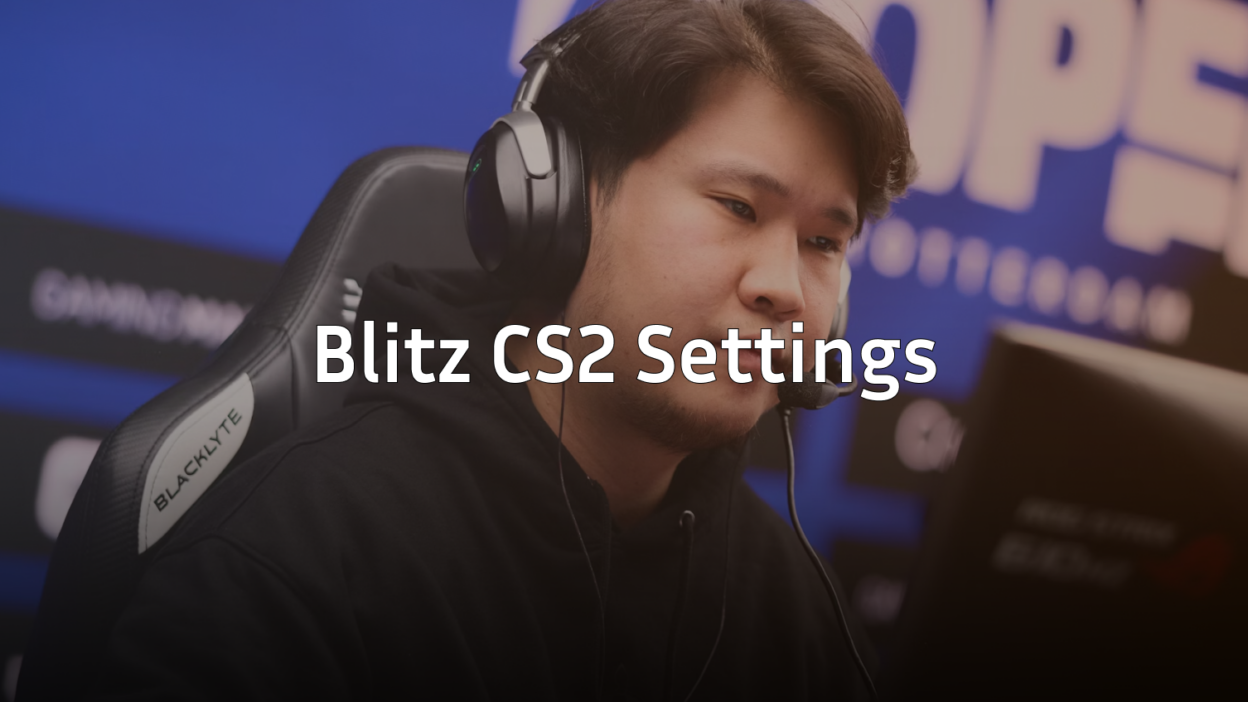
Want to frag like a content creator who’s spent thousands of hours perfecting their setup? Blitz CS2 settings offer a well-balanced configuration that prioritizes visibility, smooth gameplay, and competitive performance.
Blitz has built a reputation in the CS2 community through consistent streaming and content creation. His settings reflect a practical approach—nothing too extreme, just optimized choices that work across different skill levels.
Let’s break down everything you need to copy his config.
Blitz Mouse Settings

Mouse settings form the foundation of your aim. Blitz uses a moderate sensitivity that balances precision with the ability to make quick flick shots.
| Setting | Value |
|---|---|
| DPI | 800 |
| In-Game Sensitivity | 1.0 |
| eDPI | 800 |
| Zoom Sensitivity | 1.0 |
| Windows Sensitivity | 6 |
| Raw Input | On |
| Mouse Acceleration | Off |
An eDPI of 800 sits in the sweet spot for most players. It’s low enough for precise AWP flicks but high enough to clear corners without lifting your mouse repeatedly.
If you’re coming from a higher sensitivity, lower it gradually over a few days rather than making the jump immediately.
Blitz Crosshair Settings
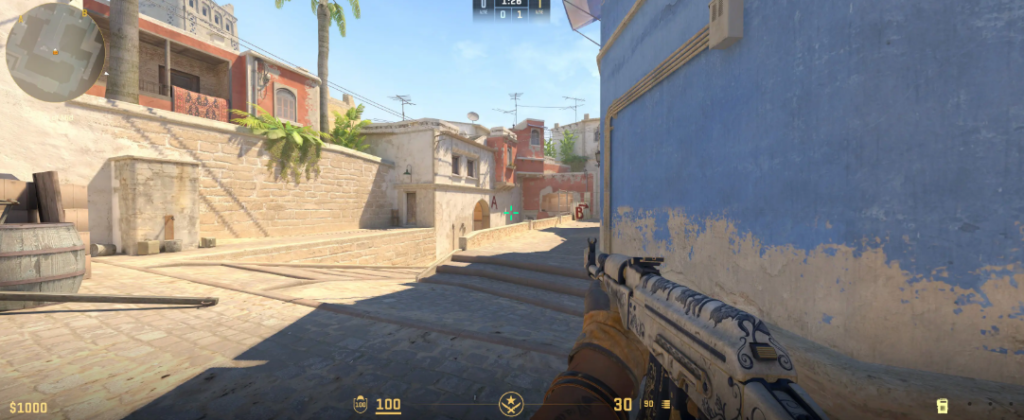
A clean crosshair helps you track targets without visual clutter. Blitz runs a simple static crosshair that stays consistent during movement and shooting.
| Setting | Value |
|---|---|
| Style | Classic Static |
| Color | Green (1) |
| Size | 2 |
| Thickness | 1 |
| Gap | -2 |
| Outline | Yes |
| Outline Thickness | 1 |
| Dot | No |
Crosshair Code:
CSGO-xxxxx-xxxxx-xxxxx-xxxxx-xxxxxThe negative gap creates a tight crosshair that helps with headshot placement. The outline ensures visibility against both light and dark backgrounds—crucial when peeking into shadowy corners on maps like Inferno’s Apartments.
Blitz Video Settings

Performance matters more than pretty graphics in competitive CS2. Blitz’s video settings prioritize high frame rates and enemy visibility over visual fidelity.
| Setting | Value |
|---|---|
| Resolution | 1920×1080 |
| Aspect Ratio | 16:9 |
| Display Mode | Fullscreen |
| Refresh Rate | 240Hz |
Advanced Video Settings
| Setting | Value |
|---|---|
| Boost Player Contrast | Enabled |
| V-Sync | Disabled |
| NVIDIA Reflex Low Latency | Enabled |
| Multisampling Anti-Aliasing | 4x MSAA |
| Global Shadow Quality | Medium |
| Model/Texture Detail | Medium |
| Texture Filtering Mode | Bilinear |
| Shader Detail | Low |
| Particle Detail | Low |
| Ambient Occlusion | Disabled |
Boost Player Contrast is non-negotiable for competitive play. It makes enemies pop against backgrounds, giving you that split-second advantage in firefights. For deeper optimization, check out our CS2 video settings guide.
Disabling V-Sync eliminates input lag. Combined with NVIDIA Reflex, you’ll experience the most responsive gameplay possible. If you’re running an NVIDIA card, our CS2 NVIDIA settings guide covers additional optimizations.
Blitz Viewmodel Settings
Viewmodel positioning affects how much screen real estate your weapon occupies. Blitz uses a configuration that keeps the gun model compact and out of the way.
viewmodel_fov 68viewmodel_offset_x 2.5
viewmodel_offset_y 0
viewmodel_offset_z -1.5
viewmodel_presetpos 3
cl_righthand 1
These settings push the weapon slightly to the right and down, maximizing your field of view for spotting enemies.
Blitz Keybinds
Efficient keybinds reduce fumbling during clutch moments. Here are Blitz’s essential binds:
| Action | Key |
|---|---|
| Jump | Space / Mouse Wheel Down |
| Crouch | Left Ctrl |
| Walk | Left Shift |
| Use | E |
| Drop Weapon | G |
| Inspect | F |
| Quick Switch | Q |
Binding jump to mouse wheel down enables consistent bunny hops and makes jump-throwing grenades more reliable. This small change can improve your movement significantly.
Blitz Radar Settings
A properly configured radar provides crucial information without demanding your attention. Blitz’s radar settings show the entire map while keeping icons readable.
cl_radar_always_centered 0cl_radar_scale 0.3
cl_radar_icon_scale_min 1
cl_hud_radar_scale 1.15
Setting cl_radar_always_centered 0 shows more of the map, helping you track teammate positions and rotations without opening the scoreboard.
Launch Options
Launch options can squeeze extra performance from your system. Blitz keeps his launch options minimal:
-novid -tickrate 128 +fps_max 0| Option | Purpose |
|---|---|
| -novid | Skips intro video |
| -tickrate 128 | Sets offline server tickrate |
| +fps_max 0 | Uncaps framerate |
Avoid cluttering launch options with deprecated commands. Most legacy options from CS:GO no longer function in CS2.
Audio Settings
Sound positioning wins rounds. Blitz uses settings that emphasize directional audio for footsteps and gunfire.
| Setting | Value |
|---|---|
| Master Volume | 50% |
| Audio Output | Stereo Headphones |
| EQ Profile | Crisp |
| L/R Isolation | 50% |
The Crisp EQ profile enhances high frequencies where footsteps live. This makes hearing enemies rotating through connectors or pushing through smokes much easier.
Applying Blitz’s Settings
To implement these settings quickly:
- Copy the crosshair code and paste it in Settings > Crosshair > Share or Import
- Add console commands to your
autoexec.cfgfile - Adjust video settings manually through the game menu
- Test in deathmatch before jumping into competitive
Remember that pro settings serve as a starting point. Your ideal sensitivity depends on your mousepad size, desk setup, and personal preference. Use Blitz’s config as a baseline, then make small adjustments based on your performance.
Conclusion
Blitz CS2 settings provide a solid foundation for competitive play. His moderate sensitivity, clean crosshair, and performance-focused video options work well for players at any rank.
The key takeaways: keep your eDPI around 800, enable Boost Player Contrast, and bind jump to mouse wheel. These changes alone can noticeably improve your gameplay.
Ready to upgrade your loadout to match your new settings? Browse CS2 skins to find the perfect AK-47 or M4A1-S skin for your collection.