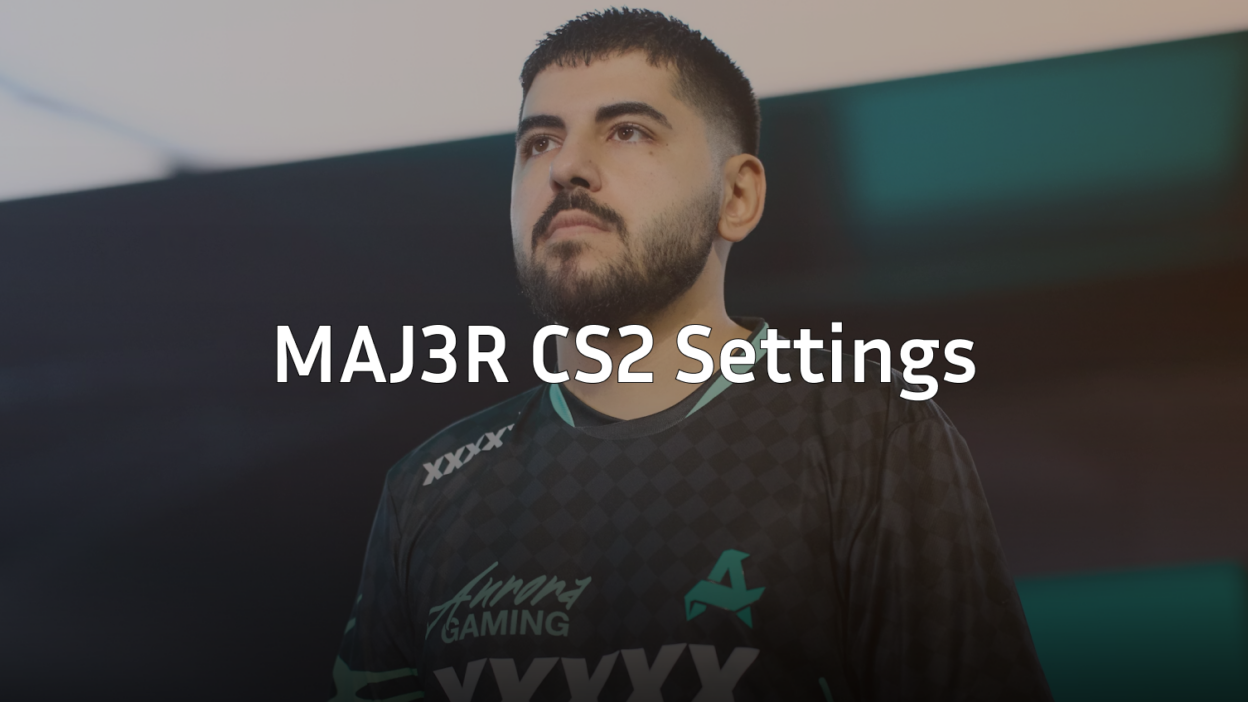
Engin “MAJ3R” Küpeli has established himself as one of the most respected in-game leaders in CS2, guiding Eternal Fire to impressive international results. If you want to copy MAJ3R CS2 settings, this guide covers his complete setup—from crosshair and sensitivity to video configuration and keybinds.
As a tactical mastermind who also delivers consistent fragging power, MAJ3R’s settings balance precision aim with the clarity needed for split-second decision-making during complex executes.
MAJ3R Mouse Settings
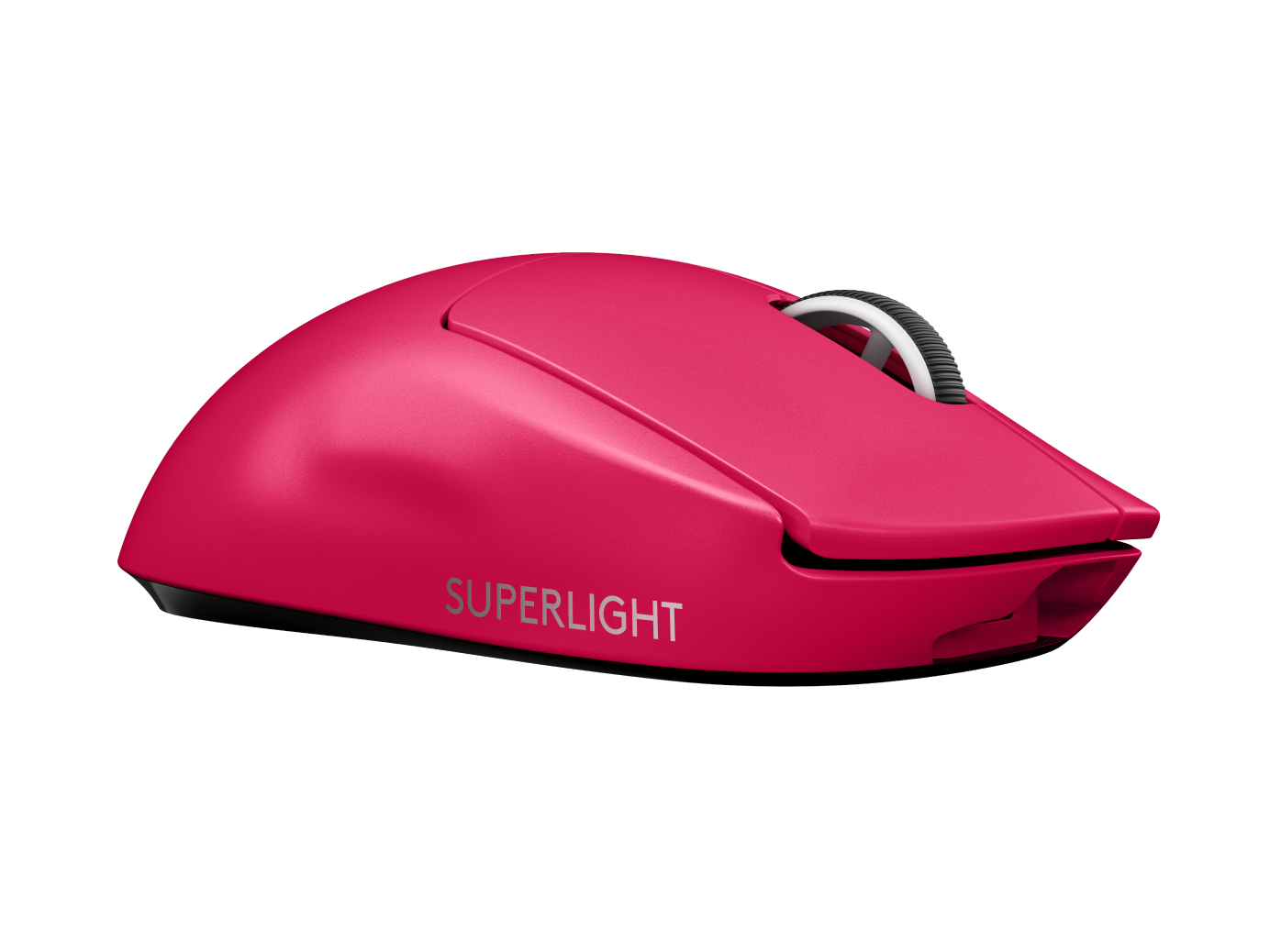
MAJ3R uses a moderate sensitivity that gives him solid control for both rifling and the occasional AWP pickup. His settings prioritize consistency across different engagement distances.
| Setting | Value |
|---|---|
| DPI | 800 |
| In-Game Sensitivity | 1.0 |
| eDPI | 800 |
| Zoom Sensitivity | 1.0 |
| Hz (Polling Rate) | 1000 |
| Windows Sensitivity | 6 |
| Raw Input | On |
| Mouse Acceleration | Off |
An eDPI of 800 sits in the medium range for professional players. This allows MAJ3R to make quick 180-degree turns while maintaining the precision needed for headshot-level accuracy with the AK-47 and M4A4.
MAJ3R Crosshair Settings
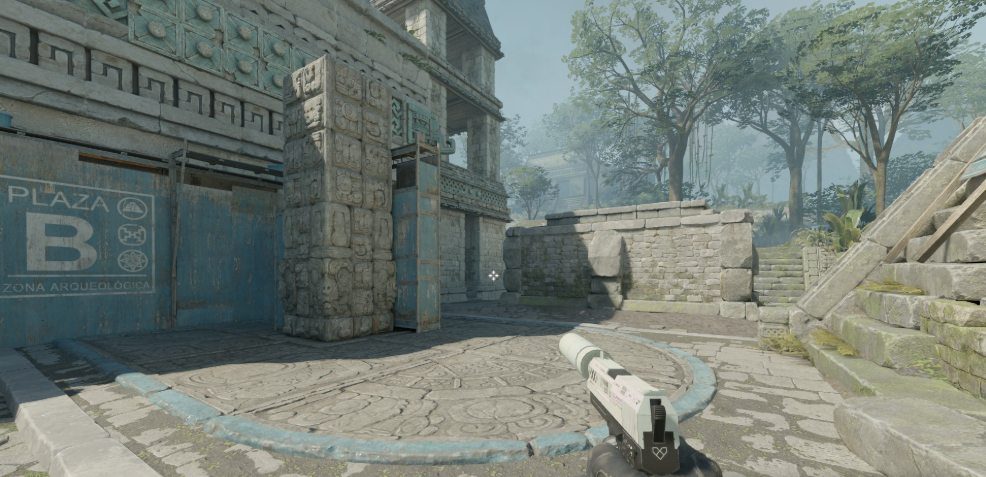
MAJ3R’s crosshair is a classic static design that provides clear visibility without cluttering the screen during chaotic firefights.
| Setting | Value |
|---|---|
| Style | 4 (Static) |
| Color | Green (1) |
| Size | 2 |
| Thickness | 0 |
| Gap | -3 |
| Outline | No |
| Dot | No |
Crosshair Code
Copy this code directly into your console:
CSGO-kzOQh-OQxPz-pVLJF-YuNRu-dMDmCThe tight gap of -3 creates a compact crosshair that helps MAJ3R place precise shots, especially when holding angles or taking duels at medium range.
MAJ3R Video Settings

MAJ3R runs a performance-focused configuration that maximizes frame rates while maintaining enough visual clarity to spot enemies quickly.
| Setting | Value |
|---|---|
| Resolution | 1280×960 |
| Aspect Ratio | 4:3 |
| Scaling Mode | Stretched |
| Display Mode | Fullscreen |
Graphics Settings
| Setting | Value |
|---|---|
| Global Shadow Quality | Medium |
| Model/Texture Detail | Low |
| Texture Filtering Mode | Bilinear |
| Shader Detail | Low |
| Particle Detail | Low |
| Ambient Occlusion | Disabled |
| High Dynamic Range | Performance |
| FidelityFX Super Resolution | Disabled |
| NVIDIA Reflex Low Latency | Enabled |
The 4:3 stretched resolution makes player models appear wider, which many pros believe makes targets easier to track. Combined with low graphics settings, this setup ensures MAJ3R maintains high, stable frame rates even during smoke-heavy executes. For more optimization tips, check out our cs2 graphic settings guide.
MAJ3R Viewmodel Settings
MAJ3R uses a viewmodel that keeps his weapon positioned comfortably without obstructing his view of common angles.
| Setting | Value |
|---|---|
| Viewmodel FOV | 68 |
| Viewmodel Offset X | 2.5 |
| Viewmodel Offset Y | 0 |
| Viewmodel Offset Z | -1.5 |
| Viewmodel Presetpos | 3 |
viewmodel_fov 68; viewmodel_offset_x 2.5; viewmodel_offset_y 0; viewmodel_offset_z -1.5MAJ3R Keybinds
As an IGL, MAJ3R needs quick access to communication and utility. His keybinds reflect a balance between standard movement and rapid grenade deployment.
| Action | Key |
|---|---|
| Jump | Space / Mouse Wheel Down |
| Crouch | Left Ctrl |
| Walk | Left Shift |
| Smoke | 4 |
| Flashbang | F |
| HE Grenade | C |
| Molotov | X |
| Push to Talk | V |
Binding jump to mouse wheel enables consistent bunny hops and jump throws—essential for executing the utility-heavy strategies MAJ3R calls for his team.
MAJ3R’s Gear Setup
MAJ3R relies on high-quality peripherals to execute his precise playstyle:
- Mouse: Logitech G Pro X Superlight
- Mousepad: Zowie G-SR
- Keyboard: Logitech G Pro X
- Monitor: BenQ ZOWIE XL2546K (240Hz)
- Headset: HyperX Cloud II
The G Pro X Superlight weighs just 63 grams, reducing fatigue during long matches and allowing for quick flick shots with the Desert Eagle on eco rounds.
Why MAJ3R’s Settings Work
MAJ3R’s configuration reflects his role as an IGL who still needs to frag consistently. Here’s why his choices make sense:
- Medium eDPI (800): Provides the control needed for precise rifle spray while allowing quick crosshair repositioning during fast-paced rounds
- Static crosshair: Eliminates distractions so MAJ3R can focus on calling strats while aiming
- Stretched 4:3: Wider player models help with target acquisition, compensating for the attention split between fragging and leading
- Low graphics: Ensures consistent performance, preventing frame drops that could cost crucial rounds
Many other IGLs use similar setups. You can compare MAJ3R’s approach with karrigan cs2 settings to see how different leaders optimize their configs.
Adapting MAJ3R’s Settings
Before copying these settings exactly, consider your own hardware and playstyle:
- Test the sensitivity gradually — If you’re coming from a higher eDPI, lower it in steps over several days
- Try stretched vs. native — Some players find 4:3 stretched disorienting; test it in deathmatch first
- Adjust crosshair color — Green works on most maps, but consider cyan or yellow if you struggle with visibility on specific sites
Browse all rifles to find weapons that complement your adapted settings, then practice your spray control in workshop maps.
Conclusion
MAJ3R’s CS2 settings combine precision, performance, and practicality—exactly what you’d expect from a top-tier IGL. His 800 eDPI, compact crosshair, and stretched resolution create a setup optimized for both calling plays and winning duels.
Copy his config, test it in competitive matches, and adjust based on your preferences. Looking to upgrade your loadout while you climb? Check out CS2 skins to find the perfect look for your new setup.