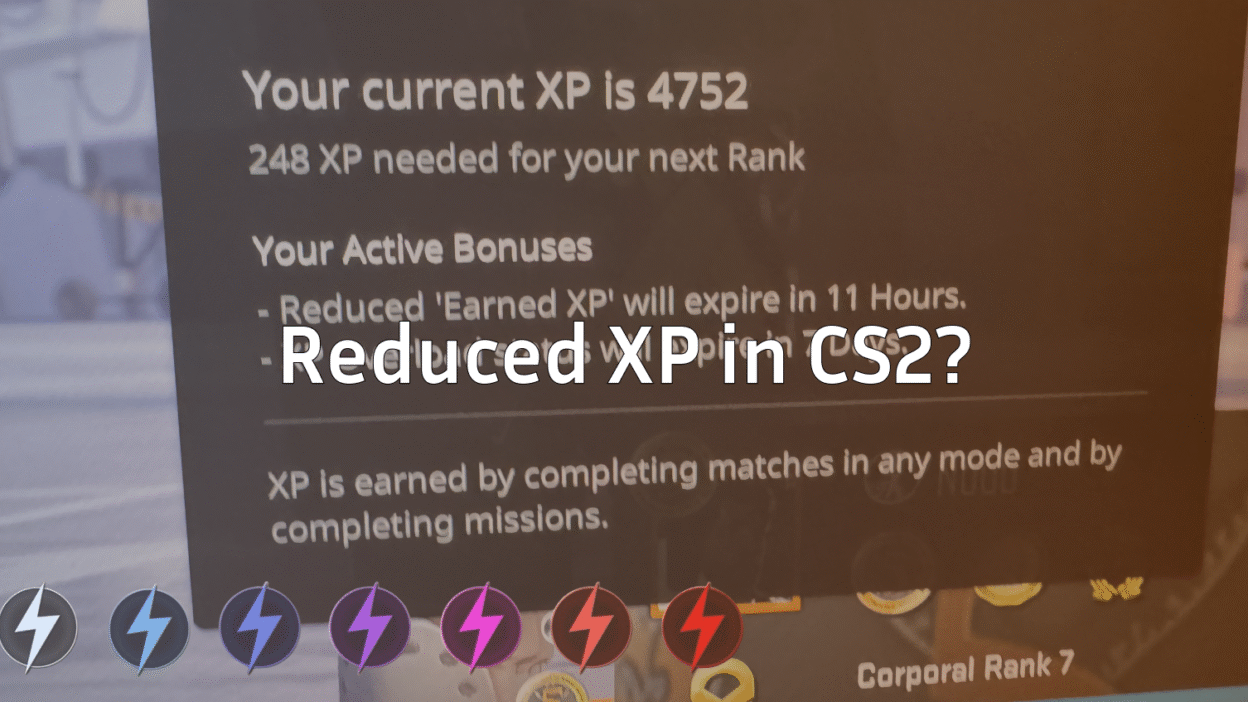
If you’ve been grinding matches and suddenly noticed your XP barely moving, you’re not alone. Reduced XP in CS2 is one of the most common (and frustrating) systems players run into—especially during long play sessions.
This guide explains why your XP is reduced in CS2, how the system actually works, and what you can do to get back to full XP gains without risking your account.
Friendly heads-up: this is normal behavior, not a bug or punishment.
What Is Reduced XP in CS2?
Reduced XP is Valve’s built-in system that slows down XP gain after excessive play in a short time. Once you cross a certain XP threshold, matches still give XP—but at a much lower rate.
Think of it as a soft cap, not a ban.
You can still:
- Level up
- Earn weekly drops
- Play all modes normally
You just won’t gain XP as fast until it resets.
Why Is My XP Reduced in CS2?
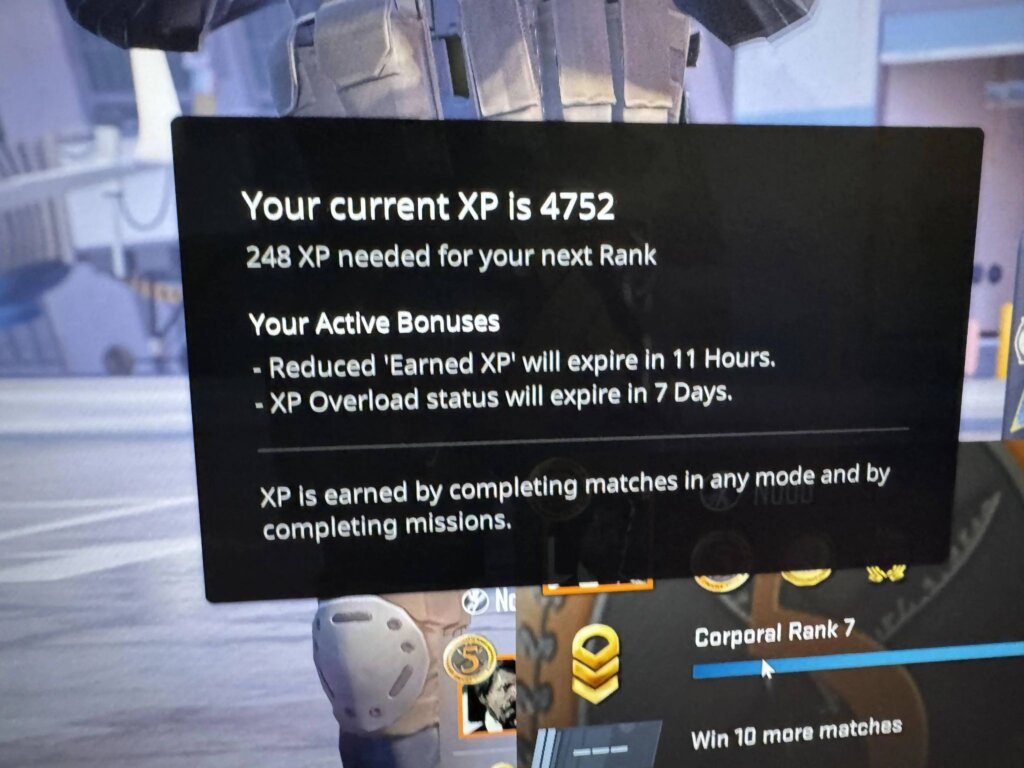
Here are the main reasons players get reduced XP in CS2:
1. Playing Too Many Matches in a Short Time
Grinding Competitive, Deathmatch, or Casual nonstop will eventually trigger reduced XP.
2. Farming XP on Community Servers
Valve monitors excessive XP farming, especially on custom servers. Legit play is fine, but nonstop farming speeds things up.
(If you’re curious about how community servers work, check out our guide on CS2 custom maps.)
3. Weekly XP Soft Cap
CS2 has a weekly XP system tied to drops and progression. Once you hit the high end, XP slows dramatically.
4. Intentional Anti-Abuse Design
This system exists to:
- Prevent botting
- Stop AFK farming
- Keep progression fair
It’s not personal—and it’s not permanent.
How Reduced XP Actually Works (Simple Breakdown)
| XP State | What Happens |
| Normal XP | Full XP per match |
| Reduced XP | Much slower XP gain |
| Weekly Reset | XP returns to normal |
Once reduced XP kicks in, only time fixes it.
How Long Does Reduced XP Last in CS2?
Reduced XP resets automatically during Valve’s weekly reset.
Most players see normal XP return:
- After the weekly reset
- Sometimes sooner if they stop grinding
You can track resets by following our CS2 weekly care package reset guide.
How to Fix Reduced XP in CS2 (What Actually Works)
Let’s be clear—there’s no instant bypass. But these steps help you recover faster and avoid triggering it again.
Take a Break
Stopping play for a day or two helps prevent re-triggering once XP resets.
Rotate Game Modes
Instead of spamming one mode, mix:
- Competitive
- Casual
- Wingman
(If you’re unsure how modes differ, see our CS2 game modes guide.)
Play for Fun, Not XP
Focus on improvement:
This keeps sessions healthier—and XP normal.
What NOT to Do
- Don’t AFK farm
- Don’t use bots or scripts
- Don’t grind nonstop DM for hours
That only makes reduced XP kick in faster.
Does Reduced XP Affect Drops or Service Medals?
Weekly Drops: You can still earn drops, but slower XP means it may take longer.
Service Medals: Yes, reduced XP slows medal progress—but doesn’t block it.
Is Reduced XP a Trust Factor or VAC Issue?
Nope.
Reduced XP is not related to:
- Trust Factor
- VAC
- Reports
- Cheating flags
If you’re worried about account safety, read our how to check Trust Factor in CS2 guide.
Pro Tips to Avoid Reduced XP in the Future
- Play shorter sessions
- Avoid XP farming servers
- Take breaks between long grinds
- Focus on skill growth, not levels
If your goal is improvement rather than XP, guides like how to get better at CS2 help way more long-term.
Frequently Asked Questions (FAQs)
Why am I getting reduced XP in CS2 suddenly?
You likely crossed the weekly XP threshold by playing many matches in a short time.
Can I turn off reduced XP?
No. It’s automatic and controlled by Valve.
Does reduced XP mean I did something wrong?
Not at all. It’s normal for active players.
How often does XP reset in CS2?
Usually once per week during Valve’s reset window.
Final Thoughts
Reduced XP in CS2 can feel annoying—but it’s just Valve keeping progression balanced. Take breaks, play smart, and your XP will return to normal naturally.
If you’re grinding anyway, focus on improving mechanics, learning maps, or even checking out new CS2 custom maps to keep things fresh.
GGs—and good luck on your next grind.