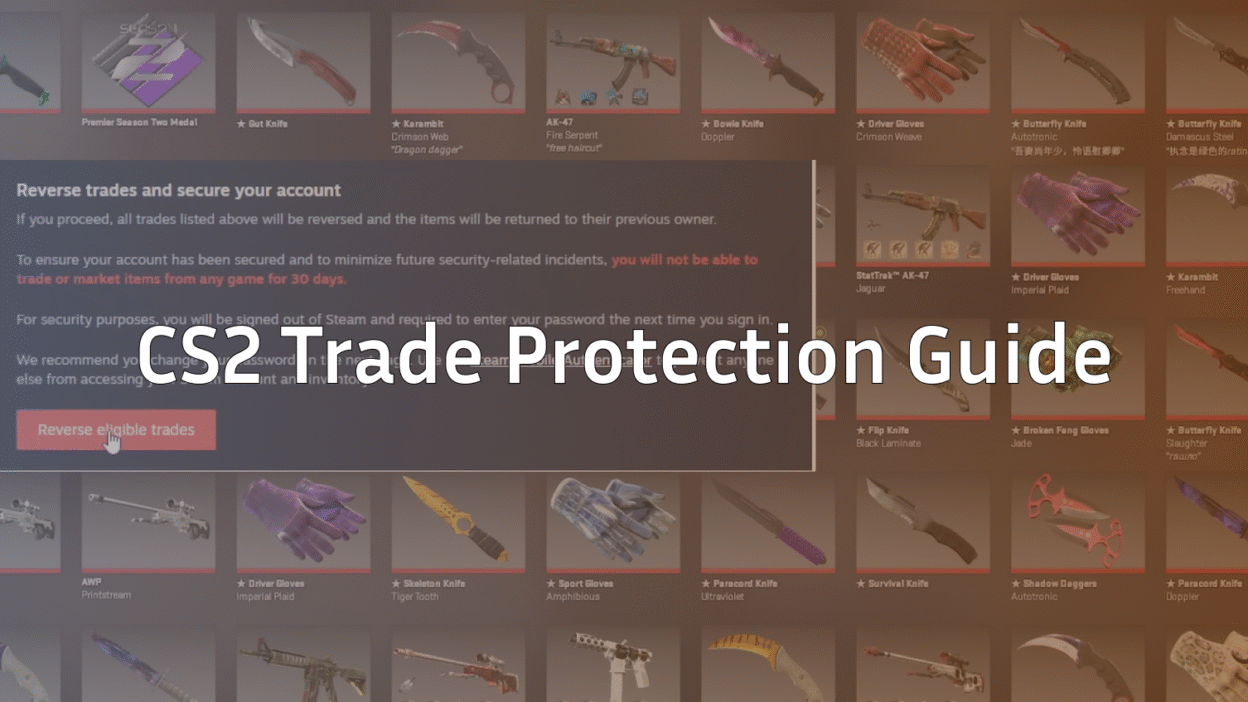
Trading skins is one of the biggest parts of the CS2 ecosystem. Whether you’re flipping a Butterfly Knife case, checking float values, or hunting rare patterns, your inventory is basically digital currency.
This is exactly why Steam introduced updated trade protection — a system designed to prevent scams, unauthorized logins, and fake trades.
But many players still don’t fully understand how CS2 trade protection works, why trades get restricted, or how to avoid losing skins permanently.
This guide breaks everything down in a clean, gamer-friendly way — no fluff, no confusing jargon, and definitely no fear-mongering.
What Is Trade Protection in CS2?
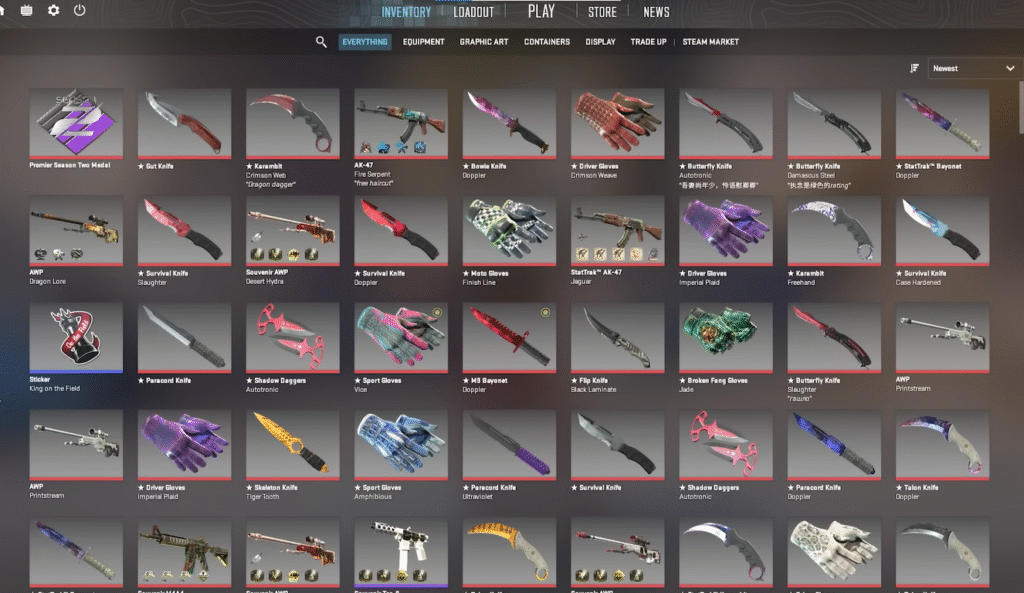
Trade Protection in CS2 is a Steam security system that prevents unauthorized trades, account takeovers, and scam attempts. Its goal is simple:
- Protect your inventory
- Reduce trade fraud
- Stop scammers from draining your items during account breaches
It works alongside Steam Guard and several backend checks to ensure you’re the only one approving trades from your account.
Why Trade Protection Matters in CS2
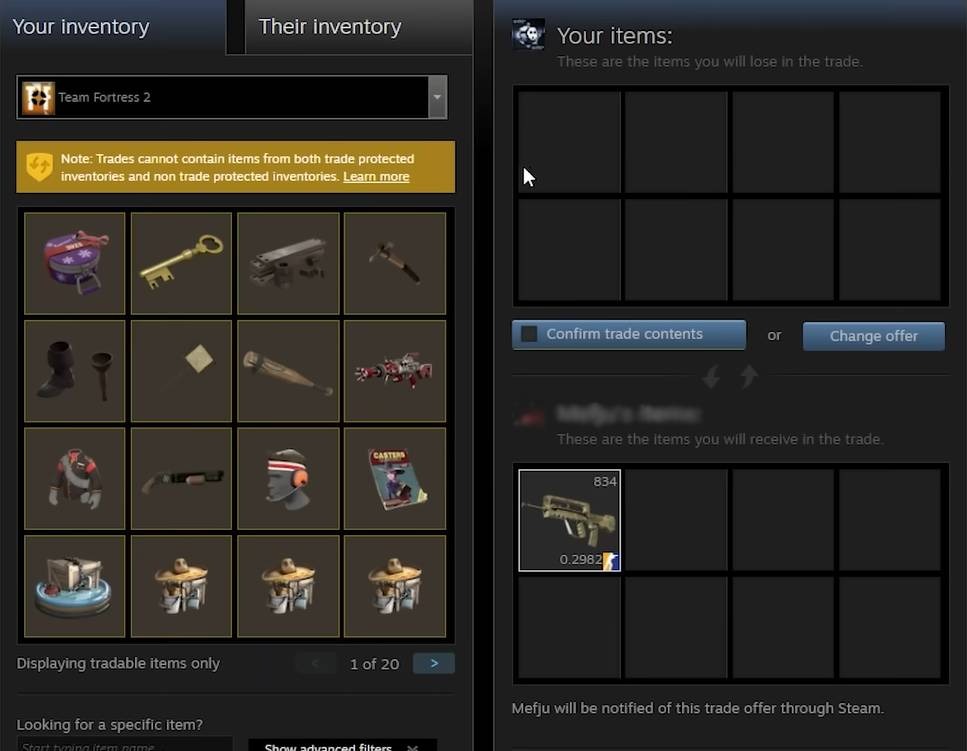
Your CS2 inventory can be worth hundreds or even thousands of dollars. One bad trade or a moment of carelessness can wipe out your collection.
Here’s why trade protection is a big deal:
Stops unauthorized logins
If someone logs into your account, they cannot instantly trade your skins away.
Prevents quick scam flips
Scammers often try quick trades before users notice. Trade protection blocks these attempts.
Gives you time to react
Even if your Steam Guard gets compromised, you still have buffers like trade holds and device confirmations.
Protects items from botting/scam scripts
Suspicious trading patterns may trigger extra verification.
How CS2 Trade Protection Works (Simple Breakdown)
1. Steam Mobile Authenticator Required
Steam Guard Mobile Authenticator is mandatory for unrestricted trades.
If you don’t have it enabled:
- Your trades will get a 15-day trade hold
- You cannot trade high-value items instantly
Need help with Steam Guard?
Check out What Is Steam Guard?:
2. Device & Location Verification
If you log in from a new device or new country/location:
- Steam freezes trades temporarily
- You must authenticate again
- You may get trade holds on items
This prevents unauthorized users from trading your skins the moment they gain access.
3. Trade Hold System
Trade holds protect players from:
- Hijacked accounts
- Suspicious trades
- Bot-driven scams
A trade hold gives both users time to cancel if the trade looks shady.
To remove most holds safely, check out this useful guide:
How to Remove Trade Hold on Steam
4. Restricted or Protected Items
Some items are marked as Trade Protected after updates or suspicious trade patterns.
These items cannot be traded until Steam confirms everything is safe.
This often happens with:
- Rare knife drops
- New case skins
- Quick multi-trades
- Repeated trading to the same account
If you’re regularly opening knife cases, don’t forget to check out:
Knife Cases in CS2
5. Market Lock & Cooldowns
If Steam detects suspicious behavior, it may:
- Lock market access
- Block trades temporarily
- Require re-authentication
- Force a waiting period
This cooldown protects both the owner and the trading partner.
Common Reasons Your CS2 Trade Is Blocked
Here’s the most gamer-friendly table for quick troubleshooting:
| Problem | Why It Happens | Fix |
| Trade Protected Item | Steam flagged it for suspicious activity | Wait 8–15 days |
| New Device Login | Steam thinks the login might be hijacked | Confirm device, relog |
| Disabled Mobile Auth | No Steam authenticator active | Enable Steam Guard Mobile |
| Trade Hold | Security buffer for both users | Wait the hold duration |
| Cooldown for New Password | Changing password triggers cooldown | Wait 5 days |
| API Key Hijack | Bot may have accessed your key | Reset API key |
How to Protect Your CS2 Trades (Follow These Best Practices)
1. Always Use Steam Mobile Authenticator
This removes long trade holds and makes your account more secure.
2. Never Use Third-Party Login Sites
Fake “skin check” and “float checker” sites are the #1 reason inventories get hacked.
(Always check floats safely through official methods.)
3. Double-Check Steam Profile URLs
Scammers clone profiles. Always check:
- Name
- Level
- Years of Service
- SteamID
4. Use Safe, Verified Marketplaces
Avoid random Discord traders. Always use reputable platforms.
5. Don’t Rush Trades
Scammers rely on pressure and urgency.
If the trader seems “too pushy,” cancel immediately.
6. Regularly Monitor Your API Key
Reset it if:
- You used suspicious websites
- You notice trades you didn’t approve
- You get random login attempts
7. Understand Trade Holds
Trade holds are annoying but useful — they save you from irreversible mistakes.
8. Keep Steam Inventory Private
You can set it to:
- Friends Only
- Private
This reduces targeted scam attempts.
When Should You Contact Steam Support?
Contact Steam immediately if:
- Someone logged into your account
- A trade was completed without your approval
- You notice items missing
- You used a phishing site recently
Steam cannot always restore lost items, but reporting early increases your chances.
Advanced Tips for Serious Traders
If you’re someone who flips skins often, these pro tips will keep you even safer:
Use a Dedicated Trade Account for Low-Value Items
Great for bulk trades and APIs.
Avoid Trading When Traveling
New locations trigger automatic restrictions.
Keep an Eye on Item Values
Trading during high-demand periods (like new case releases) often causes flagged items.
For example, if you’re tracking new cases with rare knives:
CS2 Butterfly Knife Cases
Learn Map & Gameplay Knowledge Too
Safe traders are usually long-term players. If you’re improving your gameplay, you’ll also understand the skin economy better.
Helpful:
CS2 Maps Guide
Frequently Asked Questions (FAQs)
1. Why does my item say “Trade Protected” in CS2?
Steam flagged the item due to suspicious activity, new login, account change, or rapid trade attempts. It usually unlocks after a short period.
2. How long does trade protection last?
Anywhere between 8 to 15 days, depending on the reason.
3. Can I speed up a trade protection lock?
No. Steam does not manually remove these locks for security reasons.
4. Why is my trade on hold for 15 days?
You don’t have Steam Guard Mobile enabled.
Enable it to reduce future holds.
5. Are protected items safe?
Yes. Trade protection actually prevents scammers from stealing them.
Final Thoughts
Trade Protection in CS2 might feel annoying at times, but it’s actually one of the biggest reasons scam rates have dropped. Steam’s system ensures that your skins — whether it’s a budget M4A1 or a rare knife from a premium case — stay safe even if your account gets breached.
Play smart, trade safely, and protect your inventory like the valuable asset it is.
If you need more CS2 guides, check out other helpful posts like:
CS2 Custom Maps