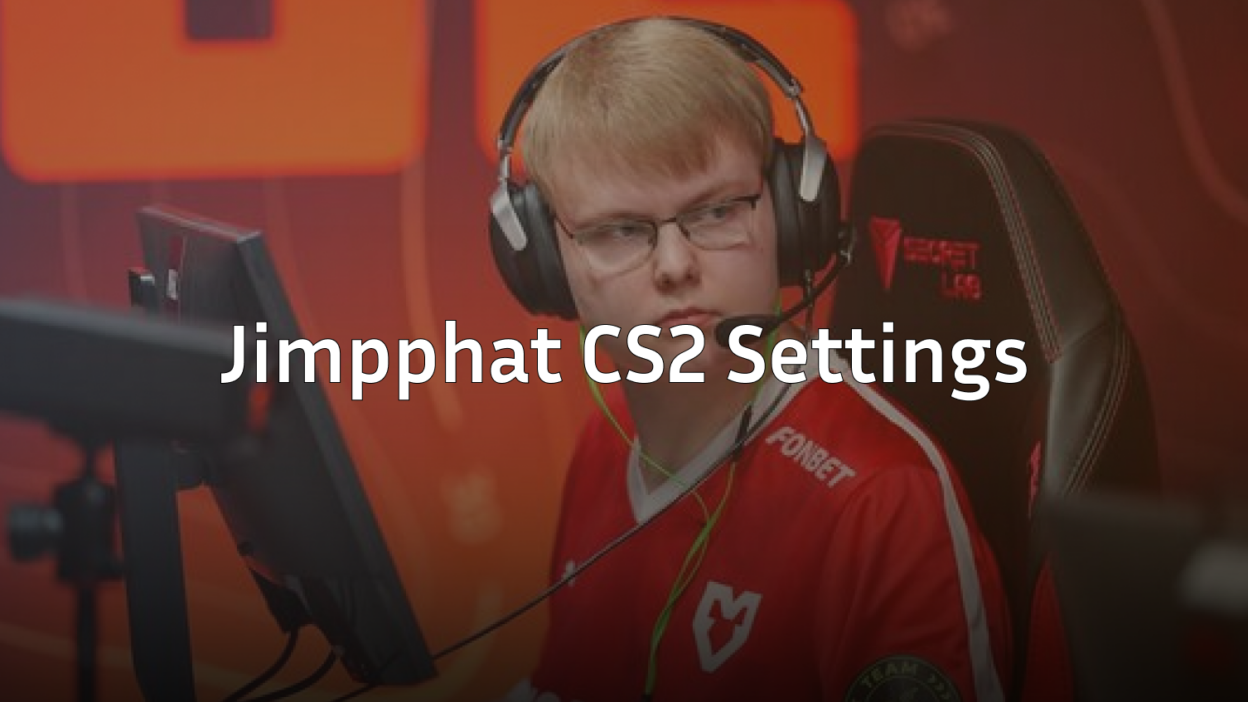
Jimi “Jimpphat” Salo burst onto the professional CS2 scene as one of the youngest talents ever to compete at the highest level. If you want to replicate Jimpphat CS2 settings, this guide covers everything from his mouse sensitivity to his crosshair code and video configuration.
The Finnish prodigy plays an aggressive rifling style that demands precise aim and quick reactions. His settings reflect this playstyle—optimized for maximum visibility and consistent flick accuracy.
Jimpphat Mouse Settings

Jimpphat uses a relatively low sensitivity, giving him precise control during rifle duels and spray transfers.
| Setting | Value |
|---|---|
| DPI | 800 |
| In-Game Sensitivity | 0.9 |
| eDPI | 720 |
| Zoom Sensitivity | 1.0 |
| Hz (Polling Rate) | 1000 |
| Windows Sensitivity | 6 |
| Raw Input | On |
His 720 eDPI sits in the low-to-medium range for professional players. This requires a larger mousepad and more arm movement, but delivers exceptional precision when holding angles or taking aim duels.
If you’re transitioning from higher sensitivity, drop gradually rather than copying this immediately. Your muscle memory needs time to adjust.
Jimpphat Crosshair Settings
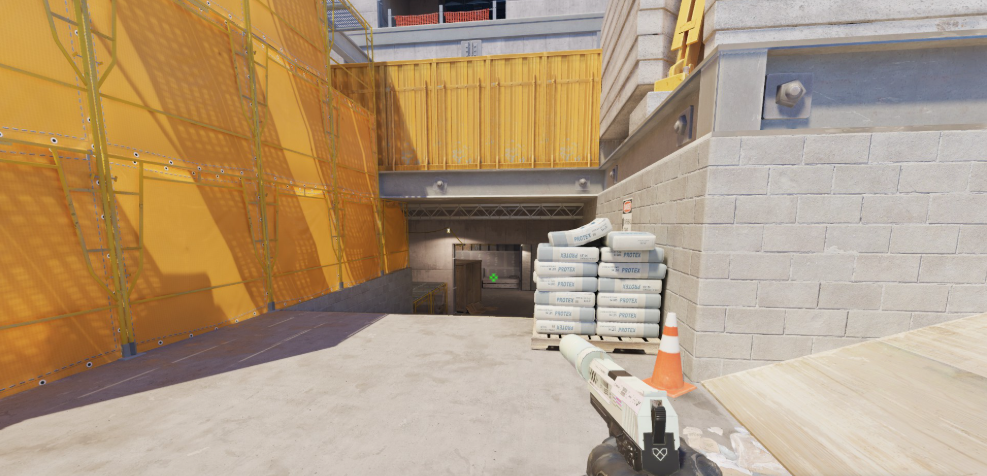
Jimpphat runs a clean, static crosshair that provides clear visibility without distracting animations.
| Setting | Value |
|---|---|
| Style | 4 (Classic Static) |
| Color | Green (1) |
| Size | 2 |
| Thickness | 0 |
| Gap | -3 |
| Outline | No |
| Dot | No |
Crosshair Code:
CSGO-O4Jsi-GVVwD-LYFhP-dPxR3-zYEuFTo apply this crosshair, open your console and paste:
cl_crosshair_drawoutline 0; cl_crosshair_dynamic_maxdist_splitratio 0.35; cl_crosshair_dynamic_splitalpha_innermod 1; cl_crosshair_dynamic_splitalpha_outermod 0.5; cl_crosshair_dynamic_splitdist 7; cl_crosshair_outlinethickness 1; cl_crosshair_sniper_width 1; cl_crosshair_t 0; cl_crosshairalpha 255; cl_crosshaircolor 1; cl_crosshaircolor_b 50; cl_crosshaircolor_g 250; cl_crosshaircolor_r 50; cl_crosshairdot 0; cl_crosshairgap -3; cl_crosshairsize 2; cl_crosshairstyle 4; cl_crosshairthickness 0; cl_crosshairusealpha 1The negative gap pulls the crosshair lines closer together, creating a tighter center point for precise headshot placement. Many pros prefer similar configurations for rifles like the AK-47 and M4A1-S.
Jimpphat Video Settings

Jimpphat prioritizes frame rate and visibility over visual fidelity—standard practice among competitive players.
| Setting | Value |
|---|---|
| Resolution | 1280×960 |
| Aspect Ratio | 4:3 |
| Scaling Mode | Stretched |
| Display Mode | Fullscreen |
Advanced Video Settings
| Setting | Value |
|---|---|
| Boost Player Contrast | Enabled |
| V-Sync | Disabled |
| NVIDIA Reflex Low Latency | Enabled |
| Multisampling Anti-Aliasing | 4x MSAA |
| Global Shadow Quality | Medium |
| Model/Texture Detail | Low |
| Texture Filtering Mode | Bilinear |
| Shader Detail | Low |
| Particle Detail | Low |
| Ambient Occlusion | Disabled |
| High Dynamic Range | Performance |
| FidelityFX Super Resolution | Disabled |
The 4:3 stretched resolution makes player models appear wider, potentially easier to track during gunfights. Combined with Boost Player Contrast, enemies stand out more clearly against backgrounds. For a deeper dive into optimizing your display, check out our CS2 video settings guide.
Jimpphat Viewmodel Settings
His viewmodel keeps the weapon positioned to maximize screen visibility.
viewmodel_fov 68viewmodel_offset_x 2.5
viewmodel_offset_y 0
viewmodel_offset_z -1.5
viewmodel_presetpos 3
cl_righthand 1
Jimpphat Keybinds
Jimpphat uses mostly default bindings with a few optimizations for utility usage.
| Action | Key |
|---|---|
| Jump | Space / Mouse Wheel Down |
| Crouch | Left Ctrl |
| Walk | Left Shift |
| Inspect | F |
| Drop Weapon | G |
| Smoke | 4 |
| Flashbang | Mouse4 |
| HE Grenade | Mouse5 |
| Molotov | C |
Binding jump to mouse wheel enables consistent bunny hopping and jump-throws. Many players also prefer dedicated grenade binds for faster utility deployment during executes.
Jimpphat PC Specs
Professional players need hardware that delivers consistent high frame rates.
| Component | Specification |
|---|---|
| Monitor | 360Hz |
| Mouse | Logitech G Pro X Superlight |
| Mousepad | Large (450mm+) |
| Keyboard | Mechanical |
| Headset | In-ear monitors (IEMs) |
A 360Hz monitor provides the smoothest visual experience, though you’ll see diminishing returns compared to 240Hz. The important factor is maintaining frames above your refresh rate consistently.
Why These Settings Work
Jimpphat’s configuration follows principles used by most elite players:
- Low eDPI for precise micro-adjustments
- Stretched 4:3 for wider player models
- Minimal visual clutter to maintain high FPS
- Static crosshair for consistent aim reference
His aggressive playstyle on rifles benefits from the tight crosshair gap that helps land initial headshots. When entry fragging or taking aim duels, that first bullet accuracy matters most.
If you’re looking for similar configurations from other pros, explore settings from players like NiKo or Brollan who also favor precision-oriented setups.
Conclusion
Copying Jimpphat CS2 settings gives you a proven foundation used at the highest competitive level. His low sensitivity, clean crosshair, and performance-focused video settings prioritize what matters most—consistent aim and clear visibility.
Start with these settings, then make small adjustments based on your hardware and preferences. Browse CS2 skins to customize your loadout once your settings feel dialed in.