What Does Scraping Stickers Mean in CS2?
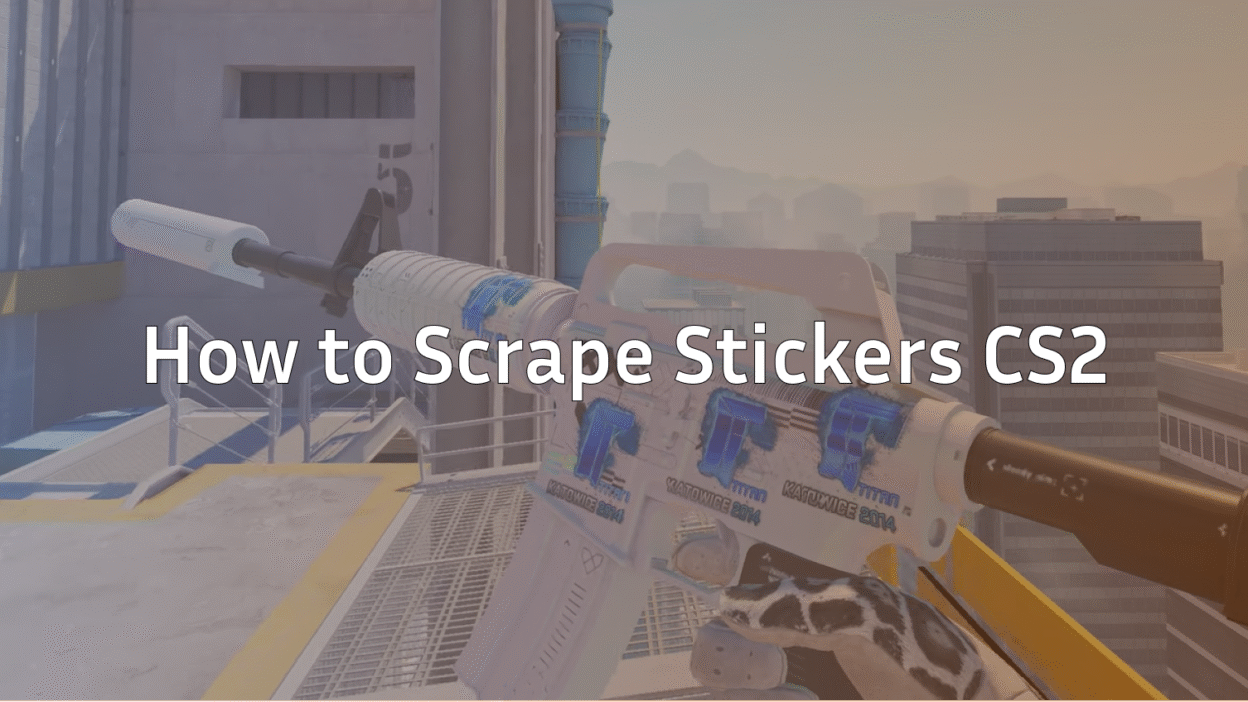
Scraping stickers in CS2 means manually wearing down a sticker applied to a weapon skin. Each scrape removes part of the sticker’s design, making it look faded, scratched, or partially removed.
Players scrape stickers to:
- Create unique, worn looks
- Reveal hidden skin artwork underneath
- Match stickers with specific loadouts
- Reduce visual clutter on clean skins
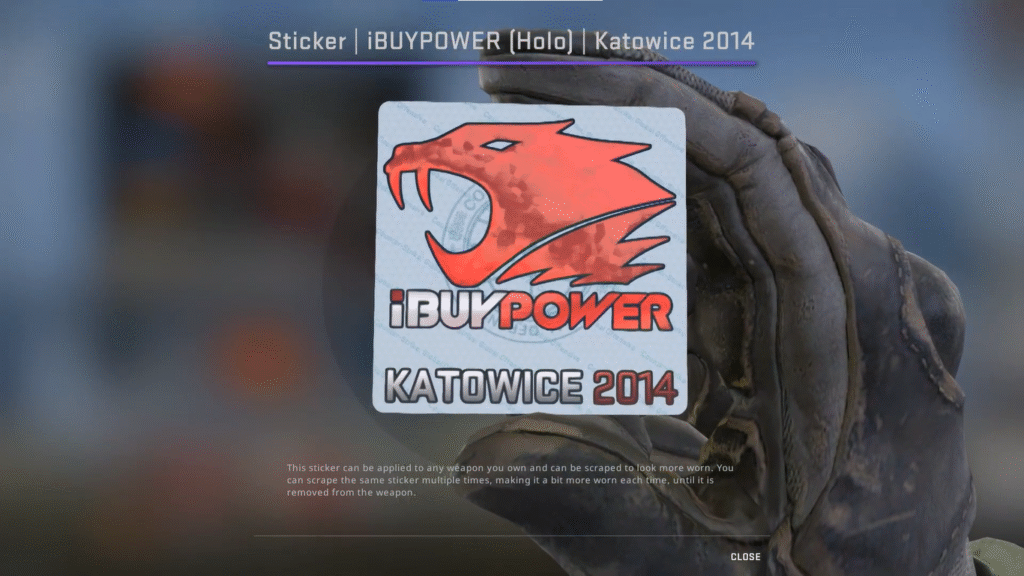
This mechanic existed in CS:GO and carries over almost identically in CS2 — just with cleaner visuals and better lighting.
CS2 How to Scrape Stickers (Step-by-Step)
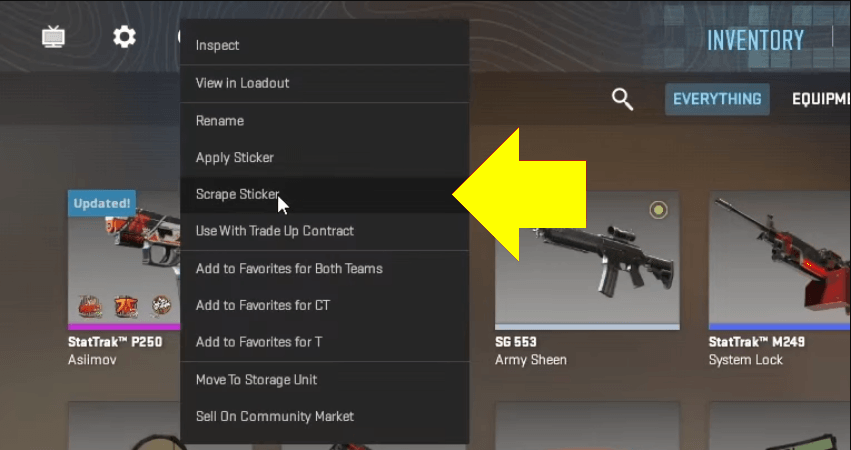
Here’s the exact and safest way to do it.
Step 1: Open Your Inventory
- Launch CS2
- Go to Inventory
- Select the weapon with the sticker
Step 2: Inspect the Weapon
- Right-click the weapon
- Click Inspect
Step 3: Start Scraping
- Click the Scrape Sticker button
- Each click applies one scrape
- You’ll see the sticker gradually fade
There is no undo once you scrape.
How Many Times Can You Scrape a Sticker?
Most stickers can be scraped up to 10 times.
| Scrape Count | Sticker Condition |
| 1–3 | Light wear |
| 4–6 | Noticeable fading |
| 7–9 | Heavily scratched |
| 10 | Almost or fully removed |
Some stickers disappear completely before 10 scrapes, depending on design.
Does Scraping a Sticker Damage the Gun in CS:GO or CS2?
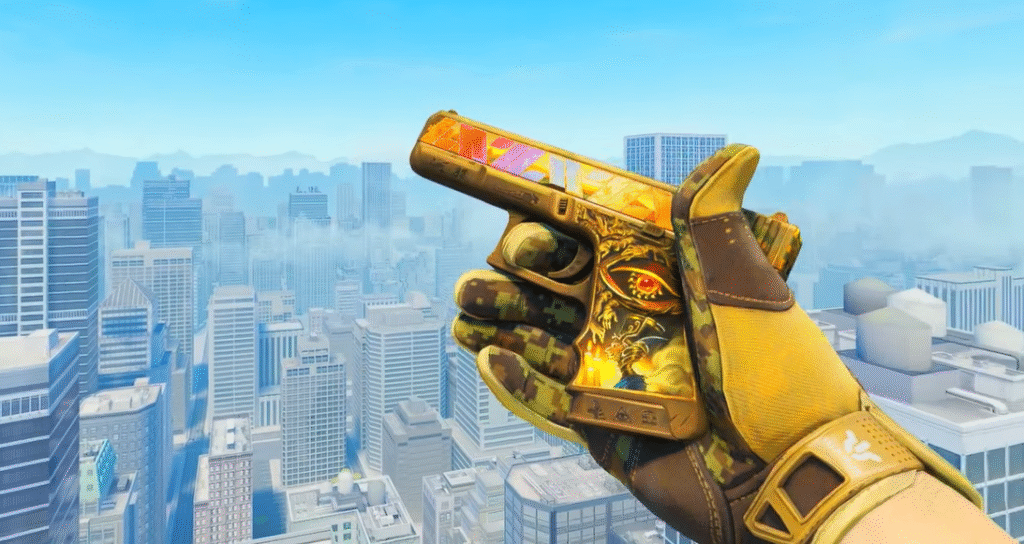
Short answer: No.
Scraping:
- Does NOT affect weapon float
- Does NOT damage the skin itself
- Does NOT reduce stat-trak counters
Only the sticker is affected.
However, scraping can reduce resale value if the sticker was rare or placed cleanly.
For collectors, this matters just as much as float values covered in our CS2 Float Guide.
CS:GO Sticker Scrape vs CS2 (Any Differences?)
The process is nearly identical, but CS2 improved a few things:
- Cleaner scrape visuals
- Better lighting shows wear clearly
- Stickers feel more “painted on”
If you scraped stickers in CS:GO before, you’ll feel right at home.
How to Scratch Stickers in CS2 (Best Practices)
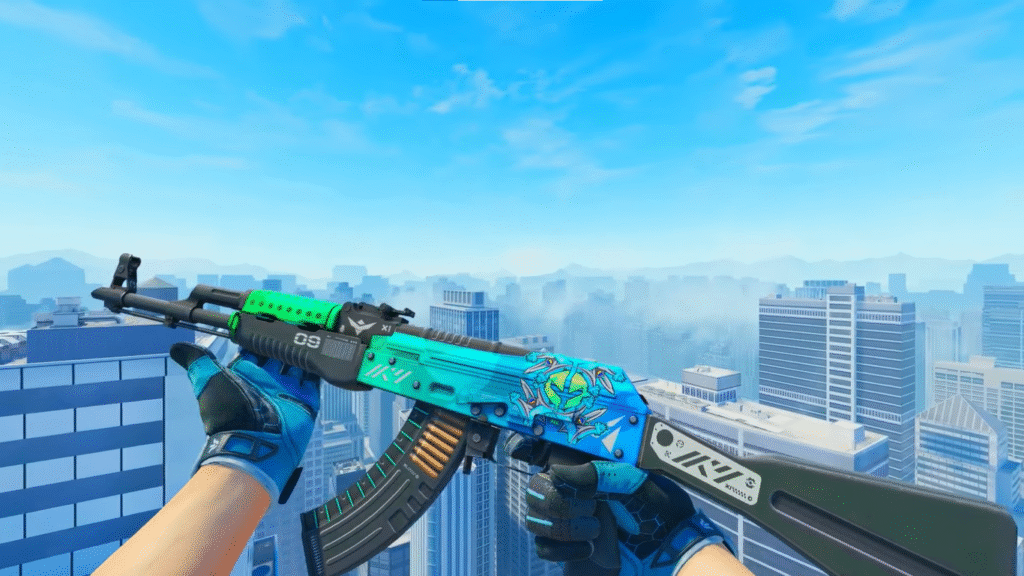
If you want a clean scratched look, follow these tips:
- Scrape slowly (1–2 clicks at a time)
- Inspect after every scrape
- Stop early if the design still looks good
- Avoid scraping rare event stickers
Many players prefer half-scraped stickers rather than fully removed ones.
When Should You NOT Scrape Stickers?
Avoid scraping if:
- The sticker is rare or discontinued
- You plan to trade the skin
- The sticker adds value to the weapon
If you’re into trading or investing, read Most Expensive CS2 Skins to understand how sticker value plays into pricing.
Can You Practice Sticker Scraping Safely?
Yes — and you should.
Use CS2 Custom Maps to:
- Inspect skins safely
- Preview sticker placement
- Plan your loadout aesthetics
This is especially useful before scraping high-tier skins or knives.
Scraping Stickers on Knives & Rare Skins
Scraping stickers on premium skins is risky.
If your loadout includes rare knives from Knife Cases in CS2 or collections like CS2 Cases With Butterfly Knife, think twice before scraping.
Once done, it’s permanent.
Frequently Asked Questions (FAQs)
Can you remove stickers completely in CS2?
Yes. Fully scraping a sticker will remove it visually, but it still counts as used.
Is scraping reversible?
No. There is no reset or restore option.
Do pros scrape stickers?
Some do for aesthetics, but most keep skins clean for resale value.
Does scraping affect weapon performance?
Not at all — it’s purely cosmetic.
Final Thoughts
Learning how to scrape stickers in CS2 gives you full control over your skin aesthetics — but it comes with responsibility.
Scrape for style, not impulse.
If you’re experimenting, start with cheap skins, preview everything carefully, and always remember: once you scrape, there’s no going back.
Used correctly, sticker scraping can turn an average skin into something truly unique.